
How to Use Solar panel 6V 100mA: Examples, Pinouts, and Specs
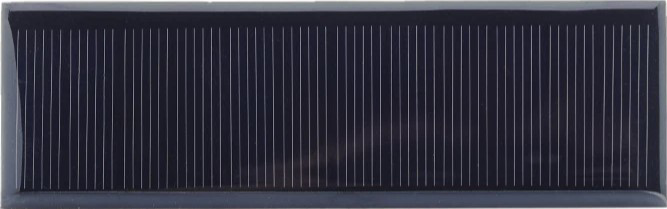
 Design with Solar panel 6V 100mA in Cirkit Designer
Introduction
The Solar Panel 6V 100mA is a compact and efficient photovoltaic module designed to convert sunlight into electrical energy. With a nominal voltage of 6V and a maximum current output of 100mA, this solar panel is ideal for small-scale applications such as powering low-power devices, charging batteries, or serving as an energy source for educational and DIY projects. Its lightweight and durable design make it suitable for both indoor and outdoor use.
Explore Projects Built with Solar panel 6V 100mA
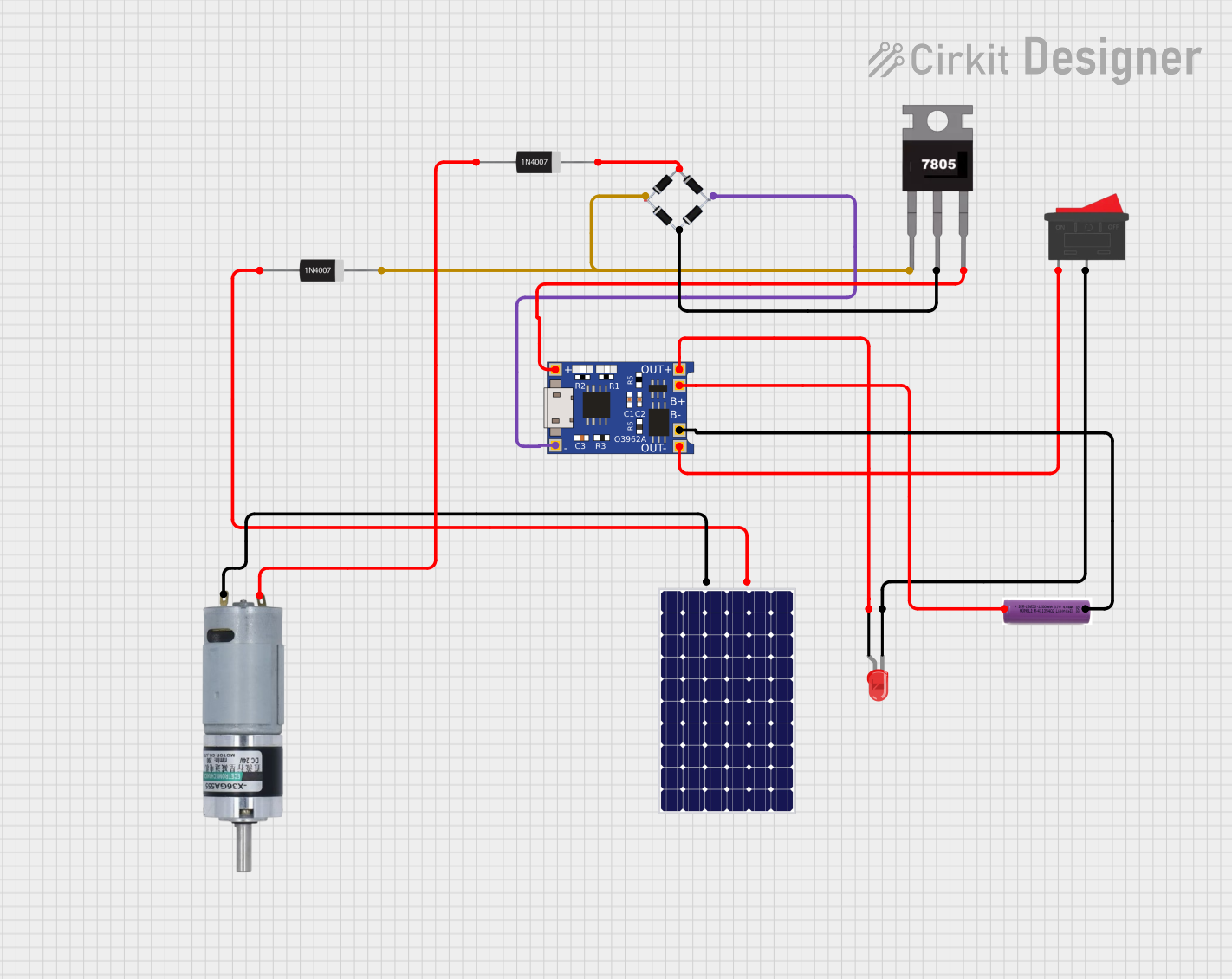 Open Project in Cirkit Designer
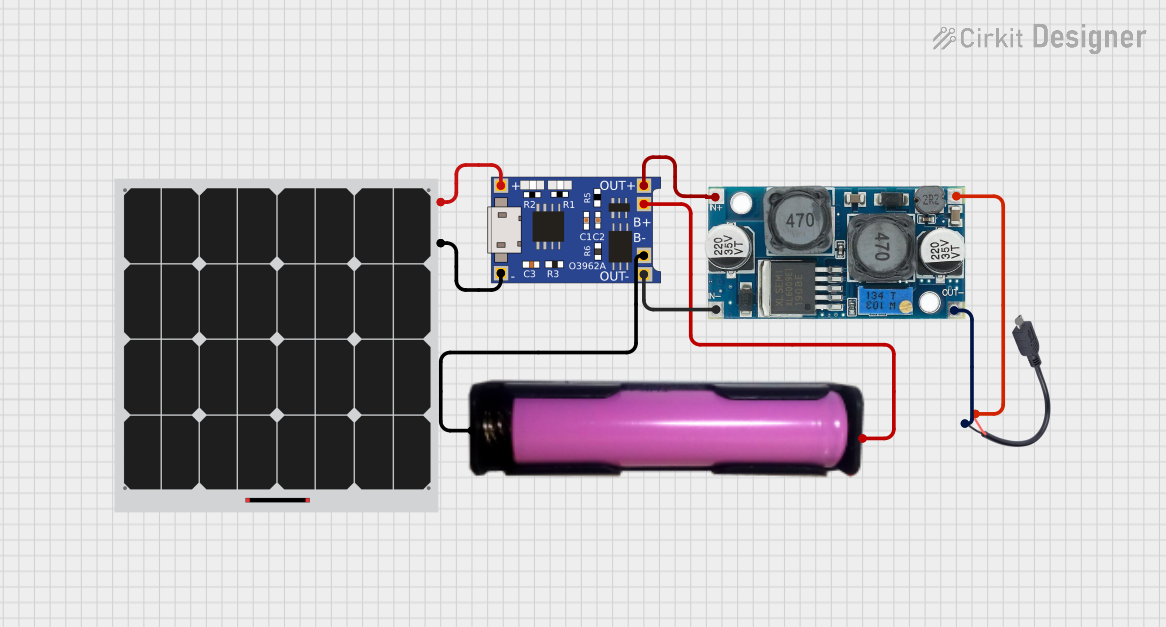 Open Project in Cirkit Designer
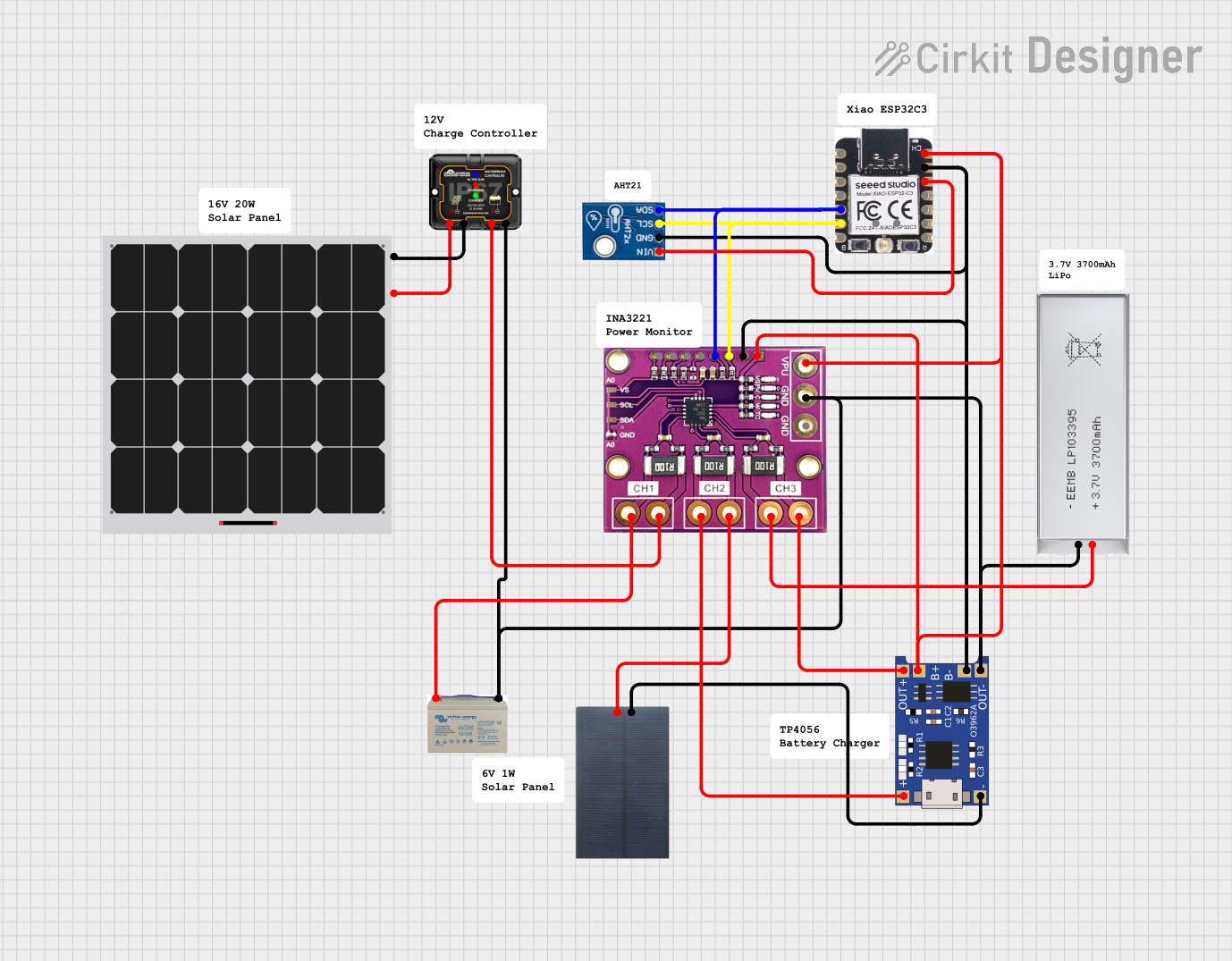 Open Project in Cirkit Designer
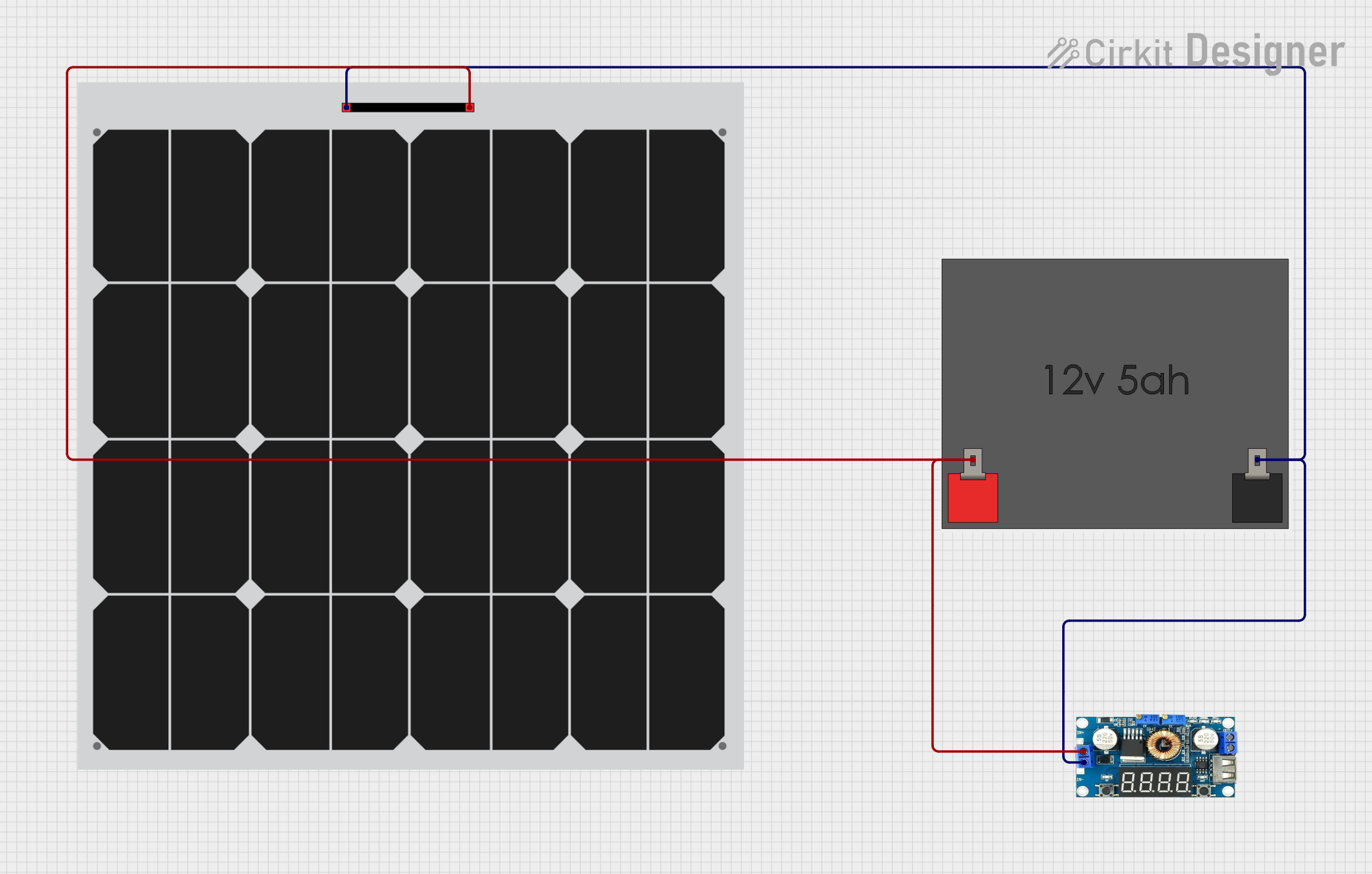 Open Project in Cirkit Designer
Explore Projects Built with Solar panel 6V 100mA
Open Project in Cirkit DesignerOpen Project in Cirkit DesignerOpen Project in Cirkit DesignerOpen Project in Cirkit DesignerCommon Applications and Use Cases
- Charging small rechargeable batteries (e.g., AA, AAA, or Li-ion cells)
- Powering low-power microcontroller projects (e.g., Arduino, Raspberry Pi)
- Educational experiments and renewable energy demonstrations
- Portable solar-powered devices
- Small IoT (Internet of Things) applications
Technical Specifications
Below are the key technical details of the Solar Panel 6V 100mA:
| Parameter | Value |
|---|---|
| Nominal Voltage | 6V |
| Maximum Current Output | 100mA |
| Power Output | 0.6W |
| Dimensions | Varies (e.g., 110mm x 60mm) |
| Weight | ~50g |
| Material | Polycrystalline or Monocrystalline |
| Operating Temperature | -20°C to 60°C |
| Connector Type | Bare wire leads or JST plug |
Pin Configuration and Descriptions
The solar panel typically has two output wires for connection:
| Wire Color | Description |
|---|---|
| Red | Positive terminal (+) |
| Black | Negative terminal (-) |
Usage Instructions
How to Use the Solar Panel in a Circuit
- Positioning the Solar Panel: Place the solar panel in direct sunlight for optimal performance. Ensure there are no obstructions (e.g., shadows or dirt) on the panel surface.
- Connecting to a Load:
- Connect the red wire to the positive terminal of your load or circuit.
- Connect the black wire to the negative terminal of your load or circuit.
- Using with a Battery: To charge a battery, use a charge controller to regulate the voltage and prevent overcharging. Connect the solar panel to the input of the charge controller, and the battery to the output.
- Using with an Arduino UNO: The solar panel can power an Arduino UNO via a voltage regulator or a battery. Direct connection is not recommended due to the fluctuating nature of solar power.
Important Considerations and Best Practices
- Voltage Regulation: Since the output voltage may vary depending on sunlight intensity, use a voltage regulator or charge controller to stabilize the voltage for sensitive devices.
- Blocking Diode: Install a blocking diode in series with the positive terminal to prevent reverse current flow when the solar panel is not generating power (e.g., at night).
- Parallel or Series Connections: For higher current or voltage requirements, multiple solar panels can be connected in parallel (to increase current) or in series (to increase voltage).
- Weather Protection: If used outdoors, ensure the panel is weatherproof or housed in a protective enclosure.
Example: Using the Solar Panel with an Arduino UNO
Below is an example of using the solar panel to charge a battery, which then powers an Arduino UNO:
Circuit Setup
- Connect the solar panel to a 5V charge controller.
- Attach a 3.7V Li-ion battery to the charge controller's output.
- Use the battery's output to power the Arduino UNO via its VIN pin.
Arduino Code Example
// Example code to read a sensor value and send it via serial communication
// This assumes the Arduino is powered by a battery charged by the solar panel

const int sensorPin = A0; // Analog pin connected to the sensor
int sensorValue = 0;      // Variable to store the sensor reading

void setup() {
  Serial.begin(9600); // Initialize serial communication at 9600 baud
}

void loop() {
  sensorValue = analogRead(sensorPin); // Read the sensor value
  Serial.print("Sensor Value: ");      // Print a label for the value
  Serial.println(sensorValue);         // Print the sensor value
  delay(1000);                         // Wait for 1 second before the next reading
}
Troubleshooting and FAQs
Common Issues and Solutions
Low or No Output Voltage
- Cause: Insufficient sunlight or shading on the panel.
- Solution: Ensure the panel is in direct sunlight and clean the surface if dirty.
Fluctuating Voltage
- Cause: Changes in sunlight intensity or load variations.
- Solution: Use a voltage regulator or capacitor to stabilize the output.
Battery Not Charging
- Cause: Incorrect wiring or no charge controller.
- Solution: Verify connections and use a charge controller to regulate charging.
Reverse Current Flow
- Cause: No blocking diode installed.
- Solution: Add a blocking diode in series with the positive terminal.
FAQs
Can I connect the solar panel directly to an Arduino?
- Direct connection is not recommended due to voltage fluctuations. Use a battery or voltage regulator for stable power.
What happens if the panel is partially shaded?
- Partial shading reduces the panel's efficiency and output. Ensure the panel is fully exposed to sunlight for optimal performance.
Can I use this panel indoors?
- The panel can work indoors under strong artificial light, but the output will be significantly lower than under sunlight.
How do I increase the power output?
- Connect multiple panels in parallel (to increase current) or in series (to increase voltage) based on your requirements.