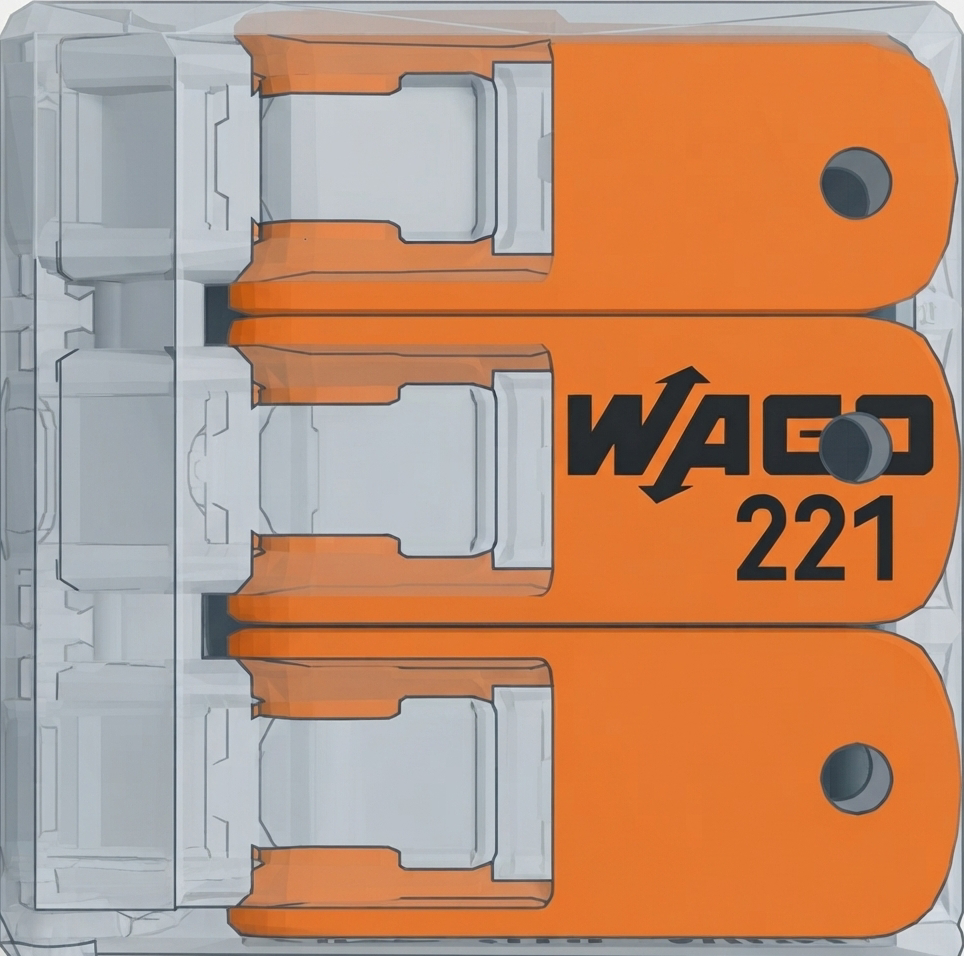
The WAGO 221-413 is a compact, versatile push-in wire connector designed for quick, reliable, and tool-free electrical connections. Manufactured by WAGO, this connector features a transparent housing that allows for easy inspection of wire connections. It supports a wide range of wire sizes, making it suitable for various electrical installations, including residential, commercial, and industrial applications.
Explore Projects Built with WAGO 221-413
Use Cirkit Designer to design, explore, and prototype these projects online. Some projects support real-time simulation. Click "Open Project" to start designing instantly!
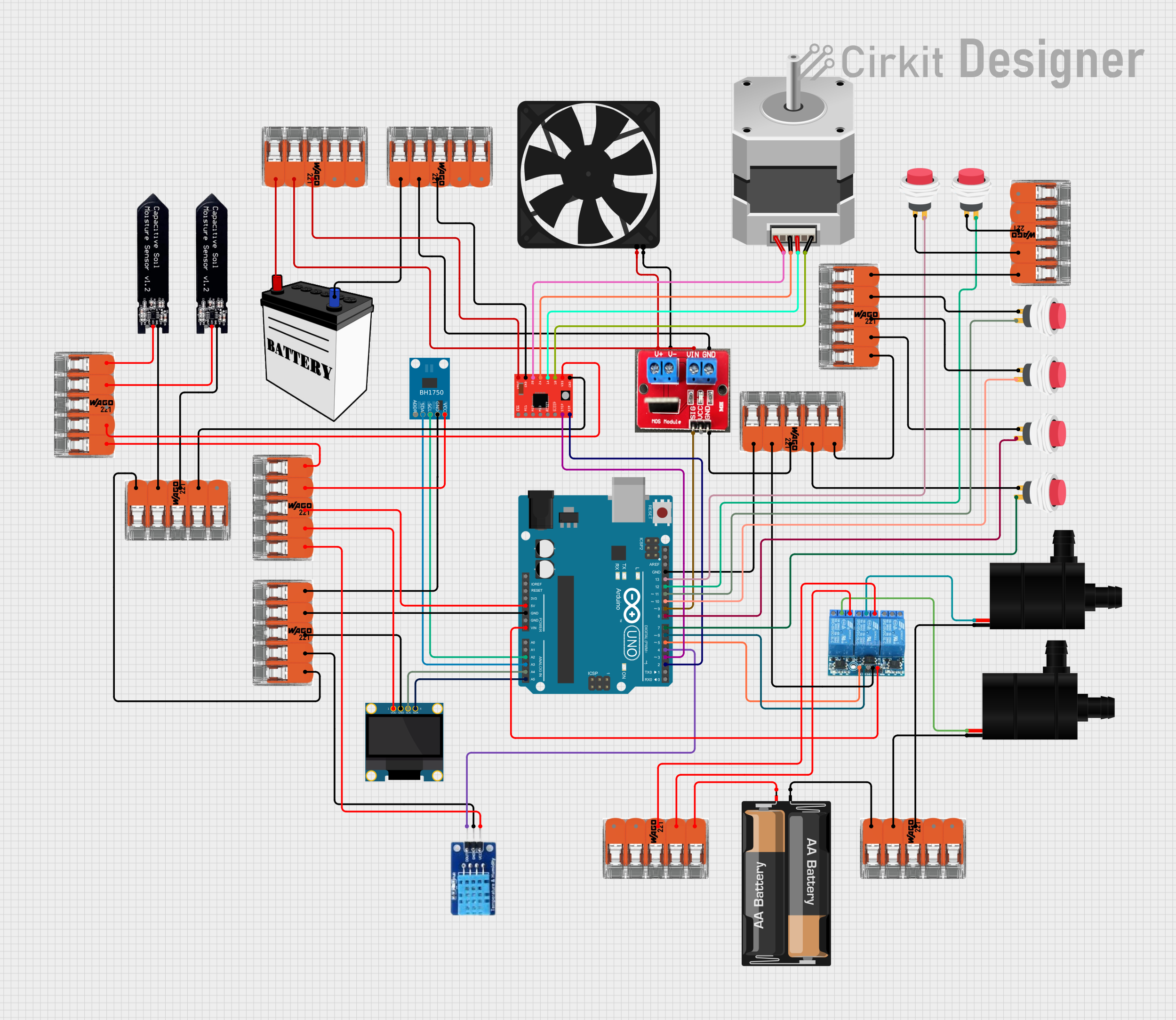
This circuit is designed to monitor environmental conditions and control peripheral devices. It features light and temperature/humidity sensing, visual output on an OLED display, and actuation of a fan, water pumps, and a stepper motor. Power management and distribution are facilitated by splicing connectors, and the system is controlled by an Arduino UNO, which currently has placeholder code for customization.
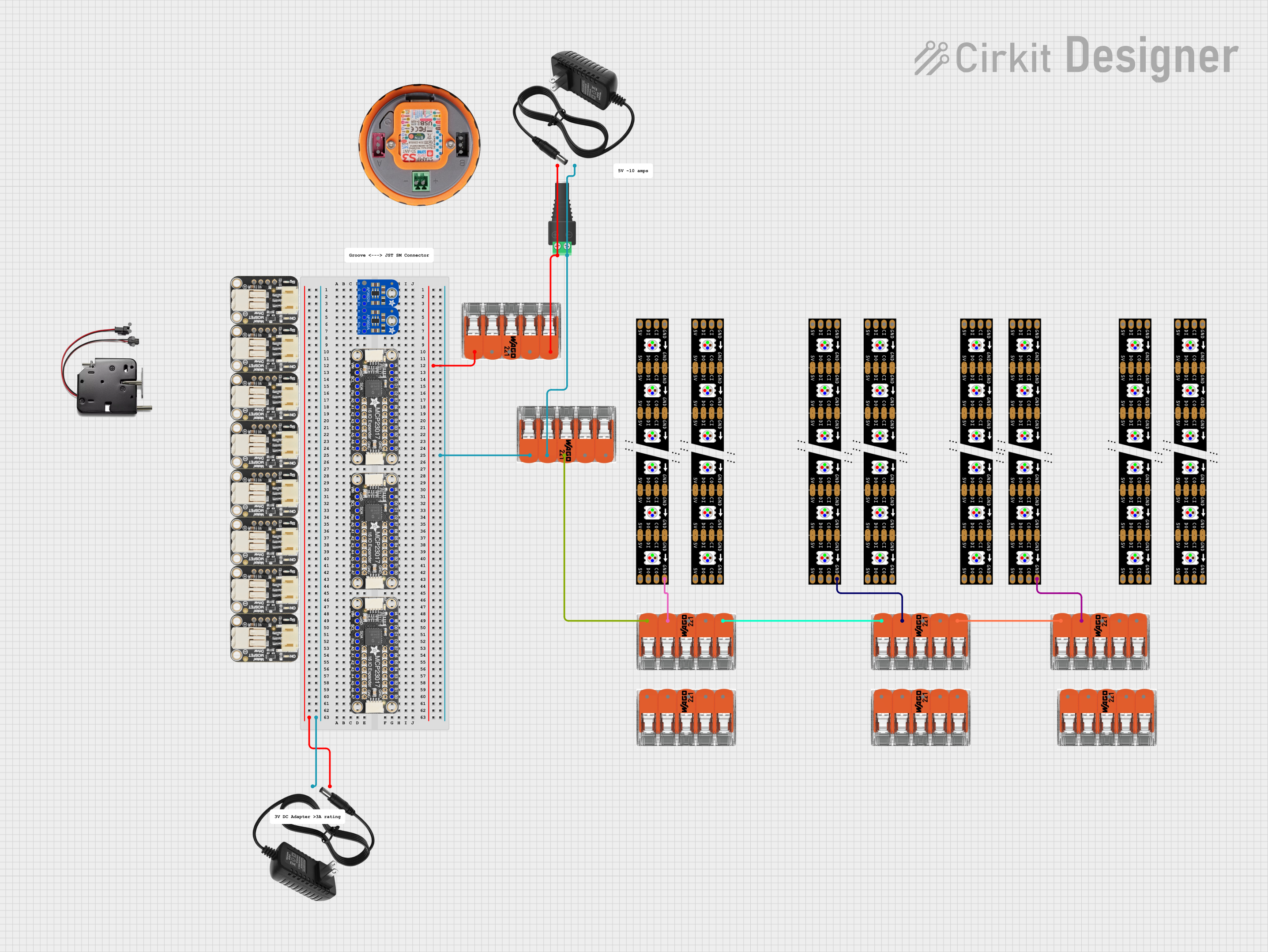
This circuit integrates multiple Adafruit DotStar LED strips powered by 12V power supplies, with ground connections managed through WAGO splicing connectors. The setup is designed to provide a stable power and ground distribution for the LED strips, ensuring synchronized and reliable operation.
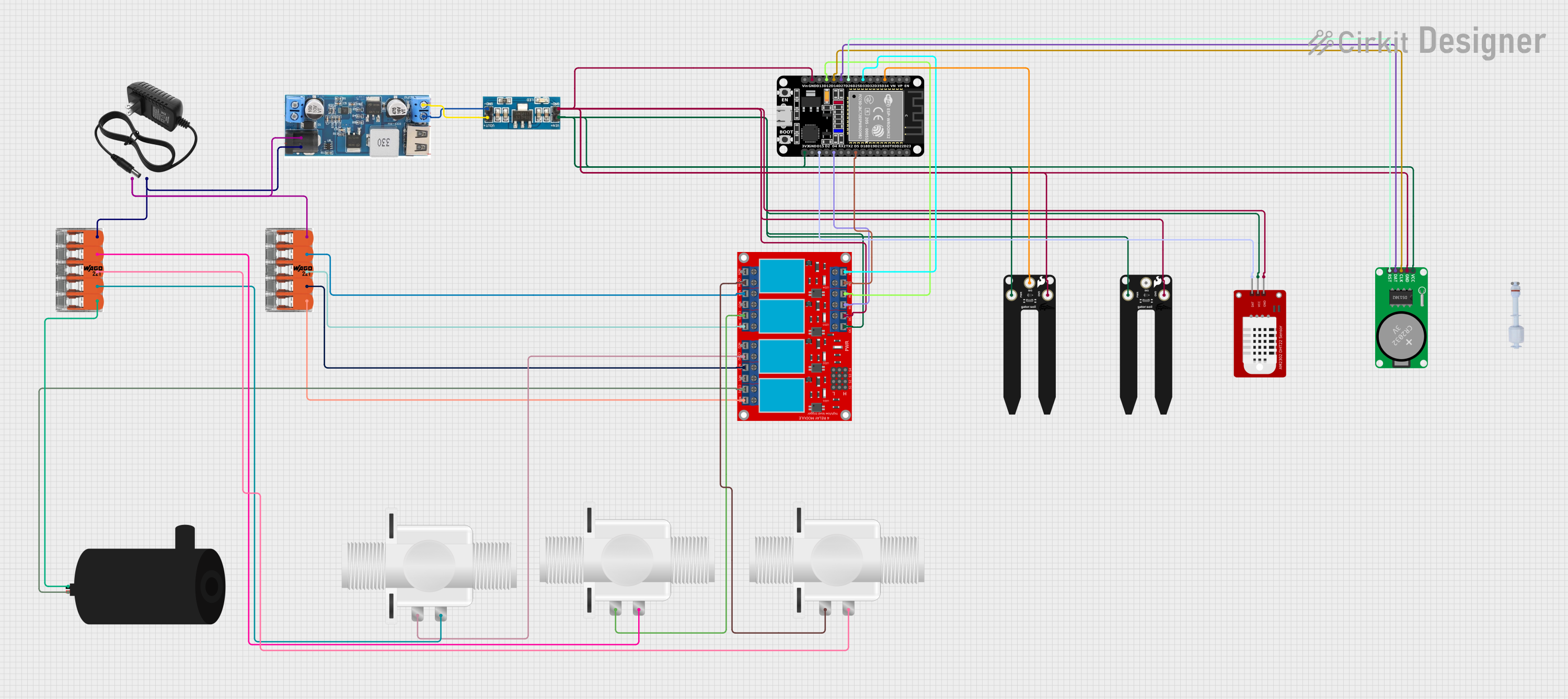
This circuit is an automated irrigation system controlled by an ESP32 microcontroller. It uses soil moisture sensors and a DHT22 sensor to monitor environmental conditions, and controls water pumps and solenoid valves via a relay module to manage water distribution. The system also includes an RTC module for time-based operations and connects to a WiFi network for remote monitoring and control.
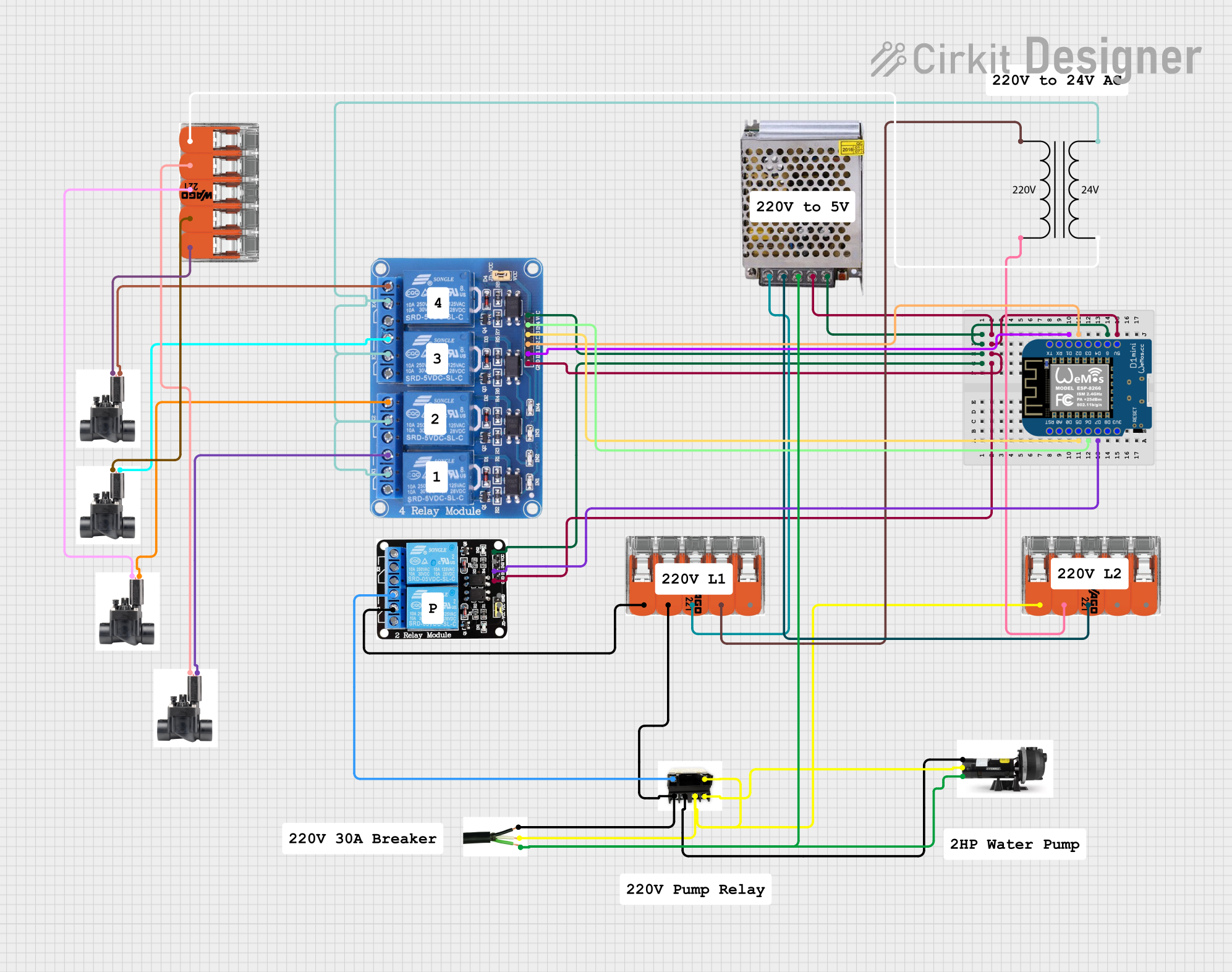
This circuit is designed to automate irrigation and well pump control using a Wemos D1 Mini microcontroller. It includes a 4-channel 5V relay module for controlling 24V irrigation valves and a separate relay for a 220V well pump, with power supplied by a 5V power supply and a 220V to 24V transformer.
Electrical wiring in residential and commercial buildings
Lighting installations
Junction box connections
Temporary or permanent wiring setups
Prototyping and testing in electrical projects
Technical Specifications
The WAGO 221-413 is engineered to provide robust and flexible connectivity. Below are its key technical specifications:
Parameter
Specification
Manufacturer
WAGO
Part Number
221-413
Wire Size Compatibility
0.14 mm² to 4 mm² (24–12 AWG)
Voltage Rating
450 V
Current Rating
32 A
Housing Material
Polycarbonate (transparent)
Operating Temperature
-20°C to +85°C
Number of Connections
3
Dimensions (L x W x H)
18.7 mm x 13.1 mm x 8.3 mm
Certifications
CE, UL, ENEC, and RoHS compliant
Pin Configuration and Descriptions
The WAGO 221-413 does not have traditional pins but instead features three connection points for wires. Each connection point is equipped with a lever for easy wire insertion and secure clamping. Below is a description of the connection points:
Connection Point
Description
1
First wire connection point (supports solid, stranded, or fine-stranded wires)
2
Second wire connection point (supports solid, stranded, or fine-stranded wires)
3
Third wire connection point (supports solid, stranded, or fine-stranded wires)
Usage Instructions
The WAGO 221-413 is designed for ease of use, even for those with minimal technical expertise. Follow the steps below to use the connector effectively:
Step-by-Step Instructions
Prepare the Wires:
Strip the insulation from the wire ends to expose approximately 11 mm of conductor.
Ensure the exposed conductor is clean and free of damage.
Open the Lever:
Lift the lever on the WAGO 221-413 to open the clamping mechanism for the desired connection point.
Insert the Wire:
Insert the stripped wire end into the open connection point until it reaches the stop.
Close the Lever:
Push the lever back down to secure the wire in place. The transparent housing allows you to visually confirm the connection.
Repeat for Additional Wires:
Repeat the process for the remaining connection points as needed.
Inspect the Connections:
Verify that all wires are securely clamped and that no exposed conductor is visible outside the connector.
Important Considerations and Best Practices
Ensure the wire insulation is not clamped inside the connector.
Do not exceed the voltage or current ratings specified for the connector.
Use the connector only within its specified operating temperature range.
Avoid using damaged or improperly stripped wires.
For stranded or fine-stranded wires, ensure all strands are inserted into the connector.
Example: Connecting to an Arduino UNO
While the WAGO 221-413 is not directly used with microcontrollers like the Arduino UNO, it can be used to simplify wiring in projects. For example, you can use it to connect power supply wires or distribute signals to multiple components.
// Example: Using WAGO 221-413 to distribute power to multiple components
// Note: This code assumes the WAGO connector is used for wiring, not directly interfaced.

const int ledPin = 13; // Arduino pin connected to an LED via WAGO 221-413

void setup() {
  pinMode(ledPin, OUTPUT); // Set the LED pin as an output
}

void loop() {
  digitalWrite(ledPin, HIGH); // Turn the LED on
  delay(1000);                // Wait for 1 second
  digitalWrite(ledPin, LOW);  // Turn the LED off
  delay(1000);                // Wait for 1 second
}

// The WAGO 221-413 can be used to connect the LED's power and ground wires
// to the Arduino and a power source, ensuring a secure and reliable connection.
Troubleshooting and FAQs
Common Issues and Solutions
Wire Slips Out of the Connector:
Cause: The lever may not be fully closed, or the wire may not be inserted properly.
Solution: Reopen the lever, reinsert the wire fully, and close the lever securely.
Poor Electrical Contact:
Cause: The wire may be damaged or improperly stripped.
Solution: Inspect the wire, strip it again if necessary, and ensure it is clean before reinserting.
Connector Overheats:
Cause: The current exceeds the connector's 32 A rating.
Solution: Reduce the current load or use a connector with a higher current rating.
Wire Insulation Clamped:
Cause: The wire was not stripped to the correct length.
Solution: Strip the wire to the recommended 11 mm length and reinsert.
Frequently Asked Questions
Q: Can the WAGO 221-413 be reused? A: Yes, the WAGO 221-413 is reusable. Simply lift the lever to release the wire and insert a new one.
Q: Is the connector suitable for outdoor use? A: The WAGO 221-413 is not specifically designed for outdoor use. If used outdoors, ensure it is housed in a weatherproof enclosure.
Q: Can I connect wires of different sizes? A: Yes, the WAGO 221-413 supports connecting wires of different sizes within its specified range (0.14 mm² to 4 mm²).
Q: Does the connector require any special tools? A: No, the WAGO 221-413 is tool-free and can be operated by hand.
By following this documentation, users can confidently and effectively utilize the WAGO 221-413 for their electrical connection needs.

 Open Project in Cirkit Designer