
How to Use ESP32-C3 Mini With DEV Board: Examples, Pinouts, and Specs
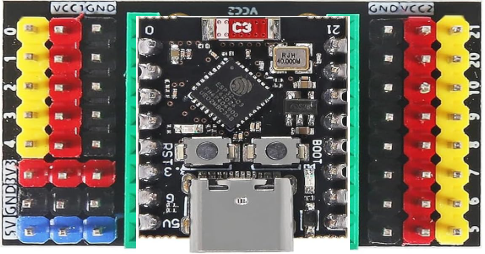
 Design with ESP32-C3 Mini With DEV Board in Cirkit Designer
Introduction
The ESP32-C3 Mini With DEV Board is a compact development board based on the ESP32-C3 chip. It features integrated Wi-Fi and Bluetooth Low Energy (BLE) capabilities, making it an excellent choice for Internet of Things (IoT) applications, smart devices, and rapid prototyping. Its small form factor and low power consumption make it ideal for battery-powered projects and space-constrained designs.
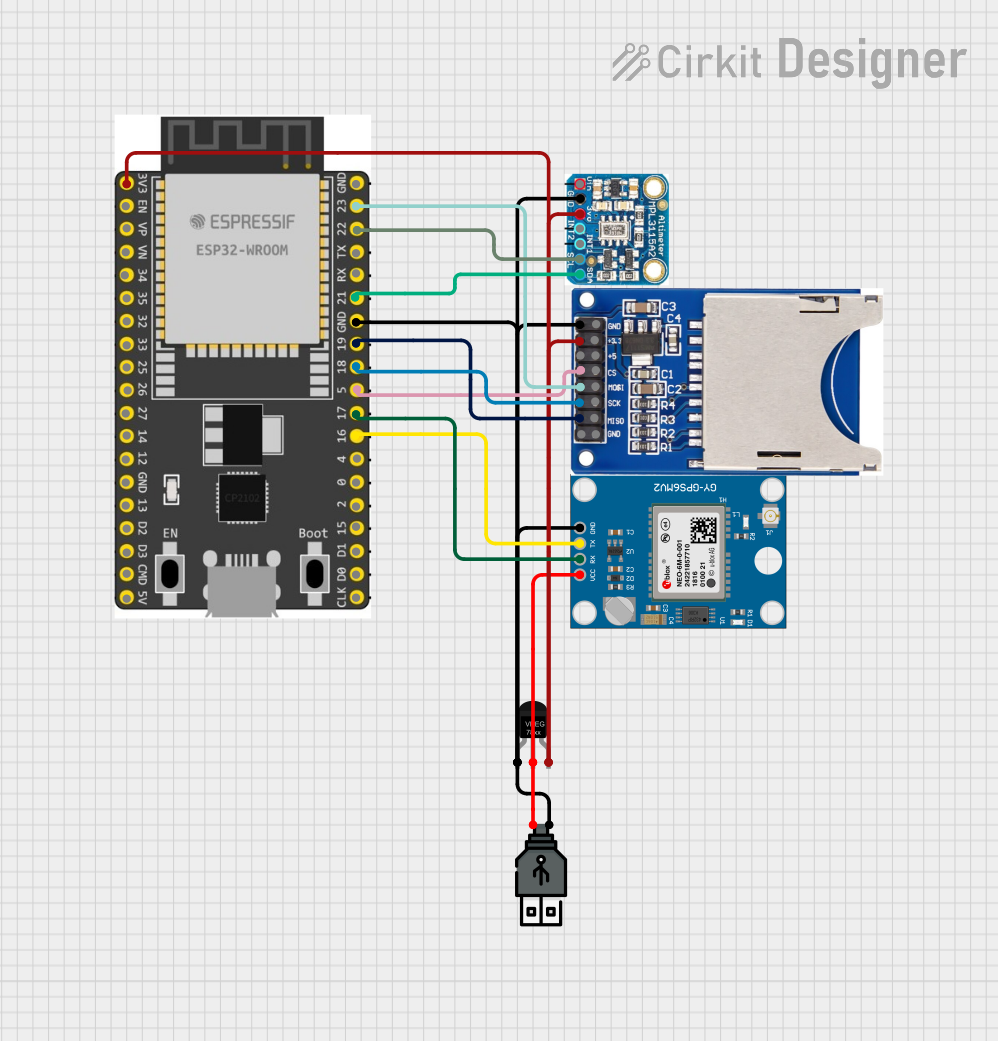
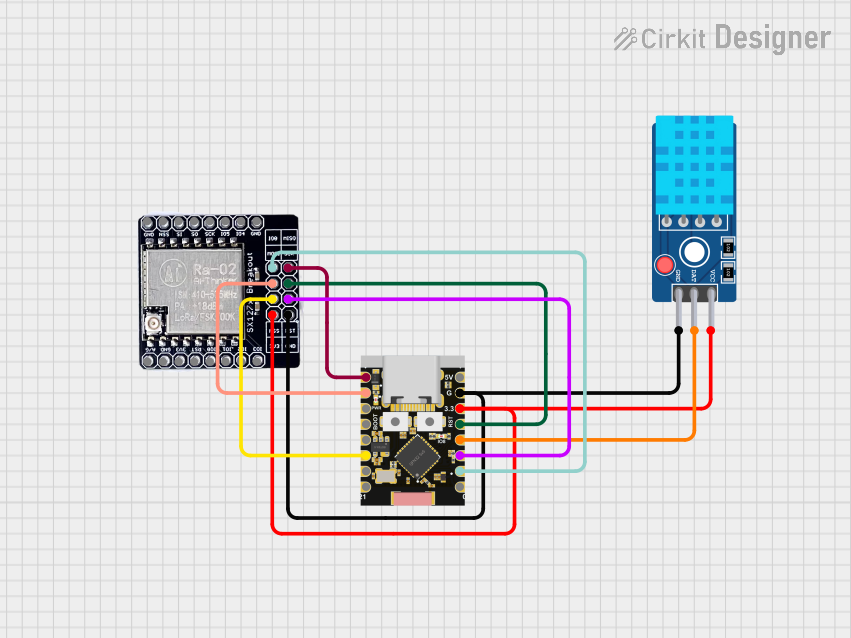
Explore Projects Built with ESP32-C3 Mini With DEV Board
 Open Project in Cirkit Designer
 Open Project in Cirkit Designer
 Open Project in Cirkit Designer
 Open Project in Cirkit Designer
Explore Projects Built with ESP32-C3 Mini With DEV Board
Open Project in Cirkit DesignerOpen Project in Cirkit DesignerOpen Project in Cirkit DesignerOpen Project in Cirkit DesignerCommon Applications and Use Cases
- IoT devices and smart home automation
- Wearable technology
- Wireless sensor networks
- Prototyping for Wi-Fi and BLE-enabled devices
- Low-power, battery-operated systems
Technical Specifications
The ESP32-C3 Mini With DEV Board is designed to provide robust performance while maintaining a compact size. Below are its key technical specifications:
Key Technical Details
| Parameter | Specification |
|---|---|
| Microcontroller | ESP32-C3 (RISC-V single-core @ 160 MHz) |
| Flash Memory | 4 MB (onboard) |
| RAM | 400 KB SRAM |
| Wireless Connectivity | Wi-Fi 802.11 b/g/n (2.4 GHz), BLE 5.0 |
| Operating Voltage | 3.3V |
| Input Voltage (via USB) | 5V |
| GPIO Pins | 22 |
| Communication Interfaces | UART, SPI, I2C, I2S, PWM |
| ADC Channels | 6 (12-bit resolution) |
| Power Consumption | Ultra-low power (deep sleep: ~5 µA) |
| Dimensions | 18 mm x 51 mm |
Pin Configuration and Descriptions
The ESP32-C3 Mini With DEV Board features a standard pinout for easy integration into projects. Below is the pin configuration:
| Pin Number | Pin Name | Function |
|---|---|---|
| 1 | 3V3 | 3.3V Power Output |
| 2 | GND | Ground |
| 3 | GPIO0 | General Purpose I/O, Boot Mode Select |
| 4 | GPIO1 | General Purpose I/O, UART TX |
| 5 | GPIO2 | General Purpose I/O, UART RX |
| 6 | GPIO3 | General Purpose I/O, ADC Input |
| 7 | GPIO4 | General Purpose I/O, PWM Output |
| 8 | GPIO5 | General Purpose I/O, SPI MOSI |
| 9 | GPIO6 | General Purpose I/O, SPI MISO |
| 10 | GPIO7 | General Purpose I/O, SPI CLK |
| 11 | EN | Enable Pin (Active High) |
| 12 | RST | Reset Pin |
Usage Instructions
The ESP32-C3 Mini With DEV Board is easy to use and can be programmed using the Arduino IDE or ESP-IDF (Espressif IoT Development Framework). Below are the steps to get started:
How to Use the Component in a Circuit
Powering the Board:
- Connect the board to your computer or a USB power source using a micro-USB cable.
- Ensure the input voltage is 5V via USB or 3.3V via the 3V3 pin.
Connecting Peripherals:
- Use the GPIO pins to connect sensors, actuators, or other peripherals.
- Ensure the peripherals operate at 3.3V logic levels to avoid damaging the board.
Programming the Board:
- Install the necessary drivers for the ESP32-C3 on your computer.
- Use the Arduino IDE or ESP-IDF to write and upload code to the board.
Important Considerations and Best Practices
- Voltage Levels: The GPIO pins operate at 3.3V. Avoid applying 5V to any GPIO pin.
- Boot Mode: To enter boot mode for flashing firmware, hold the GPIO0 pin low during reset.
- Power Consumption: Use deep sleep mode to minimize power consumption in battery-powered applications.
- Antenna Placement: Ensure the onboard antenna is not obstructed by metal objects to maintain optimal wireless performance.
Example Code for Arduino IDE
Below is an example code to blink an LED connected to GPIO4:
// Define the GPIO pin for the LED
#define LED_PIN 4

void setup() {
  // Initialize the LED pin as an output
  pinMode(LED_PIN, OUTPUT);
}

void loop() {
  // Turn the LED on
  digitalWrite(LED_PIN, HIGH);
  delay(1000); // Wait for 1 second

  // Turn the LED off
  digitalWrite(LED_PIN, LOW);
  delay(1000); // Wait for 1 second
}
Troubleshooting and FAQs
Common Issues Users Might Face
Board Not Detected by Computer:
- Ensure the USB cable is functional and supports data transfer.
- Install the correct USB-to-serial drivers for the ESP32-C3.
Code Upload Fails:
- Check that the board is in boot mode (hold GPIO0 low during reset).
- Verify the correct board and port are selected in the Arduino IDE.
Wi-Fi Connection Issues:
- Ensure the Wi-Fi credentials in your code are correct.
- Check for interference or weak signal strength near the board.
Overheating:
- Avoid overloading the GPIO pins with excessive current.
- Ensure proper ventilation around the board.
Solutions and Tips for Troubleshooting
- Reset the Board: Press the RST button to reset the board if it becomes unresponsive.
- Check Power Supply: Ensure the board is receiving a stable 5V input via USB or 3.3V via the 3V3 pin.
- Update Firmware: Use the latest ESP32-C3 firmware to ensure compatibility and performance.
- Debugging: Use the serial monitor in the Arduino IDE to debug and view error messages.
By following this documentation, you can effectively integrate the ESP32-C3 Mini With DEV Board into your projects and troubleshoot common issues.