
How to Use Thermistor NTC 10K: Examples, Pinouts, and Specs
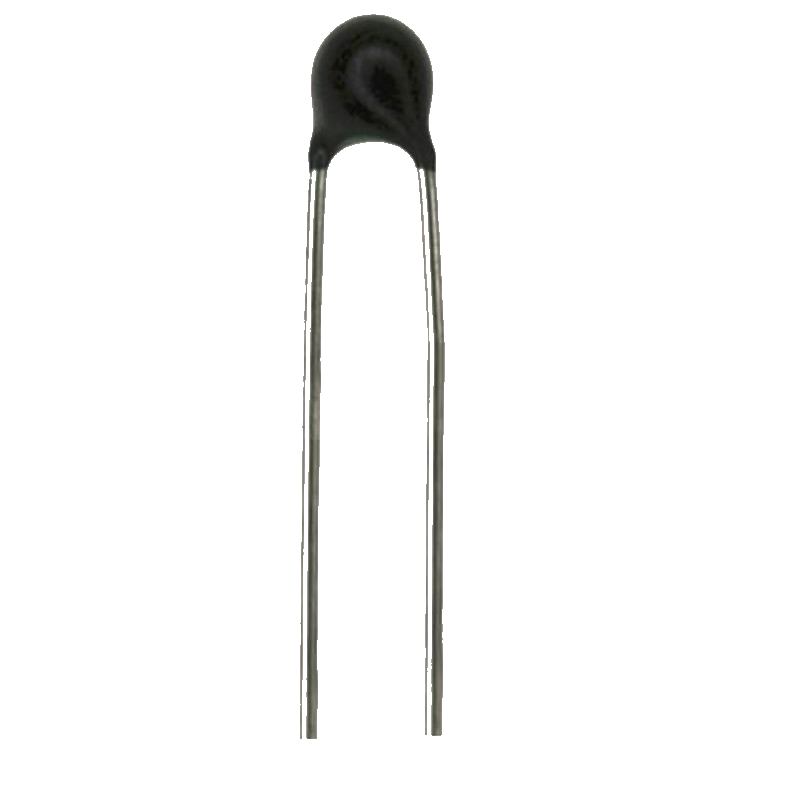
 Design with Thermistor NTC 10K in Cirkit Designer
Introduction
The Thermistor NTC 10K is a negative temperature coefficient (NTC) thermistor, meaning its resistance decreases as the temperature increases. This component is widely used for temperature sensing and compensation in electronic circuits due to its high sensitivity and reliability. Its resistance value is 10 kΩ at 25°C, making it suitable for a variety of applications.
Explore Projects Built with Thermistor NTC 10K
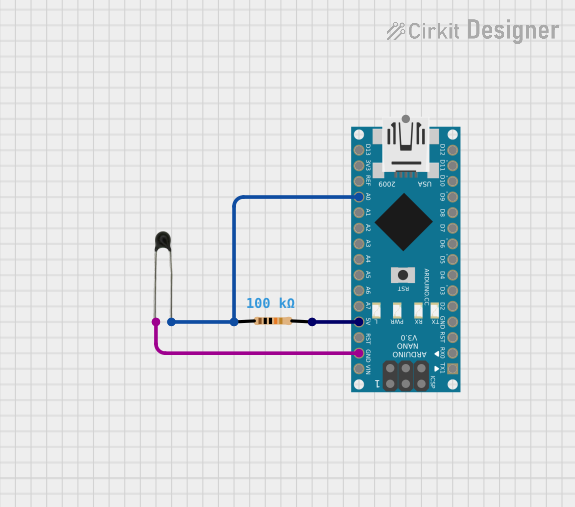 Open Project in Cirkit Designer
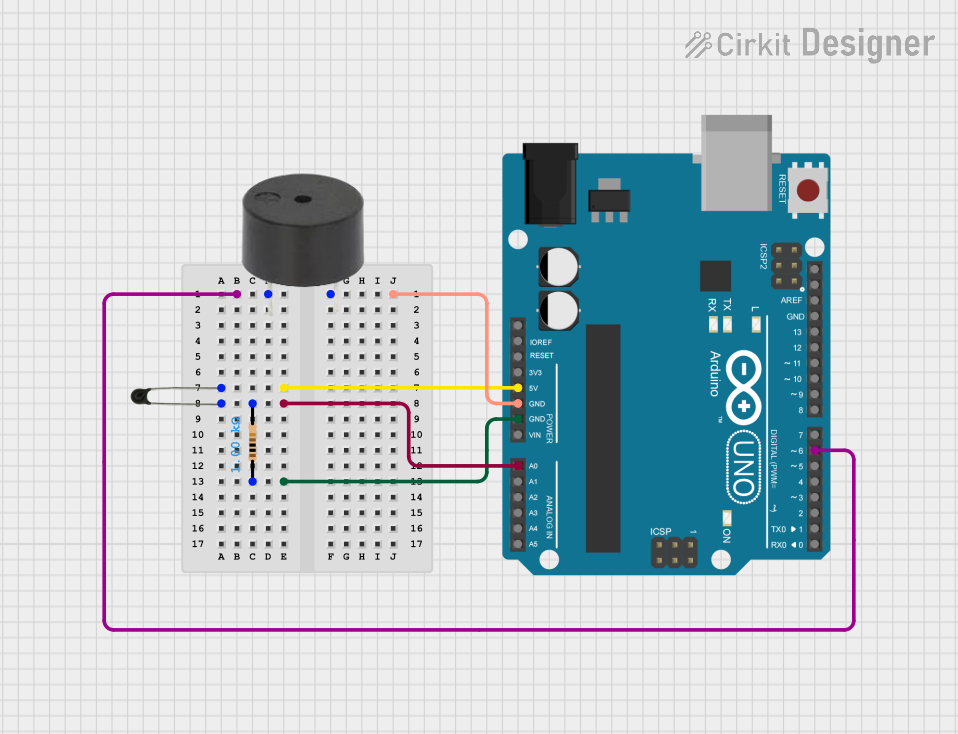 Open Project in Cirkit Designer
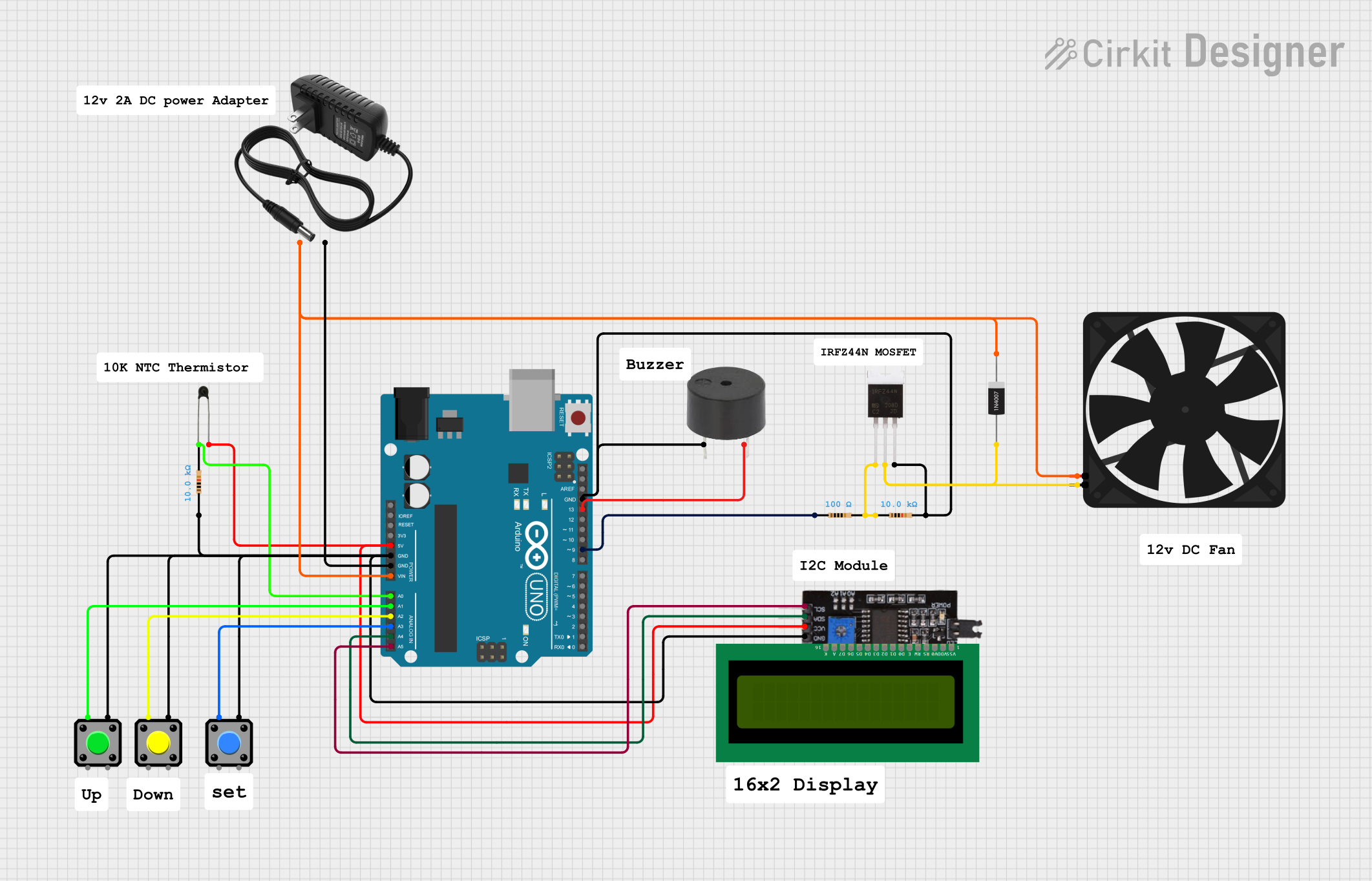 Open Project in Cirkit Designer
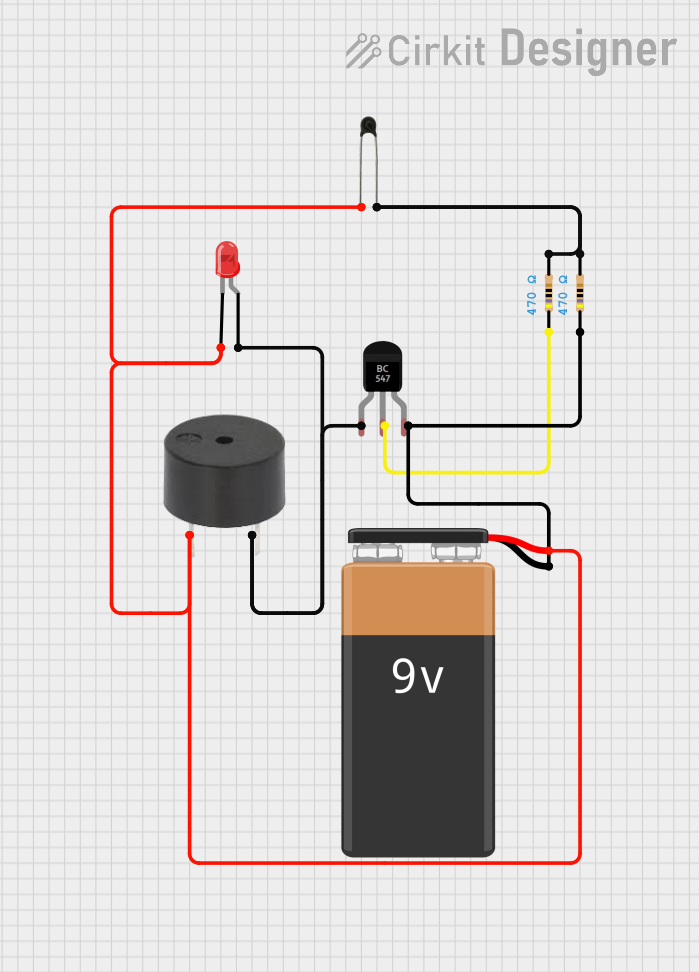 Open Project in Cirkit Designer
Explore Projects Built with Thermistor NTC 10K
Open Project in Cirkit DesignerOpen Project in Cirkit DesignerOpen Project in Cirkit DesignerOpen Project in Cirkit DesignerCommon Applications and Use Cases
- Temperature measurement and monitoring
- Overcurrent protection in circuits
- Temperature compensation in electronic devices
- HVAC systems
- Battery management systems
- Home appliances (e.g., refrigerators, air conditioners)
Technical Specifications
Below are the key technical details of the Thermistor NTC 10K:
| Parameter | Value |
|---|---|
| Resistance at 25°C | 10 kΩ |
| Temperature Coefficient | Negative |
| Operating Temperature | -40°C to +125°C |
| Tolerance at 25°C | ±1% to ±5% (varies by model) |
| Dissipation Constant | ~1 mW/°C |
| Thermal Time Constant | ~10 seconds (in still air) |
| Maximum Power Rating | 500 mW |
Pin Configuration and Descriptions
The Thermistor NTC 10K is a two-terminal device. The pins are not polarized, meaning there is no specific positive or negative terminal. Below is the pin configuration:
| Pin Number | Description |
|---|---|
| 1 | Connect to one side of the circuit |
| 2 | Connect to the other side of the circuit |
Usage Instructions
How to Use the Thermistor NTC 10K in a Circuit
Basic Circuit Connection:
- Connect one terminal of the thermistor to a voltage source (e.g., 5V).
- Connect the other terminal to a resistor (typically 10 kΩ) in series.
- The junction between the thermistor and the resistor can be connected to an analog input pin of a microcontroller (e.g., Arduino UNO) to measure the voltage drop.
Voltage Divider Configuration:
- The thermistor is commonly used in a voltage divider circuit to convert temperature changes into a measurable voltage.
- The output voltage can be calculated using the formula: [ V_{out} = V_{in} \times \frac{R_{thermistor}}{R_{thermistor} + R_{fixed}} ]
- Here, ( R_{thermistor} ) is the resistance of the thermistor at a given temperature, and ( R_{fixed} ) is the resistance of the fixed resistor.
Interfacing with Arduino UNO:
- The analog voltage from the voltage divider can be read using the
analogRead()function on an Arduino UNO. - Use the Steinhart-Hart equation or a lookup table to convert the resistance or voltage reading into a temperature value.
- The analog voltage from the voltage divider can be read using the
Important Considerations and Best Practices
- Thermal Coupling: Ensure good thermal contact between the thermistor and the object or environment being measured.
- Self-Heating: Avoid excessive current through the thermistor to prevent self-heating, which can affect accuracy.
- Calibration: Calibrate the thermistor for your specific application to improve accuracy.
- Environmental Protection: If used in harsh environments, consider encapsulating the thermistor to protect it from moisture or contaminants.
Example Code for Arduino UNO
Below is an example of how to use the Thermistor NTC 10K with an Arduino UNO to measure temperature:
// Thermistor NTC 10K Example Code for Arduino UNO
// This code reads the analog voltage from a thermistor and calculates the temperature.

const int thermistorPin = A0; // Analog pin connected to the thermistor
const float seriesResistor = 10000.0; // Value of the fixed resistor in ohms
const float nominalResistance = 10000.0; // Resistance of the thermistor at 25°C
const float nominalTemperature = 25.0; // Nominal temperature in °C
const float betaCoefficient = 3950.0; // Beta coefficient of the thermistor
const float supplyVoltage = 5.0; // Supply voltage in volts

void setup() {
  Serial.begin(9600); // Initialize serial communication
}

void loop() {
  int analogValue = analogRead(thermistorPin); // Read analog value
  float voltage = analogValue * (supplyVoltage / 1023.0); // Convert to voltage

  // Calculate thermistor resistance
  float thermistorResistance = (supplyVoltage * seriesResistor / voltage) - seriesResistor;

  // Calculate temperature using the Steinhart-Hart equation
  float steinhart;
  steinhart = thermistorResistance / nominalResistance; // (R/Ro)
  steinhart = log(steinhart); // ln(R/Ro)
  steinhart /= betaCoefficient; // 1/B * ln(R/Ro)
  steinhart += 1.0 / (nominalTemperature + 273.15); // + (1/To)
  steinhart = 1.0 / steinhart; // Invert
  steinhart -= 273.15; // Convert to Celsius

  // Print the temperature to the Serial Monitor
  Serial.print("Temperature: ");
  Serial.print(steinhart);
  Serial.println(" °C");

  delay(1000); // Wait 1 second before the next reading
}
Troubleshooting and FAQs
Common Issues and Solutions
Inaccurate Temperature Readings:
- Cause: Incorrect resistor value in the voltage divider.
- Solution: Use a resistor value close to the thermistor's resistance at the expected temperature range.
Fluctuating Readings:
- Cause: Electrical noise or poor connections.
- Solution: Use proper decoupling capacitors and ensure secure connections.
No Output or Constant Value:
- Cause: Faulty thermistor or incorrect wiring.
- Solution: Check the thermistor with a multimeter and verify the circuit connections.
FAQs
Q1: Can the Thermistor NTC 10K be used for high-temperature applications?
A1: The thermistor can operate up to 125°C, but for temperatures beyond this range, consider using a thermocouple or RTD.
Q2: How do I protect the thermistor in outdoor applications?
A2: Use a waterproof or epoxy-coated thermistor to protect it from moisture and environmental factors.
Q3: Can I use the thermistor without a microcontroller?
A3: Yes, you can use the thermistor in analog circuits with an operational amplifier or comparator for basic temperature sensing.
Q4: How do I improve the accuracy of temperature measurements?
A4: Calibrate the thermistor using known temperature points and use the Steinhart-Hart equation for precise calculations.