
How to Use iKB-1: Examples, Pinouts, and Specs
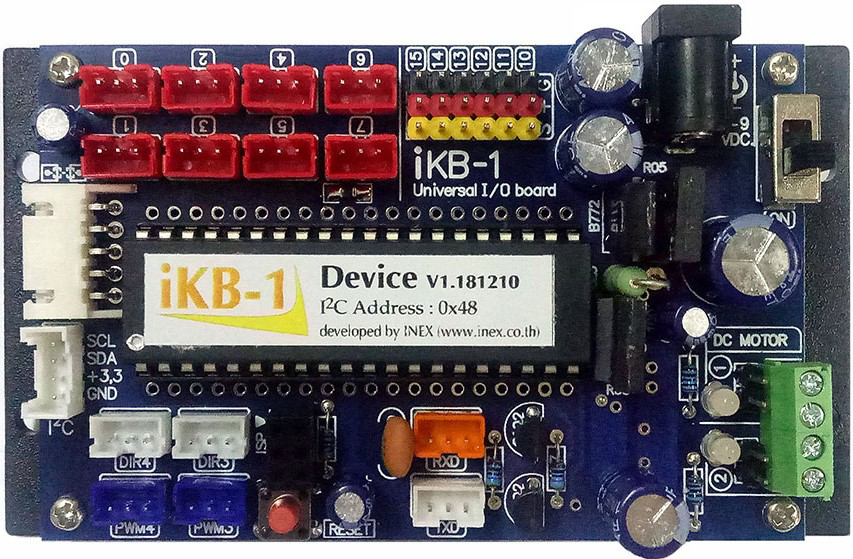
 Design with iKB-1 in Cirkit Designer
Introduction
The iKB-1, manufactured by inex, is a versatile integrated circuit (IC) designed for use in a wide range of electronic applications. It provides functionalities such as signal processing, amplification, and control, all within a compact and efficient form factor. Its robust design and ease of integration make it suitable for both hobbyist projects and professional applications.
Explore Projects Built with iKB-1
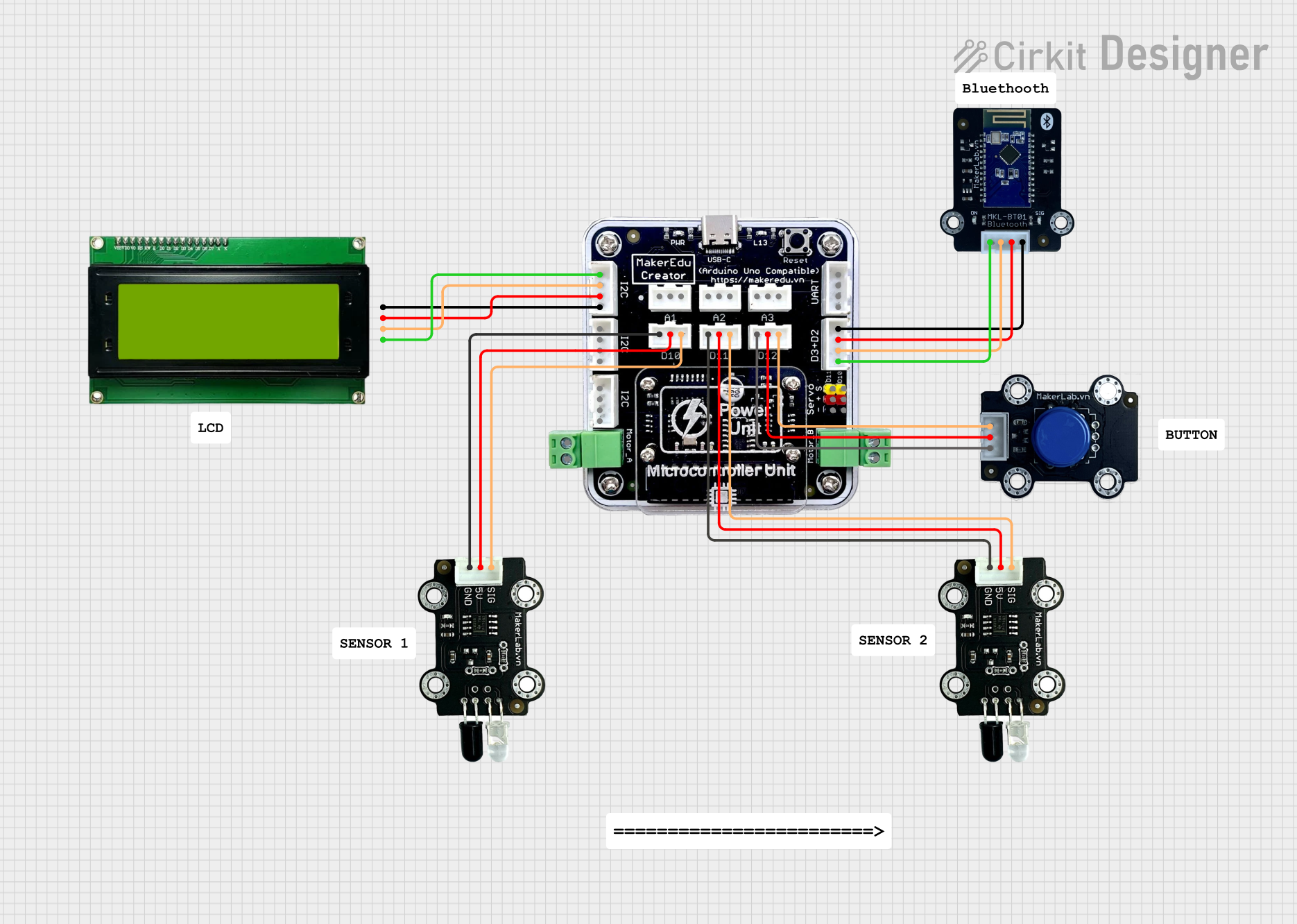 Open Project in Cirkit Designer
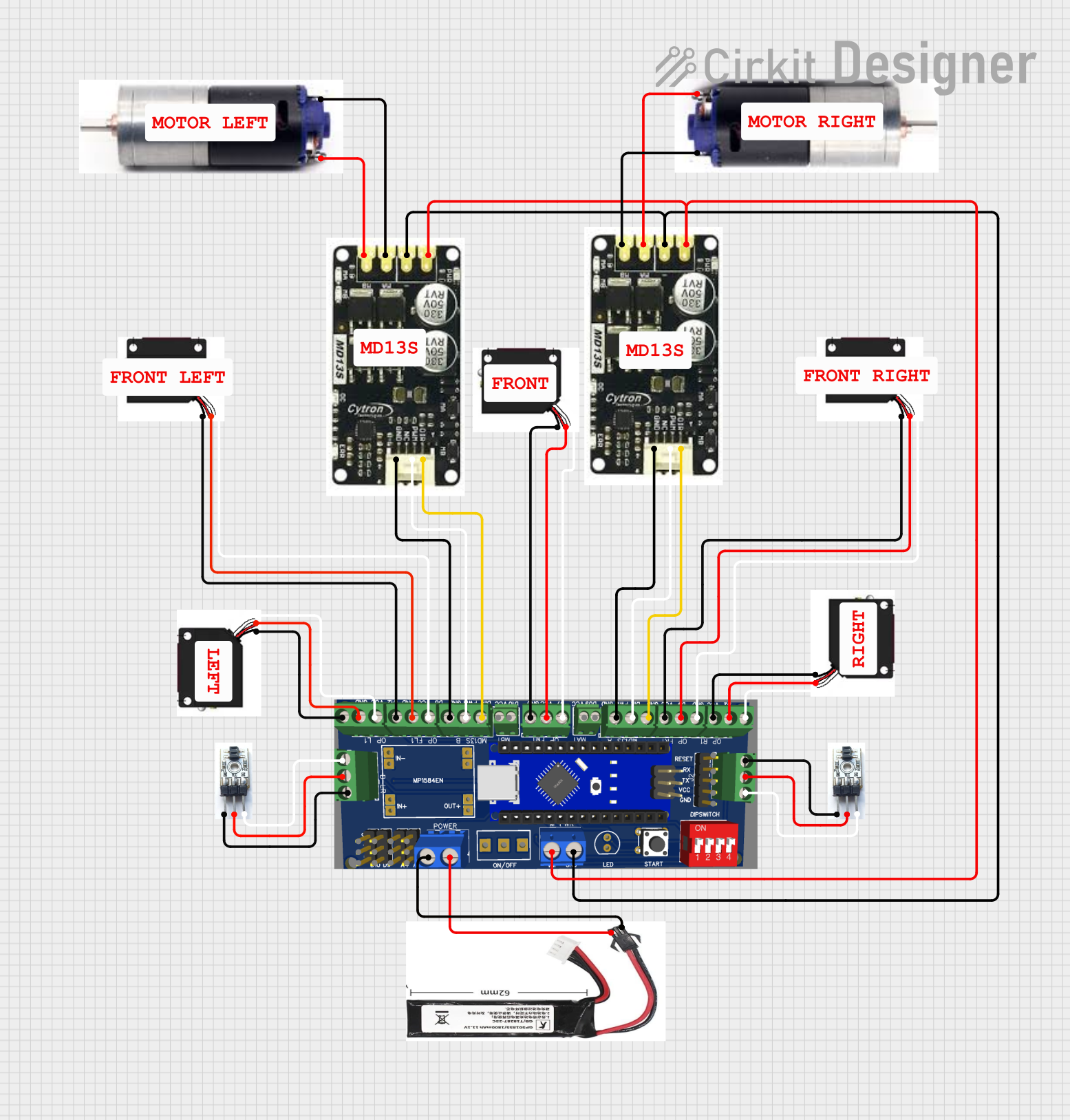 Open Project in Cirkit Designer
 Open Project in Cirkit Designer
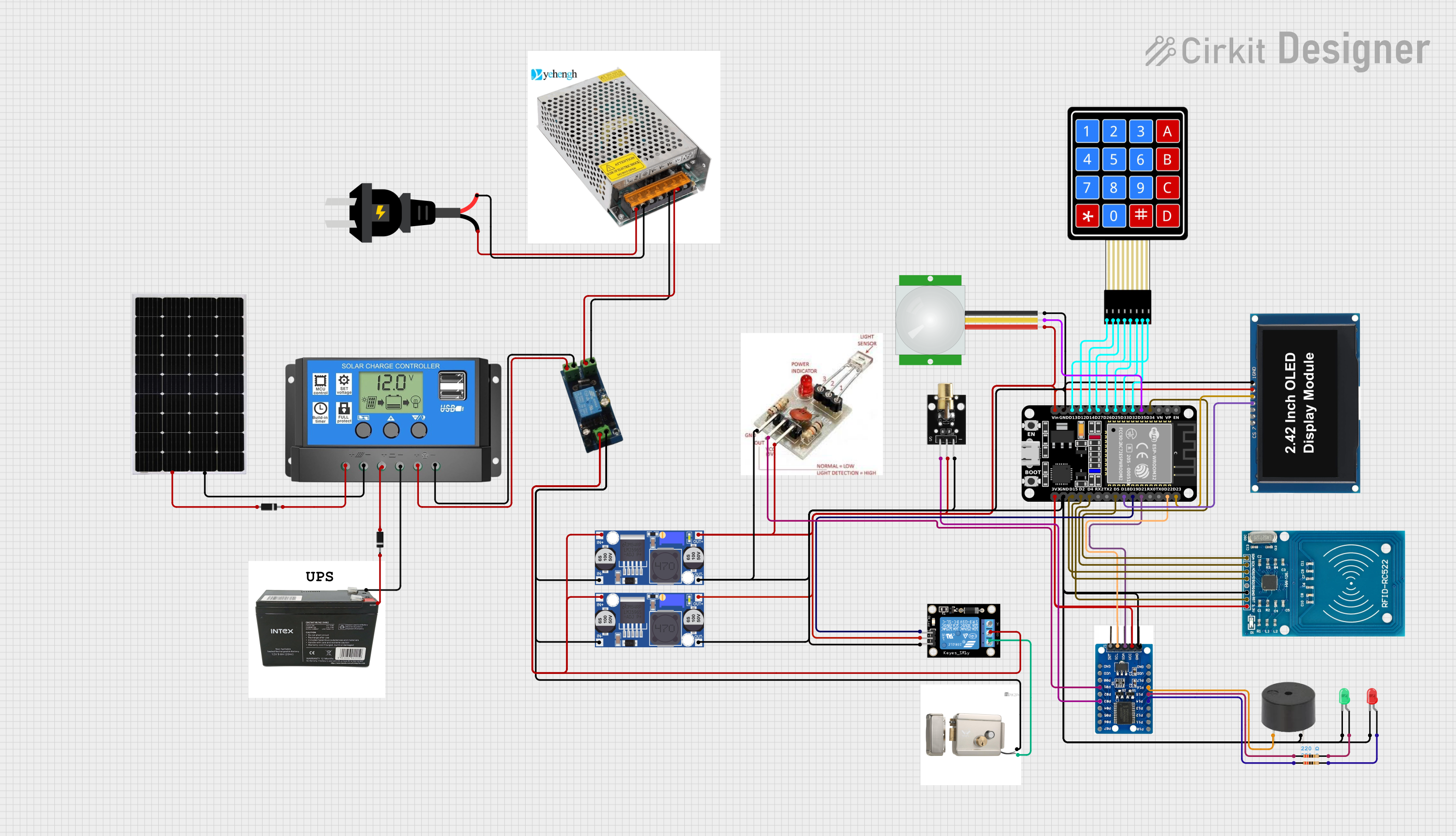 Open Project in Cirkit Designer
Explore Projects Built with iKB-1
Open Project in Cirkit DesignerOpen Project in Cirkit DesignerOpen Project in Cirkit DesignerOpen Project in Cirkit DesignerCommon Applications and Use Cases
- Signal amplification in audio and communication systems
- Control systems for automation and robotics
- Signal processing in sensor-based applications
- General-purpose use in embedded systems and prototyping
Technical Specifications
Key Technical Details
| Parameter | Value |
|---|---|
| Manufacturer | inex |
| Part ID | iKB-1 |
| Supply Voltage (Vcc) | 3.3V to 5V |
| Operating Current | 10 mA (typical) |
| Maximum Output Current | 20 mA |
| Operating Temperature | -40°C to +85°C |
| Package Type | DIP-8 (Dual Inline Package) |
| Functionality | Signal processing, amplification, control |
Pin Configuration and Descriptions
| Pin Number | Pin Name | Description |
|---|---|---|
| 1 | Vcc | Power supply input (3.3V to 5V) |
| 2 | IN1 | Input signal 1 for processing or amplification |
| 3 | IN2 | Input signal 2 for processing or amplification |
| 4 | GND | Ground connection |
| 5 | OUT1 | Output signal 1 |
| 6 | OUT2 | Output signal 2 |
| 7 | CTRL | Control pin for enabling/disabling functionality |
| 8 | NC | Not connected (leave unconnected or grounded) |
Usage Instructions
How to Use the iKB-1 in a Circuit
- Power Supply: Connect the Vcc pin (Pin 1) to a stable power source within the range of 3.3V to 5V. Connect the GND pin (Pin 4) to the ground of the circuit.
- Input Signals: Feed the input signals to IN1 (Pin 2) and/or IN2 (Pin 3). Ensure the input signals are within the acceptable voltage range (0V to Vcc).
- Output Signals: The processed or amplified signals will be available at OUT1 (Pin 5) and OUT2 (Pin 6).
- Control Pin: Use the CTRL pin (Pin 7) to enable or disable the IC's functionality. Connect it to Vcc to enable or to GND to disable.
- Unused Pins: Leave the NC pin (Pin 8) unconnected or connect it to GND.
Important Considerations and Best Practices
- Decoupling Capacitor: Place a 0.1 µF ceramic capacitor close to the Vcc pin to filter out noise and ensure stable operation.
- Signal Integrity: Use shielded cables or proper PCB layout techniques to minimize noise in input and output signals.
- Thermal Management: Ensure adequate ventilation or heat dissipation if the IC operates near its maximum current rating.
- Avoid Overloading: Do not exceed the maximum output current of 20 mA to prevent damage to the IC.
Example: Using iKB-1 with Arduino UNO
The iKB-1 can be easily interfaced with an Arduino UNO for signal processing or control applications. Below is an example of how to use the iKB-1 to amplify an analog signal and read it using the Arduino.
// Example: Using iKB-1 with Arduino UNO
// This code reads an amplified signal from the iKB-1 and prints the value to Serial Monitor.

const int inputPin = A0;  // Connect OUT1 (Pin 5 of iKB-1) to Arduino A0
const int ctrlPin = 7;    // Connect CTRL (Pin 7 of iKB-1) to Arduino Digital Pin 7

void setup() {
  pinMode(ctrlPin, OUTPUT);  // Set CTRL pin as output
  digitalWrite(ctrlPin, HIGH);  // Enable the iKB-1 by setting CTRL pin HIGH
  Serial.begin(9600);  // Initialize Serial communication at 9600 baud
}

void loop() {
  int signalValue = analogRead(inputPin);  // Read the amplified signal
  Serial.print("Signal Value: ");
  Serial.println(signalValue);  // Print the signal value to Serial Monitor
  delay(500);  // Wait for 500 ms before the next reading
}
Troubleshooting and FAQs
Common Issues and Solutions
No Output Signal:
- Ensure the CTRL pin (Pin 7) is connected to Vcc to enable the IC.
- Verify that the input signals are within the acceptable voltage range.
Distorted Output Signal:
- Check for noise in the power supply and add a decoupling capacitor if necessary.
- Ensure the input signals are not exceeding the IC's input voltage limits.
Overheating:
- Verify that the output current does not exceed 20 mA.
- Ensure proper ventilation or heat dissipation.
Arduino Not Reading Signal:
- Confirm that the OUT1 or OUT2 pin is properly connected to the Arduino's analog input pin.
- Check the wiring and ensure there are no loose connections.
FAQs
Q: Can the iKB-1 operate at 12V?
A: No, the iKB-1 is designed to operate within a supply voltage range of 3.3V to 5V. Exceeding this range may damage the IC.
Q: Can I use both OUT1 and OUT2 simultaneously?
A: Yes, both output pins can be used simultaneously for different signals, provided the total output current does not exceed 20 mA.
Q: What happens if the CTRL pin is left floating?
A: Leaving the CTRL pin floating may result in unpredictable behavior. It is recommended to connect it to either Vcc (enable) or GND (disable).
Q: Is the iKB-1 suitable for audio applications?
A: Yes, the iKB-1 can be used for audio signal amplification, provided the input and output signals are within the specified voltage and current limits.