
How to Use 120V Outlet: Examples, Pinouts, and Specs
 Design with 120V Outlet in Cirkit Designer
Introduction
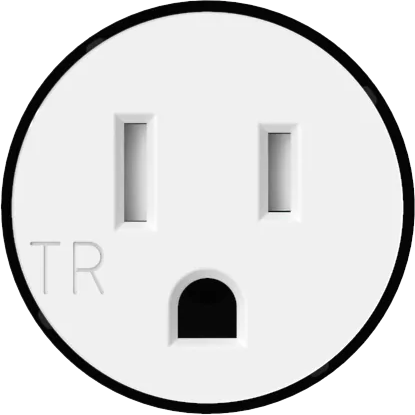
A 120V outlet is a standard electrical component that provides 120 volts of alternating current (AC) power. It is widely used in residential, commercial, and industrial settings to power a variety of appliances and devices, such as lamps, televisions, computers, and small kitchen appliances. These outlets are designed to deliver reliable power and are a fundamental part of electrical infrastructure in regions where 120V is the standard voltage.
Explore Projects Built with 120V Outlet
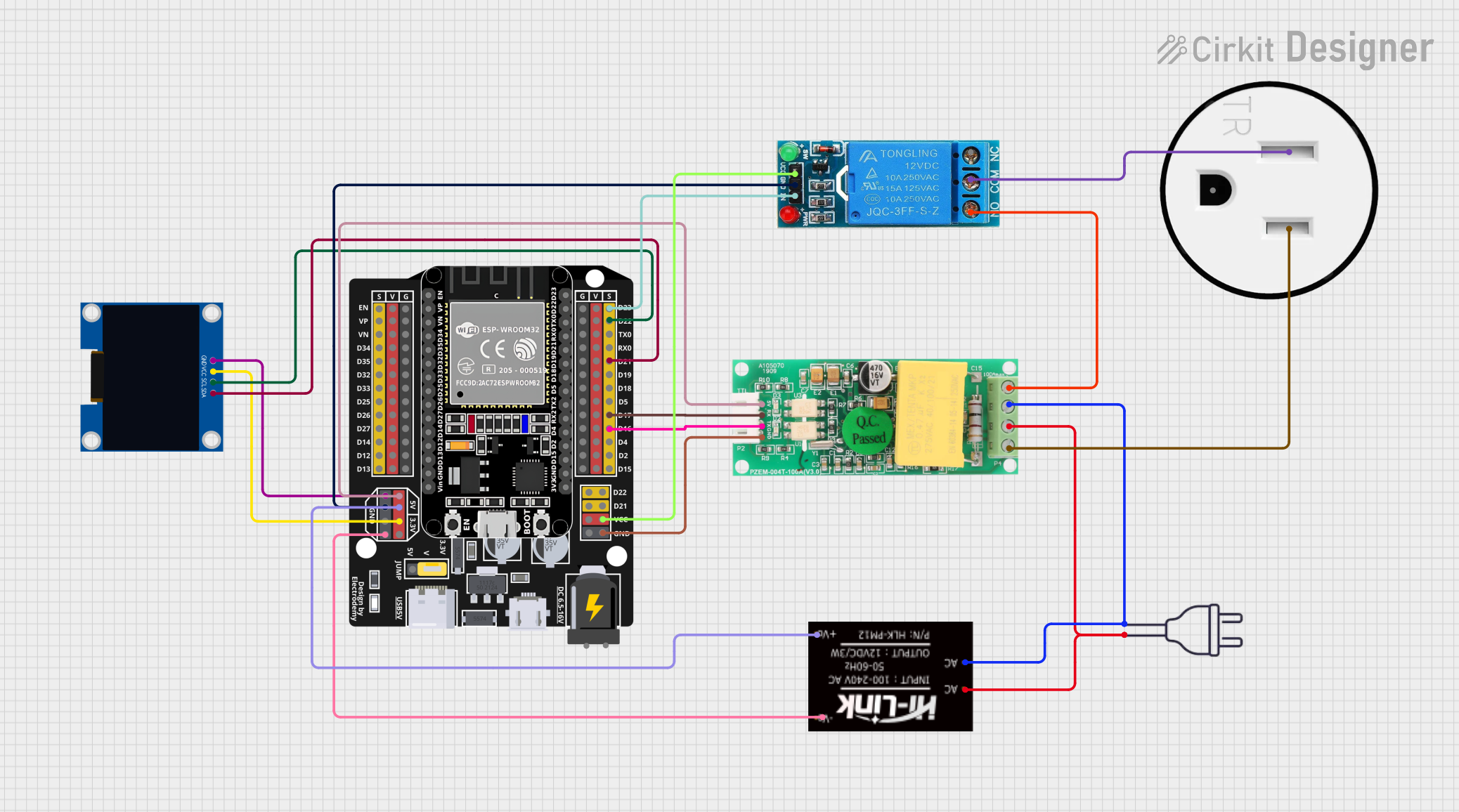
 Open Project in Cirkit Designer
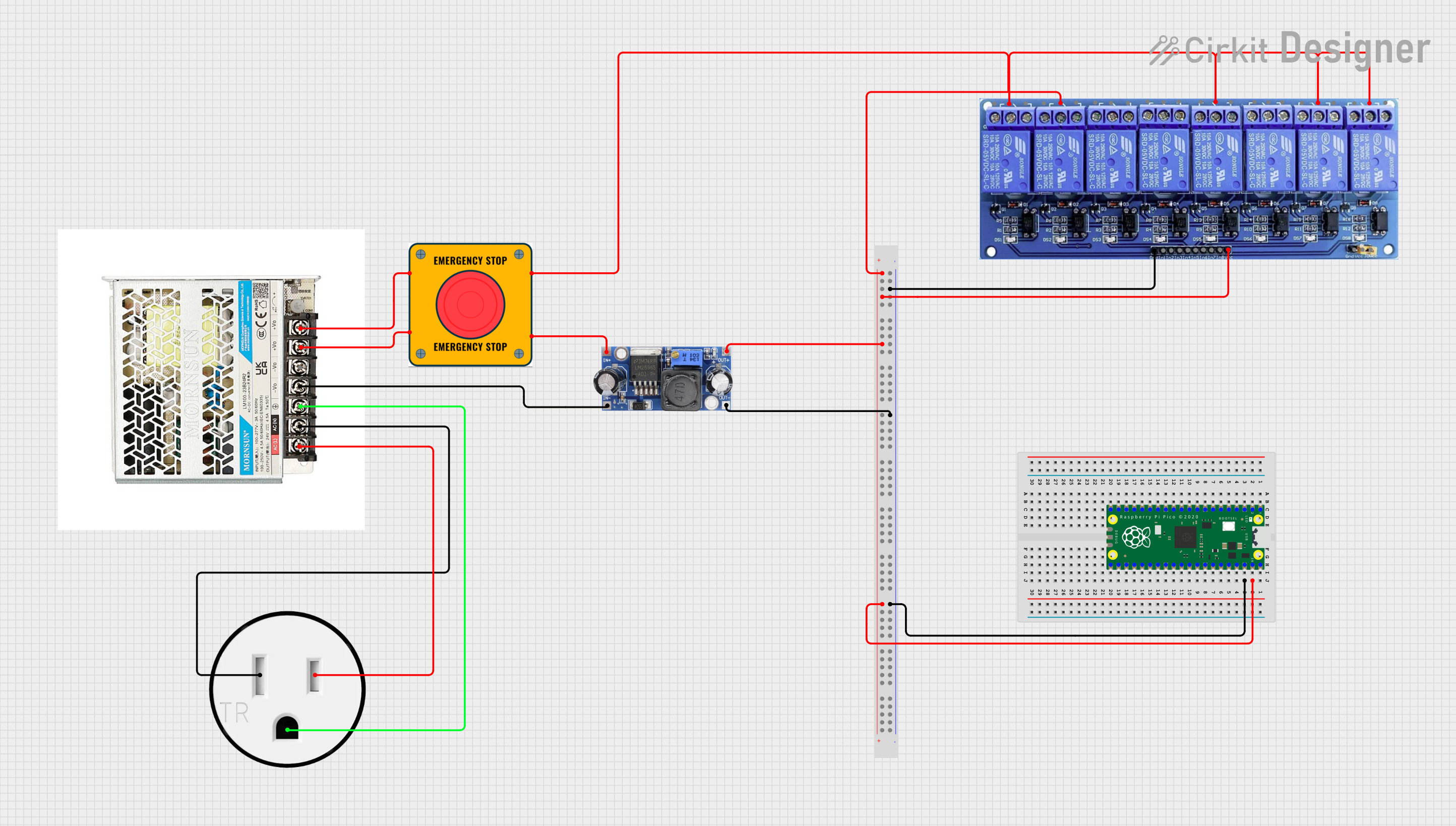
 Open Project in Cirkit Designer
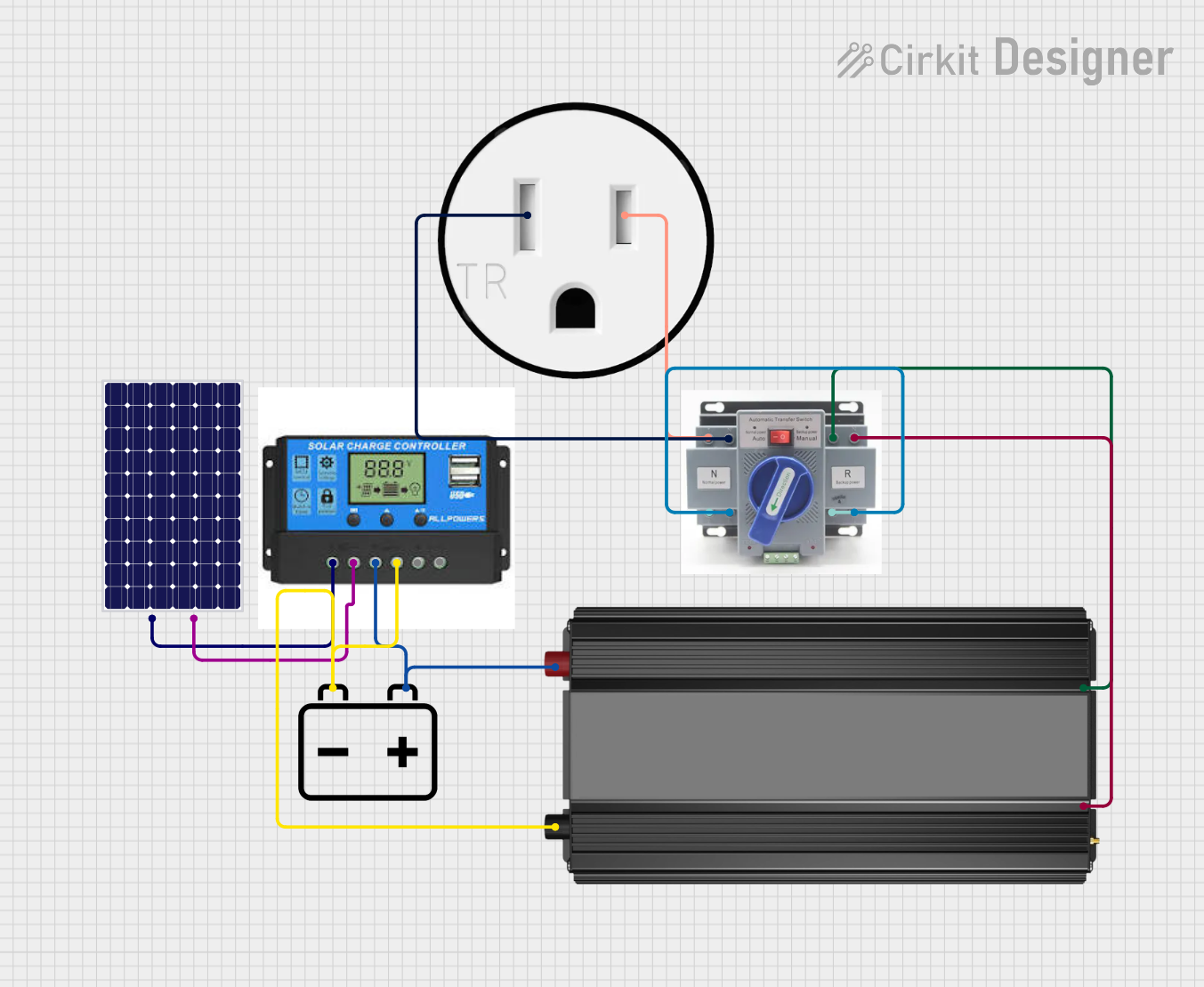
 Open Project in Cirkit Designer
 Open Project in Cirkit Designer
Explore Projects Built with 120V Outlet
Open Project in Cirkit DesignerOpen Project in Cirkit DesignerOpen Project in Cirkit DesignerOpen Project in Cirkit DesignerCommon Applications and Use Cases
- Powering household appliances (e.g., toasters, microwaves, and refrigerators)
- Charging electronic devices (e.g., laptops, smartphones, and tablets)
- Providing power to tools and equipment in workshops
- Supporting lighting systems in homes and offices
Technical Specifications
The following table outlines the key technical details of a standard 120V outlet:
| Parameter | Specification |
|---|---|
| Voltage Rating | 120V AC |
| Frequency | 60 Hz (standard in North America) |
| Current Rating | Typically 15A or 20A |
| Power Rating | 1800W (15A outlet) or 2400W (20A outlet) |
| Number of Terminals | 3 (Hot, Neutral, Ground) |
| Outlet Type | NEMA 5-15 (15A) or NEMA 5-20 (20A) |
| Material | Thermoplastic or thermoset for durability |
| Safety Features | Grounding pin, tamper-resistant shutters |
Pin Configuration and Descriptions
The 120V outlet typically has three terminals, as described below:
| Pin | Description |
|---|---|
| Hot (Live) | Delivers the 120V AC power to the connected device. |
| Neutral | Completes the circuit and returns current to the source. |
| Ground | Provides a safety path for fault currents to prevent shocks. |
Usage Instructions
How to Use the Component in a Circuit
Wiring the Outlet:
- Connect the Hot (Live) wire (usually black or red) to the brass-colored terminal.
- Connect the Neutral wire (usually white) to the silver-colored terminal.
- Connect the Ground wire (usually green or bare copper) to the green terminal.
Mounting the Outlet:
- Secure the outlet into an electrical box using screws.
- Ensure the outlet is flush with the wall surface for safety and aesthetics.
Testing the Outlet:
- Use a multimeter or outlet tester to verify proper wiring and functionality.
- Check for correct voltage (approximately 120V AC) between the Hot and Neutral terminals.
Important Considerations and Best Practices
- Turn Off Power: Always turn off the circuit breaker before working on the outlet to avoid electric shock.
- Use Proper Tools: Use insulated tools and a voltage tester to ensure safety during installation.
- Follow Local Codes: Adhere to local electrical codes and standards when installing or replacing outlets.
- Tamper-Resistant Outlets: In homes with children, use tamper-resistant outlets to prevent accidental insertion of foreign objects.
- Avoid Overloading: Do not exceed the outlet's current or power rating to prevent overheating or fire hazards.
Example: Connecting a 120V Outlet to an Arduino UNO
While an Arduino UNO operates on low DC voltage, you can use a relay module to control a 120V outlet. Below is an example code snippet for controlling a 120V outlet using an Arduino and a relay module:
/*
  Example: Controlling a 120V Outlet with Arduino and Relay Module
  - This code toggles the relay to turn the outlet ON and OFF every 5 seconds.
  - Ensure proper isolation between the Arduino and the high-voltage circuit.
*/

const int relayPin = 7; // Pin connected to the relay module

void setup() {
  pinMode(relayPin, OUTPUT); // Set relay pin as output
  digitalWrite(relayPin, LOW); // Start with the relay OFF
}

void loop() {
  digitalWrite(relayPin, HIGH); // Turn the relay ON (outlet ON)
  delay(5000); // Wait for 5 seconds
  digitalWrite(relayPin, LOW); // Turn the relay OFF (outlet OFF)
  delay(5000); // Wait for 5 seconds
}
Note: Always use a relay module rated for 120V AC and ensure proper isolation between the low-voltage Arduino circuit and the high-voltage outlet.
Troubleshooting and FAQs
Common Issues Users Might Face
Outlet Not Providing Power:
- Cause: Loose or incorrect wiring.
- Solution: Turn off the power, check the wiring connections, and ensure they are secure.
Tripped Circuit Breaker:
- Cause: Overloading the outlet or a short circuit.
- Solution: Reduce the load on the outlet and inspect for wiring faults.
Burnt Smell or Heat from Outlet:
- Cause: Overheating due to excessive current or poor connections.
- Solution: Turn off the power immediately, inspect the outlet, and replace it if damaged.
Outlet Tester Shows Open Ground:
- Cause: Ground wire not connected or broken.
- Solution: Verify the ground connection and repair as needed.
Solutions and Tips for Troubleshooting
- Use an outlet tester to quickly diagnose wiring issues.
- If the outlet is not working, check the circuit breaker or fuse box for tripped breakers or blown fuses.
- Ensure the outlet is compatible with the load requirements of the connected devices.
- For persistent issues, consult a licensed electrician to ensure safe and compliant installation.
By following this documentation, users can safely and effectively install, use, and troubleshoot a 120V outlet in various applications.