
How to Use SWITCH-DPDT: Examples, Pinouts, and Specs

 Design with SWITCH-DPDT in Cirkit Designer
Introduction
A Double Pole Double Throw (DPDT) switch is an electrical switch designed to control two separate circuits simultaneously. It features six terminals, allowing two inputs to connect to two outputs. This configuration enables the switch to toggle between two different states for each circuit, making it highly versatile for a wide range of applications.
Explore Projects Built with SWITCH-DPDT
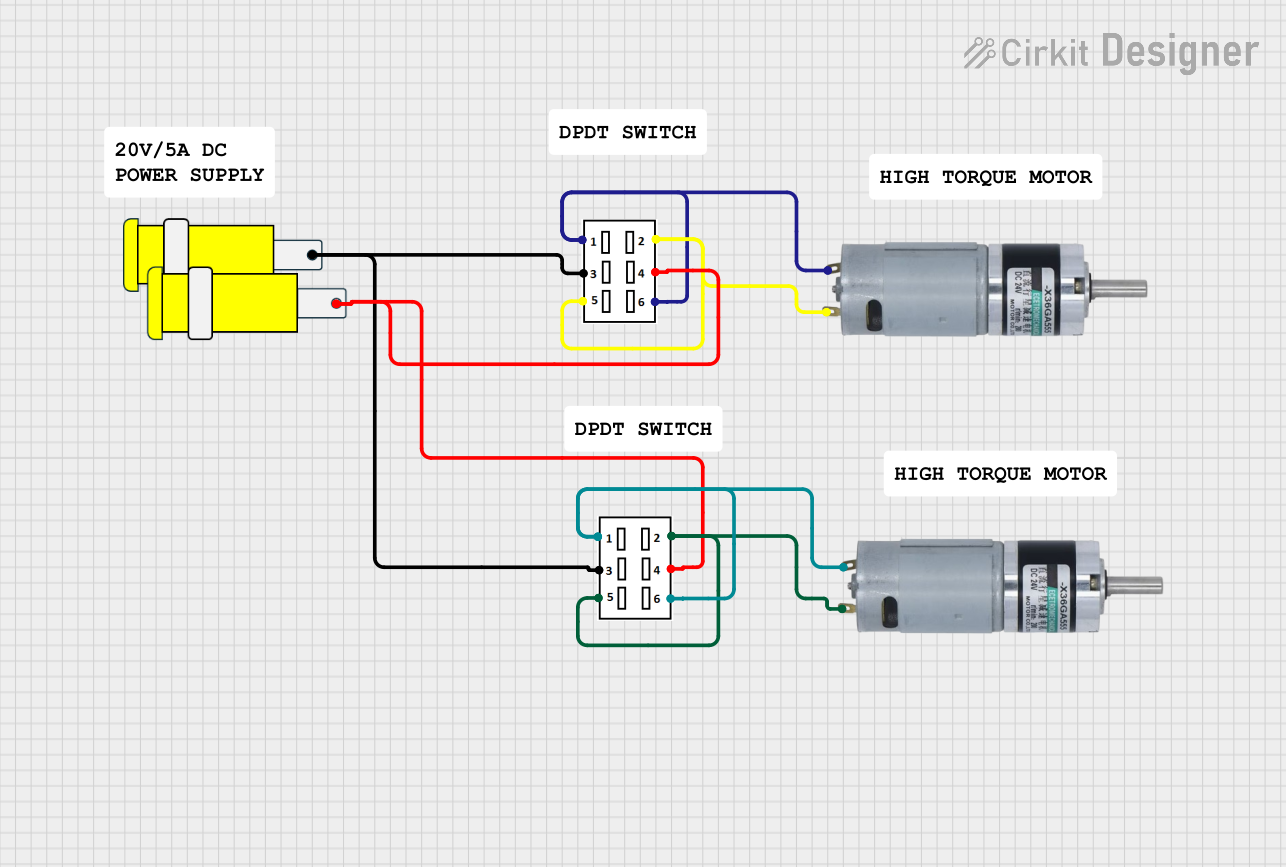 Open Project in Cirkit Designer
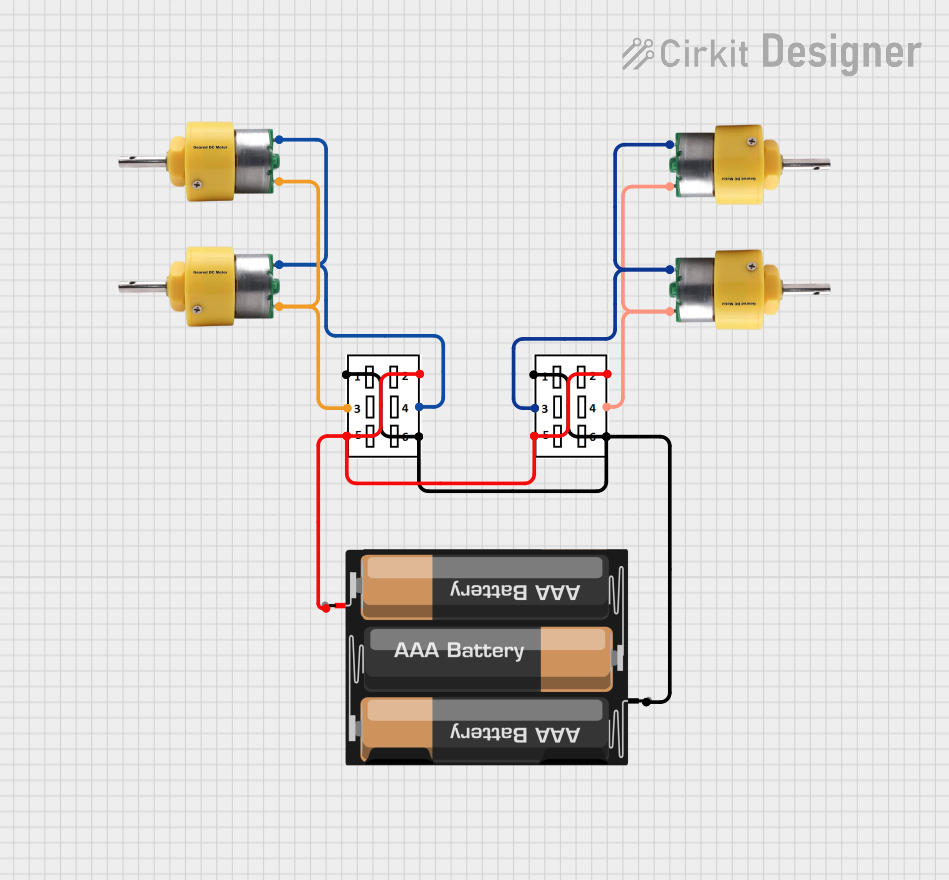 Open Project in Cirkit Designer
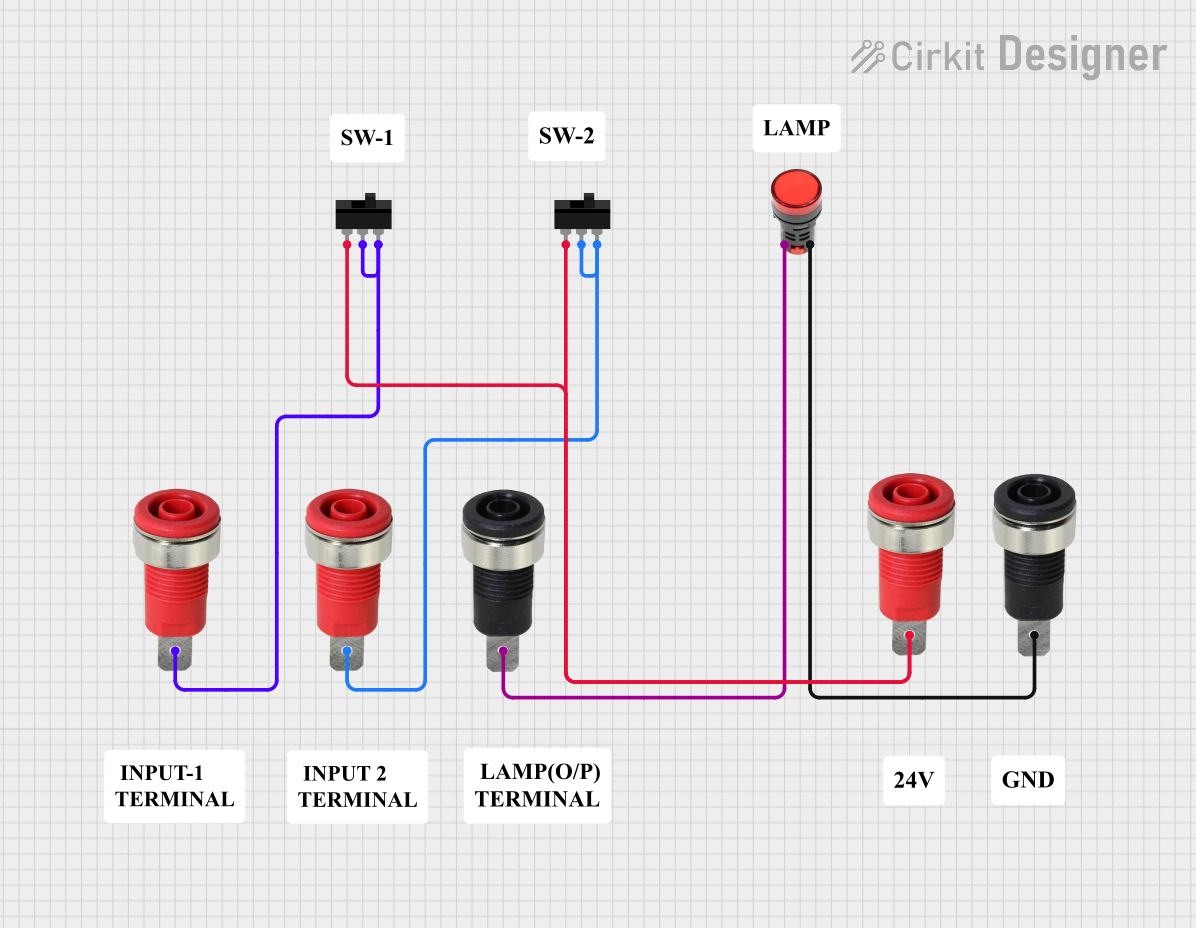 Open Project in Cirkit Designer
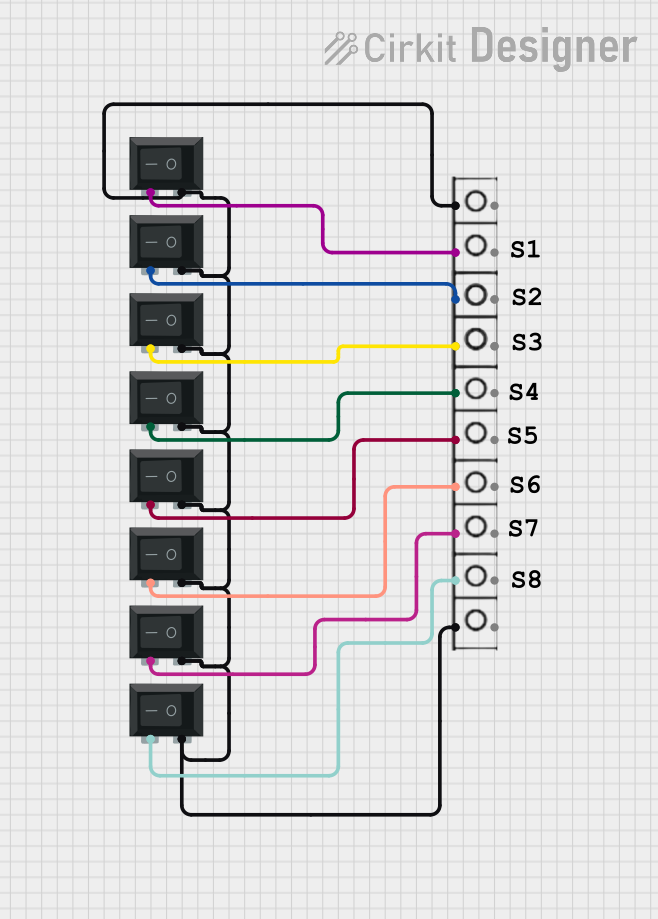 Open Project in Cirkit Designer
Explore Projects Built with SWITCH-DPDT
Open Project in Cirkit DesignerOpen Project in Cirkit DesignerOpen Project in Cirkit DesignerOpen Project in Cirkit DesignerCommon Applications and Use Cases
- Motor Reversing: Used to reverse the direction of DC motors.
- Signal Routing: Switching between two signal sources or outputs.
- Power Switching: Controlling two independent power lines.
- Audio Systems: Switching between different audio inputs or outputs.
- Robotics: Controlling actuators or motors in robotic systems.
Technical Specifications
Below are the key technical details of a typical DPDT switch:
| Parameter | Value |
|---|---|
| Number of Poles | 2 |
| Number of Throws | 2 |
| Terminals | 6 |
| Voltage Rating | Typically 12V to 250V (varies by model) |
| Current Rating | Typically 1A to 15A (varies by model) |
| Contact Type | Mechanical |
| Mounting Style | Panel Mount or PCB Mount |
Pin Configuration and Descriptions
The DPDT switch has six terminals, typically arranged in two rows of three. The pin configuration is as follows:
| Pin Number | Description |
|---|---|
| 1 | Input for Circuit 1 |
| 2 | Common (Output) for Circuit 1 |
| 3 | Alternate Output for Circuit 1 |
| 4 | Input for Circuit 2 |
| 5 | Common (Output) for Circuit 2 |
| 6 | Alternate Output for Circuit 2 |
Usage Instructions
How to Use the DPDT Switch in a Circuit
- Identify the Terminals: Refer to the pin configuration table to identify the input, common, and alternate output terminals for both circuits.
- Connect the Inputs: Connect the input terminals (pins 1 and 4) to the respective power sources or signal sources.
- Connect the Outputs: Connect the common terminals (pins 2 and 5) to the primary outputs and the alternate terminals (pins 3 and 6) to the secondary outputs.
- Toggle the Switch: Flip the switch to toggle between the two states for each circuit.
Important Considerations and Best Practices
- Voltage and Current Ratings: Ensure the switch's voltage and current ratings are suitable for your application to avoid damage.
- Debouncing: For digital circuits, consider adding a debounce circuit or software debounce to handle mechanical contact bounce.
- Mounting: Securely mount the switch to prevent accidental toggling or damage.
- Wiring: Use appropriate wire gauges to handle the current without overheating.
Example: Using a DPDT Switch with an Arduino UNO
A DPDT switch can be used to reverse the direction of a DC motor. Below is an example circuit and Arduino code:
Circuit Description
- Connect the DPDT switch to the motor and power supply as per the pin configuration.
- Use the Arduino to control the motor's speed via a PWM signal.
Arduino Code
// Example code to control a DC motor with a DPDT switch and Arduino UNO

const int motorPin1 = 9; // PWM pin for motor direction 1
const int motorPin2 = 10; // PWM pin for motor direction 2

void setup() {
  pinMode(motorPin1, OUTPUT); // Set motorPin1 as output
  pinMode(motorPin2, OUTPUT); // Set motorPin2 as output
}

void loop() {
  // Rotate motor in one direction
  analogWrite(motorPin1, 255); // Full speed in one direction
  analogWrite(motorPin2, 0);   // Ensure the other direction is off
  delay(2000);                 // Run for 2 seconds

  // Stop the motor
  analogWrite(motorPin1, 0);   // Turn off motorPin1
  analogWrite(motorPin2, 0);   // Turn off motorPin2
  delay(1000);                 // Pause for 1 second

  // Rotate motor in the opposite direction
  analogWrite(motorPin1, 0);   // Ensure the first direction is off
  analogWrite(motorPin2, 255); // Full speed in the opposite direction
  delay(2000);                 // Run for 2 seconds

  // Stop the motor again
  analogWrite(motorPin1, 0);   // Turn off motorPin1
  analogWrite(motorPin2, 0);   // Turn off motorPin2
  delay(1000);                 // Pause for 1 second
}
Troubleshooting and FAQs
Common Issues
- Switch Not Working:
- Check the wiring to ensure all connections are correct.
- Verify that the switch's voltage and current ratings match the circuit requirements.
- Mechanical Failure:
- Inspect the switch for physical damage or wear.
- Replace the switch if the contacts are worn out.
- Contact Bounce:
- Add a debounce circuit or implement software debouncing in your microcontroller code.
FAQs
Q: Can I use a DPDT switch to reverse a motor's direction without a microcontroller?
A: Yes, you can wire the DPDT switch directly to the motor and power supply to reverse its direction manually.
Q: What is the difference between DPDT and SPDT switches?
A: A DPDT switch controls two circuits simultaneously, while an SPDT switch controls only one circuit.
Q: Can a DPDT switch handle AC and DC currents?
A: Yes, but ensure the switch's voltage and current ratings are suitable for the type of current (AC or DC) in your application.