
How to Use Ac Supply: Examples, Pinouts, and Specs

 Design with Ac Supply in Cirkit Designer
Introduction
An AC supply provides alternating current (AC) voltage to power electrical devices and circuits. Unlike direct current (DC), AC voltage alternates its polarity and direction over time, typically in a sinusoidal waveform. AC supplies are commonly sourced from wall outlets, generators, or transformers and are widely used in residential, commercial, and industrial applications.
Explore Projects Built with Ac Supply
 Open Project in Cirkit Designer
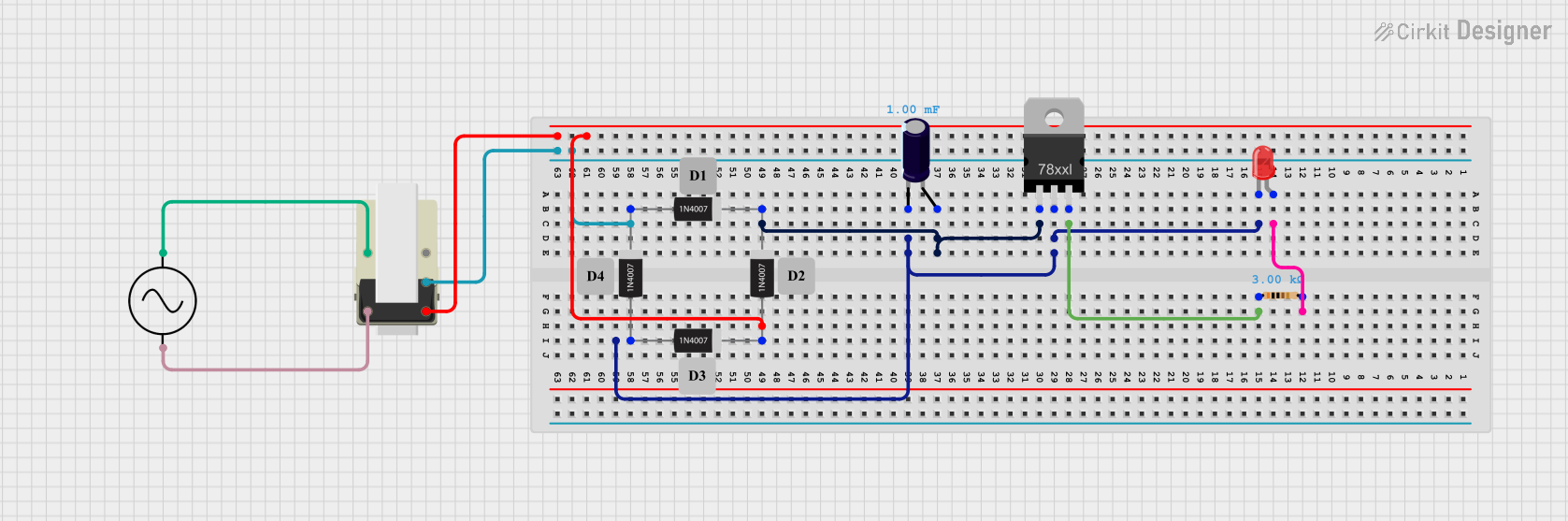 Open Project in Cirkit Designer
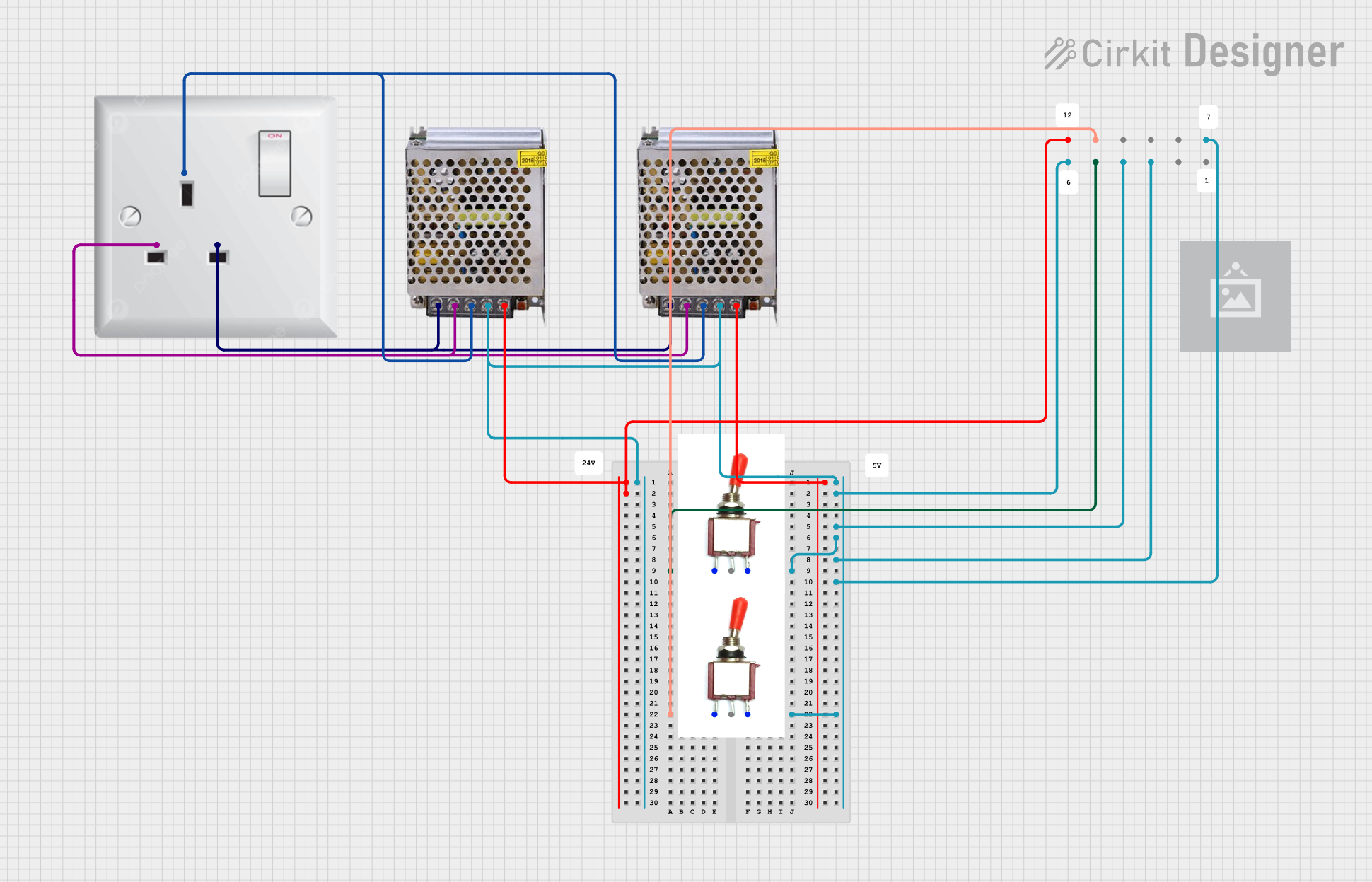 Open Project in Cirkit Designer
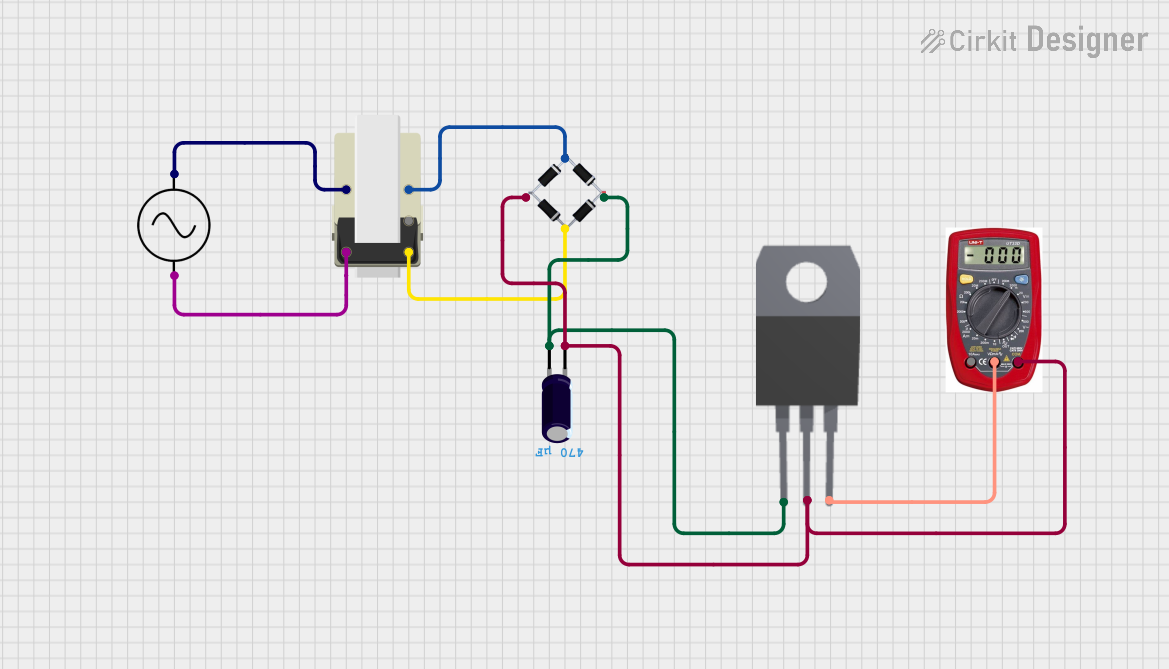 Open Project in Cirkit Designer
Explore Projects Built with Ac Supply
Open Project in Cirkit DesignerOpen Project in Cirkit DesignerOpen Project in Cirkit DesignerOpen Project in Cirkit DesignerCommon Applications and Use Cases
- Powering household appliances (e.g., refrigerators, televisions, and air conditioners)
- Supplying energy to industrial machinery and equipment
- Driving motors and HVAC systems
- Providing input power to AC-DC converters for electronic devices
- Lighting systems in homes and offices
Technical Specifications
The specifications of an AC supply can vary depending on the region and application. Below are general technical details:
| Parameter | Specification (Typical) |
|---|---|
| Voltage Range | 110V to 240V AC (region-dependent) |
| Frequency | 50 Hz or 60 Hz (region-dependent) |
| Waveform | Sinusoidal |
| Power Rating | Varies (e.g., 100W to several kW) |
| Output Type | Single-phase or three-phase |
| Connector Type | Standard wall plug or terminal connections |
Pin Configuration and Descriptions
For an AC supply, the pin configuration typically refers to the connections on the plug or terminal block. Below is a table describing the common pin assignments:
| Pin Name | Description |
|---|---|
| Live (L) | Carries the active AC voltage. |
| Neutral (N) | Completes the circuit and returns current to the source. |
| Ground (G) | Provides safety by connecting to the earth ground. |
Usage Instructions
How to Use the Component in a Circuit
- Identify the Voltage and Frequency Requirements: Ensure the AC supply matches the voltage and frequency requirements of your device or circuit.
- Connect the Live, Neutral, and Ground Wires:
- Use a properly rated power cord or terminal connections.
- Connect the live wire (L) to the live terminal of your device.
- Connect the neutral wire (N) to the neutral terminal.
- Connect the ground wire (G) to the ground terminal for safety.
- Use a Fuse or Circuit Breaker: Always include a fuse or circuit breaker in the live line to protect against overcurrent.
- Power On the Supply: Once all connections are secure, turn on the AC supply.
Important Considerations and Best Practices
- Safety First: Always ensure the AC supply is disconnected before making or modifying connections.
- Voltage Compatibility: Verify that the device or circuit is rated for the AC supply voltage and frequency.
- Grounding: Proper grounding is essential to prevent electric shock and protect equipment.
- Isolation: Use an isolation transformer if working with sensitive electronics or for added safety.
- Surge Protection: Consider using a surge protector to safeguard devices from voltage spikes.
Example: Using an AC Supply with an Arduino UNO
While the Arduino UNO operates on DC voltage, an AC supply can be used indirectly by converting AC to DC using an adapter or power supply module. Below is an example of powering an Arduino UNO with an AC supply:
- Use a 12V AC-DC adapter to convert the AC supply to 12V DC.
- Connect the adapter's output to the Arduino UNO's barrel jack or VIN pin.
// Example Arduino code to blink an LED
// This assumes the Arduino is powered via an AC-DC adapter.

const int ledPin = 13; // Built-in LED pin on most Arduino boards

void setup() {
  pinMode(ledPin, OUTPUT); // Set the LED pin as an output
}

void loop() {
  digitalWrite(ledPin, HIGH); // Turn the LED on
  delay(1000);               // Wait for 1 second
  digitalWrite(ledPin, LOW);  // Turn the LED off
  delay(1000);               // Wait for 1 second
}
Troubleshooting and FAQs
Common Issues Users Might Face
Device Not Powering On:
- Cause: Incorrect wiring or incompatible voltage.
- Solution: Double-check the connections and ensure the voltage matches the device's requirements.
Frequent Tripping of Circuit Breaker:
- Cause: Overloading or short circuit.
- Solution: Reduce the load or inspect for wiring faults.
Electric Shock When Touching the Device:
- Cause: Improper grounding.
- Solution: Ensure the ground wire is securely connected.
Noise or Flickering in Connected Devices:
- Cause: Poor power quality or loose connections.
- Solution: Use a voltage stabilizer or tighten all connections.
Solutions and Tips for Troubleshooting
- Use a multimeter to measure the AC voltage at the output terminals.
- Inspect all connections for signs of wear, corrosion, or damage.
- If using an AC-DC adapter, verify the adapter's output voltage and current ratings.
- For sensitive electronics, consider using an uninterruptible power supply (UPS) to maintain stable power.
By following these guidelines and best practices, you can safely and effectively use an AC supply in your projects and applications.