
How to Use QR204 Thermal Printer: Examples, Pinouts, and Specs
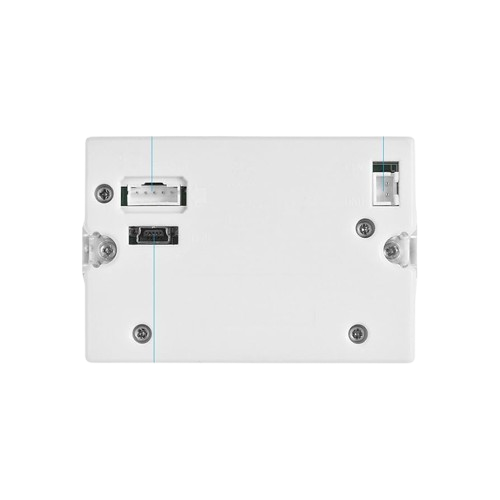
 Design with QR204 Thermal Printer in Cirkit Designer
Introduction
The QR204 Thermal Printer is a compact and efficient thermal printing device designed for high-quality printing of receipts, labels, and other small-format documents. Utilizing heat-sensitive paper, it eliminates the need for ink or toner, making it a cost-effective and low-maintenance solution. Its small size and lightweight design make it ideal for point-of-sale (POS) systems, mobile applications, kiosks, and embedded systems.
Explore Projects Built with QR204 Thermal Printer
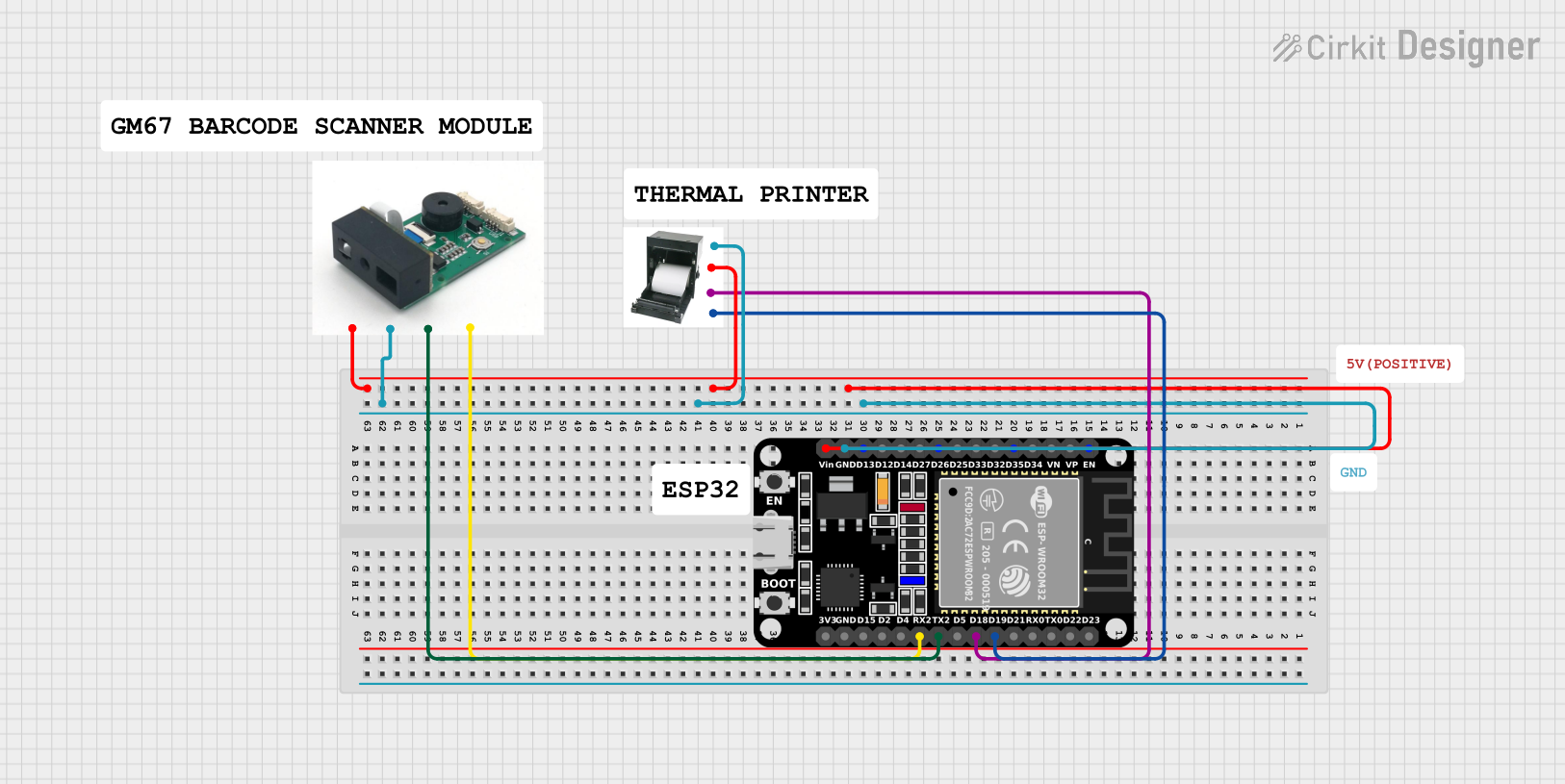 Open Project in Cirkit Designer
 Open Project in Cirkit Designer
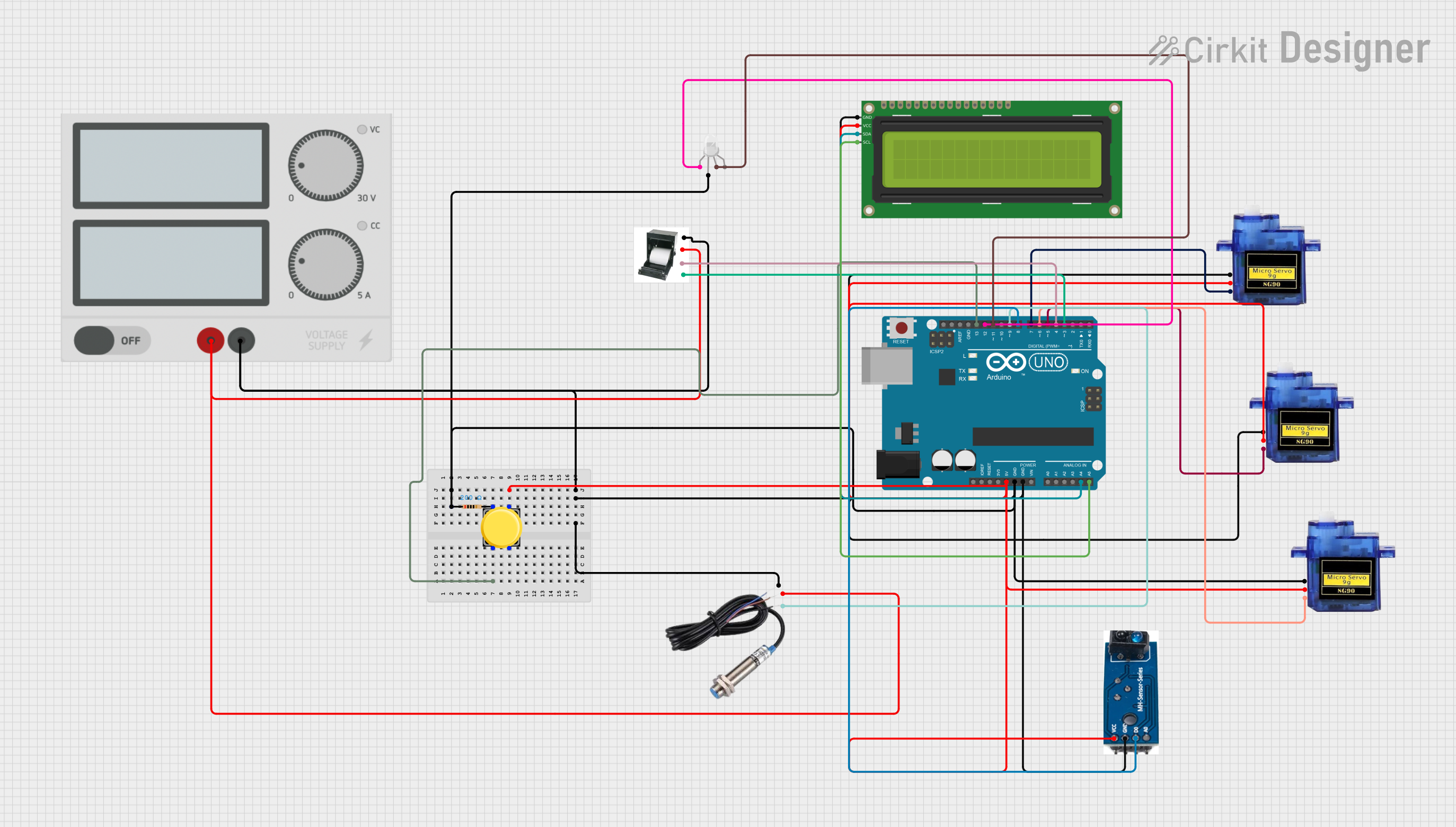 Open Project in Cirkit Designer
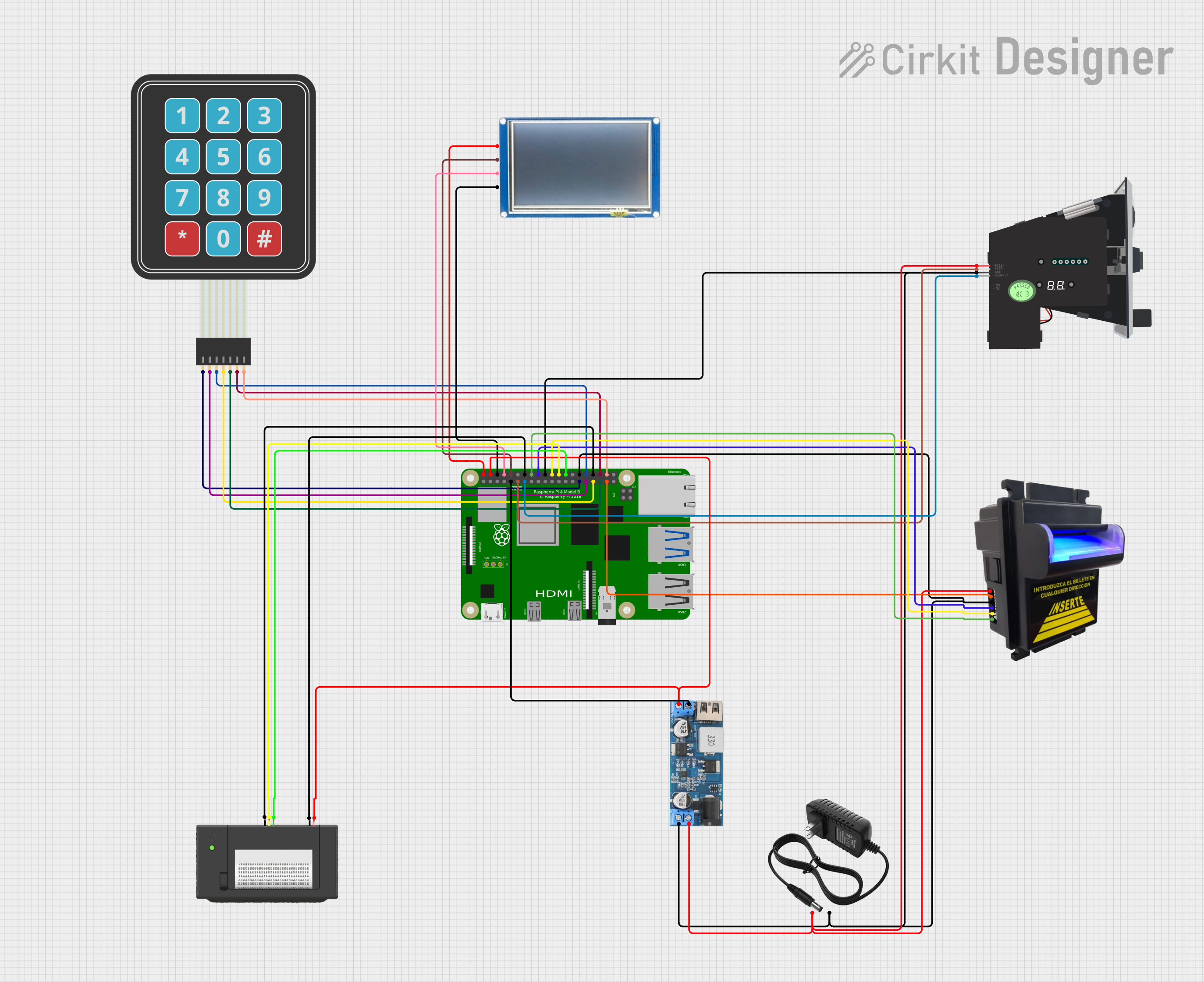 Open Project in Cirkit Designer
Explore Projects Built with QR204 Thermal Printer
Open Project in Cirkit DesignerOpen Project in Cirkit DesignerOpen Project in Cirkit DesignerOpen Project in Cirkit DesignerCommon Applications and Use Cases
- Point-of-sale (POS) systems for retail and hospitality
- Mobile receipt printing for delivery and logistics
- Label printing for inventory management
- Kiosks and ticketing systems
- Embedded systems requiring compact printing solutions
Technical Specifications
The QR204 Thermal Printer is designed to deliver reliable performance in a variety of applications. Below are its key technical details:
General Specifications
| Parameter | Value |
|---|---|
| Printing Method | Direct Thermal |
| Resolution | 203 DPI (8 dots/mm) |
| Printing Speed | Up to 80 mm/s |
| Paper Width | 58 mm |
| Paper Thickness | 0.06 mm to 0.08 mm |
| Interface | UART (TTL), USB |
| Power Supply | 5V DC, 2A |
| Dimensions | 80 mm x 70 mm x 45 mm |
| Weight | 200 g |
Pin Configuration and Descriptions
The QR204 Thermal Printer typically uses a UART interface for communication. Below is the pin configuration for the UART interface:
| Pin Number | Pin Name | Description |
|---|---|---|
| 1 | VCC | Power supply input (5V DC) |
| 2 | GND | Ground |
| 3 | TXD | Transmit data (output from printer) |
| 4 | RXD | Receive data (input to printer) |
| 5 | RTS | Request to send (flow control, optional) |
| 6 | CTS | Clear to send (flow control, optional) |
Usage Instructions
How to Use the QR204 Thermal Printer in a Circuit
- Power Supply: Connect the VCC pin to a stable 5V DC power source and the GND pin to ground. Ensure the power supply can provide at least 2A of current.
- Communication Interface: Use the UART interface to send and receive data. Connect the TXD pin of the printer to the RX pin of your microcontroller (e.g., Arduino UNO) and the RXD pin of the printer to the TX pin of the microcontroller.
- Paper Loading: Insert a roll of 58 mm thermal paper into the printer. Ensure the paper is properly aligned to avoid jams.
- Data Transmission: Send ASCII commands or data to the printer via the UART interface. The printer will process the data and print it on the thermal paper.
Important Considerations and Best Practices
- Power Stability: Use a regulated power supply to avoid voltage fluctuations that could damage the printer.
- Paper Quality: Use high-quality thermal paper to ensure clear and durable prints.
- Flow Control: If using RTS/CTS flow control, ensure the microcontroller supports it and configure it accordingly.
- Temperature: Operate the printer within the recommended temperature range (0°C to 50°C) to avoid overheating or print quality issues.
Example Code for Arduino UNO
Below is an example of how to interface the QR204 Thermal Printer with an Arduino UNO using the SoftwareSerial library:
#include <SoftwareSerial.h>

// Define RX and TX pins for SoftwareSerial
SoftwareSerial thermalPrinter(10, 11); // RX = 10, TX = 11

void setup() {
  // Initialize serial communication with the printer
  thermalPrinter.begin(9600); // Set baud rate to 9600
  Serial.begin(9600); // For debugging via Serial Monitor

  // Print a test message
  thermalPrinter.println("QR204 Thermal Printer Test");
  thermalPrinter.println("--------------------------");
  thermalPrinter.println("Hello, World!");
  thermalPrinter.println("Thank you for using QR204.");
  thermalPrinter.println("--------------------------");

  // Feed paper to ensure the message is fully printed
  thermalPrinter.write(0x1B); // ESC command
  thermalPrinter.write('d');  // Feed command
  thermalPrinter.write(4);    // Feed 4 lines
}

void loop() {
  // No actions in the loop
}
Note: Ensure the RX and TX pins of the printer are correctly connected to the Arduino UNO. The baud rate of the printer must match the baud rate set in the code.
Troubleshooting and FAQs
Common Issues and Solutions
Printer Not Responding
- Cause: Incorrect wiring or power supply issues.
- Solution: Double-check the connections, ensure the power supply is stable, and verify the UART wiring.
Poor Print Quality
- Cause: Low-quality thermal paper or dirty print head.
- Solution: Use high-quality thermal paper and clean the print head with a soft, lint-free cloth.
Paper Jams
- Cause: Misaligned paper or incorrect paper size.
- Solution: Ensure the paper is properly loaded and matches the specified width and thickness.
Data Not Printing
- Cause: Incorrect baud rate or communication settings.
- Solution: Verify the baud rate and UART settings in your code and ensure they match the printer's configuration.
FAQs
Q: Can the QR204 Thermal Printer print images?
A: Yes, the printer can print simple black-and-white images. You will need to convert the image into a bitmap format and send it as raw data.
Q: What is the maximum length of a single print?
A: The maximum print length depends on the available paper roll and the data sent to the printer. Ensure the data does not exceed the printer's buffer capacity.
Q: Does the printer support USB communication?
A: Yes, the QR204 supports USB communication in addition to UART. You may need a USB driver for your operating system.
Q: How do I adjust the print density?
A: The print density can be adjusted using specific ESC/POS commands. Refer to the printer's command set documentation for details.