
How to Use Deye SUN 8K-SG05LP1: Examples, Pinouts, and Specs
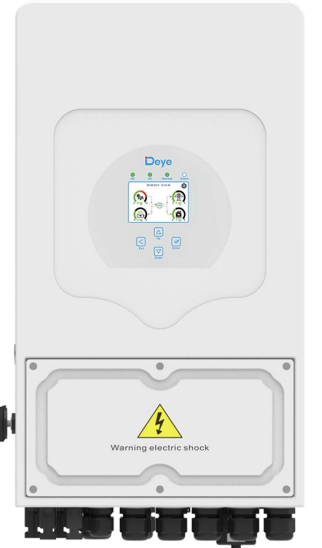
 Design with Deye SUN 8K-SG05LP1 in Cirkit Designer
Introduction
The Deye SUN 8K-SG05LP1 is a high-efficiency solar inverter designed to convert direct current (DC) electricity generated by solar panels into alternating current (AC) electricity suitable for powering homes and businesses. This inverter features advanced Maximum Power Point Tracking (MPPT) technology, ensuring optimal energy harvesting from solar panels. Its compact design and robust performance make it an ideal choice for residential and commercial solar energy systems.
Explore Projects Built with Deye SUN 8K-SG05LP1
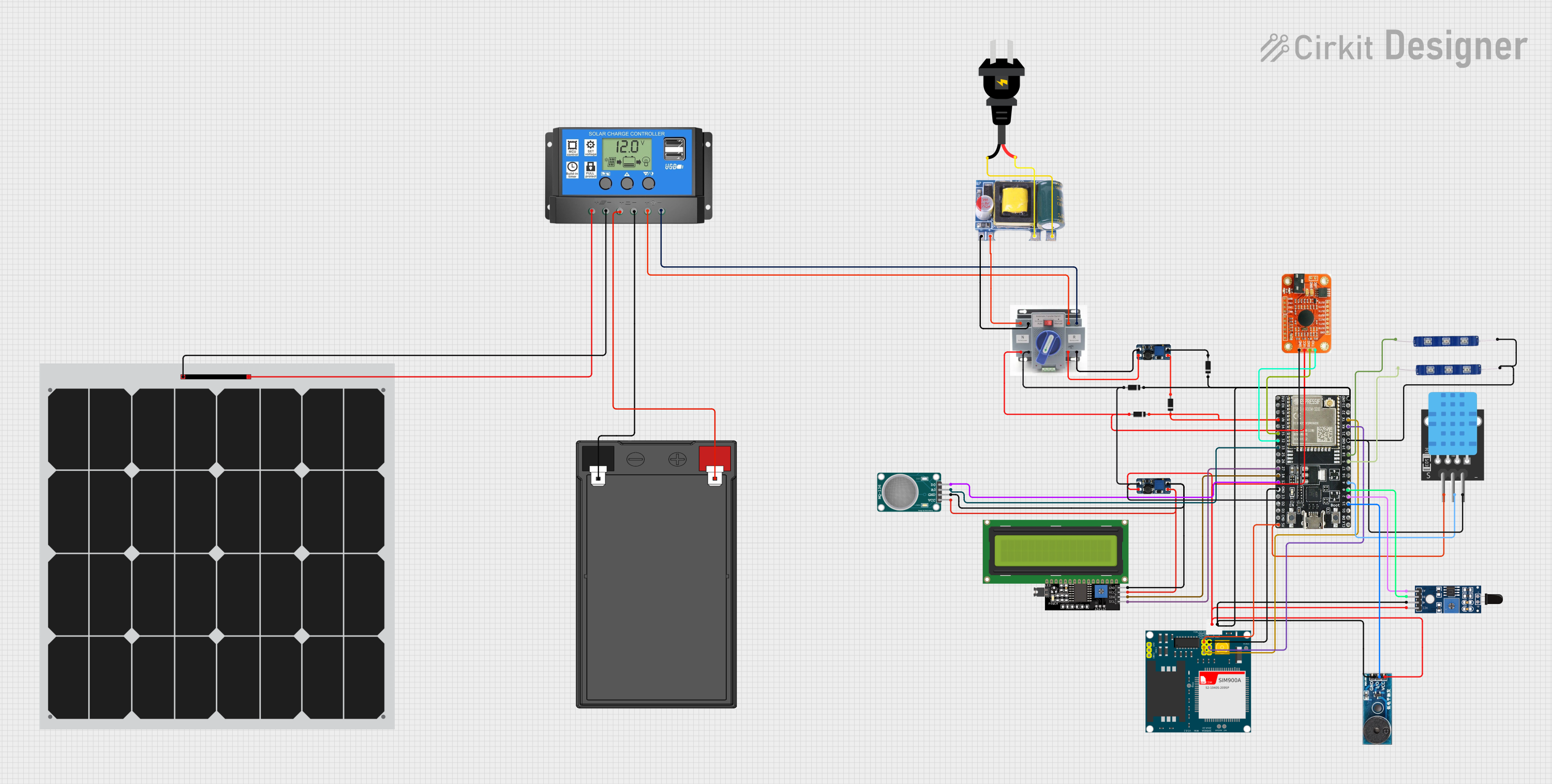 Open Project in Cirkit Designer
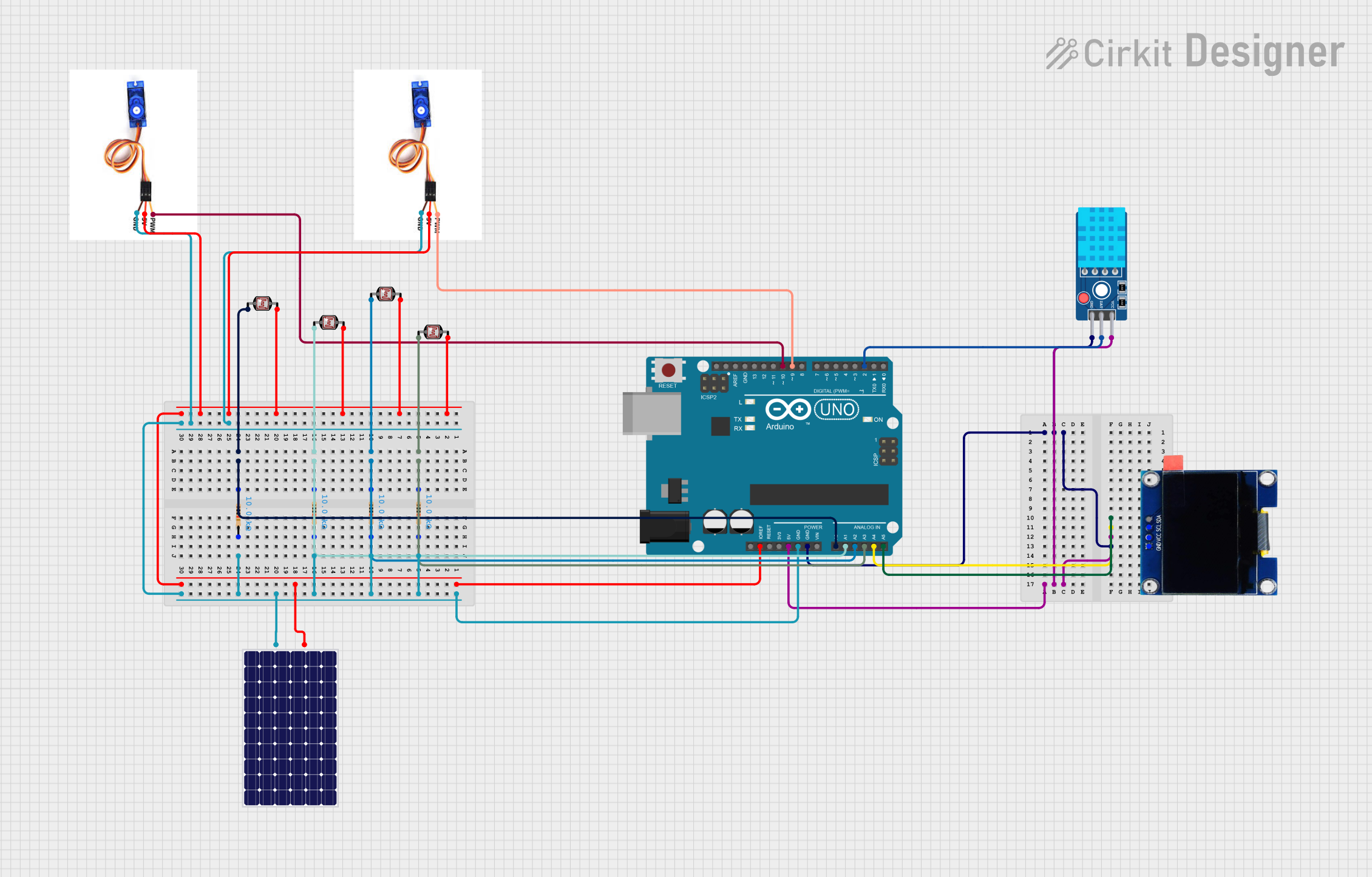 Open Project in Cirkit Designer
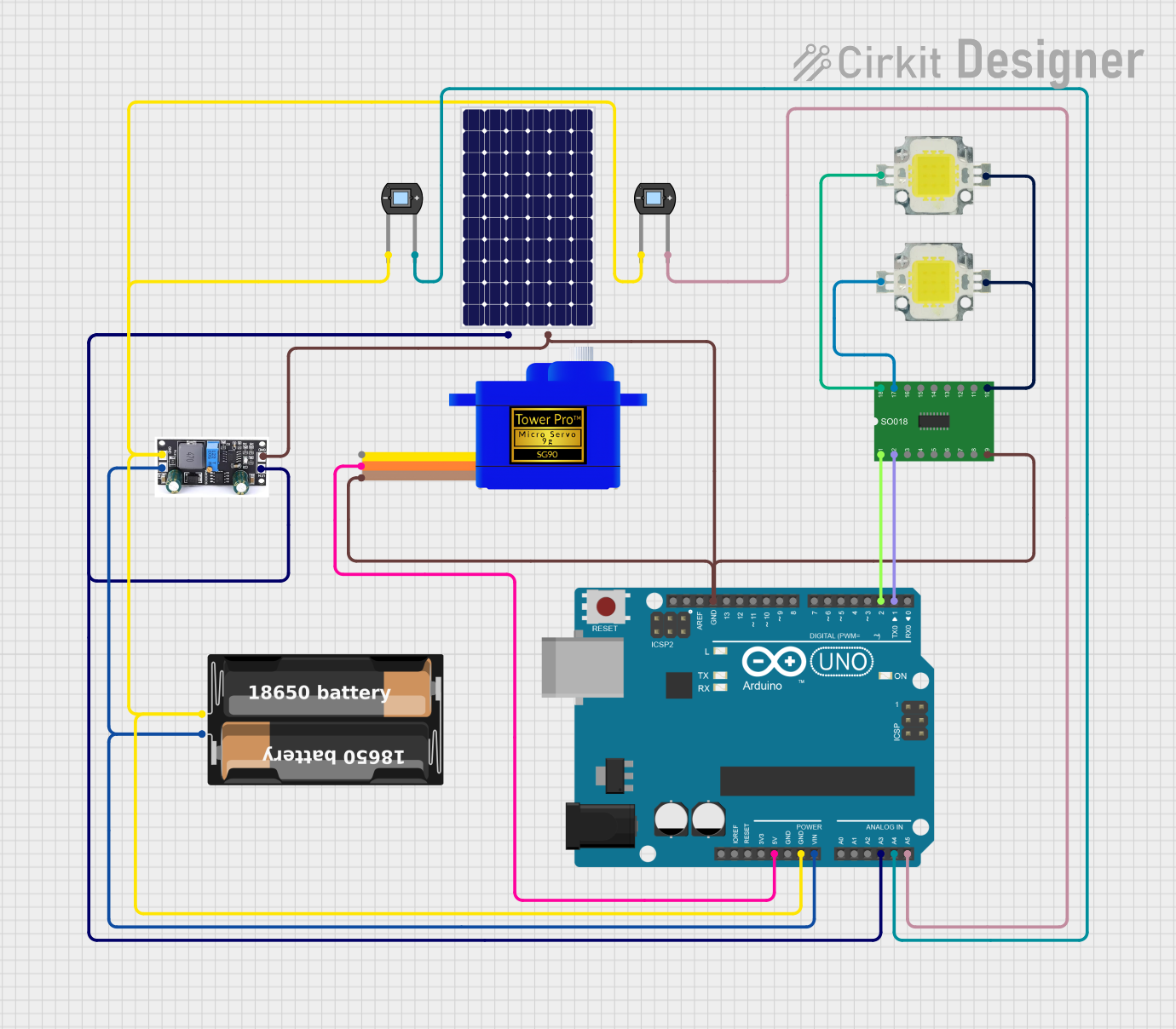 Open Project in Cirkit Designer
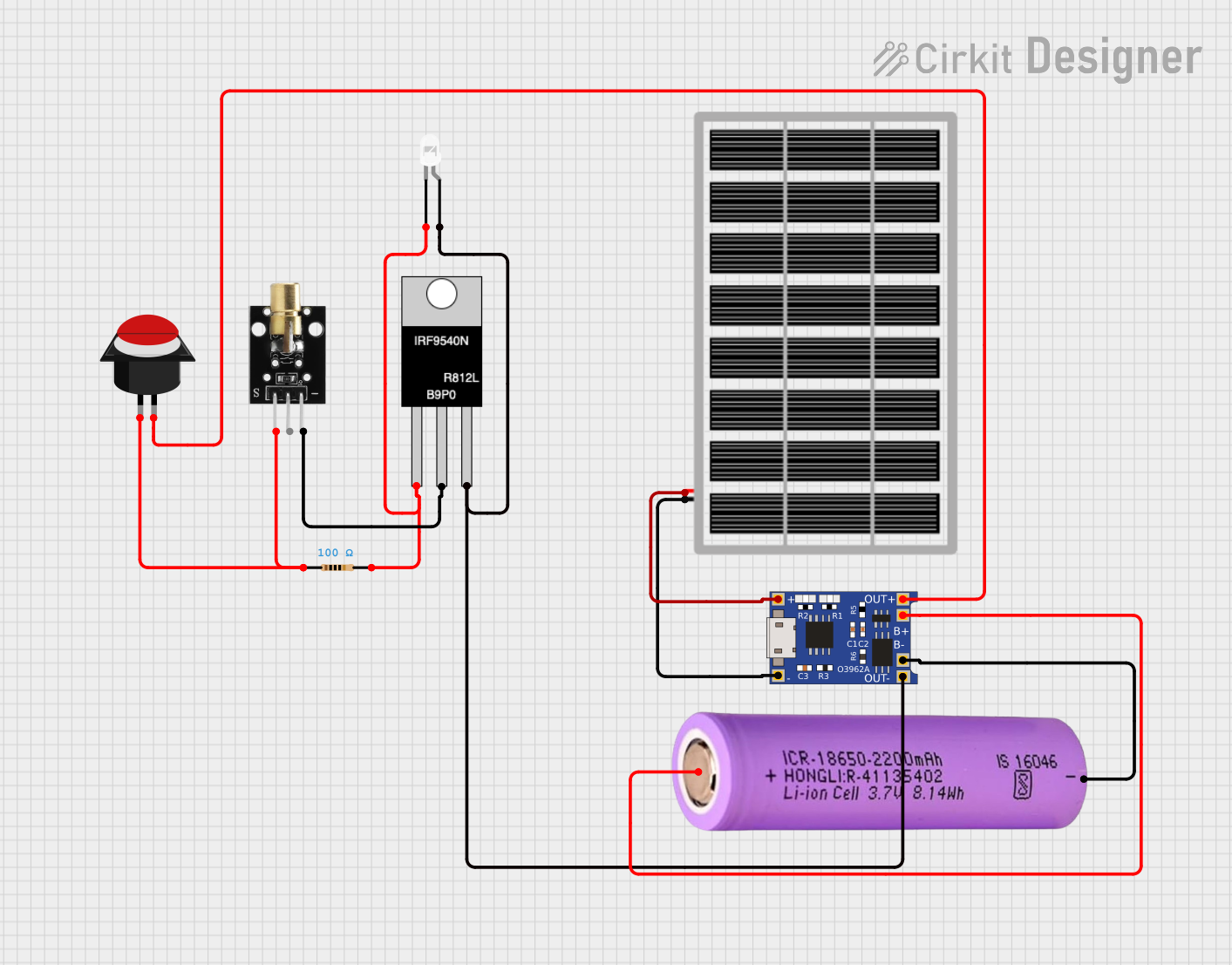 Open Project in Cirkit Designer
Explore Projects Built with Deye SUN 8K-SG05LP1
Open Project in Cirkit DesignerOpen Project in Cirkit DesignerOpen Project in Cirkit DesignerOpen Project in Cirkit DesignerCommon Applications and Use Cases
- Residential solar energy systems for powering household appliances.
- Commercial solar installations for reducing energy costs.
- Off-grid and hybrid solar systems with battery storage integration.
- Backup power systems for uninterrupted electricity supply.
Technical Specifications
Key Technical Details
| Parameter | Specification |
|---|---|
| Manufacturer | Deye |
| Model | SUN 8K-SG05LP1 |
| Rated Power Output | 8,000 W (8 kW) |
| Input Voltage Range (DC) | 125 V - 580 V |
| Maximum DC Input Voltage | 600 V |
| MPPT Voltage Range | 150 V - 550 V |
| Number of MPPT Trackers | 2 |
| Maximum Input Current (DC) | 12.5 A per MPPT |
| Output Voltage (AC) | 230 V / 400 V (Three-phase) |
| Output Frequency | 50 Hz / 60 Hz |
| Efficiency | Up to 97.6% |
| Communication Interfaces | RS485, Wi-Fi, optional Ethernet |
| Operating Temperature Range | -25°C to 60°C |
| Dimensions | 457 mm × 515 mm × 180 mm |
| Weight | 20 kg |
| Protection Features | Overvoltage, short circuit, overheat |
Pin Configuration and Descriptions
The Deye SUN 8K-SG05LP1 features multiple input and output terminals for DC and AC connections, as well as communication ports. Below is a summary of the key connections:
DC Input Terminals
| Pin Name | Description |
|---|---|
| PV+ (MPPT1) | Positive terminal for MPPT tracker 1 |
| PV- (MPPT1) | Negative terminal for MPPT tracker 1 |
| PV+ (MPPT2) | Positive terminal for MPPT tracker 2 |
| PV- (MPPT2) | Negative terminal for MPPT tracker 2 |
AC Output Terminals
| Pin Name | Description |
|---|---|
| L1 | Line 1 (Phase 1) |
| L2 | Line 2 (Phase 2) |
| L3 | Line 3 (Phase 3) |
| N | Neutral |
| PE | Protective Earth |
Communication Ports
| Port Name | Description |
|---|---|
| RS485 | For external monitoring and control |
| Wi-Fi Module | Wireless communication for monitoring |
| Ethernet (Opt) | Optional wired communication interface |
Usage Instructions
How to Use the Component in a Circuit
DC Input Connection:
- Connect the positive and negative terminals of the solar panel array to the corresponding PV+ and PV- terminals of the inverter.
- Ensure the input voltage is within the MPPT voltage range (150 V - 550 V) for optimal performance.
AC Output Connection:
- Connect the AC output terminals (L1, L2, L3, N, and PE) to the main distribution board or load.
- Verify that the output voltage matches the requirements of the connected appliances or grid.
Communication Setup:
- For remote monitoring, connect the RS485 port to a compatible monitoring device or use the Wi-Fi module for wireless communication.
- Configure the communication settings using the inverter's user interface or companion software.
Power On:
- After all connections are secure, switch on the inverter. The device will automatically detect the input voltage and begin operation.
Important Considerations and Best Practices
- Safety First: Always disconnect the inverter from the power source before performing any wiring or maintenance.
- Proper Grounding: Ensure the PE (Protective Earth) terminal is securely connected to prevent electrical hazards.
- Voltage Matching: Verify that the solar panel array's voltage and current are within the inverter's input specifications.
- Cooling: Install the inverter in a well-ventilated area to prevent overheating.
- Firmware Updates: Regularly check for firmware updates to ensure optimal performance and compatibility with monitoring systems.
Arduino Integration
While the Deye SUN 8K-SG05LP1 is not directly compatible with Arduino, it can be monitored using an Arduino-based system via the RS485 communication interface. Below is an example of Arduino code to read data from the inverter:
#include <ModbusMaster.h>

// Instantiate ModbusMaster object
ModbusMaster node;

void setup() {
  Serial.begin(9600); // Initialize serial communication
  node.begin(1, Serial); // Set Modbus slave ID to 1
}

void loop() {
  uint8_t result;
  uint16_t data[2];

  // Read inverter status (example register address: 0x0001)
  result = node.readHoldingRegisters(0x0001, 2);

  if (result == node.ku8MBSuccess) {
    data[0] = node.getResponseBuffer(0); // First register value
    data[1] = node.getResponseBuffer(1); // Second register value

    // Print the data to the serial monitor
    Serial.print("Inverter Status: ");
    Serial.print(data[0]);
    Serial.print(", ");
    Serial.println(data[1]);
  } else {
    Serial.println("Failed to read data from inverter.");
  }

  delay(1000); // Wait 1 second before the next read
}
Note: Replace the register address (
0x0001) with the appropriate address for the desired data. Consult the inverter's communication protocol documentation for details.
Troubleshooting and FAQs
Common Issues Users Might Face
Inverter Not Powering On:
- Cause: Insufficient DC input voltage or loose connections.
- Solution: Check the solar panel array's voltage and ensure all connections are secure.
Low Efficiency:
- Cause: Solar panels operating outside the MPPT voltage range.
- Solution: Adjust the panel configuration to ensure the voltage is within 150 V - 550 V.
Communication Failure:
- Cause: Incorrect RS485 wiring or configuration.
- Solution: Verify the wiring and ensure the communication settings (baud rate, slave ID) match the inverter's configuration.
Overheating:
- Cause: Poor ventilation or high ambient temperature.
- Solution: Install the inverter in a cooler, well-ventilated location.
Solutions and Tips for Troubleshooting
- Check Error Codes: Refer to the inverter's display or companion app for error codes and their meanings.
- Inspect Connections: Regularly inspect all electrical connections for signs of wear or damage.
- Monitor Performance: Use the monitoring system to track the inverter's performance and identify potential issues early.
By following this documentation, users can effectively install, operate, and maintain the Deye SUN 8K-SG05LP1 solar inverter for reliable and efficient energy conversion.