
How to Use Touch sensor With LED: Examples, Pinouts, and Specs

 Design with Touch sensor With LED in Cirkit Designer
Introduction
The TTP233H-HA6 touch sensor, manufactured by Tontek Design Technology, is a capacitive touch sensor designed to detect physical touch and activate an LED indicator. This component is widely used in interactive devices, user interfaces, and touch-based control systems. It offers a simple and reliable way to replace traditional mechanical buttons with a touch-sensitive interface.
Explore Projects Built with Touch sensor With LED
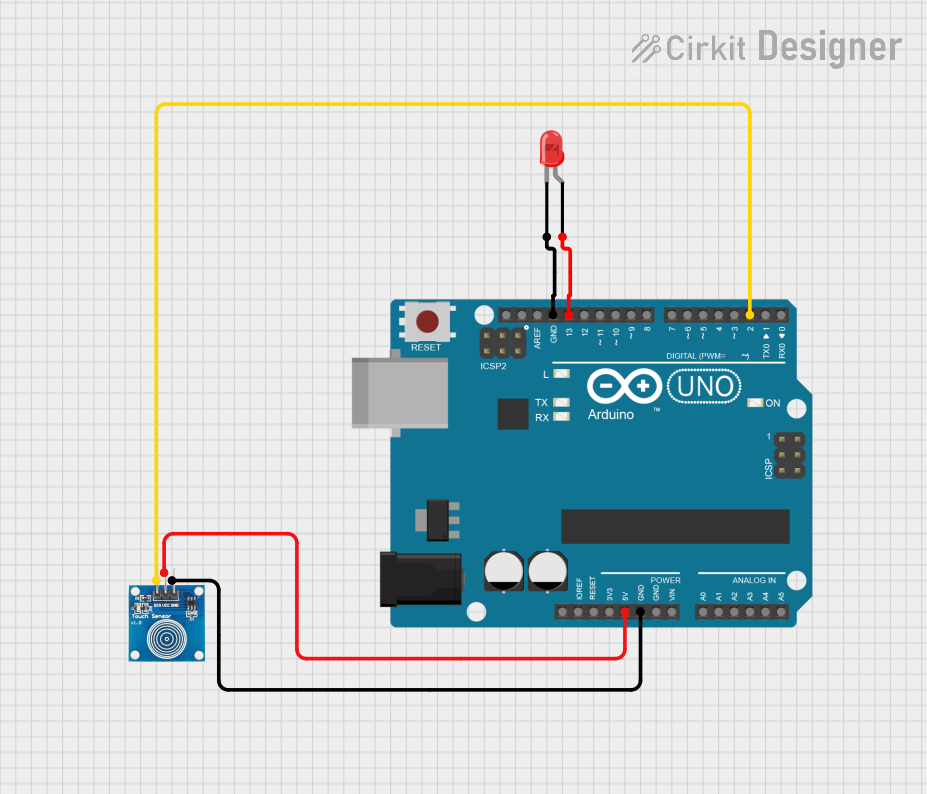 Open Project in Cirkit Designer
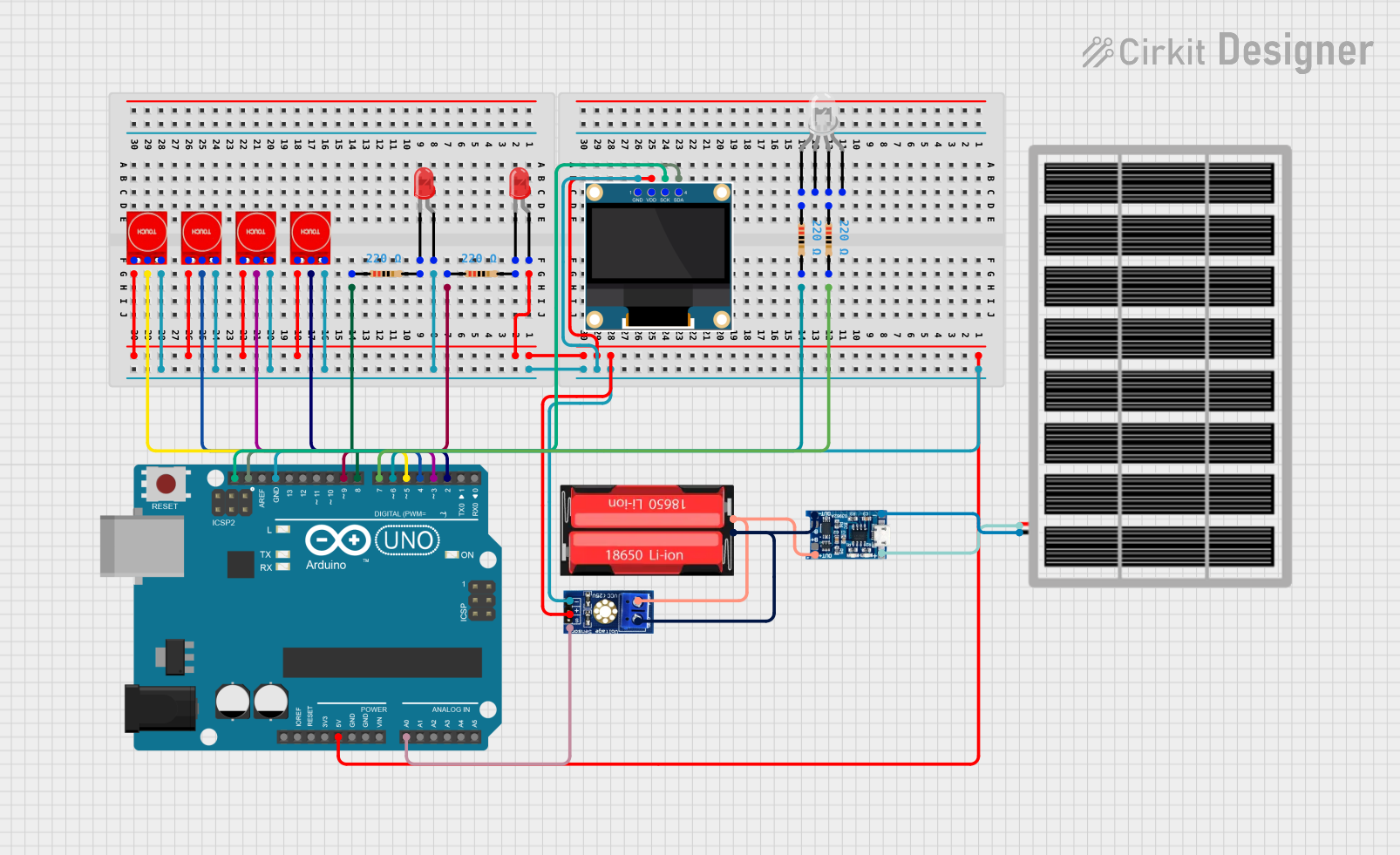 Open Project in Cirkit Designer
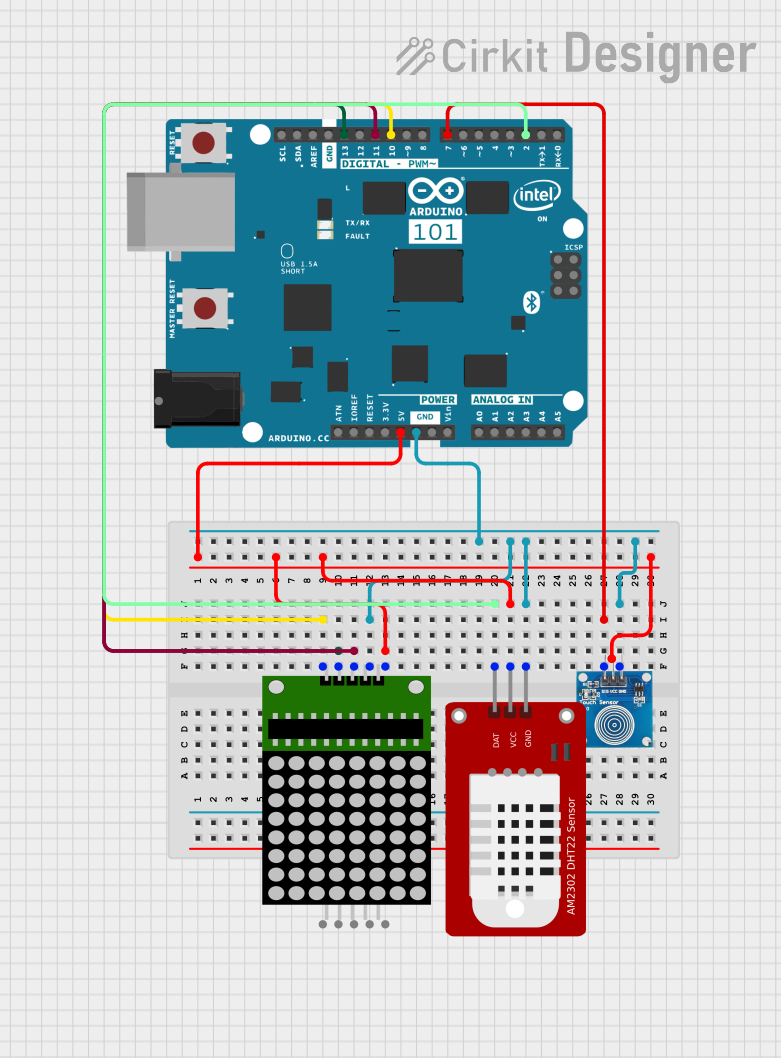 Open Project in Cirkit Designer
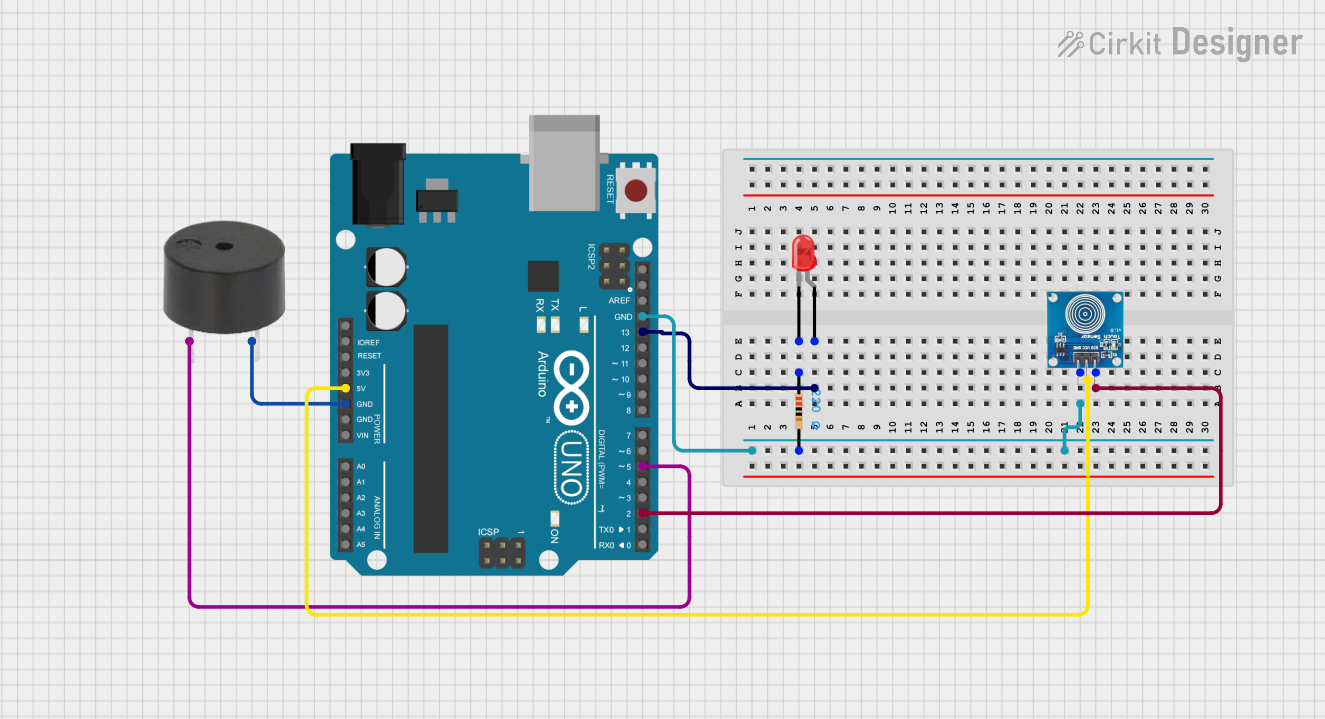 Open Project in Cirkit Designer
Explore Projects Built with Touch sensor With LED
Open Project in Cirkit DesignerOpen Project in Cirkit DesignerOpen Project in Cirkit DesignerOpen Project in Cirkit DesignerCommon Applications
- Touch-sensitive switches for home automation
- Interactive displays and control panels
- Consumer electronics (e.g., lamps, appliances)
- Prototyping and DIY projects
- Embedded systems with touch-based input
Technical Specifications
The TTP233H-HA6 touch sensor is a low-power, high-sensitivity device with the following key specifications:
| Parameter | Value |
|---|---|
| Operating Voltage | 2.0V to 5.5V |
| Operating Current | < 8µA (at 3V, no load) |
| Response Time | ~60ms (fast mode) |
| Output Type | Active Low (default) |
| Touch Sensitivity | Adjustable via external capacitor |
| Operating Temperature | -40°C to +85°C |
| LED Indicator | Built-in |
Pin Configuration and Descriptions
The TTP233H-HA6 is typically available in a 6-pin SOT-23-6 package. Below is the pinout and description:
| Pin | Name | Description |
|---|---|---|
| 1 | VDD | Power supply input (2.0V to 5.5V). Connect to the positive terminal of the power source. |
| 2 | OUT | Output pin. Goes LOW when touch is detected. Can drive an LED or interface with a microcontroller. |
| 3 | AHLB | Active High/Low selection. Connect to GND for active LOW output (default). |
| 4 | MODE | Mode selection. Connect to GND for fast mode or VDD for low-power mode. |
| 5 | VSS | Ground. Connect to the negative terminal of the power source. |
| 6 | TPAD | Touchpad input. Connect to a conductive touch surface (e.g., copper pad). |
Usage Instructions
How to Use the Component in a Circuit
- Power Supply: Connect the VDD pin to a 3.3V or 5V power source and the VSS pin to ground.
- Touchpad Connection: Attach a conductive material (e.g., copper foil) to the TPAD pin to act as the touch-sensitive surface.
- Output Connection: Connect the OUT pin to an LED (with a current-limiting resistor) or to a microcontroller input pin.
- Mode Selection:
- For fast response, connect the MODE pin to ground.
- For low-power operation, connect the MODE pin to VDD.
- Active Output Selection:
- For active LOW output (default), connect the AHLB pin to ground.
- For active HIGH output, connect the AHLB pin to VDD.
Example Circuit
Below is a simple circuit to use the TTP233H-HA6 with an LED indicator:
VDD (3.3V/5V) ----+----[10kΩ]---- MODE (GND for fast mode)
                  |
                  +---- AHLB (GND for active LOW)
                  |
                  +---- VDD Pin (Power Input)
                  |
                 [LED]----[330Ω]---- OUT Pin
                  |
                 GND ---- VSS Pin
Using with Arduino UNO
The TTP233H-HA6 can be easily interfaced with an Arduino UNO. The OUT pin can be connected to a digital input pin on the Arduino to detect touch events. Below is an example Arduino sketch:
// Define the pin connected to the TTP233H-HA6 OUT pin
const int touchPin = 2;  // Digital pin 2
const int ledPin = 13;   // Built-in LED on Arduino UNO

void setup() {
  pinMode(touchPin, INPUT);  // Set touchPin as input
  pinMode(ledPin, OUTPUT);   // Set ledPin as output
  Serial.begin(9600);        // Initialize serial communication
}

void loop() {
  int touchState = digitalRead(touchPin);  // Read the touch sensor state

  if (touchState == LOW) {  // Active LOW output indicates touch detected
    digitalWrite(ledPin, HIGH);  // Turn on the LED
    Serial.println("Touch detected!");
  } else {
    digitalWrite(ledPin, LOW);   // Turn off the LED
  }

  delay(100);  // Small delay for stability
}
Important Considerations and Best Practices
- Touchpad Design: Use a smooth, conductive material for the touchpad to ensure reliable touch detection.
- Debouncing: If the sensor output is noisy, consider adding software debouncing in your microcontroller code.
- Power Supply: Ensure a stable power supply to avoid erratic behavior.
- Output Load: Do not exceed the maximum current rating of the OUT pin. Use a current-limiting resistor for LEDs.
Troubleshooting and FAQs
Common Issues and Solutions
Sensor Not Responding:
- Verify the power supply connections to VDD and VSS.
- Check the touchpad connection to the TPAD pin.
- Ensure the MODE and AHLB pins are correctly configured.
False Touch Detection:
- Reduce noise by adding a decoupling capacitor (e.g., 0.1µF) between VDD and VSS.
- Ensure the touchpad is not exposed to excessive electrical interference.
LED Not Lighting Up:
- Check the LED polarity and the current-limiting resistor value.
- Verify the connection between the OUT pin and the LED.
Intermittent Behavior:
- Ensure a stable power supply and proper grounding.
- Check for loose connections in the circuit.
FAQs
Q: Can I use the TTP233H-HA6 with a 3.3V microcontroller?
A: Yes, the TTP233H-HA6 operates within a voltage range of 2.0V to 5.5V, making it compatible with 3.3V systems.
Q: How do I adjust the touch sensitivity?
A: The touch sensitivity can be adjusted by changing the value of the external capacitor connected to the TPAD pin. Refer to the manufacturer's datasheet for recommended values.
Q: Can I use multiple TTP233H-HA6 sensors in the same circuit?
A: Yes, but ensure each sensor has its own touchpad and does not share the same conductive surface to avoid interference.
Q: What is the maximum distance for touch detection?
A: The detection distance depends on the size and material of the touchpad. Larger conductive surfaces typically allow for greater detection distances.