
How to Use HG7881 H-Bridge 4CH DC - 2CH Stepper Motor Driver Board: Examples, Pinouts, and Specs
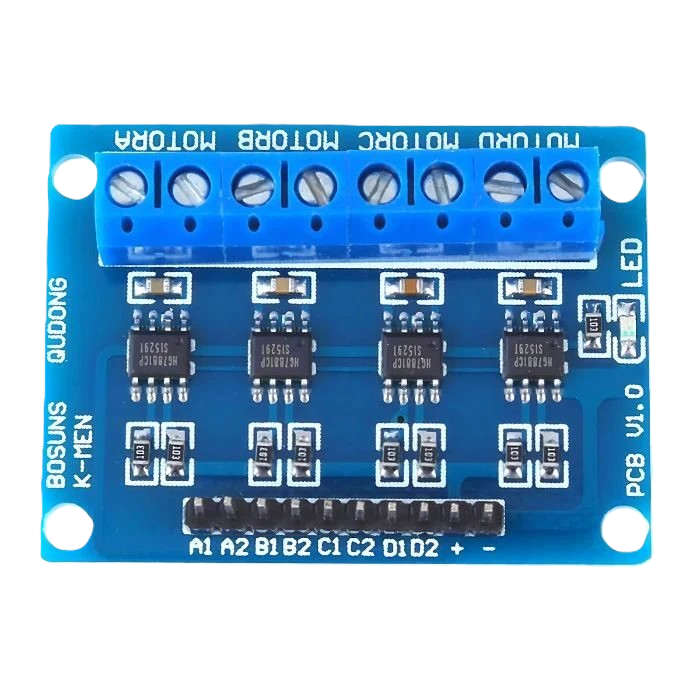
 Design with HG7881 H-Bridge 4CH DC - 2CH Stepper Motor Driver Board in Cirkit Designer
Introduction
The HG7881 H-Bridge 4CH DC - 2CH Stepper Motor Driver Board, manufactured by Adafruit (Part ID: HG7881 H-Bridge 4CH DC - 2CH Stepper Motor Driver Board), is a compact and efficient motor driver board. It is designed to control up to four DC motors or two stepper motors, providing bidirectional control and speed regulation. The board is based on the HG7881 H-Bridge IC, which ensures reliable and efficient motor operation.
This motor driver board is ideal for robotics, automation, and other projects requiring precise motor control. Its small size and ease of use make it a popular choice for hobbyists and professionals alike.
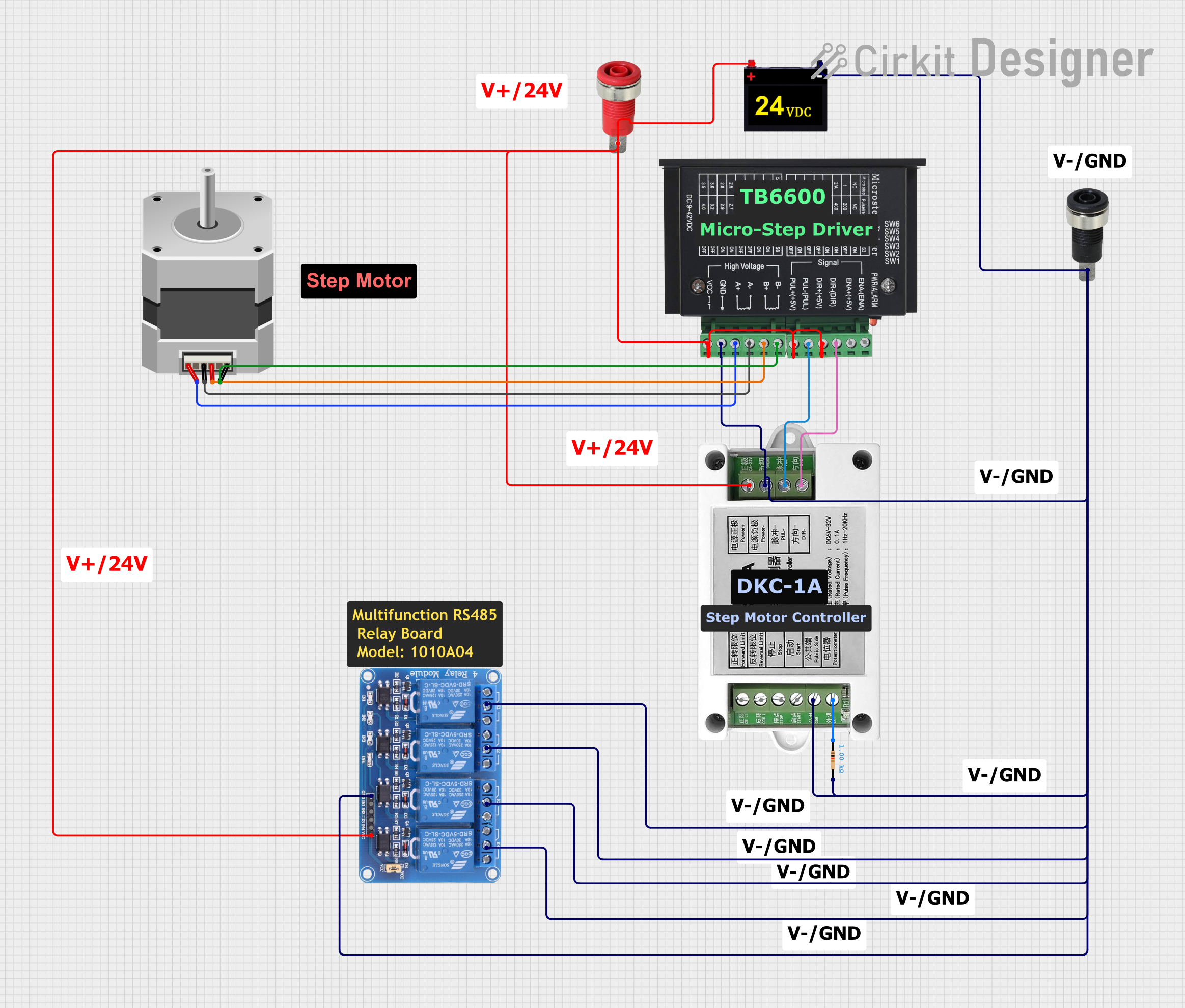
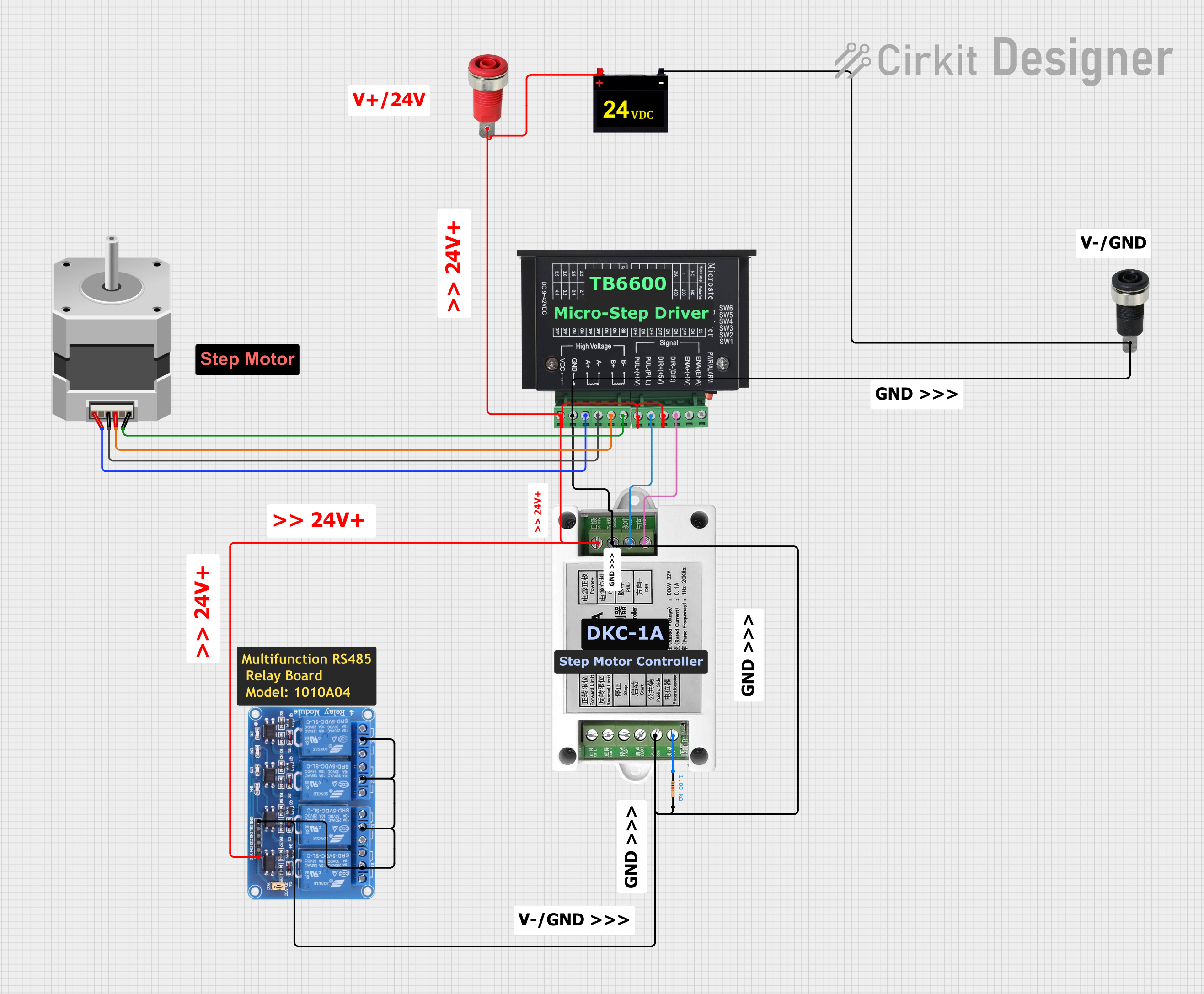
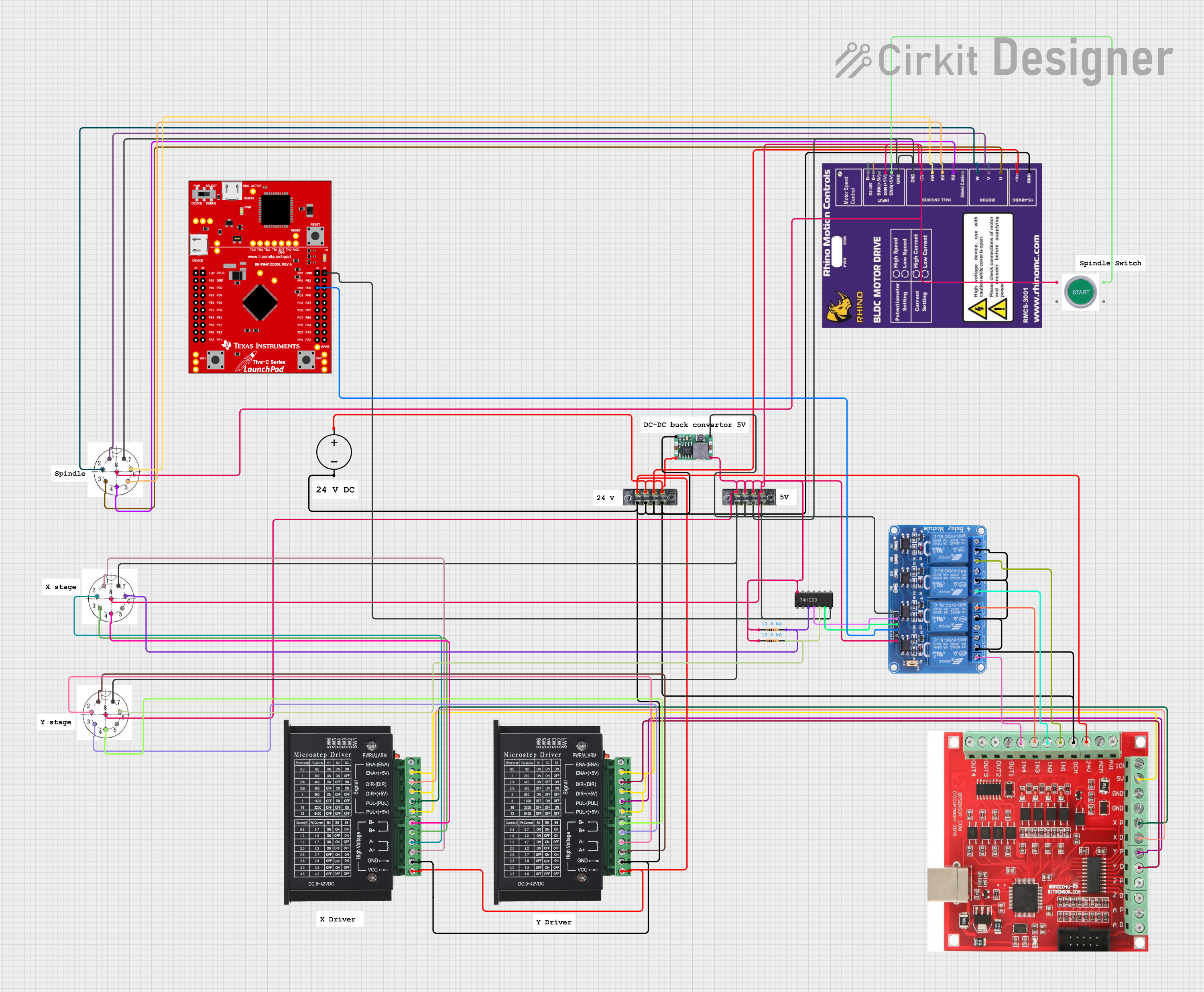
Explore Projects Built with HG7881 H-Bridge 4CH DC - 2CH Stepper Motor Driver Board
 Open Project in Cirkit Designer
 Open Project in Cirkit Designer
 Open Project in Cirkit Designer
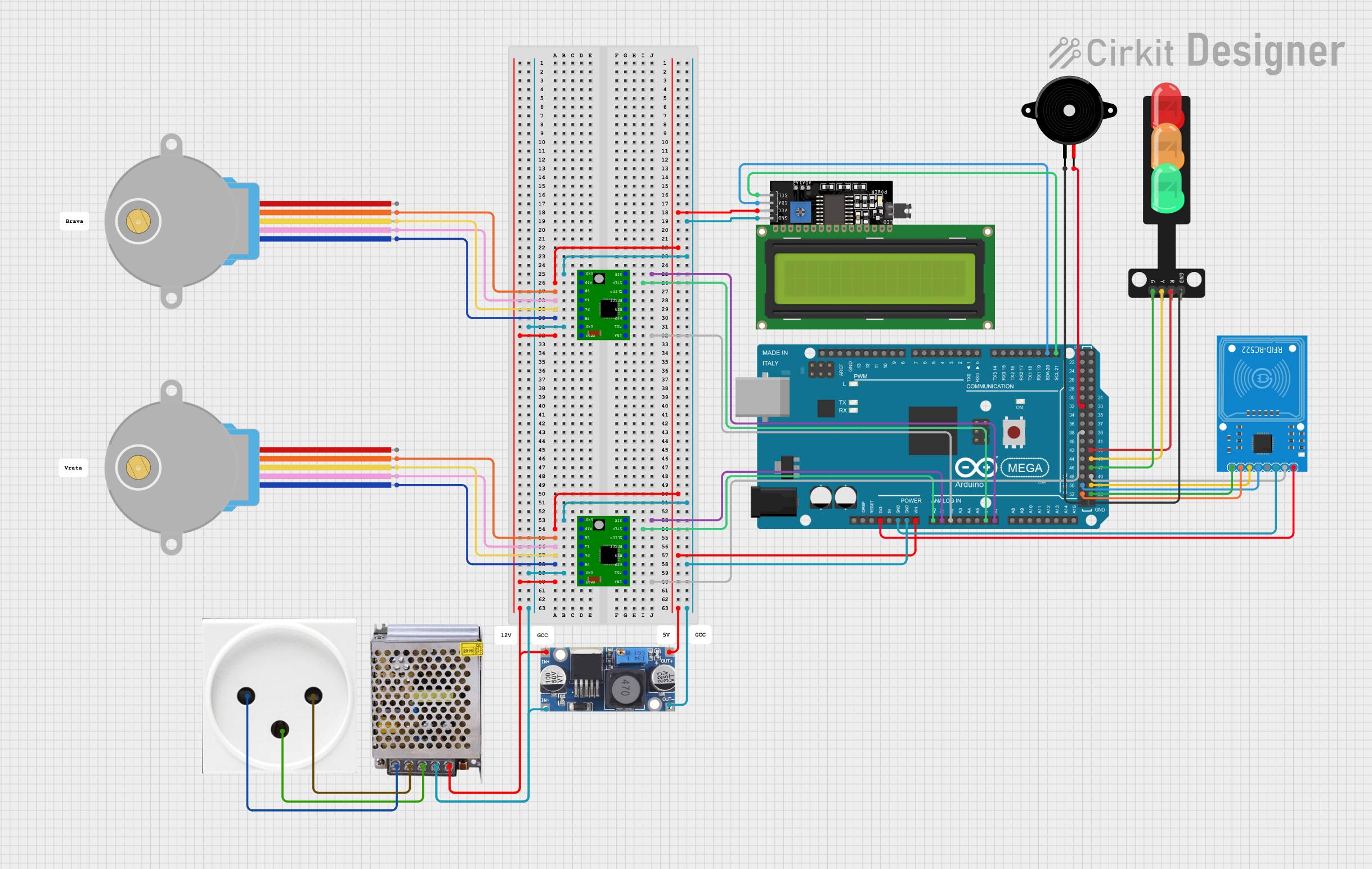 Open Project in Cirkit Designer
Explore Projects Built with HG7881 H-Bridge 4CH DC - 2CH Stepper Motor Driver Board
Open Project in Cirkit DesignerOpen Project in Cirkit DesignerOpen Project in Cirkit DesignerOpen Project in Cirkit DesignerCommon Applications
- Robotics and automation systems
- Remote-controlled vehicles
- Conveyor belts and motorized platforms
- DIY projects involving DC or stepper motors
- Educational projects for learning motor control
Technical Specifications
Key Technical Details
- Input Voltage (VCC): 2.5V to 12V DC
- Output Current (per channel): 800mA (maximum)
- Control Logic Voltage: 2.5V to 6V
- Number of Channels: 4 (for DC motors) or 2 (for stepper motors)
- Motor Type Support: DC motors and stepper motors
- Dimensions: 29mm x 23mm x 8mm
- Weight: ~5g
- Operating Temperature Range: -20°C to 85°C
Pin Configuration and Descriptions
The HG7881 motor driver board has the following pin layout:
Input Pins (Control Logic)
| Pin Name | Description |
|---|---|
| IN1 | Control input for Motor A (Channel 1) |
| IN2 | Control input for Motor A (Channel 2) |
| IN3 | Control input for Motor B (Channel 3) |
| IN4 | Control input for Motor B (Channel 4) |
Output Pins (Motor Connections)
| Pin Name | Description |
|---|---|
| OUT1 | Output for Motor A (Channel 1) |
| OUT2 | Output for Motor A (Channel 2) |
| OUT3 | Output for Motor B (Channel 3) |
| OUT4 | Output for Motor B (Channel 4) |
Power and Ground Pins
| Pin Name | Description |
|---|---|
| VCC | Power supply input (2.5V to 12V DC) |
| GND | Ground connection |
Usage Instructions
How to Use the Component in a Circuit
Power the Board:
- Connect the VCC pin to a DC power source (2.5V to 12V).
- Connect the GND pin to the ground of your power source.
Connect Motors:
- For DC motors, connect the motor terminals to the corresponding output pins (e.g., OUT1 and OUT2 for Motor A).
- For stepper motors, connect the motor coils to the output pins (e.g., OUT1, OUT2, OUT3, and OUT4).
Control Logic:
- Use a microcontroller (e.g., Arduino UNO) to send control signals to the input pins (IN1, IN2, IN3, IN4).
- Set the input pins HIGH or LOW to control the direction and speed of the motors.
Speed Control:
- Use PWM (Pulse Width Modulation) signals on the input pins to regulate motor speed.
Important Considerations and Best Practices
- Ensure the power supply voltage matches the motor's operating voltage.
- Do not exceed the maximum current rating of 800mA per channel.
- Use proper heat dissipation methods if operating at high currents for extended periods.
- Double-check all connections before powering the board to avoid damage.
Example Code for Arduino UNO
The following example demonstrates how to control a DC motor connected to the HG7881 motor driver board using an Arduino UNO.
// Example: Controlling a DC motor with HG7881 and Arduino UNO

// Define control pins for Motor A
const int IN1 = 9; // Connect to IN1 on the motor driver
const int IN2 = 10; // Connect to IN2 on the motor driver

void setup() {
  // Set motor control pins as outputs
  pinMode(IN1, OUTPUT);
  pinMode(IN2, OUTPUT);
}

void loop() {
  // Rotate motor forward
  digitalWrite(IN1, HIGH); // Set IN1 HIGH
  digitalWrite(IN2, LOW);  // Set IN2 LOW
  delay(2000);             // Run motor for 2 seconds

  // Stop motor
  digitalWrite(IN1, LOW);  // Set IN1 LOW
  digitalWrite(IN2, LOW);  // Set IN2 LOW
  delay(1000);             // Wait for 1 second

  // Rotate motor backward
  digitalWrite(IN1, LOW);  // Set IN1 LOW
  digitalWrite(IN2, HIGH); // Set IN2 HIGH
  delay(2000);             // Run motor for 2 seconds

  // Stop motor
  digitalWrite(IN1, LOW);  // Set IN1 LOW
  digitalWrite(IN2, LOW);  // Set IN2 LOW
  delay(1000);             // Wait for 1 second
}
Troubleshooting and FAQs
Common Issues and Solutions
Motor Not Spinning:
- Cause: Incorrect wiring or loose connections.
- Solution: Double-check all connections, ensuring the motor is properly connected to the output pins and the control signals are correctly applied.
Motor Spins in the Wrong Direction:
- Cause: Control signals are reversed.
- Solution: Swap the HIGH and LOW signals on the input pins (e.g., IN1 and IN2).
Motor Speed is Inconsistent:
- Cause: Insufficient power supply or unstable PWM signals.
- Solution: Use a stable power source and ensure the PWM signal is properly configured.
Board Overheating:
- Cause: Exceeding the maximum current rating.
- Solution: Reduce the load on the motor or use a heat sink for better heat dissipation.
FAQs
Can I use this board to control a servo motor?
- No, this board is designed for DC and stepper motors. Servo motors require a different control mechanism.
What happens if I exceed the voltage rating?
- Exceeding the voltage rating can damage the board and connected components. Always stay within the specified voltage range.
Can I control multiple motors simultaneously?
- Yes, you can control up to four DC motors or two stepper motors simultaneously using this board.
Is this board compatible with Raspberry Pi?
- Yes, the board can be controlled by a Raspberry Pi, but you may need level shifters if the control logic voltage differs.
This concludes the documentation for the HG7881 H-Bridge 4CH DC - 2CH Stepper Motor Driver Board.