
How to Use NEO-M8N: Examples, Pinouts, and Specs
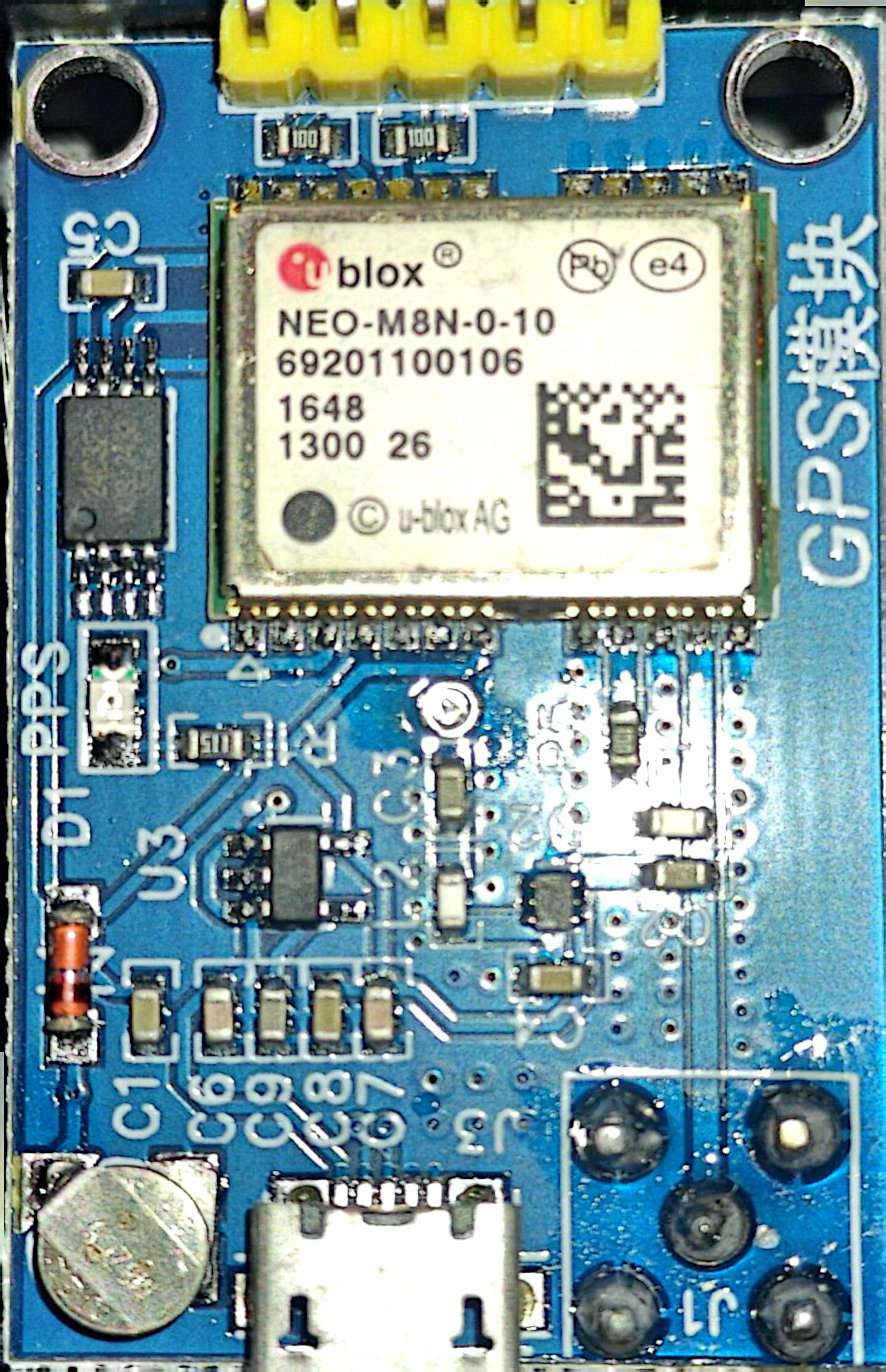
 Design with NEO-M8N in Cirkit Designer
Introduction
The NEO-M8N, manufactured by u-blox, is a high-performance GPS module designed for accurate and reliable positioning. It supports multiple Global Navigation Satellite Systems (GNSS), including GPS, GLONASS, Galileo, and BeiDou, enabling robust and precise location tracking in a wide range of environments. The module is compact, power-efficient, and highly versatile, making it suitable for applications such as automotive navigation, drones, IoT devices, and geolocation-based systems.
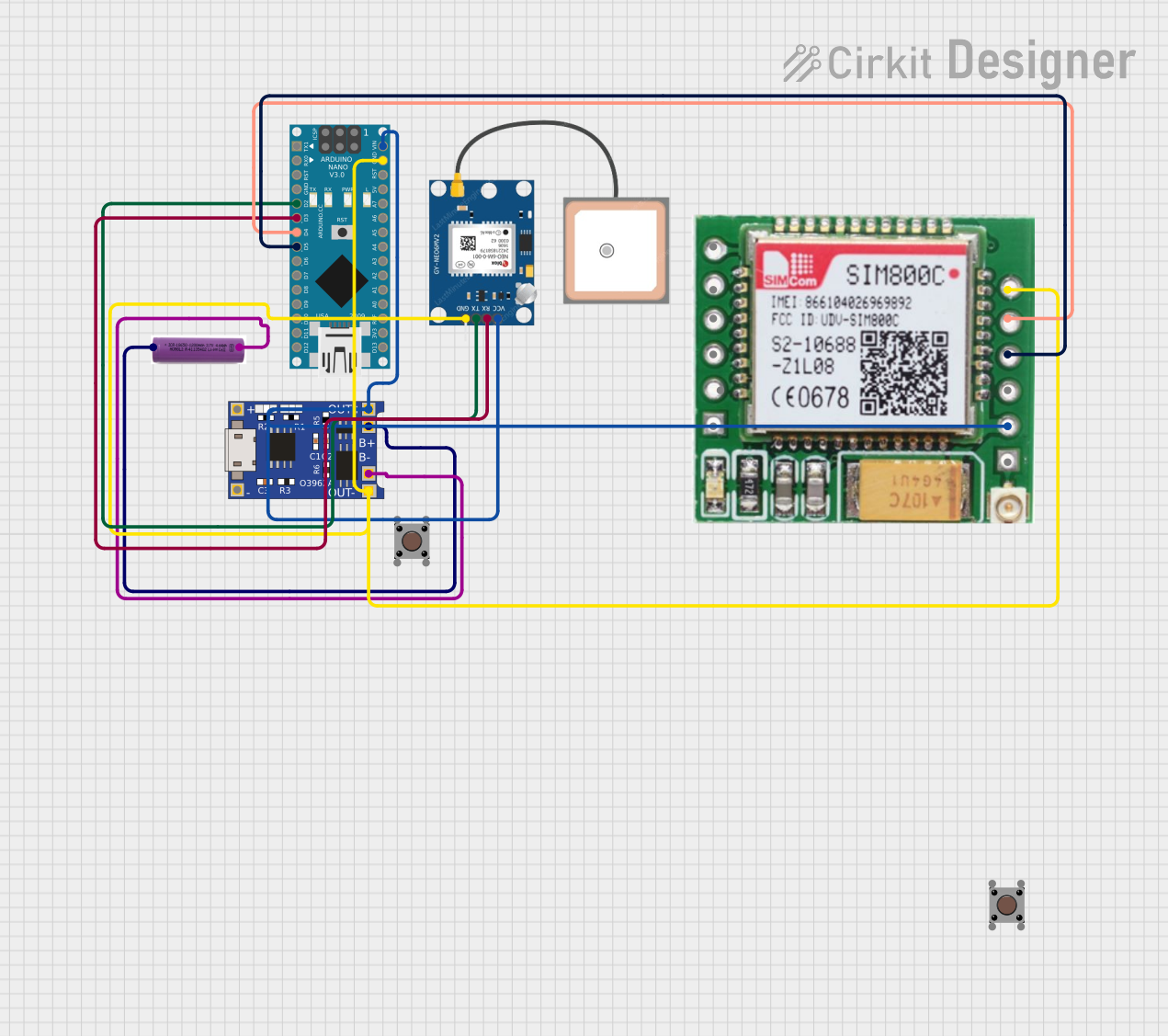
Explore Projects Built with NEO-M8N
 Open Project in Cirkit Designer
 Open Project in Cirkit Designer
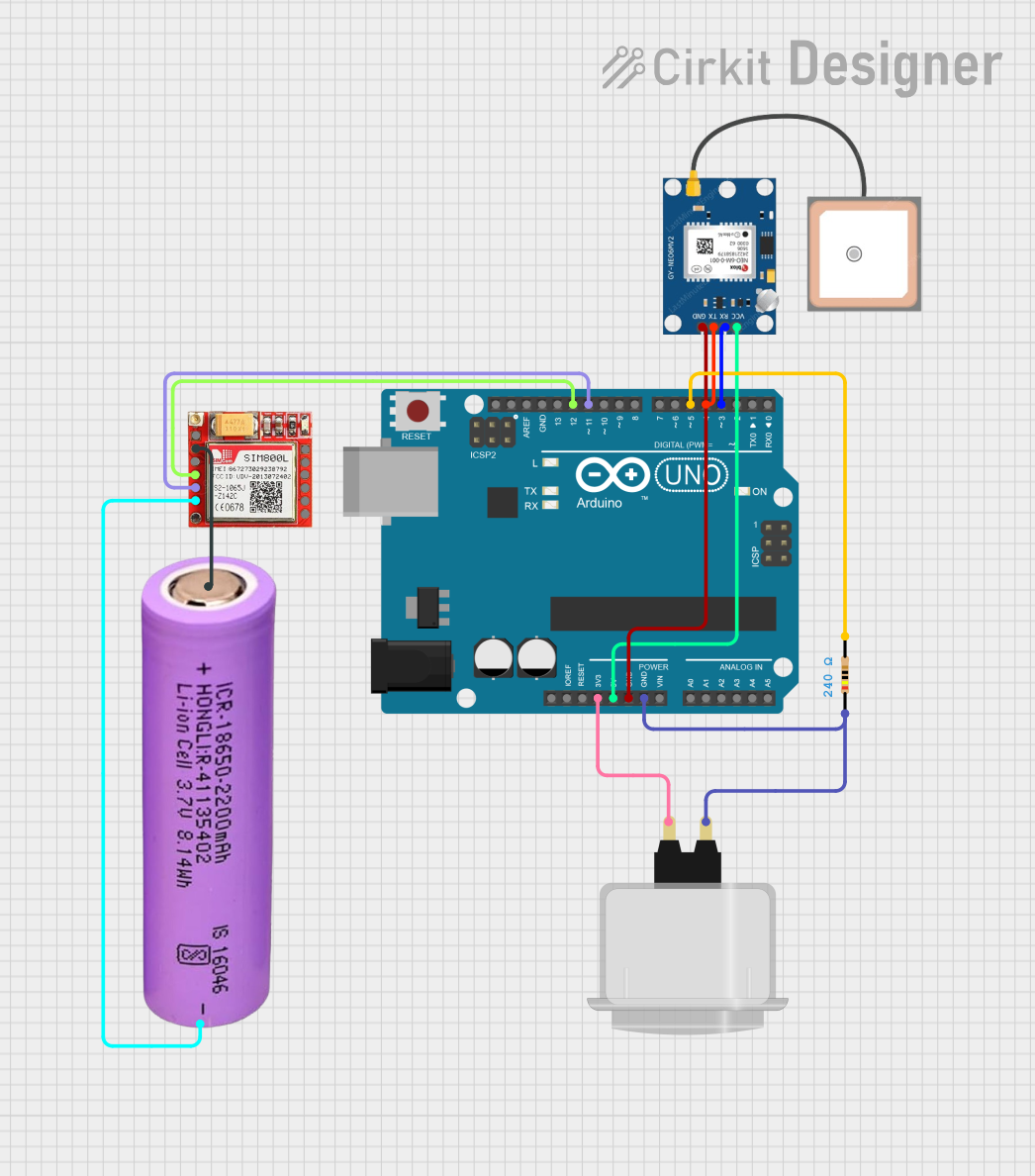 Open Project in Cirkit Designer
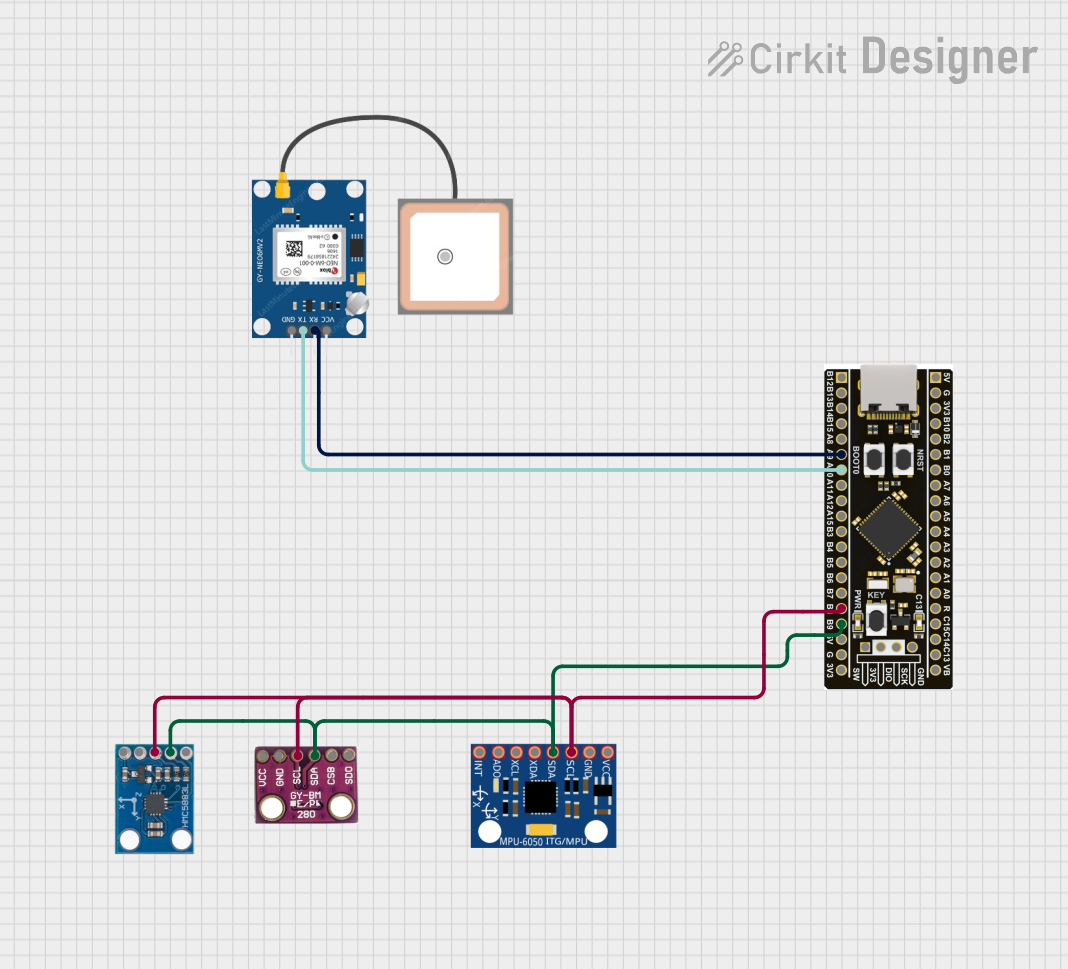 Open Project in Cirkit Designer
Explore Projects Built with NEO-M8N
Open Project in Cirkit DesignerOpen Project in Cirkit DesignerOpen Project in Cirkit DesignerOpen Project in Cirkit DesignerCommon Applications
- Automotive navigation systems
- Drones and UAVs for precise positioning
- IoT devices requiring geolocation
- Asset tracking and fleet management
- Surveying and mapping equipment
Technical Specifications
Key Technical Details
| Parameter | Value |
|---|---|
| Manufacturer | u-blox |
| Part Number | NEO-M8N |
| GNSS Support | GPS, GLONASS, Galileo, BeiDou |
| Position Accuracy | 2.5 meters (CEP) |
| Update Rate | Up to 10 Hz |
| Operating Voltage | 2.7V to 3.6V |
| Power Consumption | ~23 mA (continuous tracking mode) |
| Communication Interfaces | UART, I2C, SPI |
| Operating Temperature | -40°C to +85°C |
| Dimensions | 12.2 mm x 16.0 mm x 2.4 mm |
Pin Configuration and Descriptions
| Pin Number | Pin Name | Description |
|---|---|---|
| 1 | VCC | Power supply input (2.7V to 3.6V) |
| 2 | GND | Ground |
| 3 | TXD | UART Transmit Data |
| 4 | RXD | UART Receive Data |
| 5 | SDA | I2C Data Line |
| 6 | SCL | I2C Clock Line |
| 7 | SPI_CS | SPI Chip Select |
| 8 | SPI_MISO | SPI Master In Slave Out |
| 9 | SPI_MOSI | SPI Master Out Slave In |
| 10 | SPI_CLK | SPI Clock |
| 11 | PPS | Pulse Per Second output for timing |
| 12 | RESET_N | Active-low reset input |
Usage Instructions
How to Use the NEO-M8N in a Circuit
- Power Supply: Connect the VCC pin to a regulated 3.3V power source and the GND pin to ground.
- Communication Interface: Choose a communication protocol (UART, I2C, or SPI) based on your application:
- For UART, connect the TXD and RXD pins to the corresponding UART pins on your microcontroller.
- For I2C, connect the SDA and SCL pins to the I2C bus.
- For SPI, connect SPI_CS, SPI_MISO, SPI_MOSI, and SPI_CLK to the SPI bus.
- Antenna: Attach an active or passive GPS antenna to the module's antenna connector for optimal signal reception.
- PPS Signal: Use the PPS pin if precise timing synchronization is required.
- Reset: Optionally, connect the RESET_N pin to a microcontroller GPIO for manual reset functionality.
Important Considerations and Best Practices
- Use a low-noise power supply to avoid interference with the GPS signal.
- Place the GPS antenna in a location with a clear view of the sky for optimal satellite reception.
- If using UART, ensure the baud rate matches the default or configured rate of the NEO-M8N (default: 9600 bps).
- Configure the module using u-blox's u-center software for advanced settings and GNSS system selection.
Example: Connecting NEO-M8N to Arduino UNO
Below is an example of how to connect and use the NEO-M8N with an Arduino UNO via UART:
Wiring
| NEO-M8N Pin | Arduino UNO Pin |
|---|---|
| VCC | 3.3V |
| GND | GND |
| TXD | Pin 4 (RX) |
| RXD | Pin 3 (TX) |
Code Example
#include <SoftwareSerial.h>

// Define RX and TX pins for SoftwareSerial
SoftwareSerial gpsSerial(4, 3); // RX = Pin 4, TX = Pin 3

void setup() {
  Serial.begin(9600); // Initialize Serial Monitor
  gpsSerial.begin(9600); // Initialize GPS module communication

  Serial.println("NEO-M8N GPS Module Test");
}

void loop() {
  // Check if data is available from the GPS module
  while (gpsSerial.available()) {
    char c = gpsSerial.read(); // Read one character from GPS
    Serial.print(c); // Output the character to Serial Monitor
  }
}
Notes
- Install the
TinyGPS++library for advanced parsing of GPS data such as latitude, longitude, and time. - Ensure the Arduino UNO operates at 5V logic levels, while the NEO-M8N operates at 3.3V. Use a level shifter if necessary.
Troubleshooting and FAQs
Common Issues and Solutions
No GPS Fix:
- Ensure the antenna has a clear view of the sky.
- Check the antenna connection and ensure it is compatible with the NEO-M8N.
- Wait for a few minutes, as the first GPS fix may take longer.
No Data Output:
- Verify the wiring, especially the TXD and RXD connections.
- Ensure the baud rate matches the module's configuration (default: 9600 bps).
- Check the power supply voltage (2.7V to 3.6V).
Intermittent Signal Loss:
- Minimize sources of electromagnetic interference near the module.
- Use a high-quality, low-noise power supply.
Module Not Responding:
- Perform a hardware reset by toggling the RESET_N pin.
- Verify the module is receiving sufficient power.
FAQs
Q: Can the NEO-M8N operate indoors?
A: While the NEO-M8N can receive signals indoors, performance may degrade due to signal obstruction. For best results, use the module outdoors or near a window.
Q: How many satellites can the NEO-M8N track simultaneously?
A: The NEO-M8N can track up to 72 channels, depending on the GNSS configuration.
Q: Can I configure the NEO-M8N for a specific GNSS system?
A: Yes, you can configure the module using u-blox's u-center software to enable or disable specific GNSS systems.
Q: What is the default update rate of the NEO-M8N?
A: The default update rate is 1 Hz, but it can be configured up to 10 Hz for faster updates.