
How to Use IRLZ44N Mosfet Ic Dip-3 Package: Examples, Pinouts, and Specs
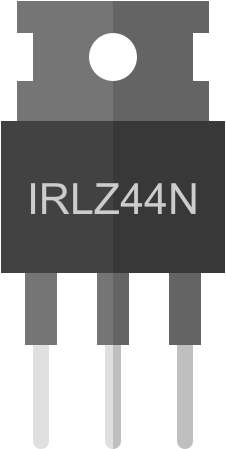
 Design with IRLZ44N Mosfet Ic Dip-3 Package in Cirkit Designer
Introduction
The IRLZ44N is a logic-level N-channel MOSFET designed for high-efficiency switching and amplification applications. Manufactured by Generic (Part ID: 1086461), this component is widely used in power management, motor control, and LED driving circuits due to its low on-resistance and high current-handling capability. Its DIP-3 package makes it easy to integrate into breadboards and through-hole PCBs.
Explore Projects Built with IRLZ44N Mosfet Ic Dip-3 Package
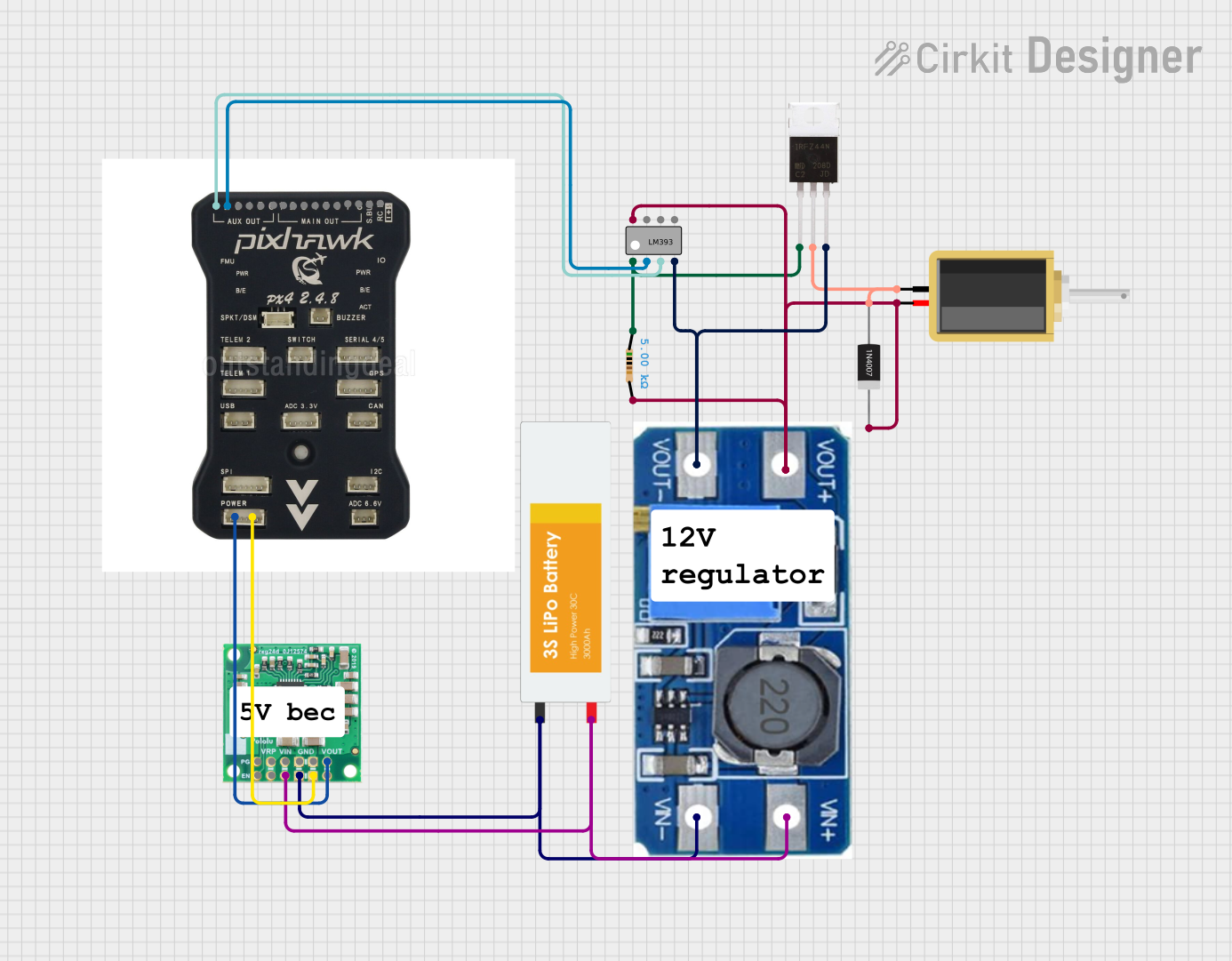 Open Project in Cirkit Designer
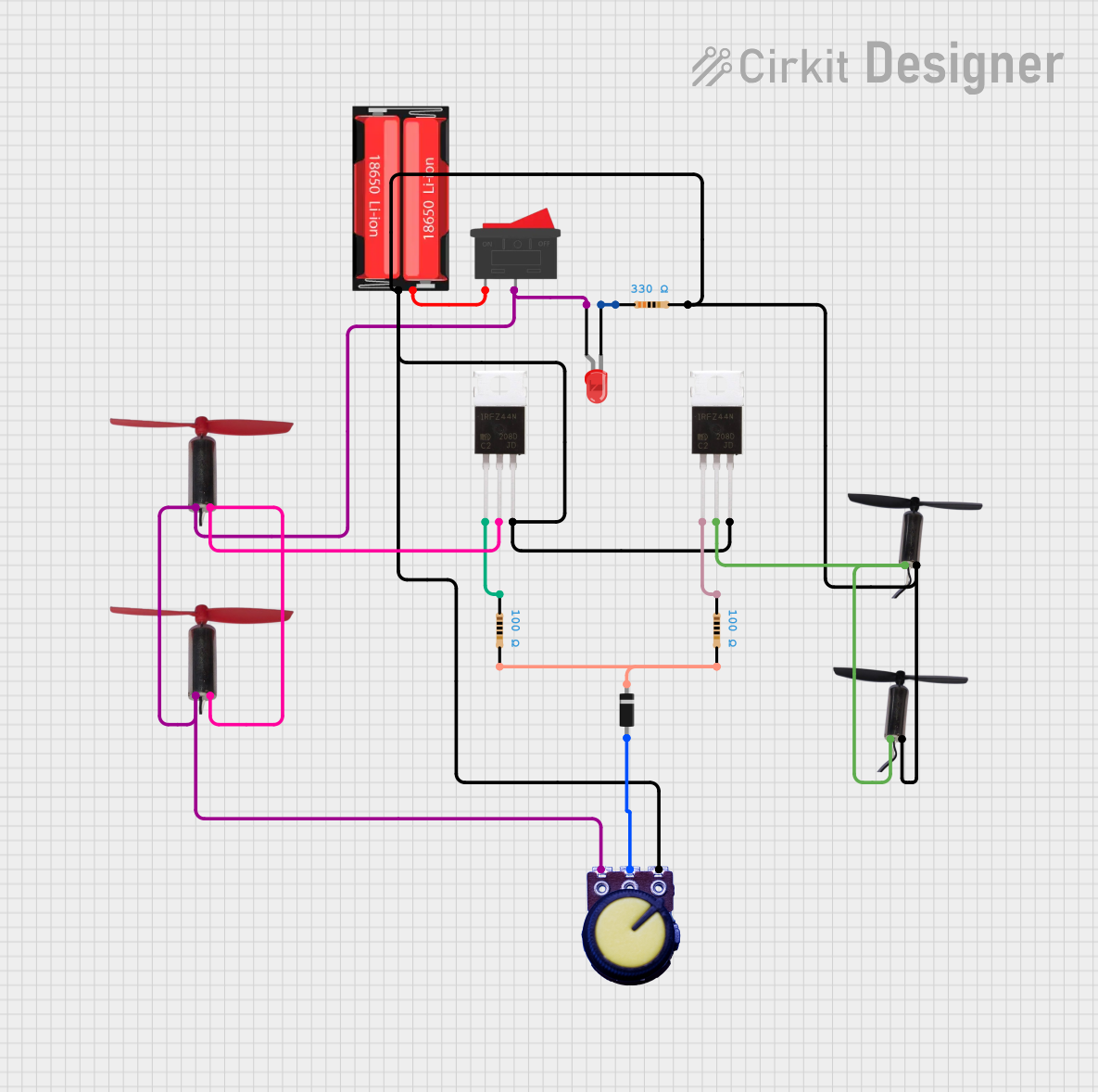 Open Project in Cirkit Designer
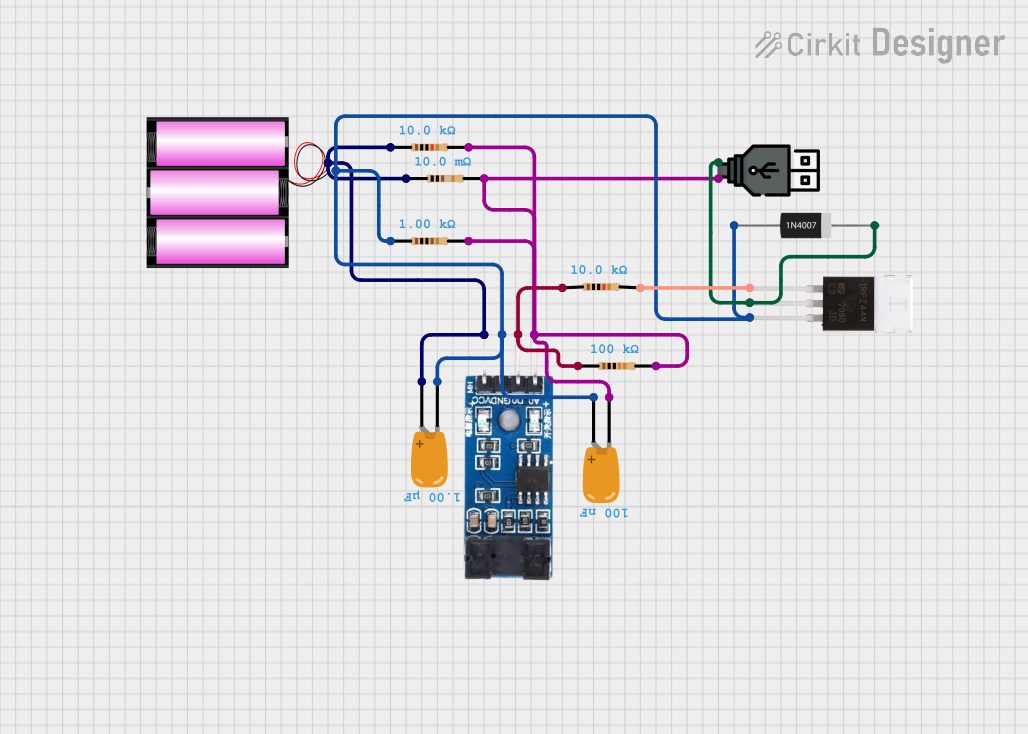 Open Project in Cirkit Designer
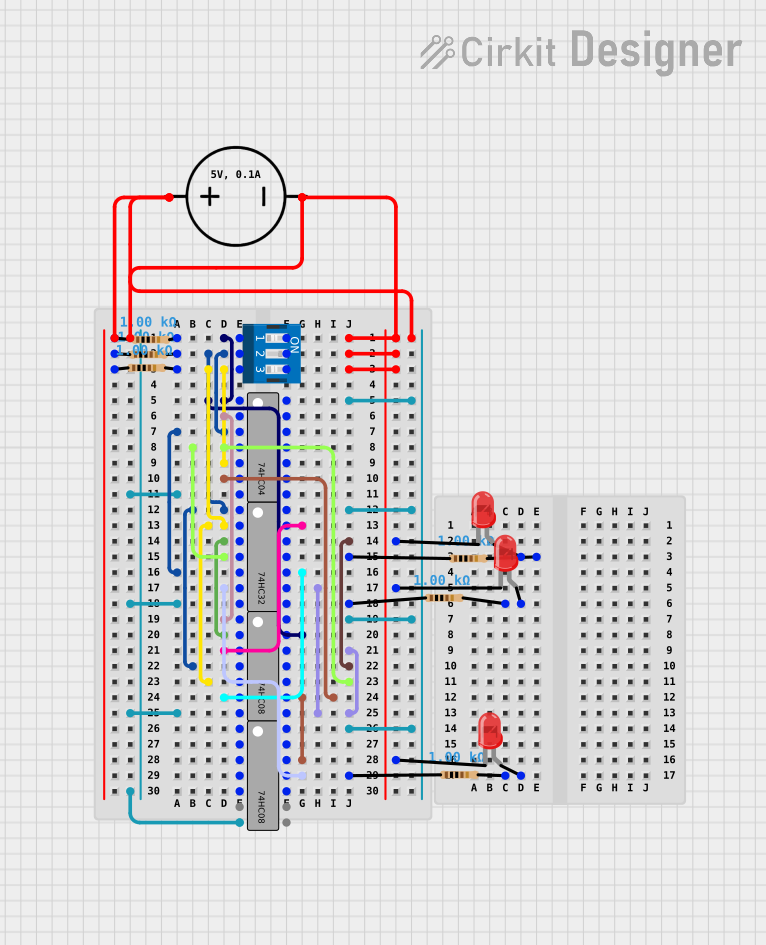 Open Project in Cirkit Designer
Explore Projects Built with IRLZ44N Mosfet Ic Dip-3 Package
Open Project in Cirkit DesignerOpen Project in Cirkit DesignerOpen Project in Cirkit DesignerOpen Project in Cirkit DesignerCommon Applications
- DC motor drivers
- LED lighting systems
- Power supply circuits
- Battery management systems
- Arduino and microcontroller-based projects
Technical Specifications
The IRLZ44N is a robust and versatile MOSFET with the following key specifications:
| Parameter | Value |
|---|---|
| Manufacturer | Generic |
| Part ID | 1086461 |
| Type | N-Channel MOSFET |
| Maximum Drain-Source Voltage (VDS) | 55V |
| Maximum Gate-Source Voltage (VGS) | ±16V |
| Continuous Drain Current (ID) | 47A |
| Pulsed Drain Current (IDM) | 160A |
| Power Dissipation (PD) | 94W |
| RDS(on) (On-Resistance) | 0.022Ω (at VGS = 10V) |
| Threshold Voltage (VGS(th)) | 1V to 2V |
| Package Type | DIP-3 |
| Operating Temperature Range | -55°C to +175°C |
Pin Configuration
The IRLZ44N has three pins, as described in the table below:
| Pin Number | Pin Name | Description |
|---|---|---|
| 1 | Gate (G) | Controls the MOSFET switching state. |
| 2 | Drain (D) | Current flows from drain to source. |
| 3 | Source (S) | Connected to the ground or load return. |
Usage Instructions
How to Use the IRLZ44N in a Circuit
- Gate Control: Connect the Gate pin to a microcontroller (e.g., Arduino) or a logic-level signal. Ensure the gate voltage is within the specified range (0V to 16V).
- Drain Connection: Connect the Drain pin to the positive terminal of the load (e.g., motor, LED).
- Source Connection: Connect the Source pin to the ground or the negative terminal of the power supply.
- Gate Resistor: Use a resistor (e.g., 220Ω to 1kΩ) between the microcontroller and the Gate pin to limit inrush current and protect the microcontroller.
- Flyback Diode: For inductive loads (e.g., motors), add a flyback diode across the load to prevent voltage spikes.
Example Circuit with Arduino UNO
Below is an example of using the IRLZ44N to control an LED with an Arduino UNO:
Circuit Diagram
- Gate (Pin 1): Connect to Arduino digital pin (e.g., D9) via a 220Ω resistor.
- Drain (Pin 2): Connect to the positive terminal of the LED.
- Source (Pin 3): Connect to ground.
- Add a 1N4007 diode across the LED for protection.
Arduino Code
// Example code to control an LED using the IRLZ44N MOSFET
// Connect the Gate pin to Arduino pin 9 via a 220Ω resistor

const int mosfetGatePin = 9; // Pin connected to the Gate of IRLZ44N

void setup() {
  pinMode(mosfetGatePin, OUTPUT); // Set the Gate pin as an output
}

void loop() {
  digitalWrite(mosfetGatePin, HIGH); // Turn on the MOSFET (LED ON)
  delay(1000);                       // Wait for 1 second
  digitalWrite(mosfetGatePin, LOW);  // Turn off the MOSFET (LED OFF)
  delay(1000);                       // Wait for 1 second
}
Important Considerations
- Ensure the Gate voltage is sufficient to fully turn on the MOSFET (logic-level operation starts at ~5V).
- Avoid exceeding the maximum voltage and current ratings to prevent damage.
- Use proper heat dissipation methods (e.g., heatsinks) for high-power applications.
Troubleshooting and FAQs
Common Issues
MOSFET Not Switching Properly
- Cause: Insufficient Gate voltage.
- Solution: Ensure the Gate voltage is at least 5V for logic-level operation.
Excessive Heat Generation
- Cause: High current or inadequate heat dissipation.
- Solution: Use a heatsink or reduce the load current.
Load Not Turning On
- Cause: Incorrect wiring or damaged MOSFET.
- Solution: Double-check the circuit connections and replace the MOSFET if necessary.
Voltage Spikes Damaging the MOSFET
- Cause: Inductive load without a flyback diode.
- Solution: Add a flyback diode across the load.
FAQs
Q1: Can the IRLZ44N be used with a 3.3V microcontroller?
A1: Yes, but the Gate voltage may not fully turn on the MOSFET. For optimal performance, use a Gate driver or a 5V logic level.
Q2: What is the maximum load current the IRLZ44N can handle?
A2: The IRLZ44N can handle up to 47A continuously, provided proper cooling is implemented.
Q3: Can I use the IRLZ44N for AC loads?
A3: No, the IRLZ44N is designed for DC applications only.
Q4: Do I need a heatsink for low-power applications?
A4: Not necessarily. For low-power applications, the MOSFET can operate without a heatsink. However, monitor the temperature to ensure safe operation.
This concludes the documentation for the IRLZ44N MOSFET IC DIP-3 package.