
How to Use Terminal PCB 2 Pin: Examples, Pinouts, and Specs
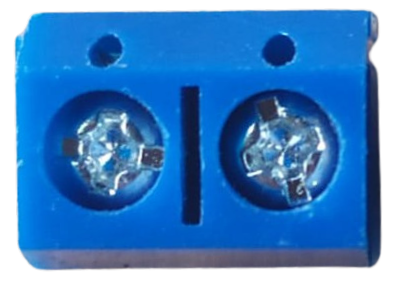
 Design with Terminal PCB 2 Pin in Cirkit Designer
Introduction
The Terminal PCB 2 Pin is a compact and reliable two-pin terminal block designed for printed circuit boards (PCBs). It provides a convenient way to connect and disconnect wires in electronic circuits without the need for soldering. This component is widely used in applications where secure and removable wire connections are required, such as power supplies, control systems, and prototyping.
Explore Projects Built with Terminal PCB 2 Pin
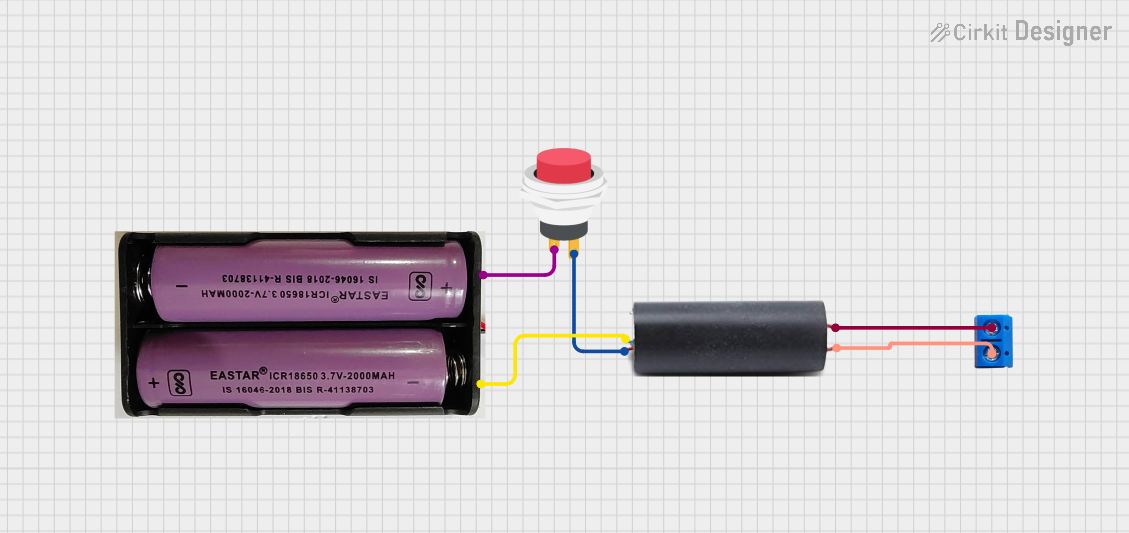 Open Project in Cirkit Designer
 Open Project in Cirkit Designer
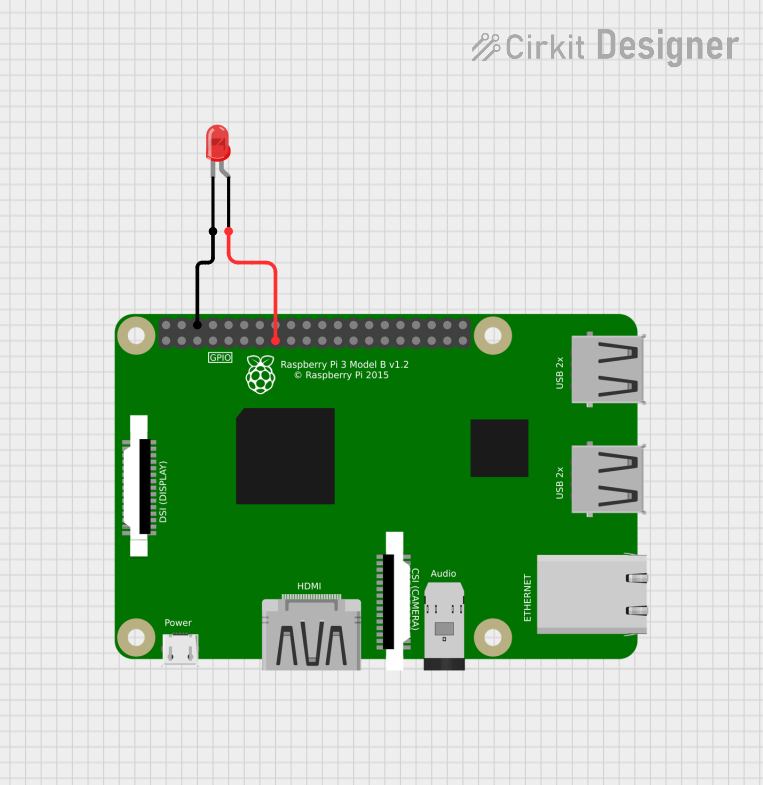 Open Project in Cirkit Designer
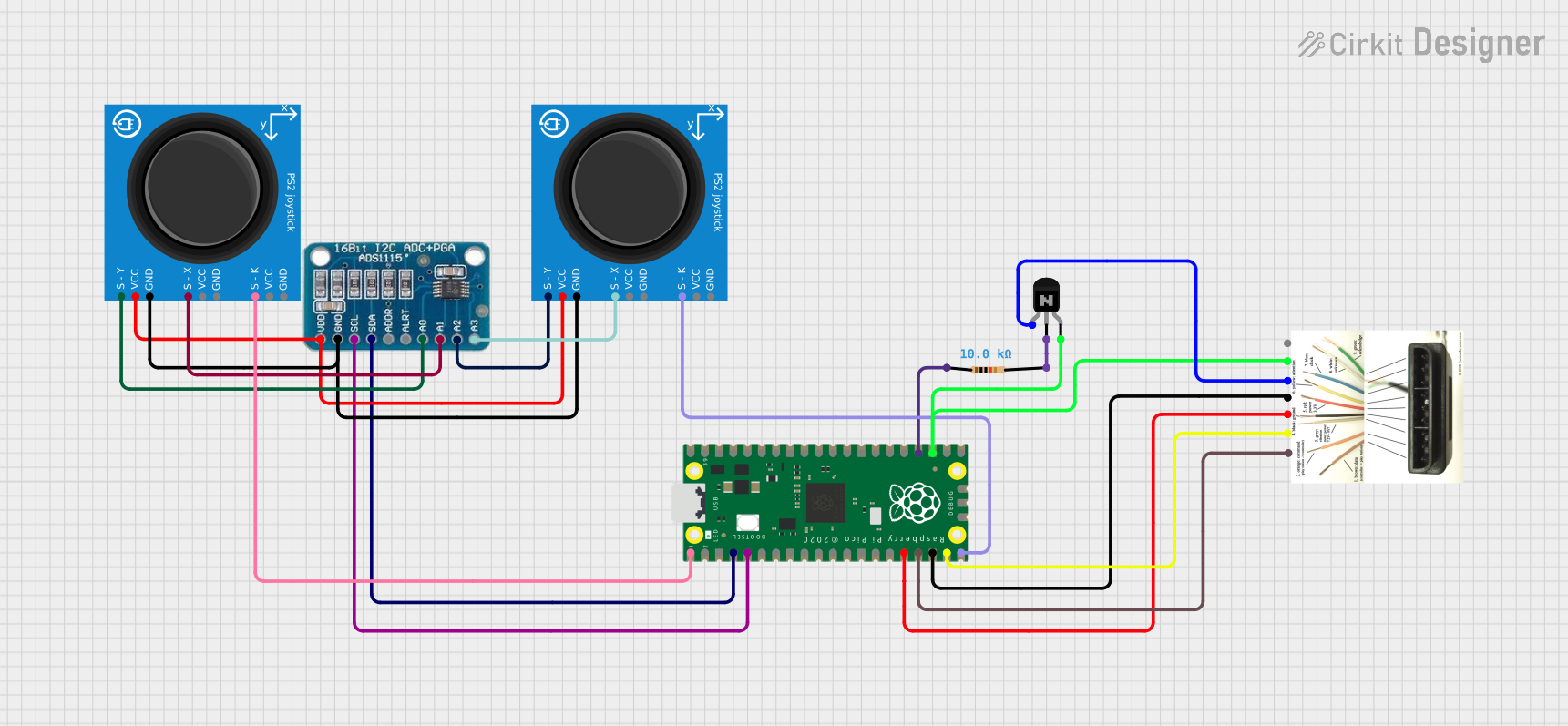 Open Project in Cirkit Designer
Explore Projects Built with Terminal PCB 2 Pin
Open Project in Cirkit DesignerOpen Project in Cirkit DesignerOpen Project in Cirkit DesignerOpen Project in Cirkit DesignerCommon Applications and Use Cases
- Power supply connections in electronic devices
- Signal connections in control systems
- Prototyping and testing circuits
- Industrial automation and robotics
- Audio and speaker connections
Technical Specifications
The Terminal PCB 2 Pin is designed to meet the needs of various electronic applications. Below are its key technical details:
General Specifications
| Parameter | Value |
|---|---|
| Number of Pins | 2 |
| Rated Voltage | 300V |
| Rated Current | 10A |
| Wire Gauge Support | 26-12 AWG |
| Pitch (Pin Spacing) | 5.08 mm (0.2 inches) |
| Operating Temperature | -40°C to +105°C |
| Material (Housing) | Polyamide (PA66), flame-retardant |
| Contact Material | Copper alloy with tin plating |
Pin Configuration and Descriptions
| Pin Number | Description |
|---|---|
| 1 | Positive terminal connection |
| 2 | Negative terminal connection |
Usage Instructions
The Terminal PCB 2 Pin is straightforward to use and can be integrated into a variety of circuits. Follow the steps below for proper usage:
How to Use the Component in a Circuit
- PCB Mounting: Solder the terminal block onto the PCB at the designated location. Ensure the pin spacing matches the PCB layout (5.08 mm pitch).
- Wire Preparation: Strip the insulation from the wire ends (approximately 5-7 mm) to expose the conductor.
- Wire Insertion: Insert the stripped wire ends into the terminal block's openings.
- Securing the Connection: Tighten the screws on the terminal block using a small screwdriver to secure the wires in place.
- Testing: Verify the connection by gently tugging on the wires to ensure they are firmly secured.
Important Considerations and Best Practices
- Wire Gauge Compatibility: Ensure the wires used are within the supported range (26-12 AWG).
- Tightening Torque: Do not overtighten the screws, as this may damage the terminal block or the wires.
- PCB Design: When designing the PCB, ensure the terminal block's footprint matches the component's dimensions and pin spacing.
- Environmental Conditions: Use the terminal block within its rated temperature range and avoid exposure to excessive moisture or corrosive environments.
Example: Connecting to an Arduino UNO
The Terminal PCB 2 Pin can be used to connect external components, such as power supplies or sensors, to an Arduino UNO. Below is an example of how to use it to connect a 12V power supply to an Arduino project:
Circuit Diagram
- Connect the positive terminal of the power supply to the
VINpin on the Arduino UNO. - Connect the negative terminal of the power supply to the
GNDpin on the Arduino UNO.
Sample Code
// Example code for using a 12V power supply with an Arduino UNO
// This code blinks an LED connected to pin 13

void setup() {
  pinMode(13, OUTPUT); // Set pin 13 as an output
}

void loop() {
  digitalWrite(13, HIGH); // Turn the LED on
  delay(1000);            // Wait for 1 second
  digitalWrite(13, LOW);  // Turn the LED off
  delay(1000);            // Wait for 1 second
}
Troubleshooting and FAQs
Common Issues Users Might Face
- Loose Connections: Wires may not be securely fastened, leading to intermittent connections.
- Solution: Ensure the screws are tightened properly and the wires are fully inserted.
- Overheating: The terminal block may overheat if the current exceeds the rated 10A.
- Solution: Verify that the current in the circuit does not exceed the component's rated current.
- Wire Slippage: Wires may slip out of the terminal block if the insulation is not stripped properly.
- Solution: Strip the wire ends to the recommended length (5-7 mm) and ensure the conductor is fully inserted.
- Incorrect Polarity: Reversing the polarity of the connections can damage the circuit.
- Solution: Double-check the polarity of the wires before powering the circuit.
FAQs
Q: Can I use this terminal block for AC connections?
A: Yes, the Terminal PCB 2 Pin can handle both AC and DC connections, provided the voltage and current do not exceed the rated values (300V, 10A).
Q: Is this terminal block reusable?
A: Yes, the terminal block is designed for repeated use. You can loosen the screws to disconnect wires and reuse the component in other circuits.
Q: What tools are required to use this terminal block?
A: A small flathead screwdriver is typically required to tighten or loosen the screws.
Q: Can I use this terminal block for high-frequency signals?
A: While the terminal block can handle low-frequency signals, it is not ideal for high-frequency applications due to potential signal degradation.
By following the guidelines and best practices outlined in this documentation, you can effectively use the Terminal PCB 2 Pin in your electronic projects.