
How to Use PIN: Examples, Pinouts, and Specs

 Design with PIN in Cirkit Designer
Introduction
A PIN (Personal Identification Number) is a security feature used to authenticate users in electronic devices and systems. It is a numeric code, typically 4 to 6 digits long, that ensures only authorized individuals can access a device, system, or service. PINs are widely used in applications such as banking systems, mobile devices, access control systems, and IoT devices.
Manufactured by OSSKA, the PIN component (Part ID: P) is a versatile and secure solution for integrating PIN-based authentication into electronic systems. It is designed to work seamlessly with microcontrollers, embedded systems, and other digital platforms.
Explore Projects Built with PIN
 Open Project in Cirkit Designer
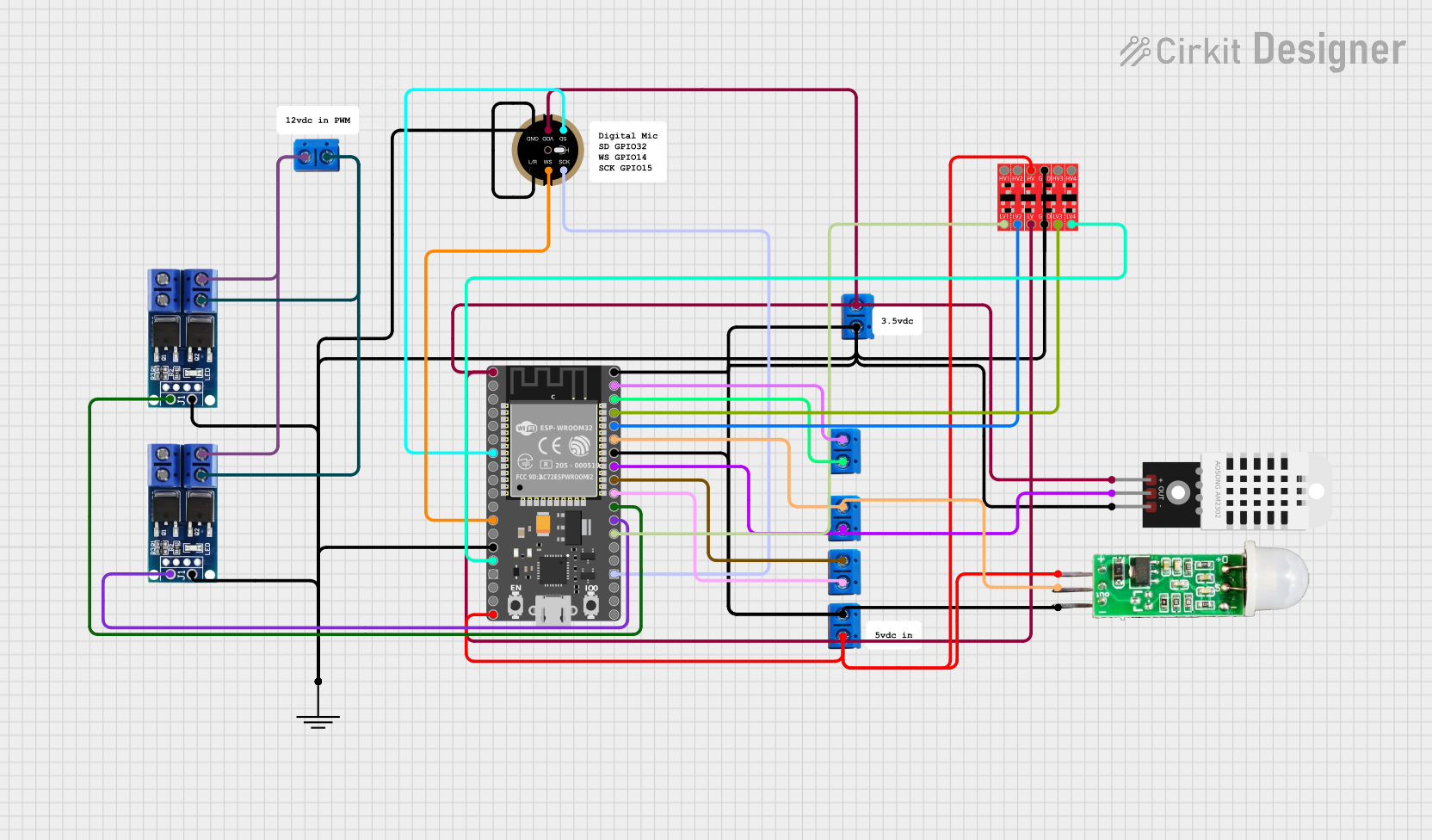 Open Project in Cirkit Designer
 Open Project in Cirkit Designer
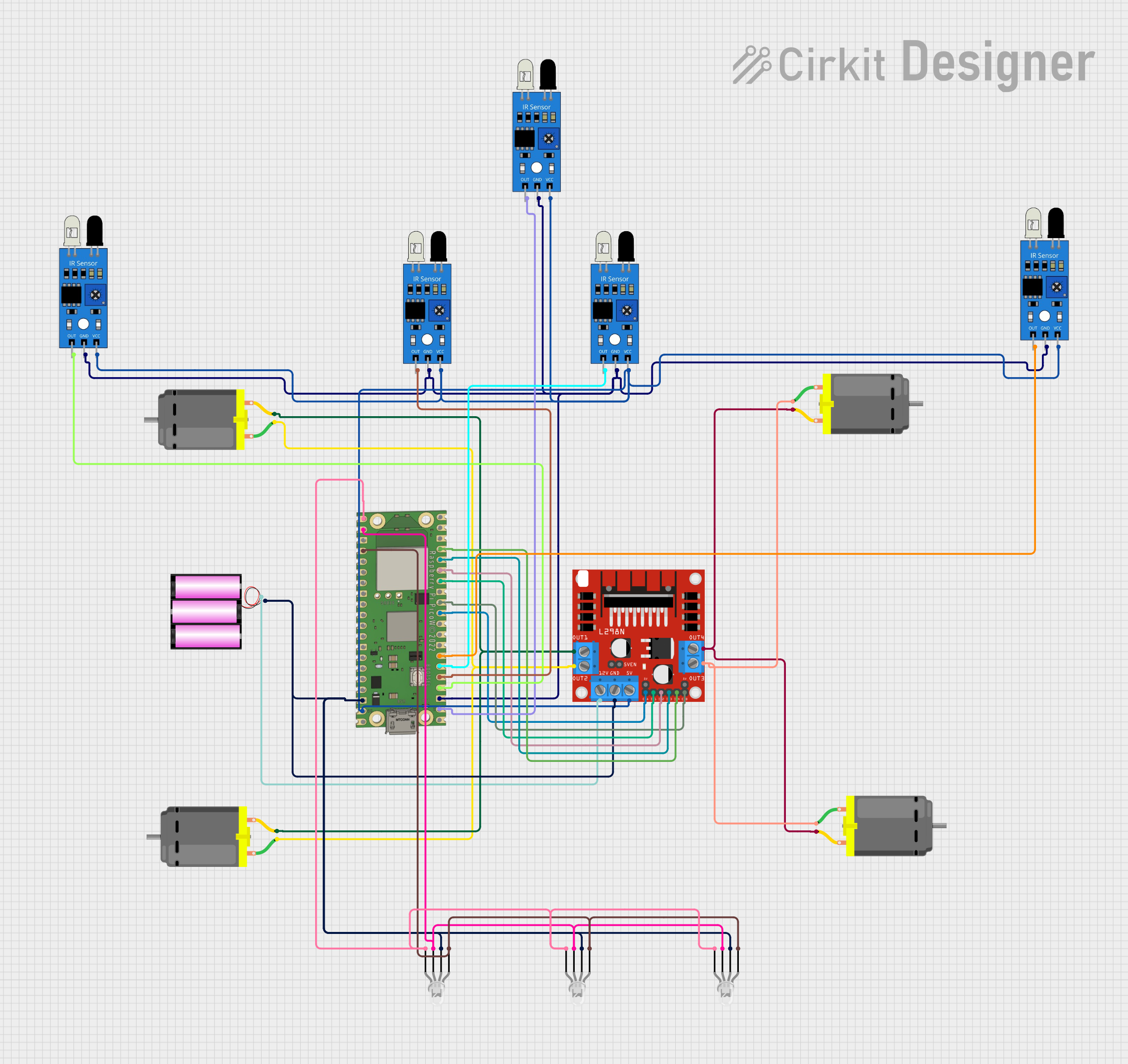 Open Project in Cirkit Designer
Explore Projects Built with PIN
Open Project in Cirkit DesignerOpen Project in Cirkit DesignerOpen Project in Cirkit DesignerOpen Project in Cirkit DesignerTechnical Specifications
The OSSKA PIN component is a software-based or hardware-assisted module that can be integrated into various systems. Below are the key technical details:
General Specifications
| Parameter | Value |
|---|---|
| Manufacturer | OSSKA |
| Part ID | P |
| Authentication Type | Numeric PIN (4–6 digits) |
| Input Method | Keypad, touchscreen, or API |
| Security Features | Anti-tampering, encryption |
| Operating Voltage | 3.3V to 5V (if hardware-based) |
| Communication Protocol | UART, I2C, or SPI (optional) |
Pin Configuration (for hardware-based PIN modules)
If the PIN component is hardware-based, the following pin configuration applies:
| Pin Number | Pin Name | Description |
|---|---|---|
| 1 | VCC | Power supply (3.3V–5V) |
| 2 | GND | Ground |
| 3 | TX | UART Transmit (for communication) |
| 4 | RX | UART Receive (for communication) |
| 5 | INT | Interrupt pin for event notifications |
| 6 | SDA | I2C Data (optional, for I2C interface) |
| 7 | SCL | I2C Clock (optional, for I2C interface) |
Usage Instructions
The OSSKA PIN component can be used in a variety of systems to implement secure authentication. Below are the steps and best practices for using the component:
1. Hardware Integration
- Power Supply: Connect the VCC pin to a 3.3V or 5V power source and the GND pin to ground.
- Communication: Use UART, I2C, or SPI to interface the PIN module with your microcontroller or system.
- Keypad/Touchscreen: Connect a keypad or touchscreen to the microcontroller for user input.
2. Software Integration
- Initialization: Configure the communication protocol (e.g., UART or I2C) in your microcontroller's firmware.
- PIN Verification: Use the provided API or firmware commands to send the entered PIN to the module for verification.
- Error Handling: Implement error handling for incorrect PIN entries and lockout mechanisms after multiple failed attempts.
3. Example Code (Arduino UNO)
Below is an example of how to use the OSSKA PIN component with an Arduino UNO via UART:
#include <SoftwareSerial.h>

// Define RX and TX pins for UART communication
SoftwareSerial pinModule(10, 11); // RX = 10, TX = 11

void setup() {
  Serial.begin(9600); // Initialize serial monitor
  pinModule.begin(9600); // Initialize communication with PIN module

  Serial.println("Enter your PIN:");
}

void loop() {
  if (Serial.available()) {
    String userPin = Serial.readStringUntil('\n'); // Read PIN from serial monitor

    // Send the PIN to the PIN module
    pinModule.println(userPin);

    // Wait for the module's response
    while (pinModule.available() == 0);

    String response = pinModule.readStringUntil('\n'); // Read response from module

    if (response == "OK") {
      Serial.println("PIN verified successfully!");
    } else {
      Serial.println("Invalid PIN. Try again.");
    }
  }
}
Best Practices
- Use a secure PIN length (at least 6 digits) to enhance security.
- Implement a lockout mechanism after a predefined number of failed attempts.
- Regularly update the firmware of the PIN module to ensure compatibility and security.
Troubleshooting and FAQs
Common Issues
No Response from the PIN Module
- Cause: Incorrect wiring or communication protocol settings.
- Solution: Verify the connections (VCC, GND, TX, RX) and ensure the baud rate matches the module's specifications.
Incorrect PIN Always Accepted
- Cause: Faulty firmware or incorrect API usage.
- Solution: Check the firmware version and ensure the correct commands are being sent to the module.
Module Not Powering On
- Cause: Insufficient power supply or incorrect voltage.
- Solution: Ensure the power supply is within the specified range (3.3V–5V).
FAQs
Can I use the PIN component with a touchscreen instead of a keypad?
- Yes, the PIN component supports input from both keypads and touchscreens, depending on your system design.
What happens after multiple incorrect PIN attempts?
- The module can be configured to lock out the user or trigger an alarm after a predefined number of failed attempts.
Is the PIN data encrypted during transmission?
- Yes, the PIN component includes encryption features to secure data during communication.
By following this documentation, you can effectively integrate the OSSKA PIN component (Part ID: P) into your electronic systems for secure and reliable authentication.