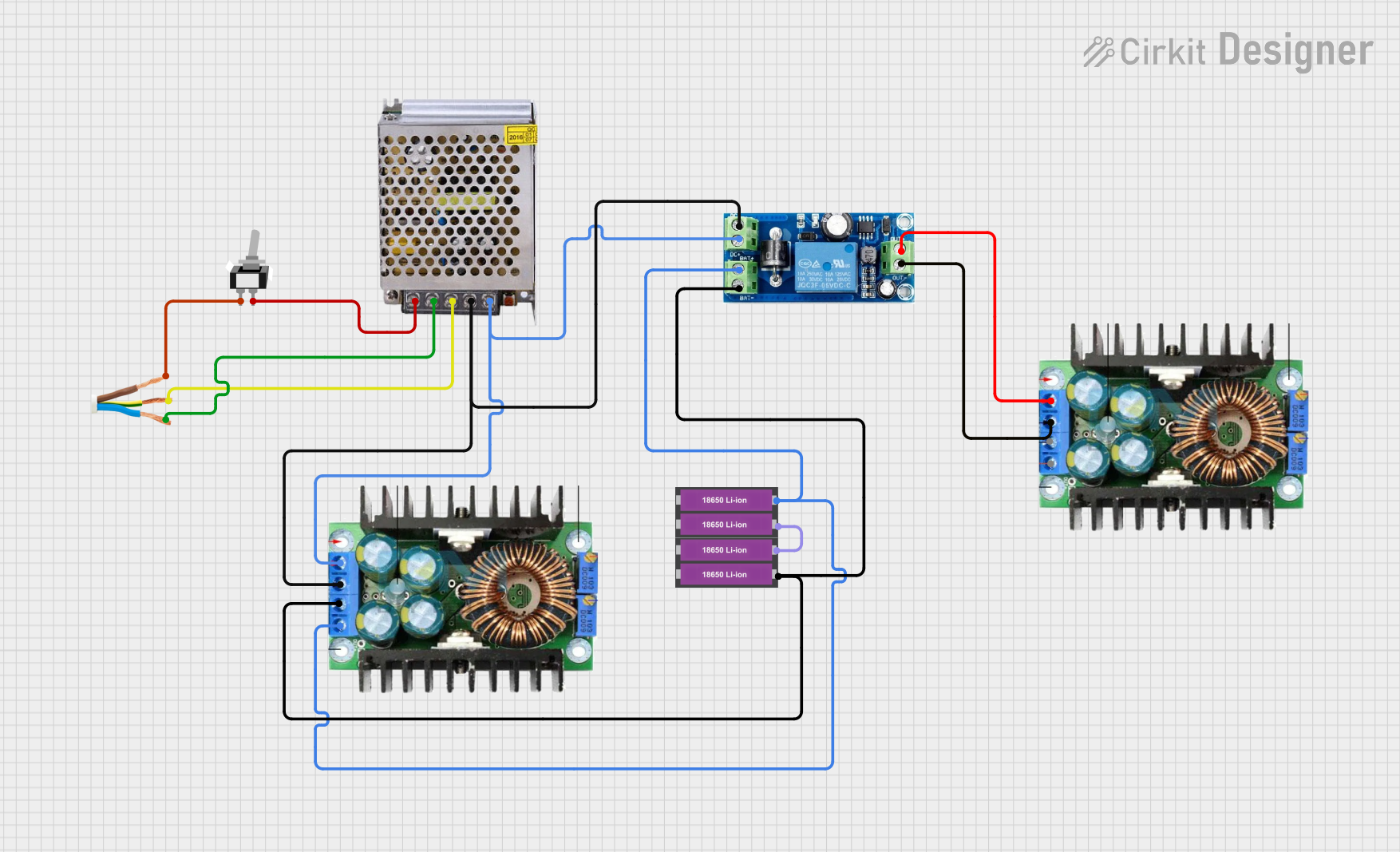
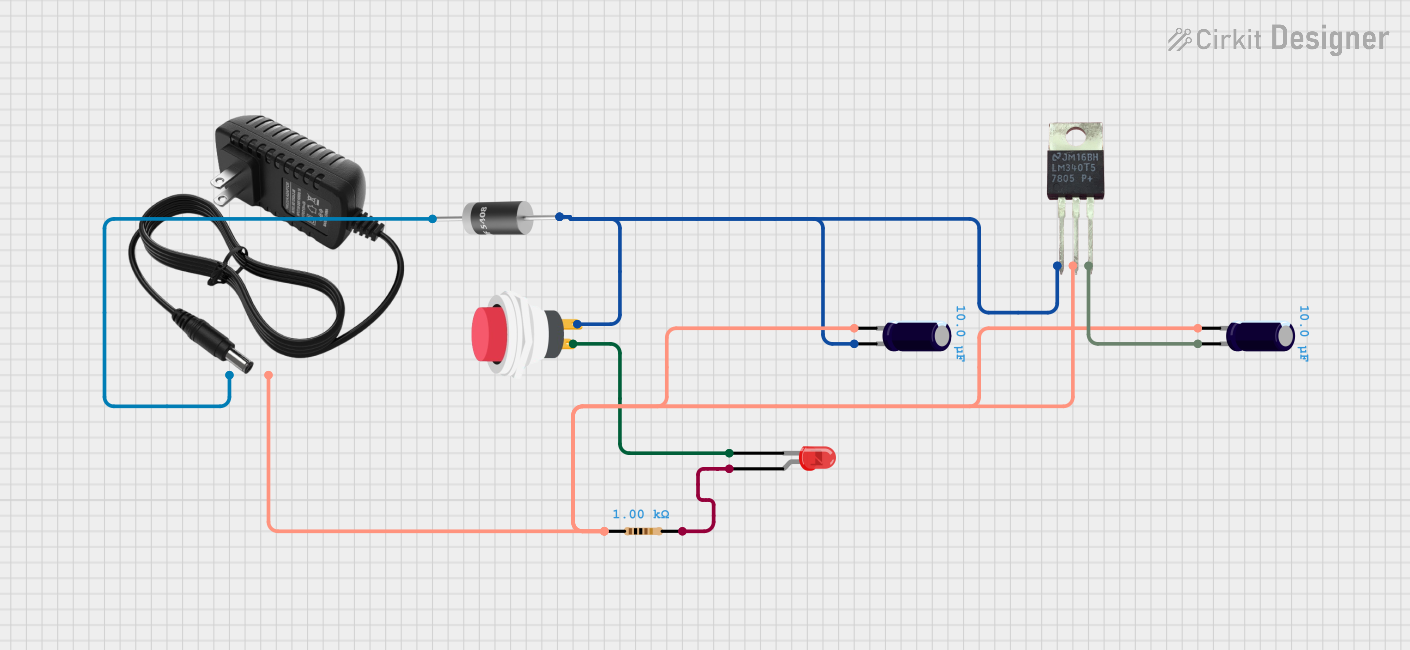
Introduction
The MEAN WELL RS-35-12 is a compact and reliable switching power supply designed to convert AC voltage into a stable 12V DC output. With a maximum output current of 3A, this power supply is ideal for powering a wide range of electronic devices and circuits. Its robust design ensures high efficiency, low power consumption, and long-term reliability.
Common Applications and Use Cases
- Powering microcontrollers, sensors, and development boards (e.g., Arduino, Raspberry Pi)
- Driving LED strips, modules, and lighting systems
- Supplying power to industrial control systems and automation equipment
- General-purpose DC power supply for hobbyist and professional projects
Technical Specifications
The following table outlines the key technical details of the RS-35-12 power supply:
Pin Configuration and Descriptions
The RS-35-12 features screw terminal connections for input and output. The pin configuration is as follows:
Output Terminals
Usage Instructions
How to Use the RS-35-12 in a Circuit
- Mounting the Power Supply: Secure the RS-35-12 in a well-ventilated area to ensure proper heat dissipation. Avoid placing it near heat-sensitive components.
- Connecting the Input:
- Connect the AC live wire to the
L terminal.
- Connect the AC neutral wire to the
N terminal.
- Optionally, connect the earth wire to the
FG terminal for safety.
- Connecting the Output:
- Connect the
+V terminal to the positive input of your load or circuit.
- Connect the
-V terminal to the ground of your load or circuit.
- Powering On: After verifying all connections, supply AC power to the input terminals. The power supply will output a stable 12V DC.
Important Considerations and Best Practices
- Input Voltage: Ensure the input voltage is within the specified range (85-264VAC). Exceeding this range may damage the power supply.
- Load Requirements: Do not exceed the maximum output current of 3A. Overloading may trigger the built-in overcurrent protection or damage the unit.
- Ventilation: Maintain adequate airflow around the power supply to prevent overheating.
- Safety: Always disconnect the power supply from the mains before making any wiring changes.
Example: Powering an Arduino UNO
The RS-35-12 can be used to power an Arduino UNO via its DC barrel jack or VIN pin. Below is an example circuit and Arduino code to blink an LED:
Circuit Connections
- Connect the
+V terminal of the RS-35-12 to the VIN pin of the Arduino UNO.
- Connect the
-V terminal of the RS-35-12 to the GND pin of the Arduino UNO.
- Connect an LED and a 220-ohm resistor to pin 13 of the Arduino UNO.
Arduino Code
// Simple LED Blink Example
// This code blinks an LED connected to pin 13 of the Arduino UNO.

void setup() {
  pinMode(13, OUTPUT); // Set pin 13 as an output
}

void loop() {
  digitalWrite(13, HIGH); // Turn the LED on
  delay(1000);            // Wait for 1 second
  digitalWrite(13, LOW);  // Turn the LED off
  delay(1000);            // Wait for 1 second
}
Troubleshooting and FAQs
Common Issues and Solutions
No Output Voltage:
- Verify that the input AC voltage is within the specified range.
- Check all connections to ensure they are secure and correct.
- Ensure the load does not exceed the maximum output current of 3A.
Overheating:
- Ensure the power supply is installed in a well-ventilated area.
- Check for any obstructions blocking airflow around the unit.
Intermittent Operation:
- Verify that the input voltage is stable and not fluctuating.
- Check for loose connections or damaged wires.
Output Voltage Too Low:
- Confirm that the load is not drawing more current than the rated 3A.
- Inspect the output terminals for proper connections.
FAQs
Q: Can the RS-35-12 be used outdoors?
A: No, the RS-35-12 is not weatherproof. It should be used in a dry, indoor environment.
Q: Does the RS-35-12 have short-circuit protection?
A: Yes, the RS-35-12 includes built-in short-circuit, overload, and overvoltage protection.
Q: Can I adjust the output voltage?
A: Yes, the RS-35-12 has a small potentiometer for fine-tuning the output voltage within a limited range (±10%).
Q: Is the RS-35-12 suitable for battery charging?
A: While it can be used for basic battery charging, it is not specifically designed for this purpose. Use a dedicated battery charger for optimal performance and safety.


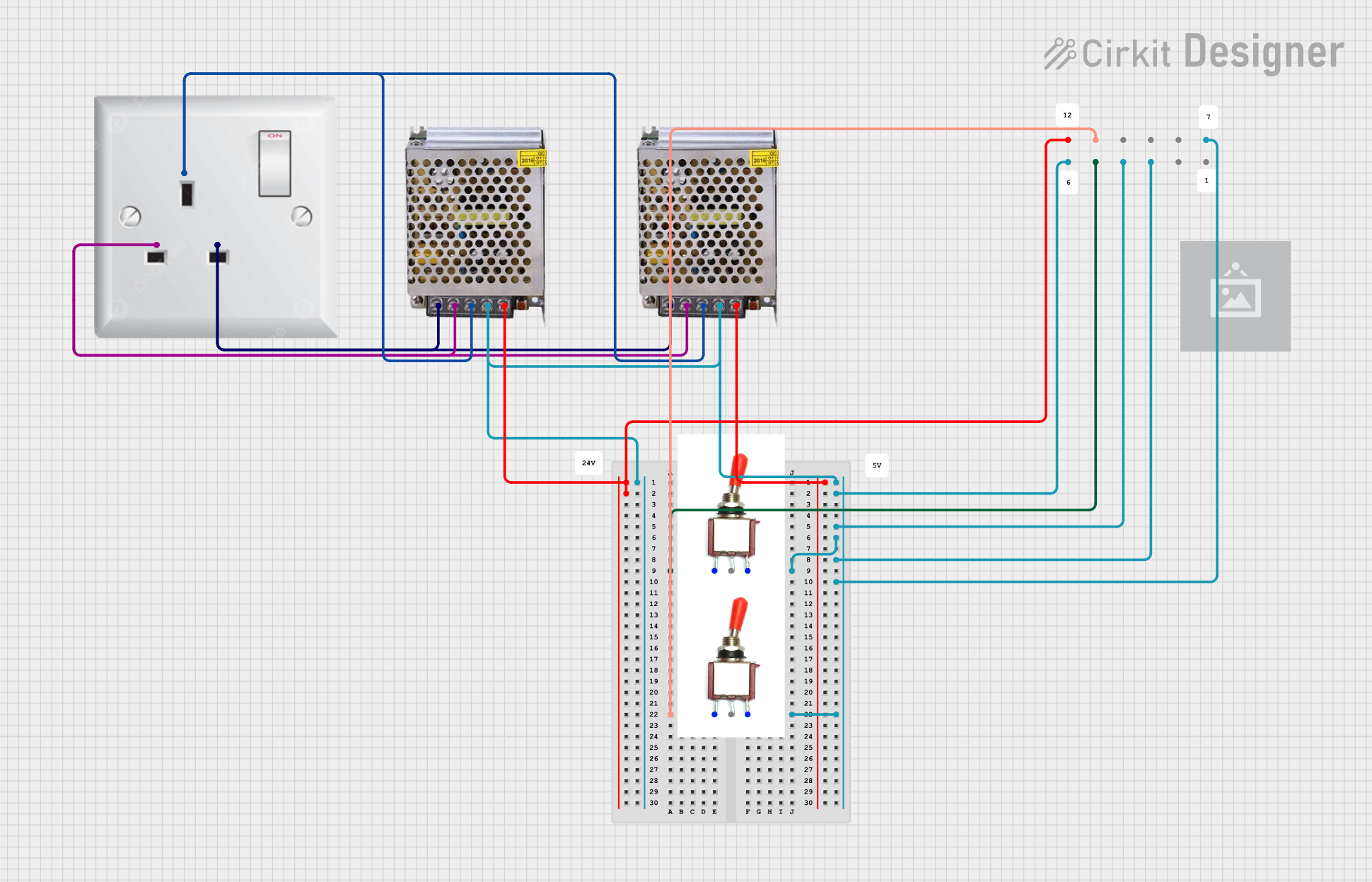
 Open Project in Cirkit Designer