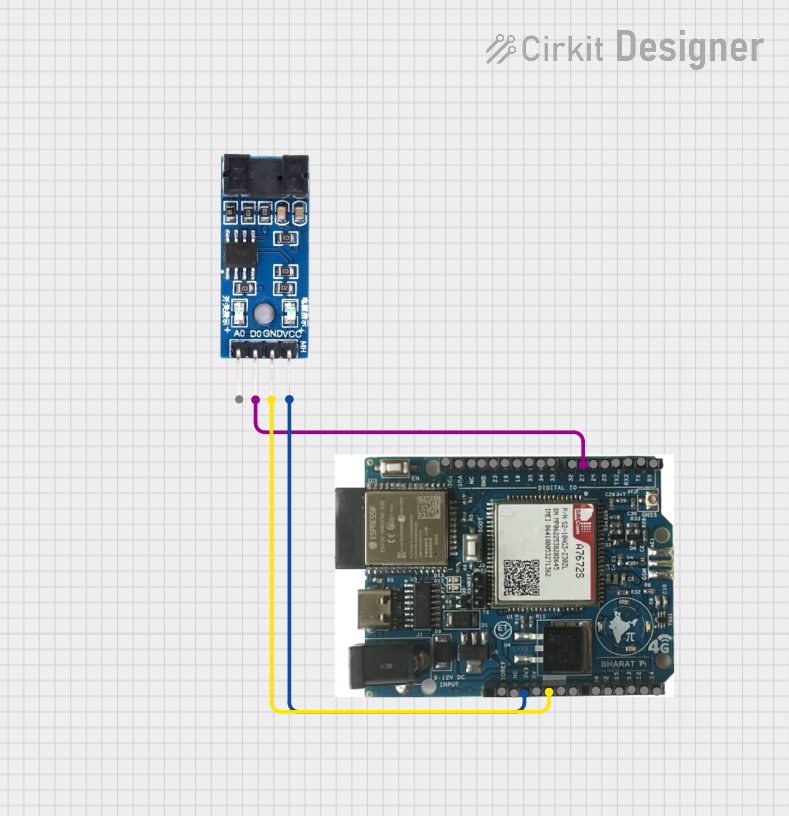
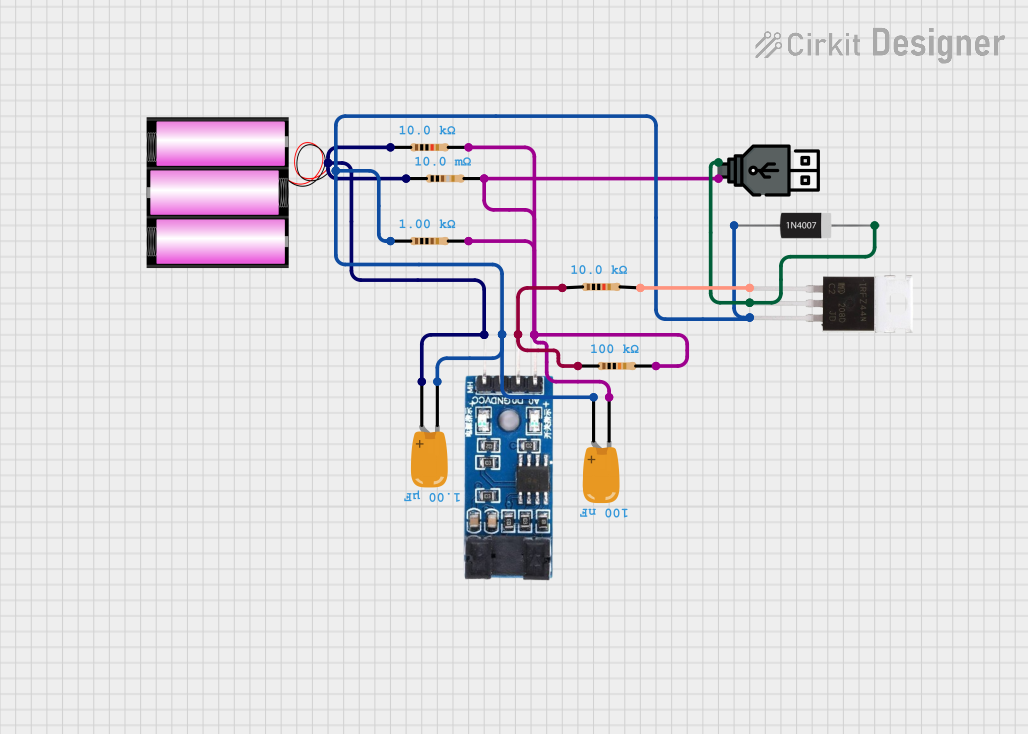
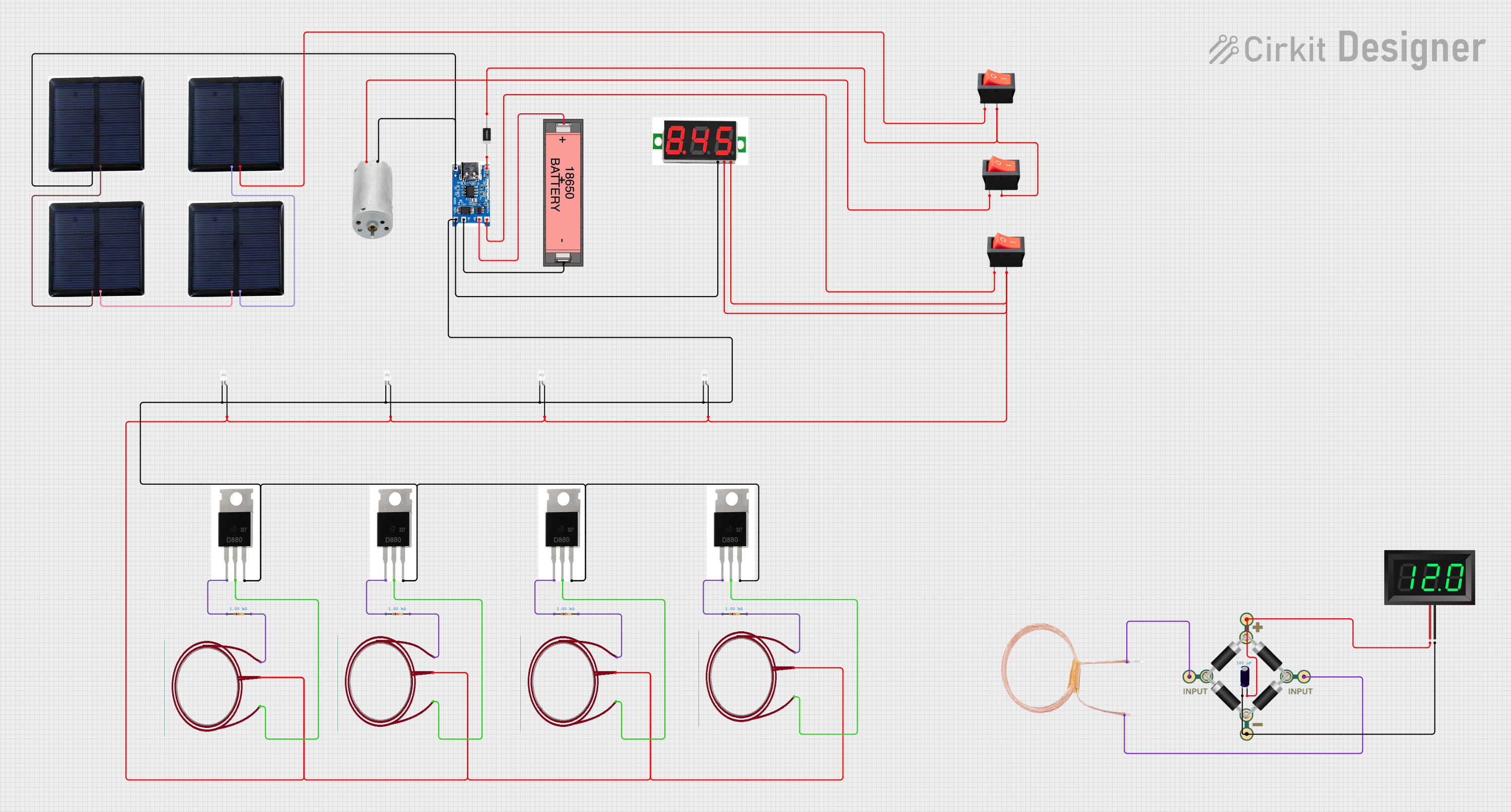
Introduction
The LM393 is a dual comparator integrated circuit (IC) designed to compare two input voltages and output a digital signal based on the comparison. It features two independent voltage comparators in a single package, making it versatile and efficient for a wide range of applications. The LM393 operates with a wide range of supply voltages and is known for its low power consumption.
Common Applications
- Voltage level detection
- Signal conditioning
- Zero-crossing detectors
- Pulse-width modulation (PWM) circuits
- Analog-to-digital conversion (ADC) circuits
- Control systems and automation
Technical Specifications
The LM393 is a robust and reliable IC with the following key specifications:
Pin Configuration and Descriptions
The LM393 is typically available in an 8-pin Dual In-line Package (DIP) or similar formats. Below is the pinout and description:
Usage Instructions
The LM393 is straightforward to use in a variety of circuits. Below are the steps and considerations for using the component effectively:
Basic Circuit Setup
- Power Supply: Connect the Vcc pin (Pin 8) to a positive voltage source (2V to 36V) and the GND pin (Pin 4) to ground.
- Inputs: Provide the two voltages to be compared to the inverting and non-inverting input pins of the comparator.
- For Comparator 1: Use Pins 2 (inverting) and 3 (non-inverting).
- For Comparator 2: Use Pins 6 (inverting) and 5 (non-inverting).
- Output: The output pins (Pins 1 and 7) will provide a digital signal based on the comparison:
- If the voltage at the non-inverting input is greater than the inverting input, the output will be high (open collector).
- Otherwise, the output will be low.
Important Considerations
- Pull-Up Resistor: The LM393 has an open-collector output, so a pull-up resistor is required to ensure proper operation. Connect a resistor (e.g., 10kΩ) between the output pin and the positive supply voltage.
- Input Voltage Range: Ensure that the input voltages remain within the common-mode voltage range (0V to Vcc - 1.5V).
- Bypass Capacitor: Add a decoupling capacitor (e.g., 0.1µF) near the Vcc pin to reduce noise and improve stability.
Example: Using LM393 with Arduino UNO
The LM393 can be used with an Arduino UNO to detect voltage levels. Below is an example circuit and code:
Circuit Description
- Connect the LM393's Vcc to the Arduino's 5V pin and GND to the Arduino's GND.
- Connect the non-inverting input (Pin 3) to a voltage divider or sensor output.
- Connect the inverting input (Pin 2) to a reference voltage (e.g., 2.5V).
- Use a pull-up resistor (10kΩ) on the output pin (Pin 1) and connect it to an Arduino digital input pin (e.g., D2).
Arduino Code
// LM393 Comparator Example with Arduino UNO
// This code reads the output of the LM393 and turns on an LED if the input
// voltage exceeds the reference voltage.

const int lm393OutputPin = 2; // LM393 output connected to digital pin 2
const int ledPin = 13;        // Onboard LED pin

void setup() {
  pinMode(lm393OutputPin, INPUT); // Set LM393 output pin as input
  pinMode(ledPin, OUTPUT);        // Set LED pin as output
  digitalWrite(ledPin, LOW);      // Turn off LED initially
  Serial.begin(9600);             // Initialize serial communication
}

void loop() {
  int comparatorState = digitalRead(lm393OutputPin); // Read LM393 output

  if (comparatorState == HIGH) {
    digitalWrite(ledPin, HIGH); // Turn on LED if input voltage > reference
    Serial.println("Input voltage is HIGH");
  } else {
    digitalWrite(ledPin, LOW);  // Turn off LED if input voltage <= reference
    Serial.println("Input voltage is LOW");
  }

  delay(500); // Wait for 500ms before next reading
}
Troubleshooting and FAQs
Common Issues
No Output Signal:
- Ensure the pull-up resistor is connected to the output pin.
- Verify that the input voltages are within the specified range.
- Check the power supply connections.
Unstable Output:
- Add a bypass capacitor (e.g., 0.1µF) near the Vcc pin to reduce noise.
- Ensure the input signals are not noisy or fluctuating.
Incorrect Output:
- Verify the polarity of the input connections (inverting vs. non-inverting).
- Check the reference voltage and ensure it is set correctly.
FAQs
Q: Can the LM393 be used for high-speed applications?
A: The LM393 is suitable for moderate-speed applications, with a typical response time of a few microseconds. For high-speed requirements, consider using a high-speed comparator IC.
Q: What is the purpose of the pull-up resistor?
A: The LM393 has an open-collector output, which requires a pull-up resistor to define the output voltage level when the output transistor is off.
Q: Can the LM393 handle negative input voltages?
A: No, the LM393 is not designed for negative input voltages. Ensure all input voltages are within the range of 0V to Vcc - 1.5V.
By following this documentation, users can effectively integrate the LM393 into their projects and troubleshoot common issues with ease.

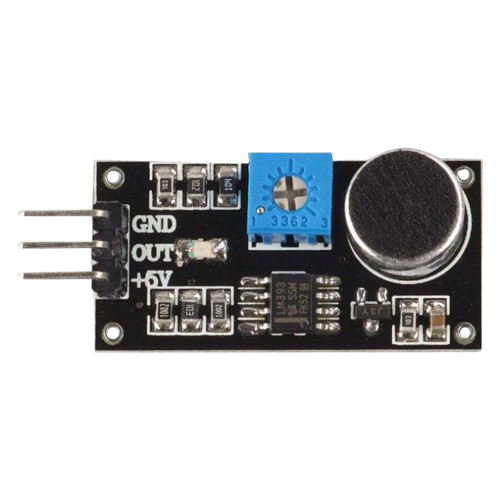
 Open Project in Cirkit Designer