
How to Use 18650 in case: Examples, Pinouts, and Specs
 Design with 18650 in case in Cirkit Designer
Introduction
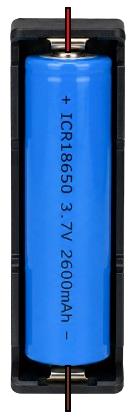
The 18650 in case is a cylindrical lithium-ion rechargeable battery housed in a protective casing. This component is widely used in portable electronics, power banks, flashlights, and electric vehicles due to its high energy density, long cycle life, and reliability. The protective case enhances safety by preventing physical damage and short circuits, making it suitable for DIY projects and professional applications.
Explore Projects Built with 18650 in case
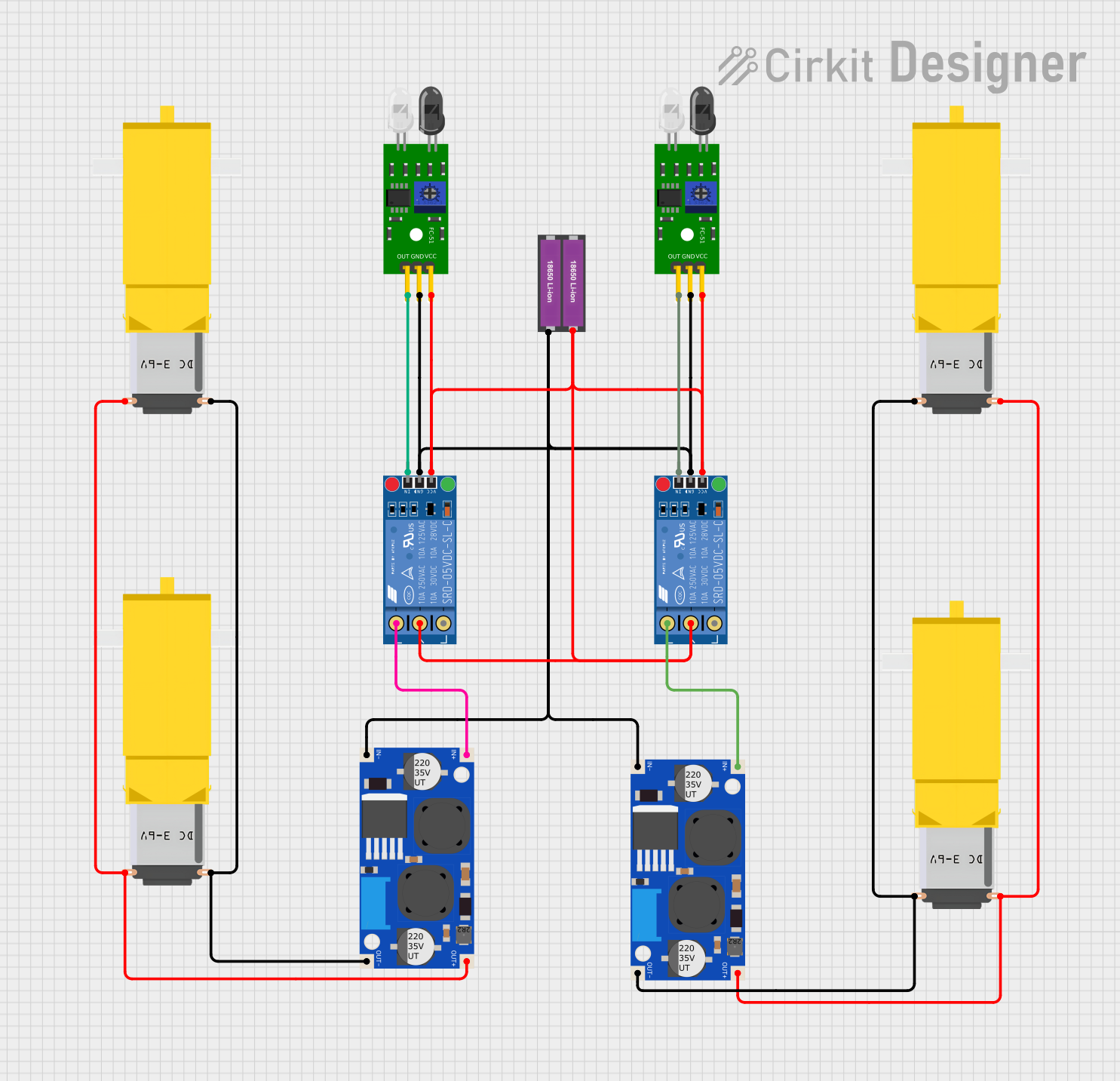 Open Project in Cirkit Designer
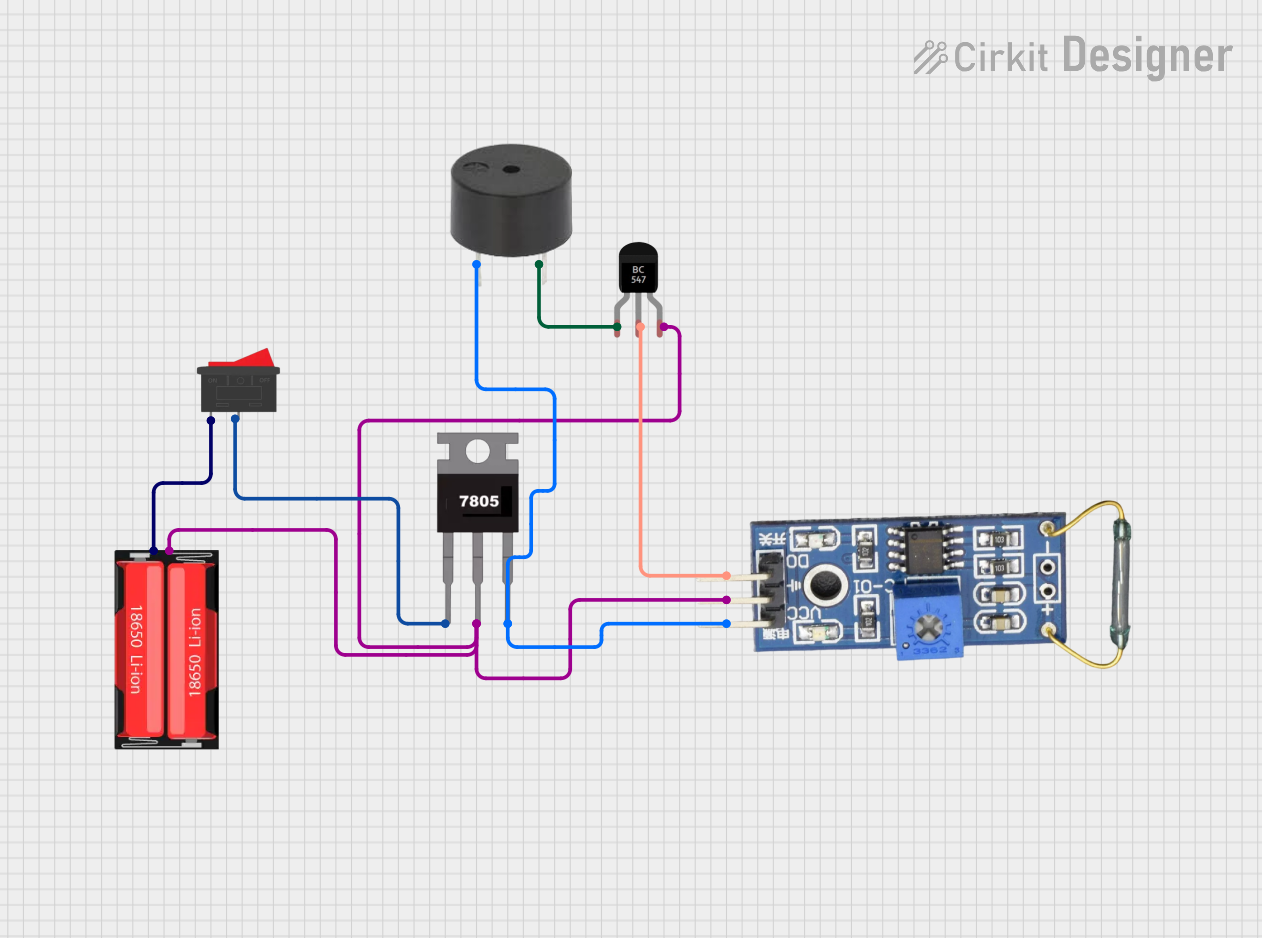 Open Project in Cirkit Designer
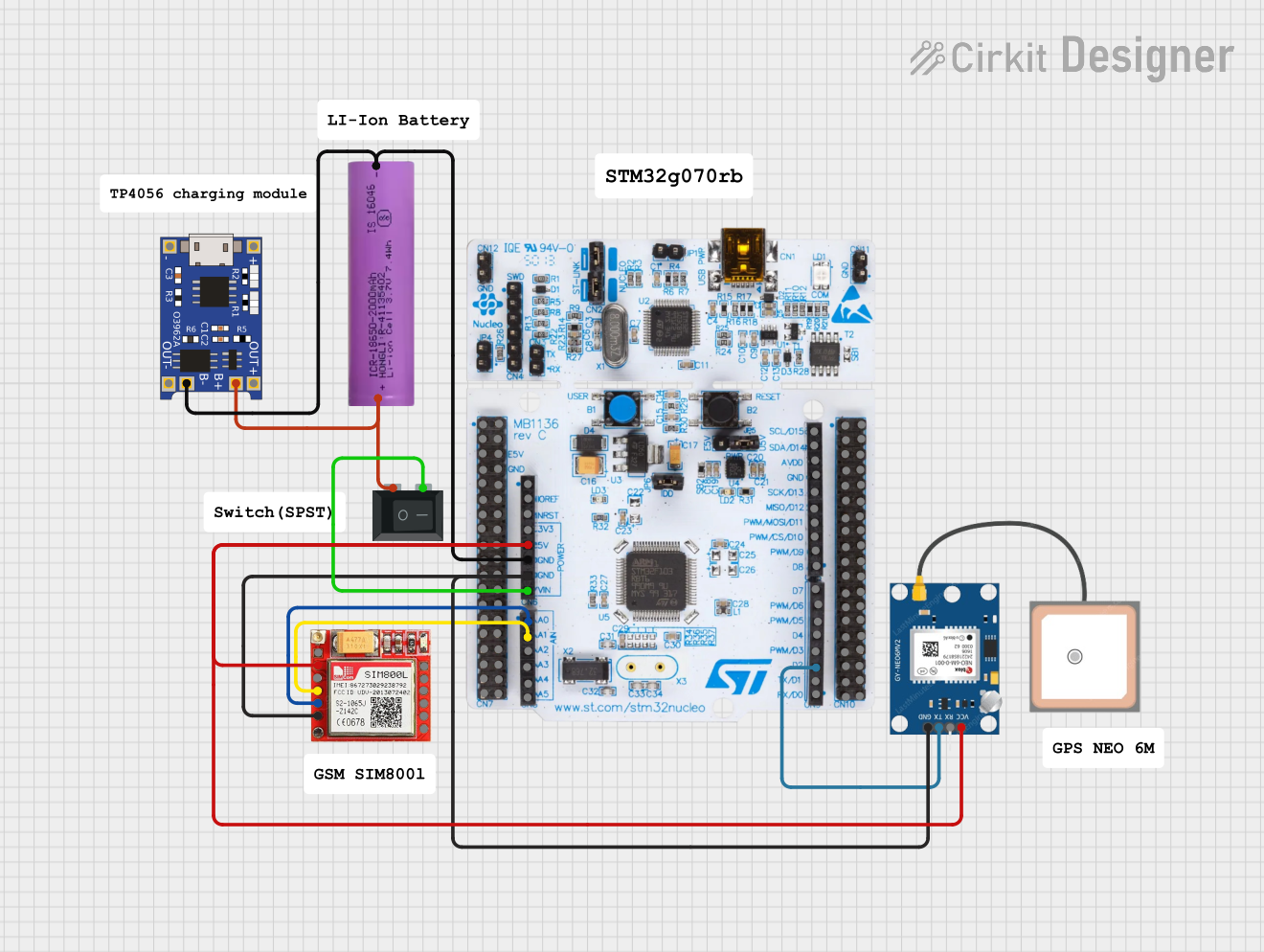 Open Project in Cirkit Designer
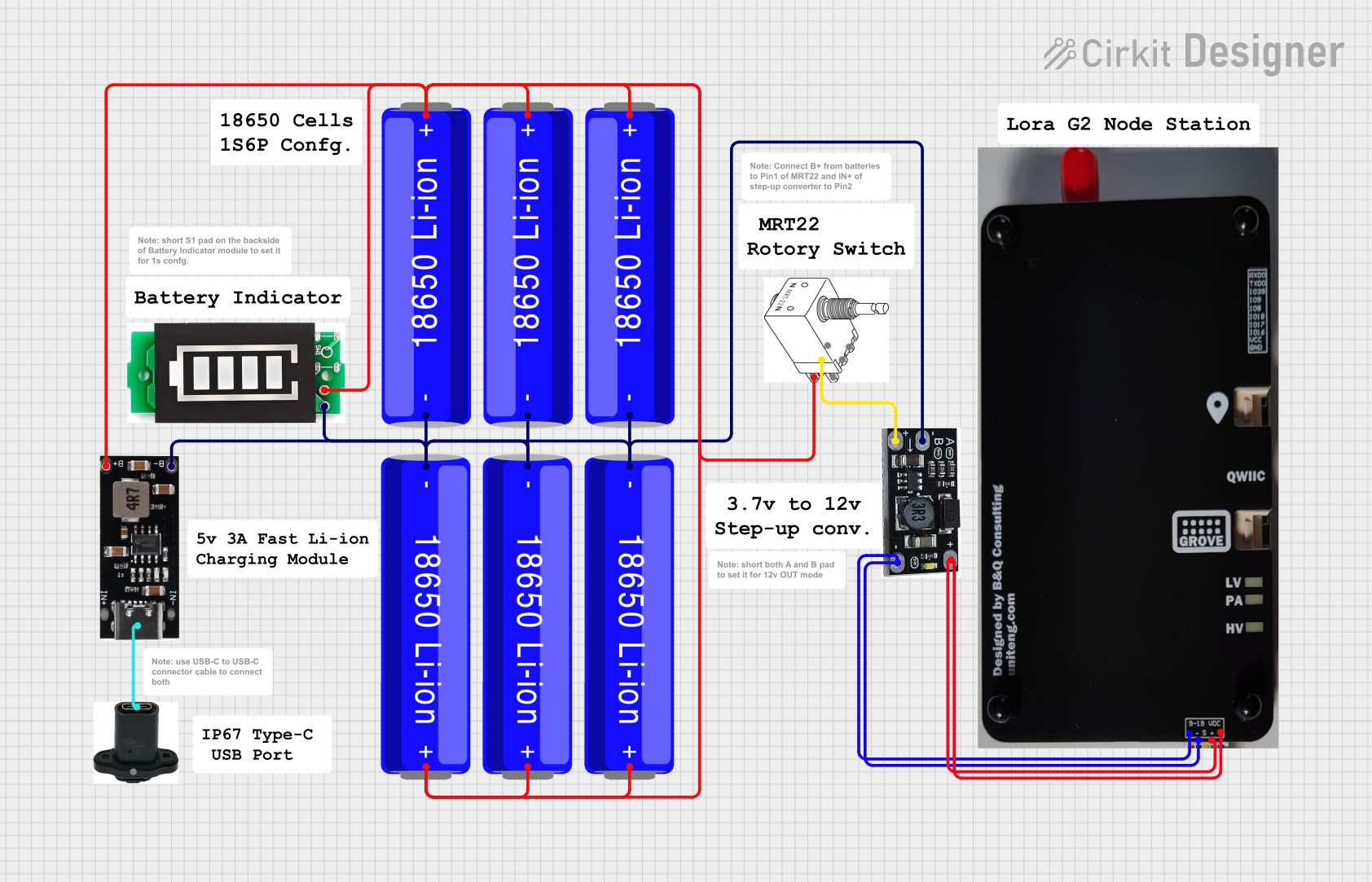 Open Project in Cirkit Designer
Explore Projects Built with 18650 in case
Open Project in Cirkit DesignerOpen Project in Cirkit DesignerOpen Project in Cirkit DesignerOpen Project in Cirkit DesignerCommon Applications:
- Powering portable electronic devices (e.g., flashlights, radios)
- DIY battery packs for robotics and drones
- Backup power supplies and power banks
- Electric vehicles and e-bikes
- Renewable energy storage systems (e.g., solar power setups)
Technical Specifications
Key Technical Details:
| Parameter | Value |
|---|---|
| Battery Type | Lithium-Ion (Li-Ion) |
| Nominal Voltage | 3.7V |
| Fully Charged Voltage | 4.2V |
| Capacity Range | 2000mAh to 3500mAh (varies by model) |
| Discharge Current | 5A to 30A (depending on model) |
| Cycle Life | 300-500 cycles (typical) |
| Operating Temperature | -20°C to 60°C |
| Dimensions (with case) | ~18.6mm (diameter) x 70mm (length) |
| Weight (with case) | ~50g |
Pin Configuration and Descriptions:
The 18650 in case typically has two terminals for electrical connections:
| Pin Name | Description | Notes |
|---|---|---|
| Positive (+) | Positive terminal of the battery | Connect to the positive side of the load or circuit. |
| Negative (-) | Negative terminal of the battery | Connect to the ground or negative side of the load. |
Some cases may include additional features such as:
- Protection Circuit Module (PCM): Prevents overcharging, over-discharging, and short circuits.
- USB Charging Port: For direct charging via USB.
- Indicator LEDs: Show battery charge status.
Usage Instructions
How to Use the 18650 in a Circuit:
Check the Voltage and Capacity:
- Ensure the battery's voltage and capacity meet the requirements of your circuit or device.
- Avoid exceeding the maximum discharge current rating.
Connect the Terminals:
- Identify the positive (+) and negative (-) terminals on the case.
- Use appropriate wires or connectors to attach the battery to your circuit.
Charging the Battery:
- Use a compatible lithium-ion battery charger with a constant current/constant voltage (CC/CV) charging profile.
- Ensure the charger does not exceed 4.2V per cell to prevent overcharging.
Safety Precautions:
- Do not short-circuit the terminals.
- Avoid exposing the battery to extreme temperatures or physical damage.
- Use a case with a built-in protection circuit for added safety.
Example: Using the 18650 with an Arduino UNO
The 18650 can be used to power an Arduino UNO via its VIN pin. Below is an example of connecting the battery to the Arduino and reading the battery voltage using an analog pin.
Circuit Setup:
- Connect the positive terminal of the 18650 to the VIN pin of the Arduino.
- Connect the negative terminal to the GND pin.
- Use a voltage divider circuit to measure the battery voltage safely.
Arduino Code:
// Define analog pin for voltage measurement
const int voltagePin = A0;

// Voltage divider resistor values (in ohms)
const float R1 = 10000.0; // Resistor connected to battery positive
const float R2 = 10000.0; // Resistor connected to ground

void setup() {
  Serial.begin(9600); // Initialize serial communication
}

void loop() {
  int rawValue = analogRead(voltagePin); // Read analog value
  float voltage = (rawValue / 1023.0) * 5.0; // Convert to voltage (Arduino 5V ADC)

  // Adjust for voltage divider
  float batteryVoltage = voltage * ((R1 + R2) / R2);

  // Print the battery voltage to the Serial Monitor
  Serial.print("Battery Voltage: ");
  Serial.print(batteryVoltage);
  Serial.println(" V");

  delay(1000); // Wait 1 second before next reading
}
Important Considerations:
- Use a voltage divider to ensure the Arduino's analog input pin does not exceed 5V.
- Monitor the battery voltage to avoid over-discharging (below 3.0V).
- If using multiple 18650 batteries in series or parallel, ensure proper balancing and protection.
Troubleshooting and FAQs
Common Issues:
Battery Not Charging:
- Cause: Faulty charger or damaged protection circuit.
- Solution: Verify the charger output voltage and current. Check the protection circuit for damage.
Battery Drains Quickly:
- Cause: High load current or degraded battery capacity.
- Solution: Reduce the load or replace the battery if it has reached the end of its cycle life.
Overheating During Use:
- Cause: Excessive current draw or short circuit.
- Solution: Ensure the load does not exceed the battery's maximum discharge current. Check for short circuits.
No Output Voltage:
- Cause: Protection circuit triggered due to over-discharge or short circuit.
- Solution: Recharge the battery to reset the protection circuit.
FAQs:
Q: Can I use the 18650 without a protective case?
A: It is not recommended. The case provides safety features such as short-circuit protection and physical damage prevention.Q: How do I know when the battery is fully charged?
A: Most chargers have an indicator light that turns green when charging is complete. The battery voltage should read ~4.2V when fully charged.Q: Can I connect multiple 18650 batteries together?
A: Yes, but ensure proper balancing and use a Battery Management System (BMS) to prevent overcharging or over-discharging.Q: What is the shelf life of an 18650 battery?
A: When stored properly (at ~40% charge and in a cool, dry place), the shelf life is typically 2-3 years.
By following this documentation, you can safely and effectively use the 18650 in case for a variety of applications.