
How to Use vcc 5v: Examples, Pinouts, and Specs
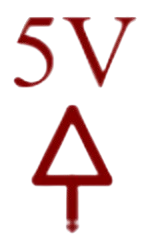
 Design with vcc 5v in Cirkit Designer
Introduction
The VCC 5V is a voltage supply that provides a constant 5 volts, manufactured by Arduino with the part ID "UNO." It is commonly used as a power source for digital circuits, microcontrollers, and other low-power electronic devices. This component is essential for powering devices that require a stable 5V input, ensuring reliable operation and compatibility with a wide range of components.
Explore Projects Built with vcc 5v
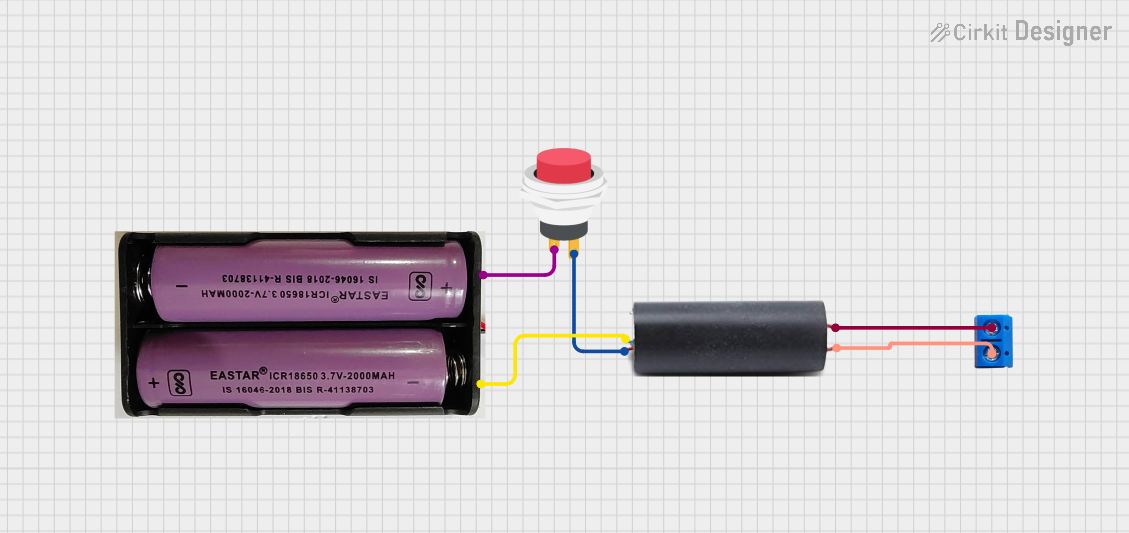 Open Project in Cirkit Designer
 Open Project in Cirkit Designer
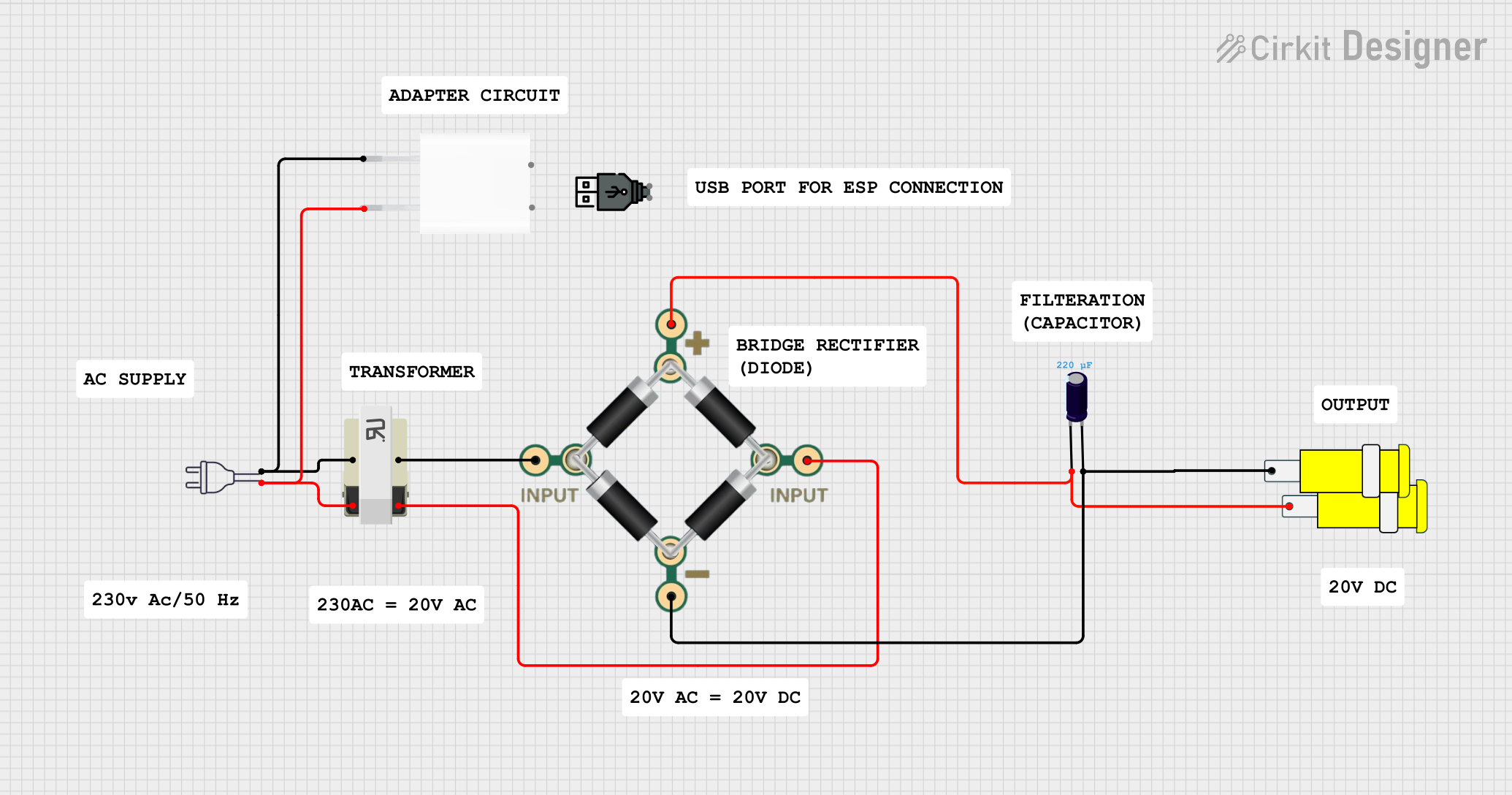 Open Project in Cirkit Designer
 Open Project in Cirkit Designer
Explore Projects Built with vcc 5v
Open Project in Cirkit DesignerOpen Project in Cirkit DesignerOpen Project in Cirkit DesignerOpen Project in Cirkit DesignerCommon Applications and Use Cases
- Powering microcontrollers such as the Arduino UNO.
- Supplying voltage to sensors, modules, and other peripherals.
- Providing a stable power source for breadboard prototyping.
- Driving low-power LEDs, relays, and other electronic components.
Technical Specifications
The VCC 5V output is typically derived from a voltage regulator or USB power source on the Arduino UNO board. Below are the key technical details:
| Parameter | Specification |
|---|---|
| Voltage Output | 5V DC ± 5% |
| Maximum Current | 500 mA (via USB) / 1A (via VIN input) |
| Regulation Type | Linear |
| Ripple and Noise | < 50 mV |
| Operating Temperature | -40°C to 85°C |
Pin Configuration and Descriptions
The VCC 5V pin is available on the Arduino UNO board and is used to supply power to external components. Below is the pin description:
| Pin Name | Pin Type | Description |
|---|---|---|
| VCC 5V | Power Output | Provides a constant 5V DC output for external use. |
| GND | Ground | Common ground reference for the circuit. |
Usage Instructions
How to Use the VCC 5V in a Circuit
- Identify the VCC 5V Pin: Locate the 5V pin on the Arduino UNO board. It is typically labeled as "5V."
- Connect to External Components: Use jumper wires to connect the 5V pin to the power input of your external components (e.g., sensors, modules, or LEDs).
- Establish a Common Ground: Ensure that the GND pin of the Arduino UNO is connected to the ground of your external circuit to complete the circuit.
- Power the Arduino UNO: Supply power to the Arduino UNO via USB or an external power source (e.g., a 9V battery or DC adapter). The VCC 5V pin will then output a stable 5V.
Important Considerations and Best Practices
- Do Not Exceed Current Limits: Ensure that the total current drawn from the VCC 5V pin does not exceed the maximum rating (500 mA via USB or 1A via VIN). Exceeding this limit may damage the Arduino UNO or cause unstable operation.
- Use Decoupling Capacitors: For sensitive components, add decoupling capacitors (e.g., 0.1 µF) near the power pins to reduce noise and improve stability.
- Avoid Short Circuits: Double-check connections to prevent accidental short circuits, which can damage the board or connected components.
- Powering High-Current Devices: For devices requiring more current than the VCC 5V pin can provide, use an external power supply and connect its ground to the Arduino's GND.
Example: Powering an LED with Arduino UNO
Below is an example of using the VCC 5V pin to power an LED with a current-limiting resistor:
// Example: Powering an LED using the VCC 5V pin on Arduino UNO

// Define the pin connected to the LED
const int ledPin = 13; // Built-in LED on Arduino UNO

void setup() {
  pinMode(ledPin, OUTPUT); // Set the LED pin as an output
}

void loop() {
  digitalWrite(ledPin, HIGH); // Turn the LED on
  delay(1000);                // Wait for 1 second
  digitalWrite(ledPin, LOW);  // Turn the LED off
  delay(1000);                // Wait for 1 second
}

// Note: The LED is powered by the VCC 5V pin, and a resistor is used to limit
// the current to prevent damage to the LED.
Troubleshooting and FAQs
Common Issues and Solutions
No Voltage Output from VCC 5V Pin
- Cause: The Arduino UNO is not powered.
- Solution: Ensure the board is connected to a USB port or an external power source.
Voltage Drops Below 5V
- Cause: Excessive current draw from the VCC 5V pin.
- Solution: Reduce the load on the 5V pin or use an external power supply for high-current devices.
Components Not Functioning Properly
- Cause: Missing ground connection.
- Solution: Verify that the GND pin of the Arduino UNO is connected to the ground of the external circuit.
Overheating of Arduino UNO
- Cause: Overloading the VCC 5V pin.
- Solution: Check the current requirements of connected components and ensure they are within the specified limits.
FAQs
Q: Can I use the VCC 5V pin to power the Arduino UNO itself?
A: No, the VCC 5V pin is an output pin and cannot be used to power the Arduino UNO. Use the USB port or VIN pin for powering the board.
Q: Is the VCC 5V pin always active?
A: The VCC 5V pin is active only when the Arduino UNO is powered via USB or an external power source.
Q: Can I connect multiple components to the VCC 5V pin?
A: Yes, as long as the total current draw does not exceed the maximum rating (500 mA via USB or 1A via VIN).
Q: What happens if I accidentally short the VCC 5V pin to GND?
A: Shorting the VCC 5V pin to GND may cause the Arduino UNO to shut down or damage the board. Always double-check connections to avoid short circuits.