
How to Use Fan: Examples, Pinouts, and Specs
 Design with Fan in Cirkit Designer
Introduction
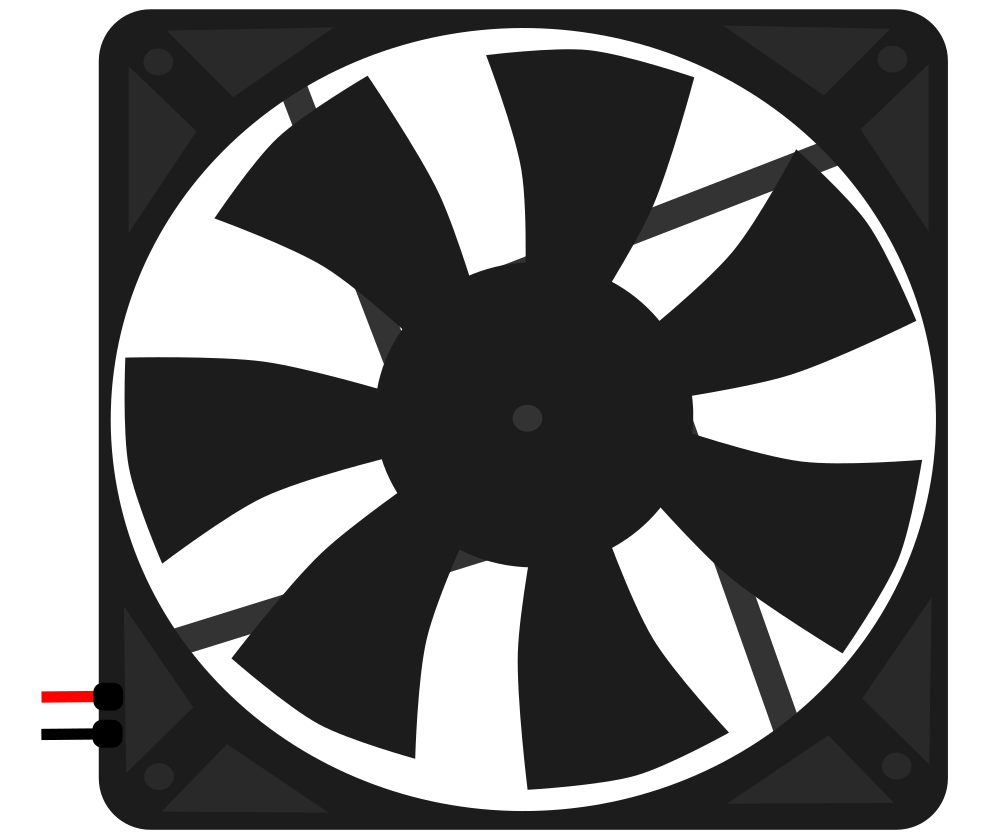
A fan is a device that creates airflow by rotating blades, commonly used for cooling or ventilation in electronic circuits. It helps dissipate heat generated by components such as processors, power supplies, and other heat-sensitive devices. Fans are essential in maintaining the optimal operating temperature of electronic systems, ensuring reliability and longevity.
Explore Projects Built with Fan
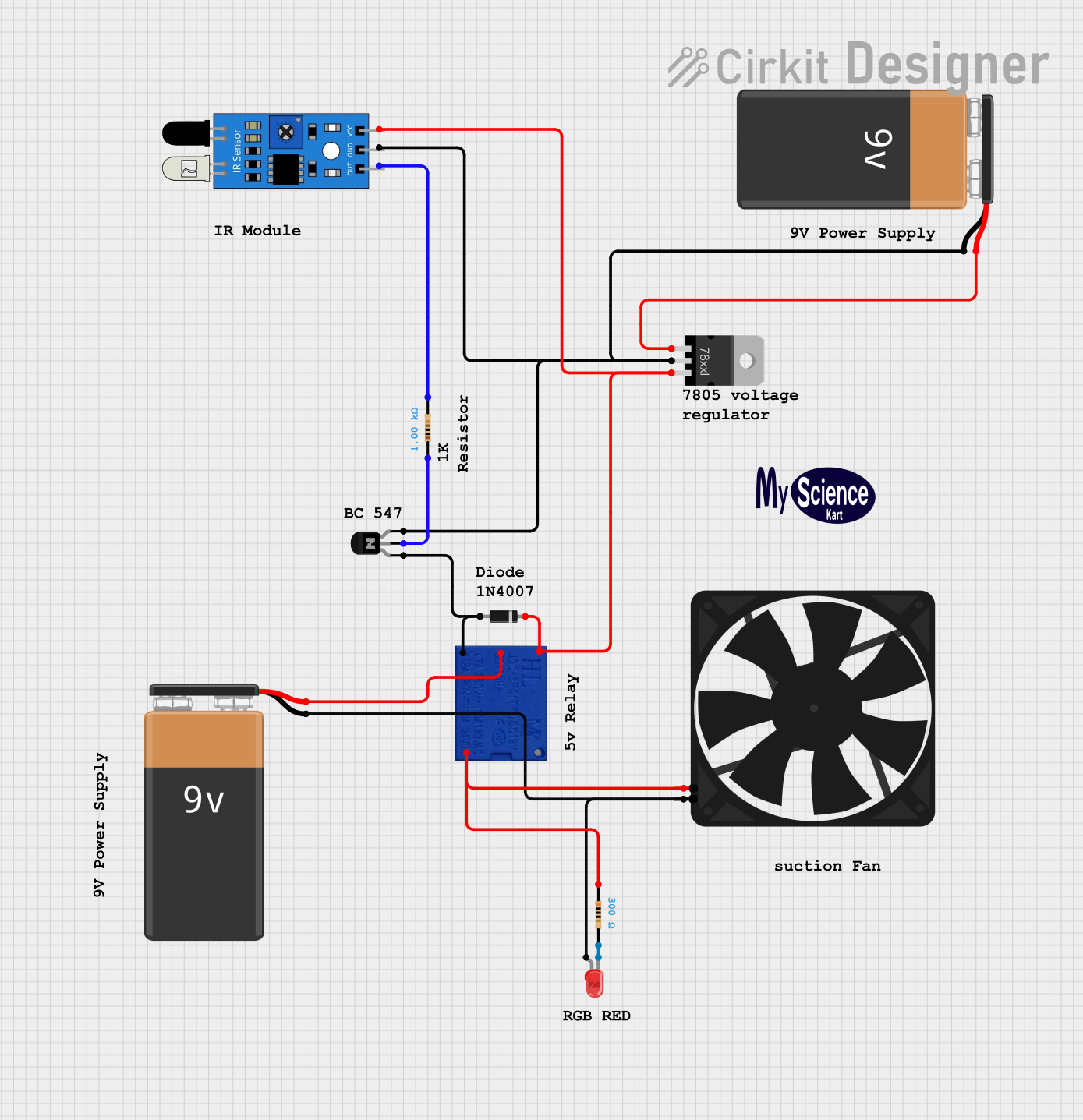 Open Project in Cirkit Designer
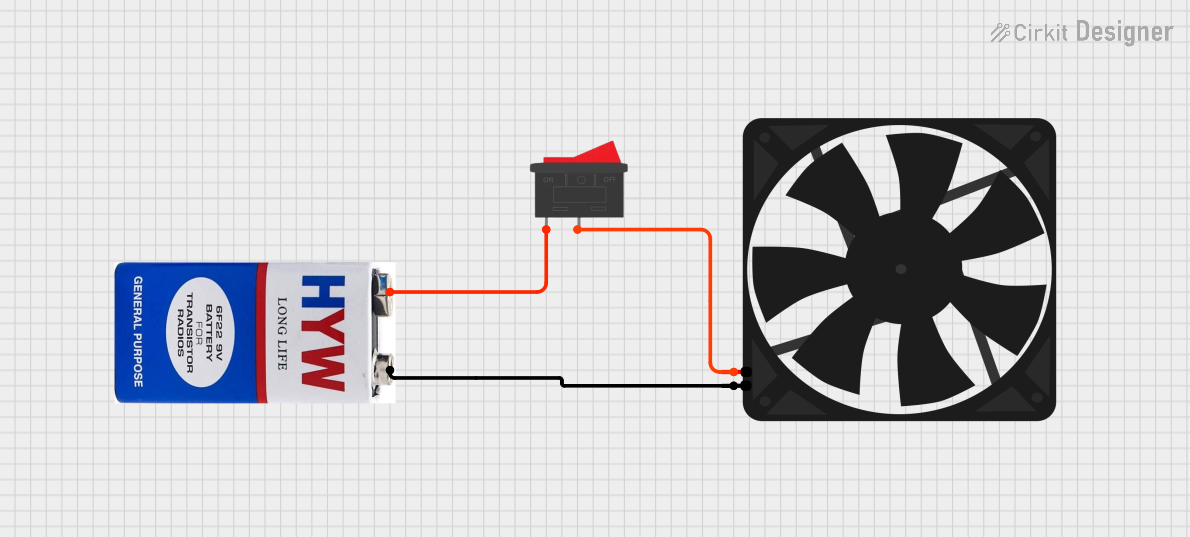 Open Project in Cirkit Designer
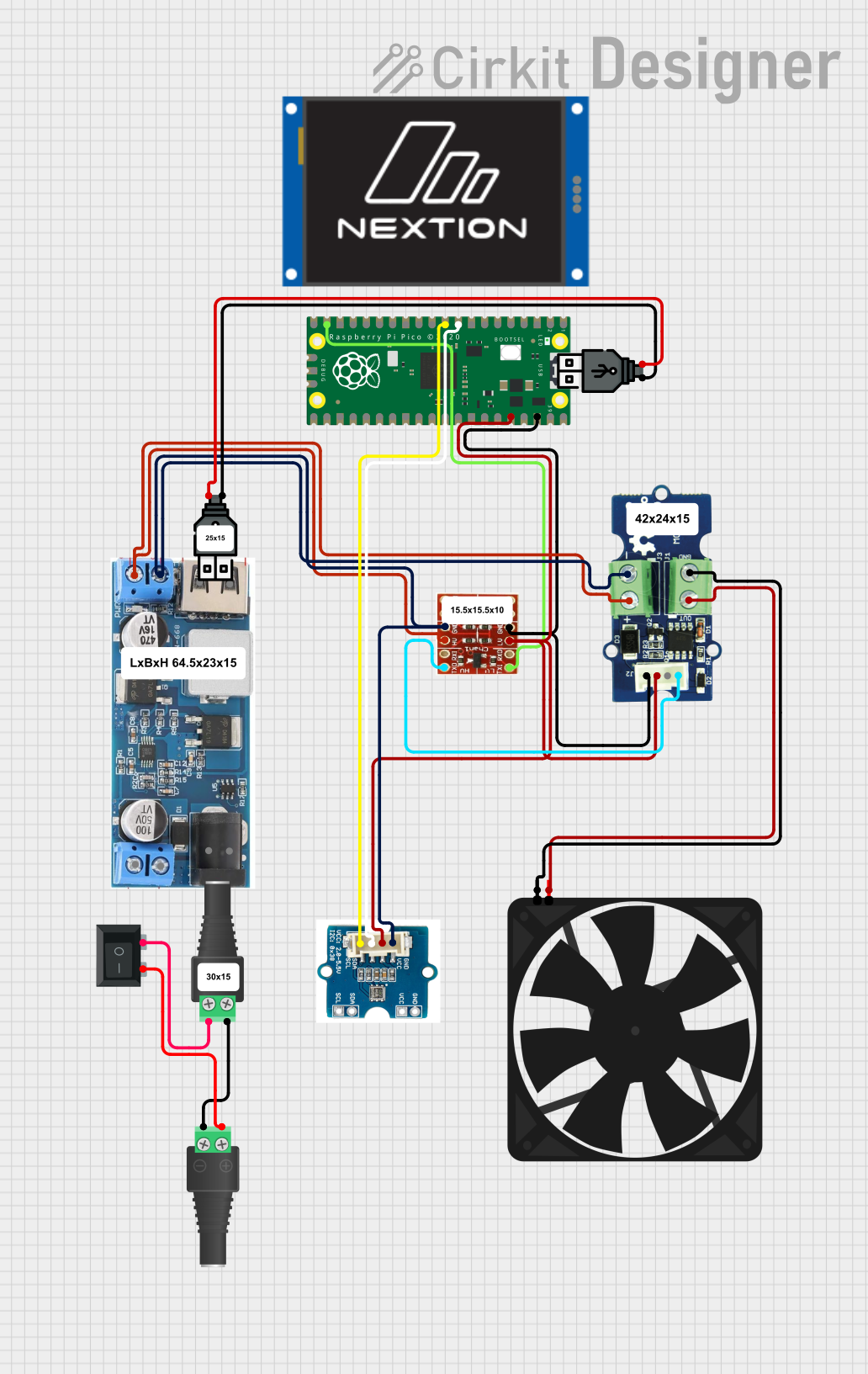 Open Project in Cirkit Designer
 Open Project in Cirkit Designer
Explore Projects Built with Fan
Open Project in Cirkit DesignerOpen Project in Cirkit DesignerOpen Project in Cirkit DesignerOpen Project in Cirkit DesignerCommon Applications and Use Cases
- Cooling computer processors, GPUs, and power supplies
- Ventilation in enclosures for electronic devices
- Heat dissipation in industrial equipment
- Air circulation in robotics and IoT systems
- Temperature regulation in 3D printers and other machinery
Technical Specifications
Below are the general technical specifications for a standard DC fan used in electronic circuits. Specifications may vary depending on the specific model.
General Specifications
| Parameter | Value |
|---|---|
| Operating Voltage | 5V, 12V, or 24V DC |
| Current Consumption | 0.1A to 0.5A (depending on size) |
| Power Rating | 0.5W to 5W |
| Speed | 1000 to 5000 RPM |
| Airflow | 10 to 100 CFM (Cubic Feet per Minute) |
| Noise Level | 20 to 40 dBA |
| Bearing Type | Sleeve or Ball Bearing |
| Connector Type | 2-pin, 3-pin, or 4-pin |
Pin Configuration and Descriptions
| Pin Number | Pin Name | Description |
|---|---|---|
| 1 | VCC | Positive power supply input (e.g., 5V, 12V, or 24V DC). |
| 2 | GND | Ground connection for the fan. |
| 3 (optional) | Tachometer | Outputs a signal proportional to the fan's speed (available in 3-pin fans). |
| 4 (optional) | PWM | Pulse Width Modulation input for speed control (available in 4-pin fans). |
Usage Instructions
How to Use the Fan in a Circuit
- Power Connection: Connect the VCC pin to the appropriate voltage source (e.g., 5V, 12V, or 24V DC) and the GND pin to the ground of the circuit.
- Speed Control (Optional): For 4-pin fans, connect the PWM pin to a microcontroller or PWM signal generator to control the fan speed. A duty cycle of 0% stops the fan, while 100% runs it at full speed.
- Monitoring Speed (Optional): For 3-pin or 4-pin fans, connect the Tachometer pin to a microcontroller's input pin to monitor the fan's speed.
Important Considerations and Best Practices
- Voltage Compatibility: Ensure the fan's operating voltage matches the power supply to avoid damage.
- Current Rating: Verify that the power supply can provide sufficient current for the fan.
- Orientation: Install the fan in the correct orientation to direct airflow as needed.
- Noise Reduction: Use rubber mounts or grommets to minimize vibration and noise.
- Dust Management: Periodically clean the fan blades to prevent dust buildup, which can reduce efficiency.
Example: Controlling a 4-Pin Fan with Arduino UNO
Below is an example of controlling a 4-pin fan's speed using PWM on an Arduino UNO.
// Define the PWM pin connected to the fan's PWM input
const int fanPwmPin = 9;

void setup() {
  // Set the PWM pin as an output
  pinMode(fanPwmPin, OUTPUT);
}

void loop() {
  // Set fan speed to 50% (128 out of 255)
  analogWrite(fanPwmPin, 128);
  delay(5000); // Run at 50% speed for 5 seconds

  // Set fan speed to 100% (255 out of 255)
  analogWrite(fanPwmPin, 255);
  delay(5000); // Run at full speed for 5 seconds

  // Turn off the fan (0 out of 255)
  analogWrite(fanPwmPin, 0);
  delay(5000); // Fan off for 5 seconds
}
Troubleshooting and FAQs
Common Issues and Solutions
Fan Does Not Spin
- Cause: Incorrect voltage or loose connections.
- Solution: Verify the power supply voltage and ensure all connections are secure.
Fan Spins Slowly
- Cause: Insufficient power supply current or high PWM duty cycle.
- Solution: Check the power supply's current rating and adjust the PWM signal.
Excessive Noise
- Cause: Dust buildup or improper mounting.
- Solution: Clean the fan blades and ensure the fan is securely mounted with vibration-dampening materials.
Fan Stops Intermittently
- Cause: Overheating or faulty bearings.
- Solution: Allow the fan to cool down and consider replacing it if the issue persists.
FAQs
Can I use a 12V fan with a 5V power supply? No, the fan will not operate correctly. Always match the fan's rated voltage with the power supply.
How do I control the speed of a 2-pin fan? Speed control for 2-pin fans is typically achieved by varying the supply voltage using a DC motor driver or a variable power supply.
What is the purpose of the Tachometer pin? The Tachometer pin provides feedback on the fan's speed, which can be used for monitoring or closed-loop control.
Can I connect multiple fans to a single power supply? Yes, as long as the total current draw of all fans does not exceed the power supply's current rating.