
How to Use Grove Infrared Receiver: Examples, Pinouts, and Specs
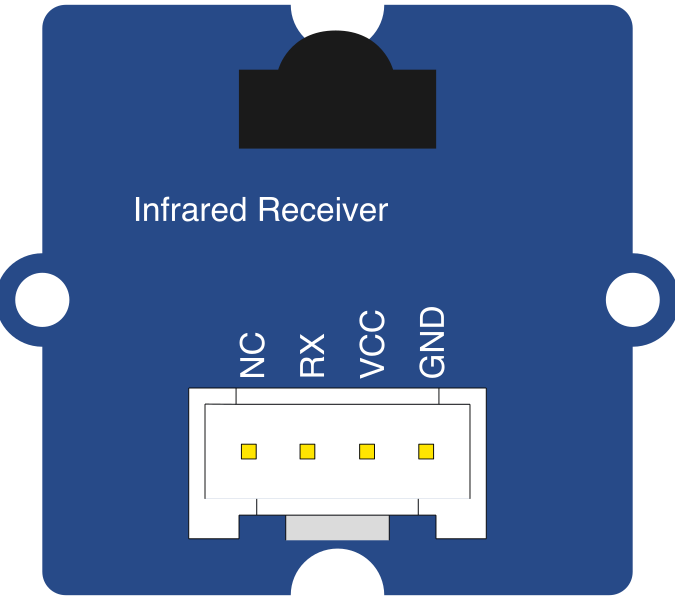
 Design with Grove Infrared Receiver in Cirkit Designer
Introduction
The Grove Infrared Receiver by Seeed Studio is a compact and reliable sensor designed to detect infrared (IR) signals. It is commonly used in remote control applications, where it receives modulated infrared light and converts it into an electrical signal for further processing. This component is ideal for projects involving remote-controlled devices, home automation, and IR communication systems.
Explore Projects Built with Grove Infrared Receiver
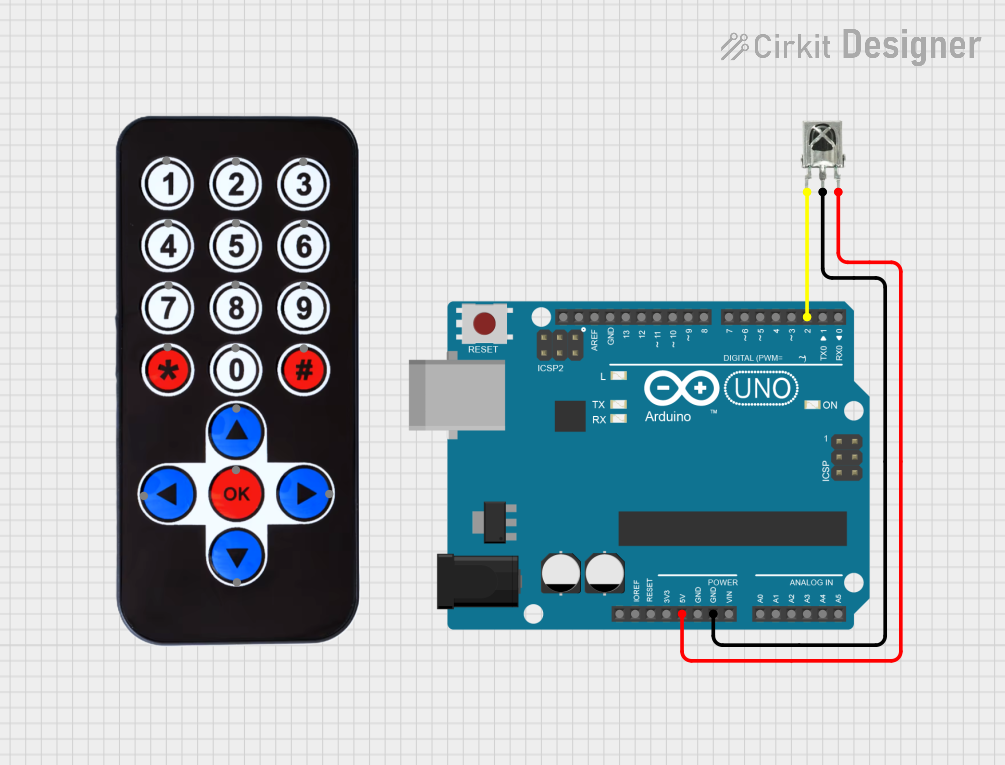 Open Project in Cirkit Designer
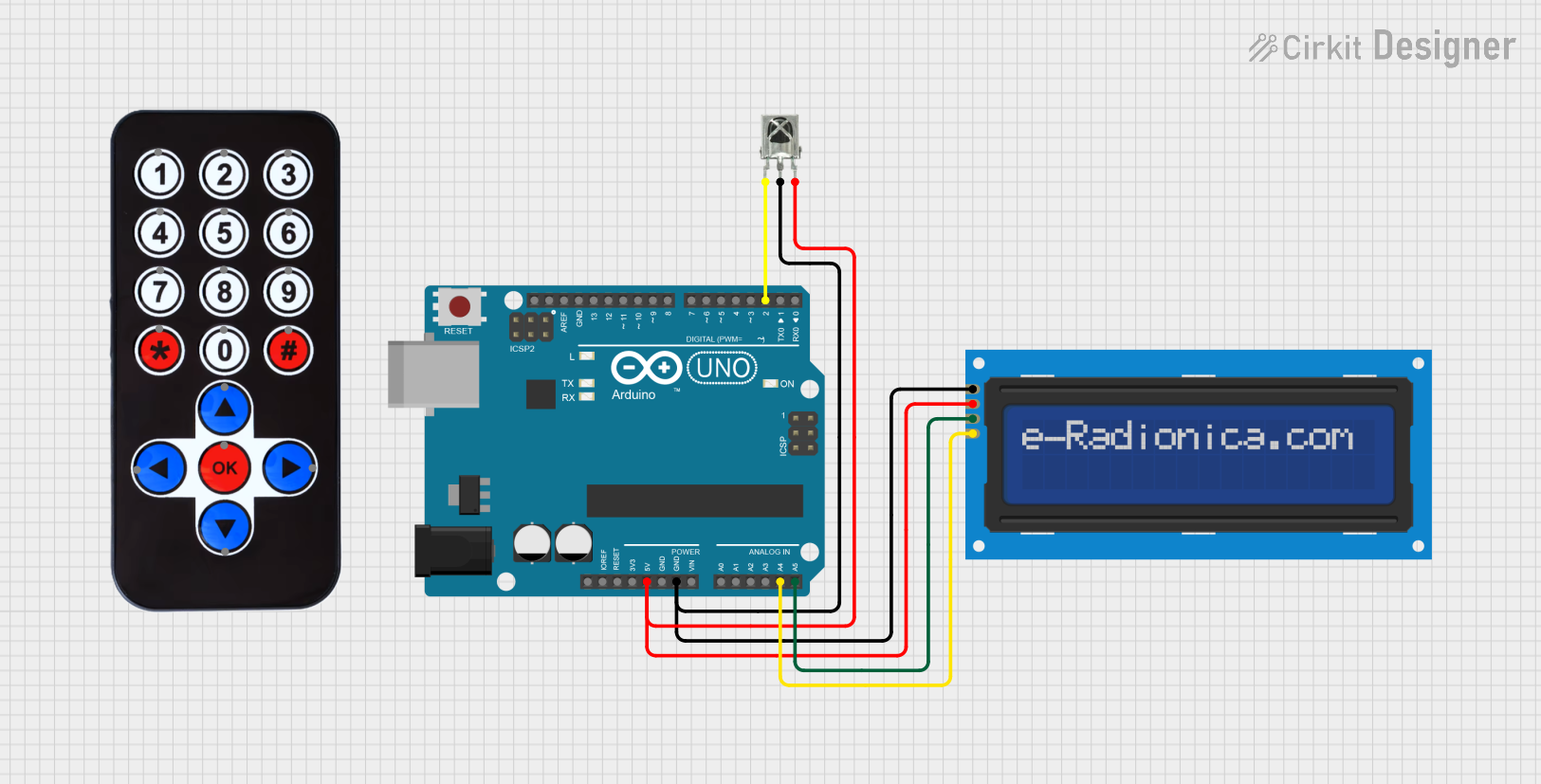 Open Project in Cirkit Designer
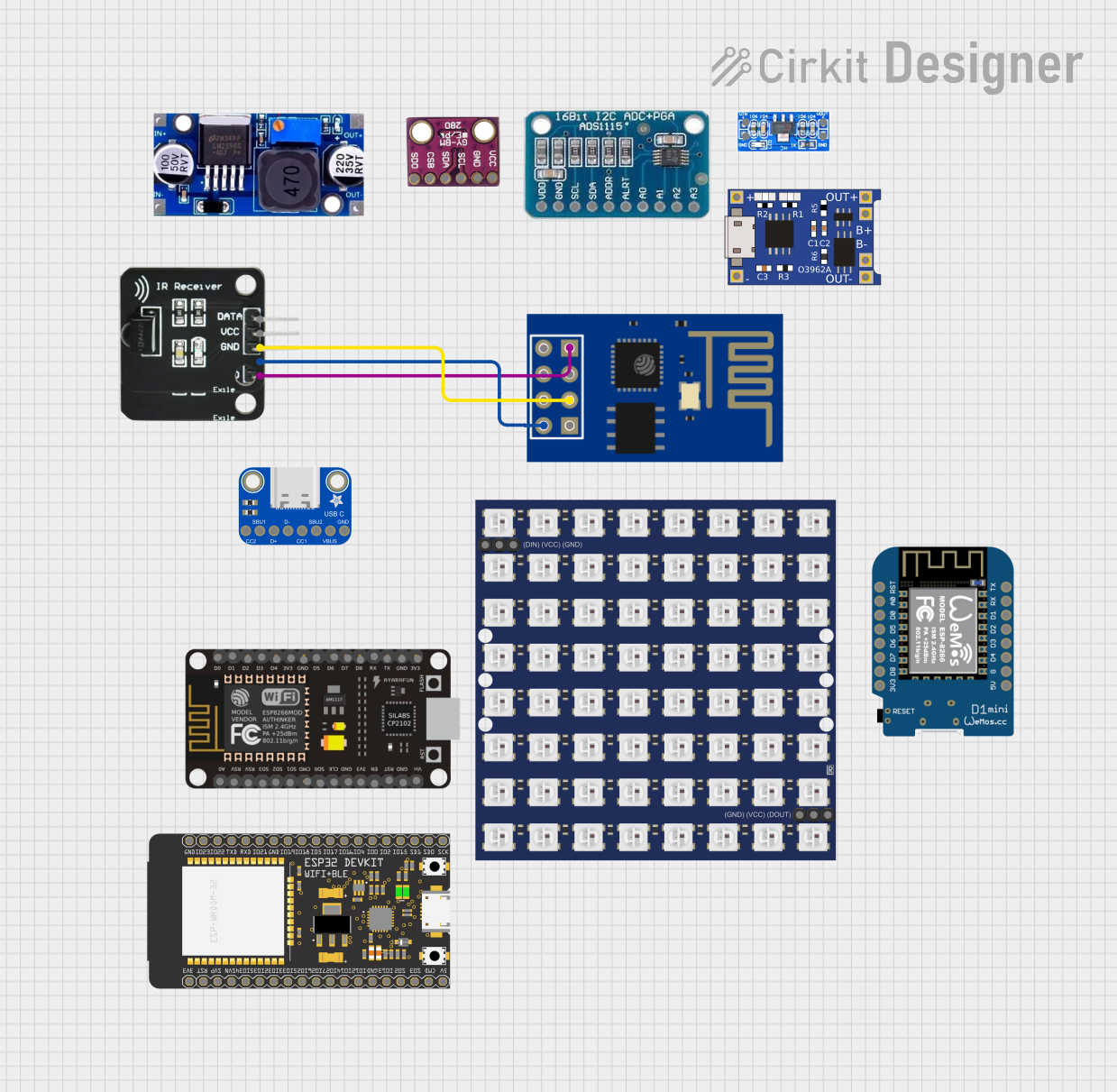 Open Project in Cirkit Designer
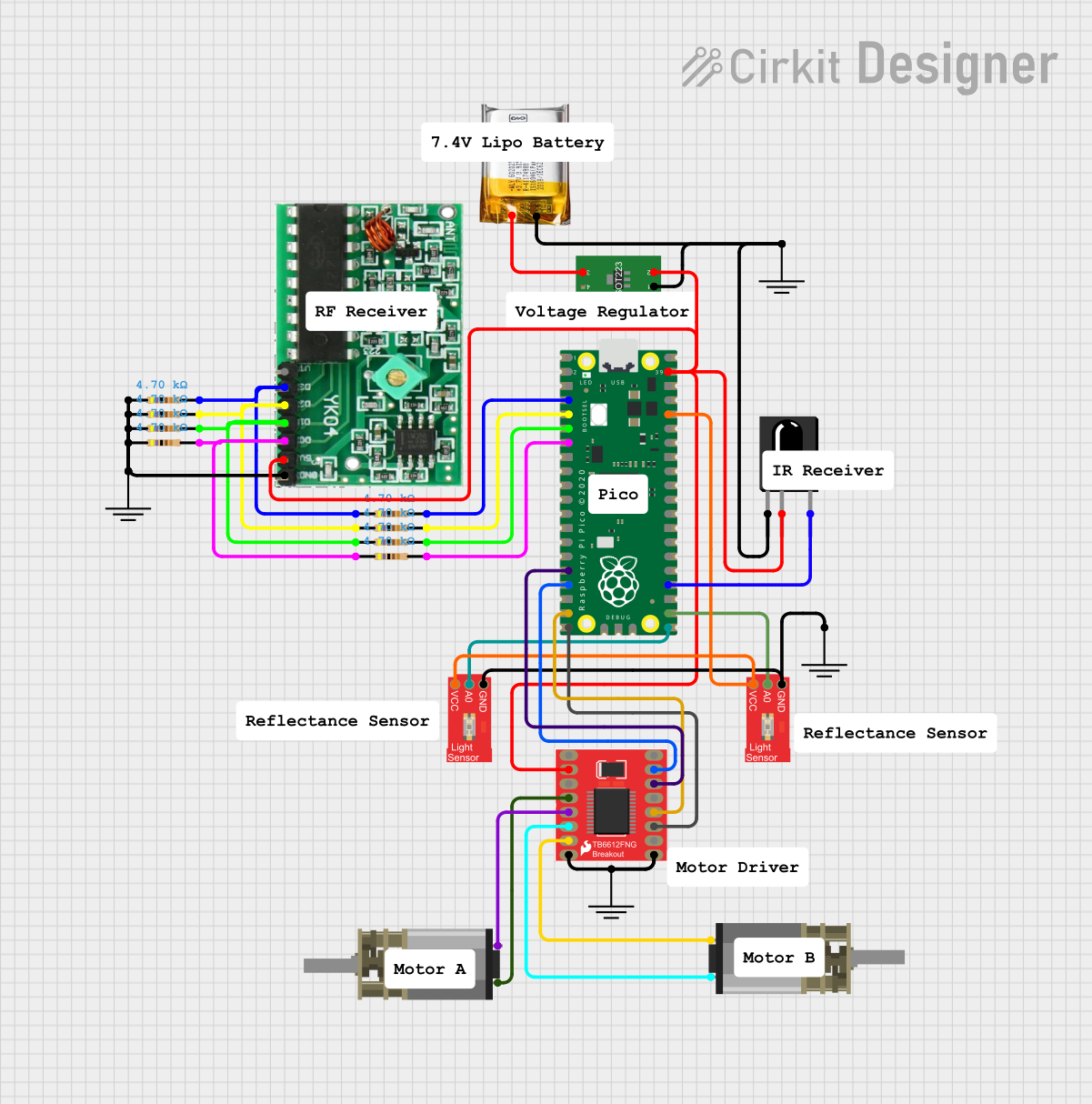 Open Project in Cirkit Designer
Explore Projects Built with Grove Infrared Receiver
Open Project in Cirkit DesignerOpen Project in Cirkit DesignerOpen Project in Cirkit DesignerOpen Project in Cirkit DesignerCommon Applications
- Remote control signal reception
- Home automation systems
- IR-based communication between devices
- Consumer electronics (e.g., TVs, air conditioners)
- Robotics and IoT projects
Technical Specifications
The following table outlines the key technical details of the Grove Infrared Receiver:
| Parameter | Value |
|---|---|
| Manufacturer | Seeed Studio |
| Part ID | Grove Infrared Receiver |
| Operating Voltage | 3.3V to 5V |
| Current Consumption | 0.4mA (typical) |
| Carrier Frequency | 38kHz |
| Reception Distance | Up to 10 meters (depending on IR source) |
| Interface Type | Digital (1-wire signal output) |
| Dimensions | 20mm x 20mm |
| Operating Temperature | -25°C to +85°C |
Pin Configuration
The Grove Infrared Receiver uses a standard 4-pin Grove connector. The pin configuration is as follows:
| Pin | Name | Description |
|---|---|---|
| 1 | Signal | Digital output signal (IR data) |
| 2 | VCC | Power supply (3.3V to 5V) |
| 3 | GND | Ground |
| 4 | NC (Not Connected) | Not used |
Usage Instructions
Connecting the Grove Infrared Receiver
Hardware Setup:
- Connect the Grove Infrared Receiver to a Grove Base Shield or directly to an Arduino UNO using a Grove cable.
- Ensure the
Signalpin is connected to a digital input pin on the microcontroller. - Provide a power supply of 3.3V or 5V to the
VCCpin and connect theGNDpin to the ground.
Software Setup:
- Use an IR library (e.g.,
IRremotefor Arduino) to decode the received IR signals. - Install the library in your Arduino IDE by navigating to Sketch > Include Library > Manage Libraries, then search for and install
IRremote.
- Use an IR library (e.g.,
Sample Arduino Code
Below is an example of how to use the Grove Infrared Receiver with an Arduino UNO to decode IR signals:
#include <IRremote.h> // Include the IRremote library

const int RECV_PIN = 2; // Define the digital pin connected to the Signal pin
IRrecv irrecv(RECV_PIN); // Create an IRrecv object
decode_results results;  // Create a variable to store decoded results

void setup() {
  Serial.begin(9600); // Initialize serial communication
  irrecv.enableIRIn(); // Start the IR receiver
  Serial.println("IR Receiver is ready to receive signals.");
}

void loop() {
  if (irrecv.decode(&results)) { // Check if a signal is received
    Serial.print("Received IR code: ");
    Serial.println(results.value, HEX); // Print the received code in HEX format
    irrecv.resume(); // Prepare to receive the next signal
  }
}
Important Considerations
- Ensure the IR source (e.g., remote control) operates at a carrier frequency of 38kHz for optimal performance.
- Avoid exposing the sensor to direct sunlight or strong ambient light, as this may interfere with IR signal reception.
- Maintain a clear line of sight between the IR source and the receiver for reliable operation.
Troubleshooting and FAQs
Common Issues and Solutions
No Signal Detected:
- Verify the wiring connections, ensuring the
Signal,VCC, andGNDpins are correctly connected. - Check if the IR source is functioning and emitting signals at 38kHz.
- Verify the wiring connections, ensuring the
Unstable or Incorrect Signal Output:
- Reduce ambient light interference by shielding the sensor from direct sunlight or fluorescent lights.
- Ensure the IR source is within the specified reception distance (up to 10 meters).
Arduino Code Not Working:
- Confirm that the
IRremotelibrary is installed and properly included in the sketch. - Ensure the correct digital pin is defined in the code (
RECV_PIN).
- Confirm that the
FAQs
Q: Can the Grove Infrared Receiver work with microcontrollers other than Arduino?
A: Yes, the receiver can work with other microcontrollers (e.g., Raspberry Pi, ESP32) as long as they support digital input and IR decoding.
Q: What is the maximum range of the Grove Infrared Receiver?
A: The maximum range is up to 10 meters, depending on the strength of the IR source and environmental conditions.
Q: Can this sensor transmit IR signals?
A: No, the Grove Infrared Receiver is designed only to receive IR signals. For transmission, you would need an IR emitter module.
Q: How do I know if the sensor is receiving signals?
A: Use the provided Arduino code to monitor the received IR codes via the Serial Monitor. If no codes are displayed, check the wiring and IR source.
By following this documentation, you can effectively integrate the Grove Infrared Receiver into your projects and troubleshoot any issues that arise.