
How to Use 18650 BATTERY: Examples, Pinouts, and Specs
 Design with 18650 BATTERY in Cirkit Designer
Introduction
The 18650 battery is a rechargeable lithium-ion battery with a cylindrical shape, measuring 18mm in diameter and 65mm in length. It is widely recognized for its high energy density, long cycle life, and reliability. These batteries are commonly used in portable electronics, power tools, flashlights, laptops, and electric vehicles. Their versatility and performance make them a popular choice for both consumer and industrial applications.
Explore Projects Built with 18650 BATTERY
 Open Project in Cirkit Designer
 Open Project in Cirkit Designer
 Open Project in Cirkit Designer
 Open Project in Cirkit Designer
Explore Projects Built with 18650 BATTERY
Open Project in Cirkit DesignerOpen Project in Cirkit DesignerOpen Project in Cirkit DesignerOpen Project in Cirkit DesignerTechnical Specifications
The following table outlines the key technical specifications of a standard 18650 battery. Note that specific values may vary depending on the manufacturer and model.
| Parameter | Specification |
|---|---|
| Nominal Voltage | 3.6V - 3.7V |
| Fully Charged Voltage | 4.2V |
| Cut-off Voltage | 2.5V - 3.0V |
| Capacity | 1800mAh - 3500mAh (varies by model) |
| Maximum Discharge Current | 5A - 35A (varies by model) |
| Chemistry | Lithium-ion (Li-ion) |
| Cycle Life | 300 - 500 cycles (typical) |
| Dimensions | 18mm (diameter) x 65mm (length) |
| Weight | ~45g |
Pin Configuration and Descriptions
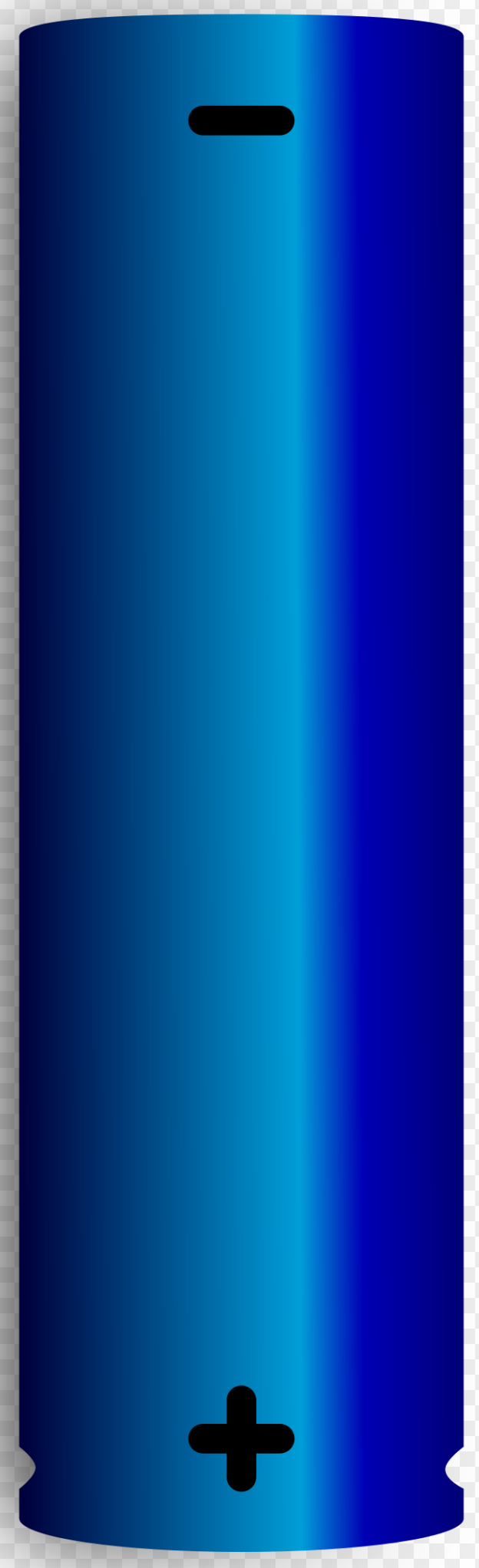
The 18650 battery has two terminals:
| Terminal | Description |
|---|---|
| Positive (+) | The positive terminal of the battery. Connects to the positive side of the circuit. |
| Negative (-) | The negative terminal of the battery. Connects to the ground or negative side of the circuit. |
Note: Some 18650 batteries come with built-in protection circuits (protected cells) to prevent overcharging, over-discharging, and short circuits. These may slightly increase the battery's length.
Usage Instructions
How to Use the 18650 Battery in a Circuit
- Determine the Battery's Specifications: Check the battery's capacity, voltage, and maximum discharge current to ensure compatibility with your circuit.
- Use a Battery Holder: Secure the 18650 battery in a compatible battery holder to ensure proper electrical contact and safety.
- Connect to the Circuit:
- Connect the positive terminal of the battery to the positive input of your circuit.
- Connect the negative terminal to the ground or negative input of your circuit.
- Charging the Battery:
- Use a dedicated lithium-ion battery charger with a constant current/constant voltage (CC/CV) charging profile.
- Ensure the charger is compatible with the battery's voltage and capacity.
Important Considerations and Best Practices
- Avoid Overcharging and Over-discharging: Use a battery management system (BMS) or a protected 18650 cell to prevent damage.
- Handle with Care: Do not puncture, crush, or expose the battery to high temperatures.
- Storage: Store the battery in a cool, dry place at a partial charge (around 40%-60%) for long-term storage.
- Parallel and Series Connections: When connecting multiple 18650 batteries in series or parallel, ensure they are of the same capacity, voltage, and charge level to avoid imbalances.
Example: Using an 18650 Battery with an Arduino UNO
To power an Arduino UNO with an 18650 battery, you can use a DC-DC step-up converter to boost the battery's voltage to 5V. Below is an example circuit and code:
Circuit Setup
- Connect the 18650 battery to the input of the DC-DC step-up converter.
- Adjust the converter's output to 5V using a multimeter.
- Connect the converter's output to the Arduino UNO's VIN and GND pins.
Arduino Code Example
// Example code to blink an LED using an Arduino UNO powered by an 18650 battery
// Ensure the DC-DC converter is set to output 5V before connecting to the Arduino

const int ledPin = 13; // Built-in LED pin on Arduino UNO

void setup() {
  pinMode(ledPin, OUTPUT); // Set the LED pin as an output
}

void loop() {
  digitalWrite(ledPin, HIGH); // Turn the LED on
  delay(1000);                // Wait for 1 second
  digitalWrite(ledPin, LOW);  // Turn the LED off
  delay(1000);                // Wait for 1 second
}
Troubleshooting and FAQs
Common Issues
Battery Not Charging:
- Cause: Faulty charger or damaged battery.
- Solution: Verify the charger is functioning correctly and compatible with the battery. Check for physical damage to the battery.
Battery Drains Quickly:
- Cause: High self-discharge rate or excessive load.
- Solution: Test the battery's capacity using a battery tester. Replace the battery if it has degraded.
Battery Overheats:
- Cause: Overcharging, over-discharging, or excessive current draw.
- Solution: Use a protected 18650 cell or a battery management system (BMS). Ensure the load does not exceed the battery's maximum discharge current.
Battery Voltage Drops Below 2.5V:
- Cause: Over-discharging.
- Solution: Recharge the battery immediately using a compatible charger. Avoid deep discharges in the future.
FAQs
Can I use an 18650 battery without a protection circuit?
- Yes, but it is not recommended. Unprotected cells are more prone to overcharging, over-discharging, and short circuits, which can lead to safety hazards.
How do I know if my 18650 battery is protected?
- Protected cells are slightly longer (usually 67mm instead of 65mm) and often have a visible protection circuit at the positive terminal.
Can I charge an 18650 battery with a USB charger?
- Only if the USB charger is specifically designed for lithium-ion batteries and provides the correct charging profile (CC/CV).
What is the typical lifespan of an 18650 battery?
- The lifespan depends on usage and charging habits but typically ranges from 300 to 500 charge cycles.
By following the guidelines and best practices outlined in this documentation, you can safely and effectively use 18650 batteries in your projects.