
How to Use PZEM 004T 10A: Examples, Pinouts, and Specs
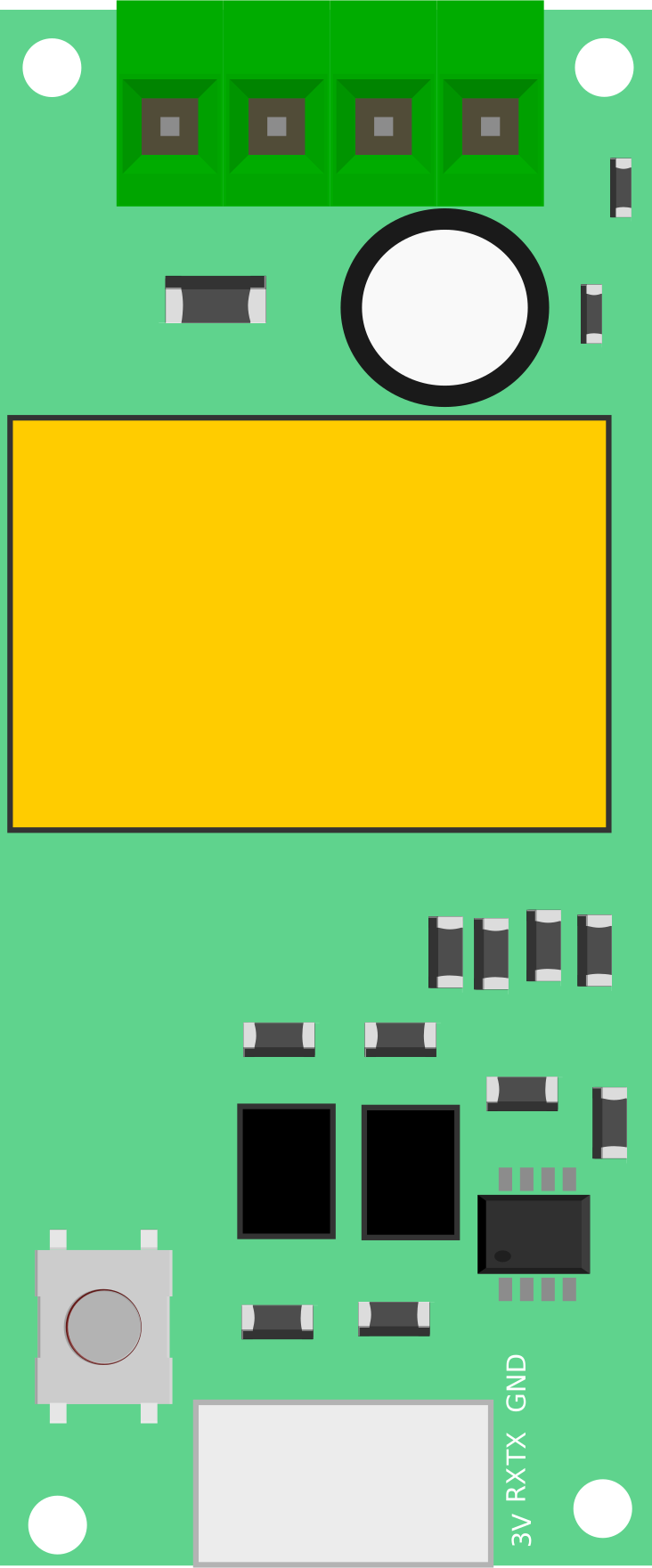
 Design with PZEM 004T 10A in Cirkit Designer
Introduction
The PZEM 004T 10A is a multifunctional energy meter designed for monitoring and measuring key electrical parameters in AC circuits. It can measure voltage, current, power, energy consumption, and frequency, providing real-time data for energy management. This module is compact, easy to integrate, and supports communication via UART, making it ideal for IoT applications, home automation, and industrial energy monitoring.
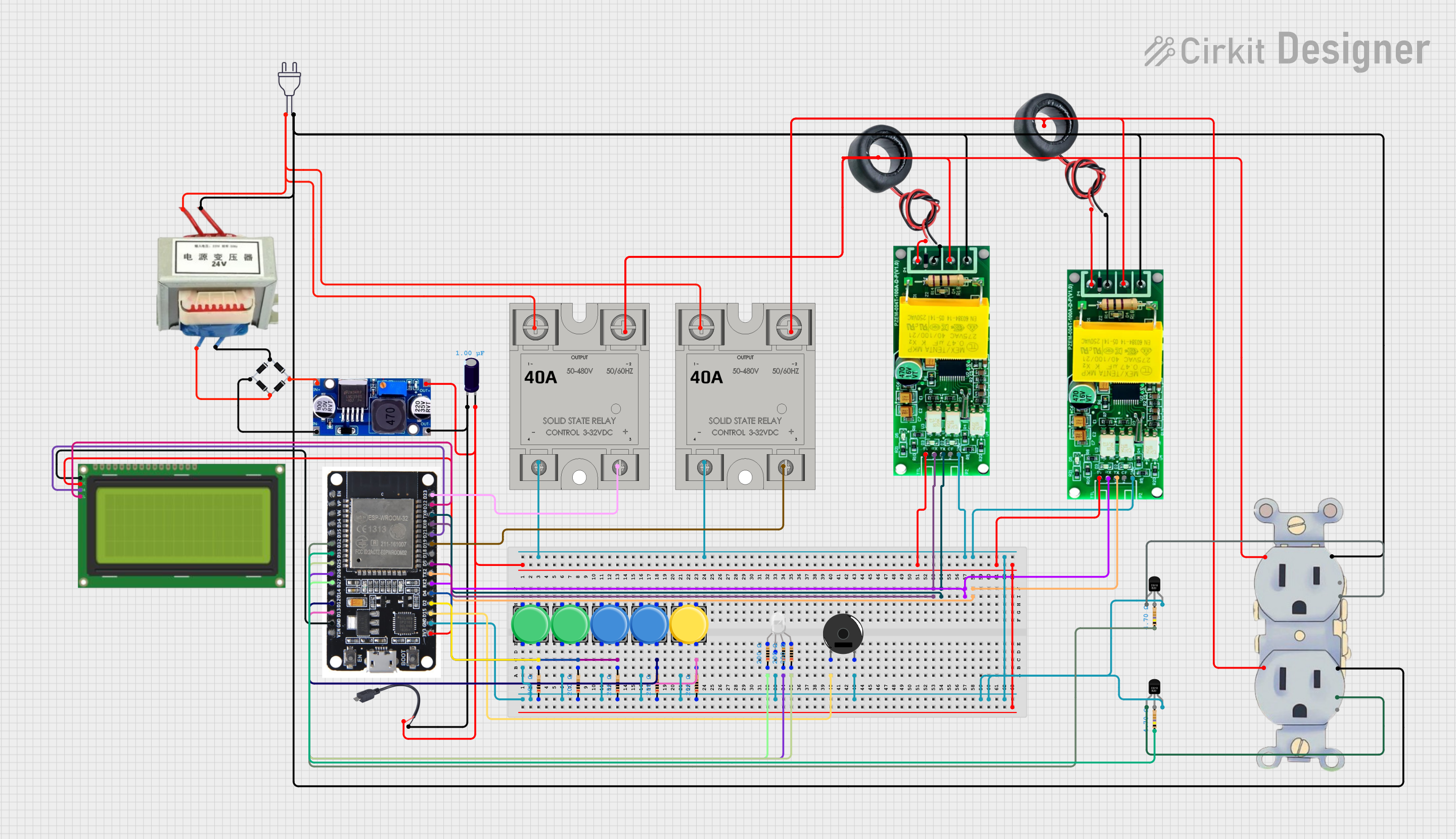
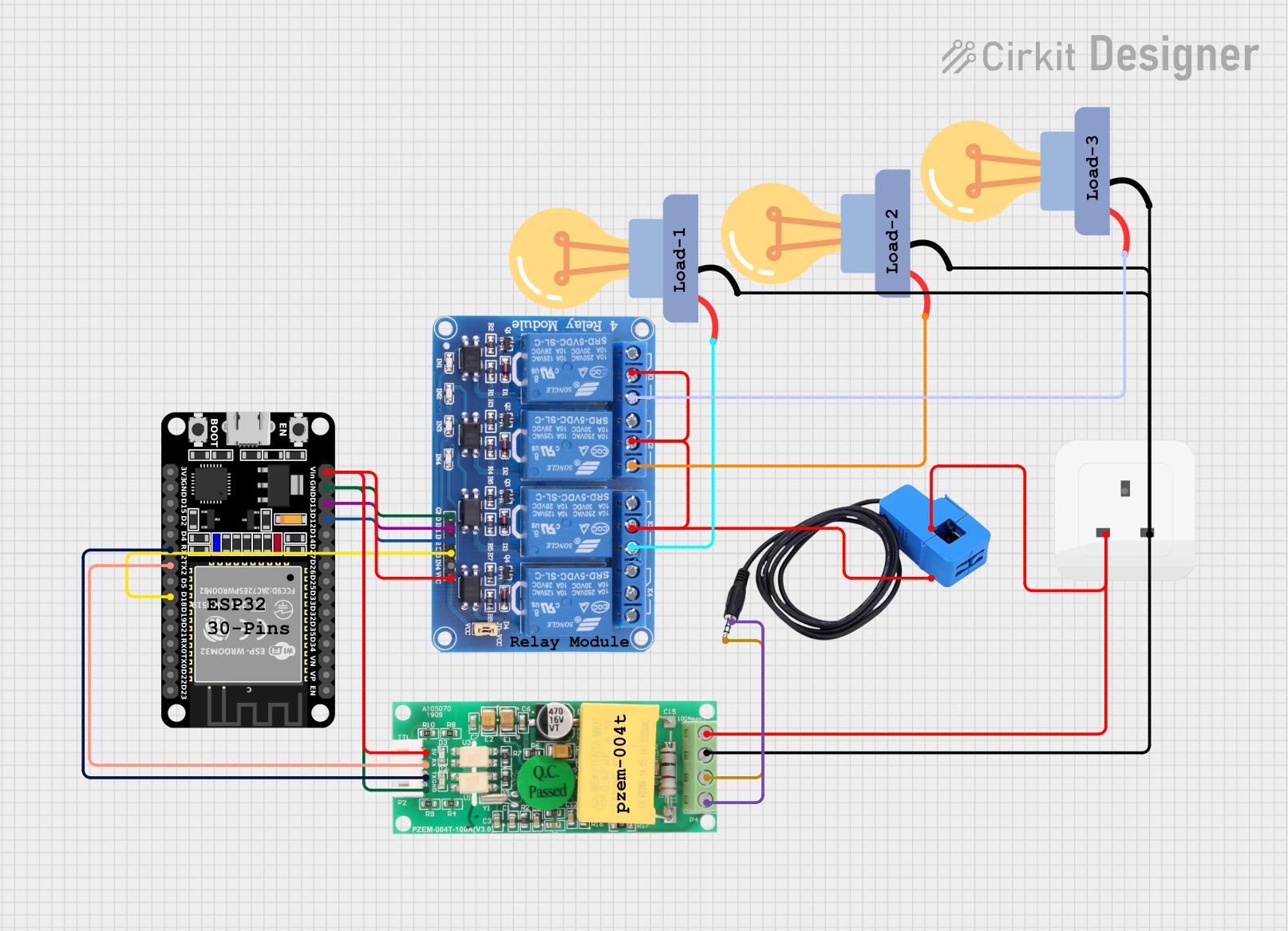
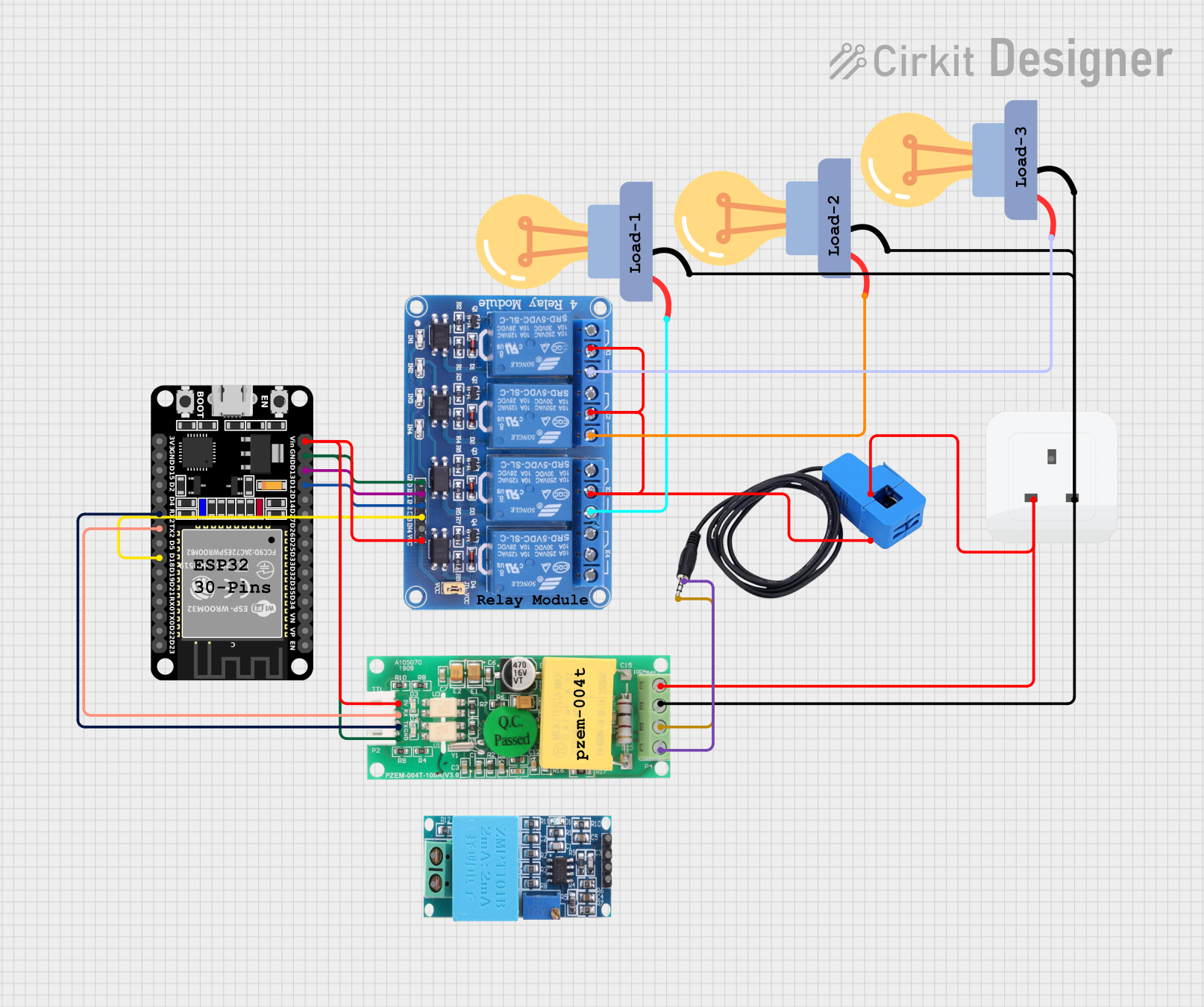
Explore Projects Built with PZEM 004T 10A
 Open Project in Cirkit Designer
 Open Project in Cirkit Designer
 Open Project in Cirkit Designer
 Open Project in Cirkit Designer
Explore Projects Built with PZEM 004T 10A
Open Project in Cirkit DesignerOpen Project in Cirkit DesignerOpen Project in Cirkit DesignerOpen Project in Cirkit DesignerCommon Applications
- Home energy monitoring systems
- Industrial equipment energy management
- IoT-based energy tracking
- Power consumption analysis for appliances
- Renewable energy systems (e.g., solar inverters)
Technical Specifications
Below are the key technical details of the PZEM 004T 10A module:
| Parameter | Specification |
|---|---|
| Voltage Range | 80V - 260V AC |
| Current Range | 0A - 10A |
| Power Range | 0W - 2.3kW |
| Energy Range | 0 - 9999 kWh |
| Frequency Range | 45Hz - 65Hz |
| Communication Interface | UART (9600 baud rate) |
| Power Supply | Self-powered (from measured circuit) |
| Accuracy | ±0.5% |
| Dimensions | 48mm x 29mm x 22mm |
Pin Configuration and Descriptions
The PZEM 004T 10A module has a 4-pin interface for communication and power connections. Below is the pinout:
| Pin | Name | Description |
|---|---|---|
| 1 | VCC | Power supply for the module (5V DC) |
| 2 | GND | Ground connection |
| 3 | RX | UART Receive pin (connect to TX of microcontroller) |
| 4 | TX | UART Transmit pin (connect to RX of microcontroller) |
Usage Instructions
How to Use the PZEM 004T 10A in a Circuit
Wiring the Module:
- Connect the AC input terminals of the PZEM 004T to the live (L) and neutral (N) wires of the circuit you want to monitor.
- Use the 4-pin interface to connect the module to a microcontroller (e.g., Arduino UNO) for data communication:
- VCC to 5V on the Arduino.
- GND to GND on the Arduino.
- RX to TX on the Arduino.
- TX to RX on the Arduino.
Programming the Microcontroller:
- Use a UART library to communicate with the PZEM 004T module.
- The module operates at a default baud rate of 9600.
Reading Data:
- The module provides real-time data for voltage, current, power, energy, and frequency.
- Use the provided UART commands or libraries to query the module for specific parameters.
Important Considerations and Best Practices
- Ensure the module is connected to an AC circuit within its rated voltage (80V-260V) and current (0A-10A) limits.
- Avoid exposing the module to high humidity or extreme temperatures.
- Use proper insulation and safety precautions when working with AC circuits.
- If using with an Arduino, ensure the UART pins are correctly connected to avoid communication errors.
Example Code for Arduino UNO
Below is an example Arduino sketch to read data from the PZEM 004T 10A module:
#include <SoftwareSerial.h>

// Define RX and TX pins for SoftwareSerial
SoftwareSerial pzemSerial(10, 11); // RX = pin 10, TX = pin 11

void setup() {
  Serial.begin(9600); // Initialize Serial Monitor
  pzemSerial.begin(9600); // Initialize PZEM communication

  Serial.println("PZEM 004T 10A Energy Meter");
}

void loop() {
  // Send command to request voltage data
  byte voltageCommand[] = {0xB0, 0xC0, 0xA8, 0x01, 0x01, 0x00, 0x1A};
  pzemSerial.write(voltageCommand, sizeof(voltageCommand));

  delay(100); // Wait for response

  // Read response from PZEM
  if (pzemSerial.available()) {
    Serial.print("Voltage: ");
    while (pzemSerial.available()) {
      byte data = pzemSerial.read();
      Serial.print(data, HEX); // Print data in hexadecimal format
      Serial.print(" ");
    }
    Serial.println("V");
  }

  delay(1000); // Wait 1 second before next reading
}
Notes:
- Replace
voltageCommandwith appropriate commands to read other parameters (e.g., current, power). - Use a library like
PZEM004Tfor easier integration and command handling.
Troubleshooting and FAQs
Common Issues and Solutions
No Data Received from the Module:
- Cause: Incorrect wiring or baud rate mismatch.
- Solution: Double-check the RX and TX connections. Ensure the baud rate is set to 9600.
Inaccurate Readings:
- Cause: Module operating outside its rated range or poor AC connection.
- Solution: Ensure the voltage and current are within the specified range. Verify secure connections.
Module Not Powering On:
- Cause: No AC input or damaged module.
- Solution: Verify the AC input connections. Replace the module if necessary.
Communication Errors:
- Cause: Noise in the AC circuit or incorrect UART settings.
- Solution: Use shielded cables for UART communication. Verify UART settings.
FAQs
Q1: Can the PZEM 004T 10A measure DC circuits?
A1: No, the module is designed specifically for AC circuits within the 80V-260V range.
Q2: Can I use multiple PZEM modules with one microcontroller?
A2: Yes, but you will need to assign unique addresses to each module and use a multiplexer or separate UART channels.
Q3: Is the module compatible with Raspberry Pi?
A3: Yes, the module can be used with Raspberry Pi via UART communication. Use appropriate libraries for easier integration.
Q4: How do I reset the energy counter?
A4: Send the reset command (0x42) via UART to clear the energy counter.
By following this documentation, you can effectively integrate and use the PZEM 004T 10A energy meter in your projects.