
How to Use ps5 fan: Examples, Pinouts, and Specs
 Design with ps5 fan in Cirkit Designer
Introduction
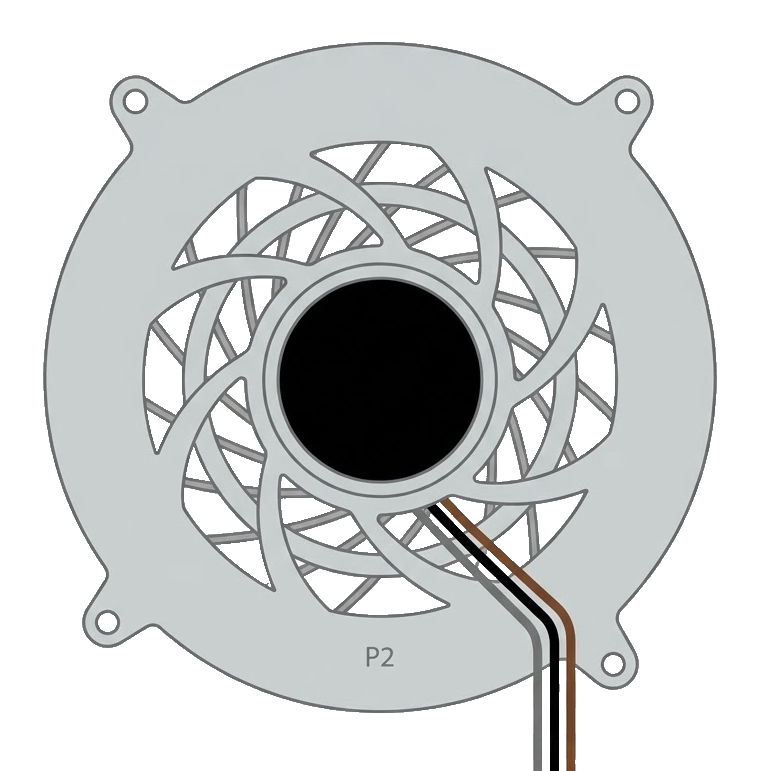
The PS5 fan, manufactured by Sony, is a high-performance cooling fan specifically designed for the PlayStation 5 gaming console. Its primary function is to dissipate heat generated by the console's internal components, ensuring optimal operating temperatures during extended gaming sessions. This fan is a critical component for maintaining the longevity and performance of the PS5.
Explore Projects Built with ps5 fan
 Open Project in Cirkit Designer
 Open Project in Cirkit Designer
 Open Project in Cirkit Designer
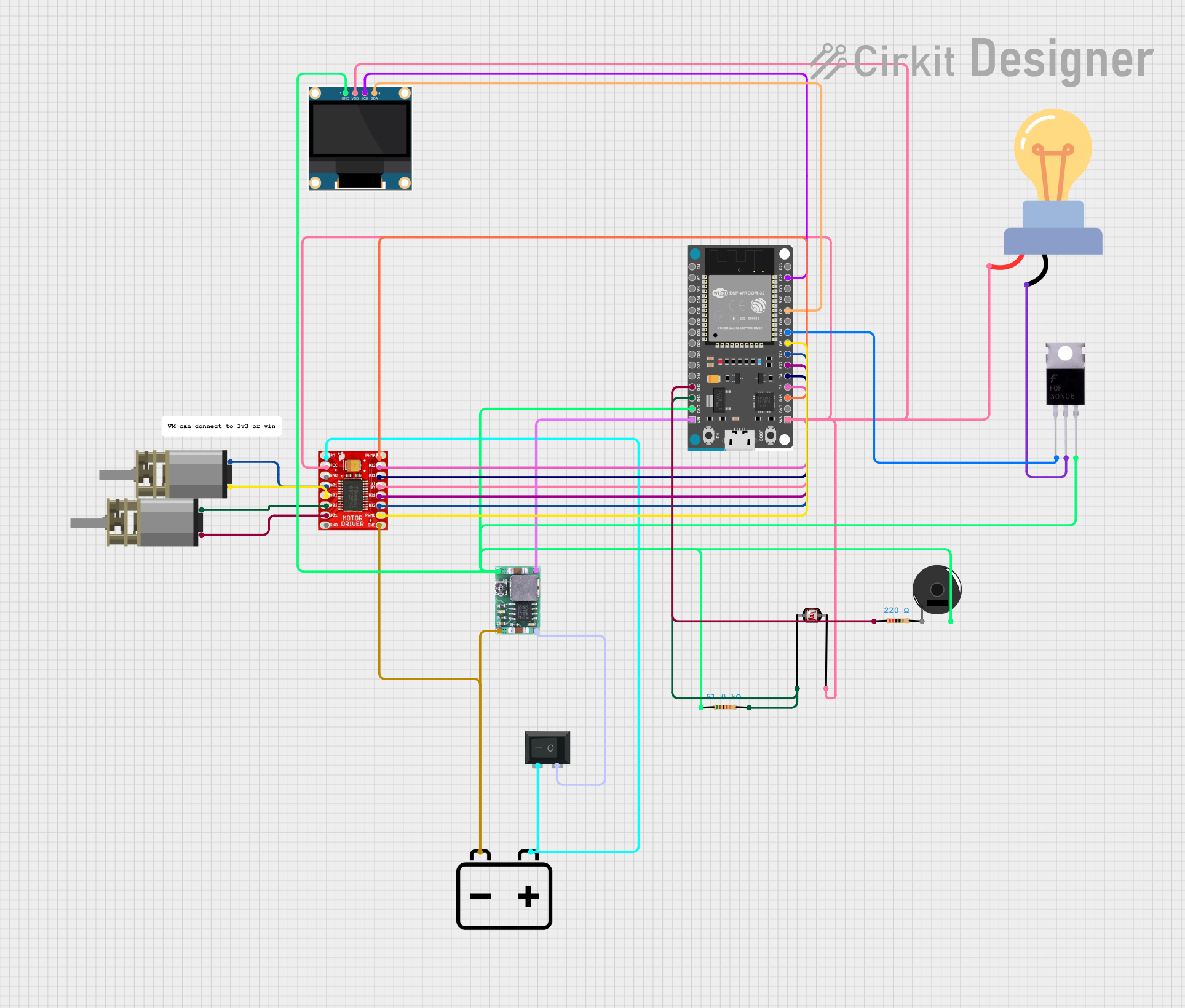 Open Project in Cirkit Designer
Explore Projects Built with ps5 fan
Open Project in Cirkit DesignerOpen Project in Cirkit DesignerOpen Project in Cirkit DesignerOpen Project in Cirkit DesignerCommon Applications and Use Cases
- Cooling the PlayStation 5 console during operation.
- Maintaining stable thermal performance for the PS5's CPU, GPU, and other components.
- Preventing overheating and thermal throttling during intensive gaming or prolonged use.
- Replacement part for repairing or upgrading the PS5 cooling system.
Technical Specifications
Below are the key technical details of the PS5 fan:
| Specification | Details |
|---|---|
| Manufacturer | Sony |
| Manufacturer Part ID | --- |
| Voltage Rating | 12V DC |
| Current Rating | 1.6A |
| Power Consumption | 19.2W |
| Dimensions | 120mm x 120mm x 25mm (approx.) |
| Connector Type | 4-pin PWM |
| Speed Control | Pulse Width Modulation (PWM) |
| Noise Level | ~23-30 dBA (varies with speed) |
| Airflow | ~45-55 CFM (cubic feet per minute) |
| Operating Temperature | -10°C to 70°C |
| Bearing Type | Dual Ball Bearing |
Pin Configuration and Descriptions
The PS5 fan uses a 4-pin PWM connector. Below is the pinout configuration:
| Pin Number | Pin Name | Description |
|---|---|---|
| 1 | GND | Ground connection for the fan. |
| 2 | VCC | Power supply input (12V DC). |
| 3 | Tachometer | Outputs a signal for fan speed monitoring. |
| 4 | PWM | Receives a PWM signal to control fan speed. |
Usage Instructions
How to Use the PS5 Fan in a Circuit
The PS5 fan is designed to be directly connected to the PlayStation 5 motherboard via its 4-pin PWM connector. However, it can also be used in custom cooling projects or other electronic systems requiring a 12V PWM-controlled fan. Below are the steps to use the fan:
- Power Supply: Ensure a stable 12V DC power source is available. The fan requires up to 1.6A of current, so the power supply must meet this requirement.
- Connection: Connect the fan's 4-pin connector to the corresponding header:
- Pin 1 (GND) to the ground of the power supply.
- Pin 2 (VCC) to the 12V power supply.
- Pin 3 (Tachometer) to a microcontroller or monitoring circuit (optional).
- Pin 4 (PWM) to a PWM signal source for speed control.
- PWM Signal: Use a PWM signal (typically 25 kHz) to control the fan speed. A duty cycle of 0% stops the fan, while 100% runs it at full speed.
Important Considerations and Best Practices
- Voltage Tolerance: Do not exceed the 12V rating to avoid damaging the fan.
- Airflow Direction: Ensure the fan is mounted correctly to direct airflow toward the desired area.
- Noise Management: Use PWM control to adjust the fan speed and reduce noise during low-load conditions.
- Heat Dissipation: Pair the fan with proper heatsinks or thermal pads for effective cooling.
- Replacement: If using the fan as a replacement in a PS5, ensure compatibility with the console's model and firmware.
Example: Controlling the PS5 Fan with an Arduino UNO
The following example demonstrates how to control the PS5 fan's speed using an Arduino UNO:
// Arduino code to control the PS5 fan using PWM
// Connect the fan's PWM pin to Arduino pin 9
// Ensure the fan's VCC and GND are connected to a 12V power source

const int fanPWM = 9; // PWM pin connected to the fan's PWM input

void setup() {
  pinMode(fanPWM, OUTPUT); // Set the PWM pin as an output
}

void loop() {
  // Example: Gradually increase and decrease fan speed
  for (int speed = 0; speed <= 255; speed++) {
    analogWrite(fanPWM, speed); // Set PWM duty cycle (0-255)
    delay(10); // Wait 10ms before increasing speed
  }
  for (int speed = 255; speed >= 0; speed--) {
    analogWrite(fanPWM, speed); // Decrease PWM duty cycle
    delay(10); // Wait 10ms before decreasing speed
  }
}
Troubleshooting and FAQs
Common Issues and Solutions
Fan Not Spinning
- Cause: No power or incorrect wiring.
- Solution: Verify the 12V power supply and ensure proper pin connections.
Fan Speed Not Changing
- Cause: PWM signal not provided or incorrect frequency.
- Solution: Ensure the PWM signal is within the recommended frequency range (25 kHz).
Excessive Noise
- Cause: Fan running at full speed or improper mounting.
- Solution: Use PWM control to reduce speed or check for secure mounting.
Overheating Despite Fan Operation
- Cause: Insufficient airflow or blocked vents.
- Solution: Clean the fan and ensure proper airflow around the system.
FAQs
Can the PS5 fan be used in other devices? Yes, the fan can be used in custom cooling projects or other systems requiring a 12V PWM-controlled fan.
What is the recommended PWM frequency for the fan? The recommended PWM frequency is 25 kHz for optimal speed control.
How do I clean the PS5 fan? Use compressed air to remove dust from the fan blades and housing. Avoid using water or liquid cleaners.
Can I replace the PS5 fan myself? Yes, but it requires disassembling the console. Follow Sony's guidelines or consult a professional for assistance.