
How to Use Stellar H7V2: Examples, Pinouts, and Specs
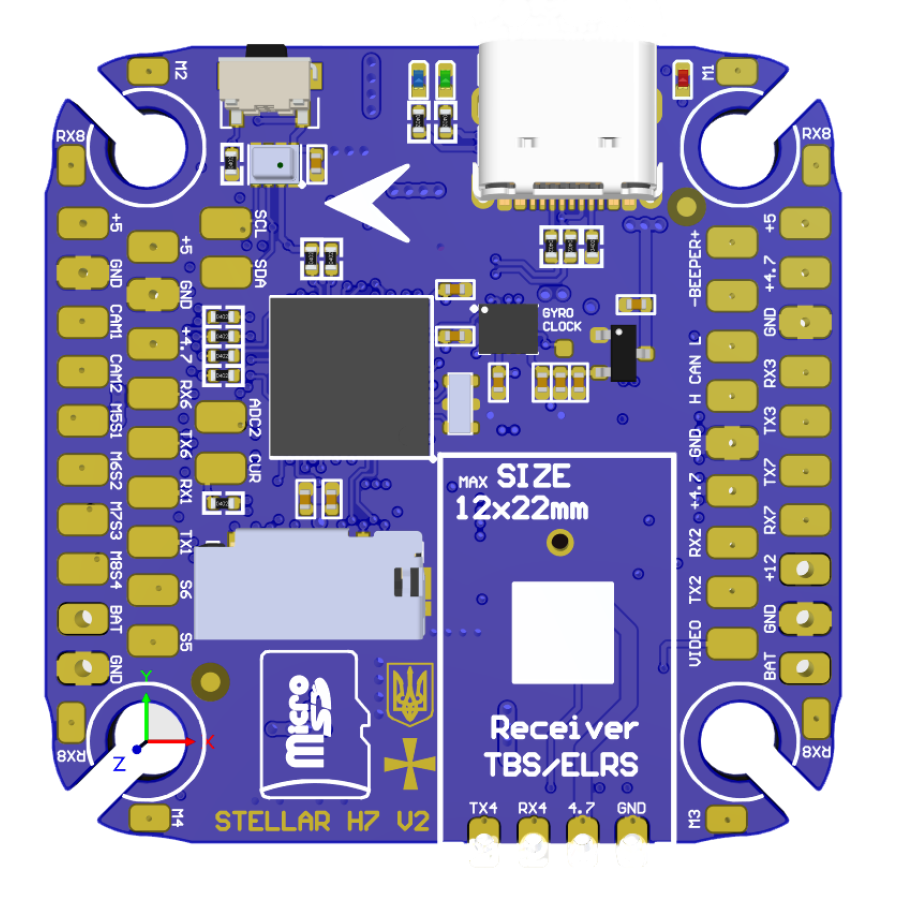
 Design with Stellar H7V2 in Cirkit Designer
Introduction
The Stellar H7V2, manufactured by StngBee, is a high-performance microcontroller tailored for advanced embedded systems. It features a powerful processing core, extensive I/O capabilities, and support for multiple communication protocols. This microcontroller is designed to handle complex applications, making it a preferred choice for robotics, industrial automation, and IoT solutions.
Explore Projects Built with Stellar H7V2
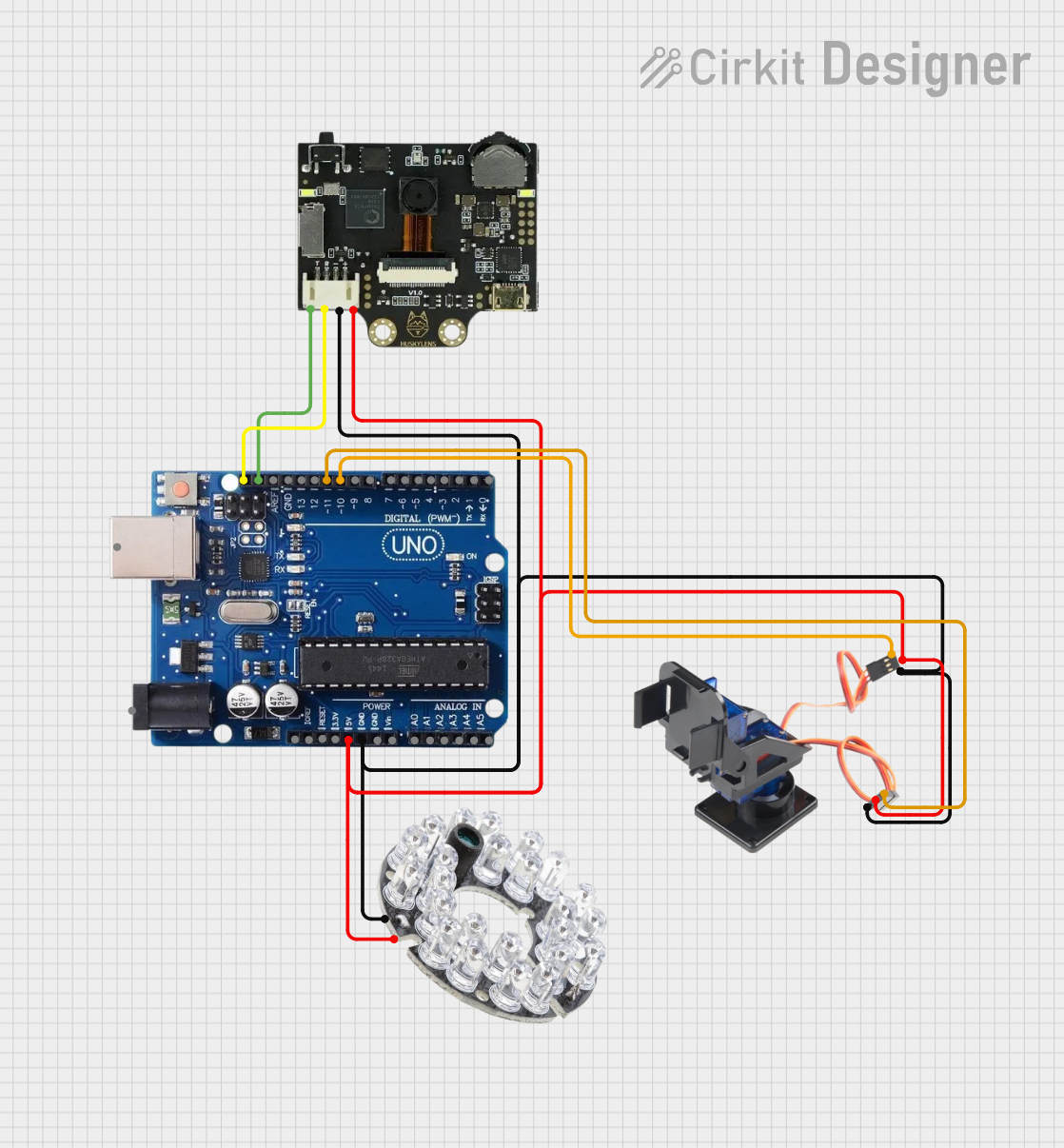 Open Project in Cirkit Designer
 Open Project in Cirkit Designer
 Open Project in Cirkit Designer
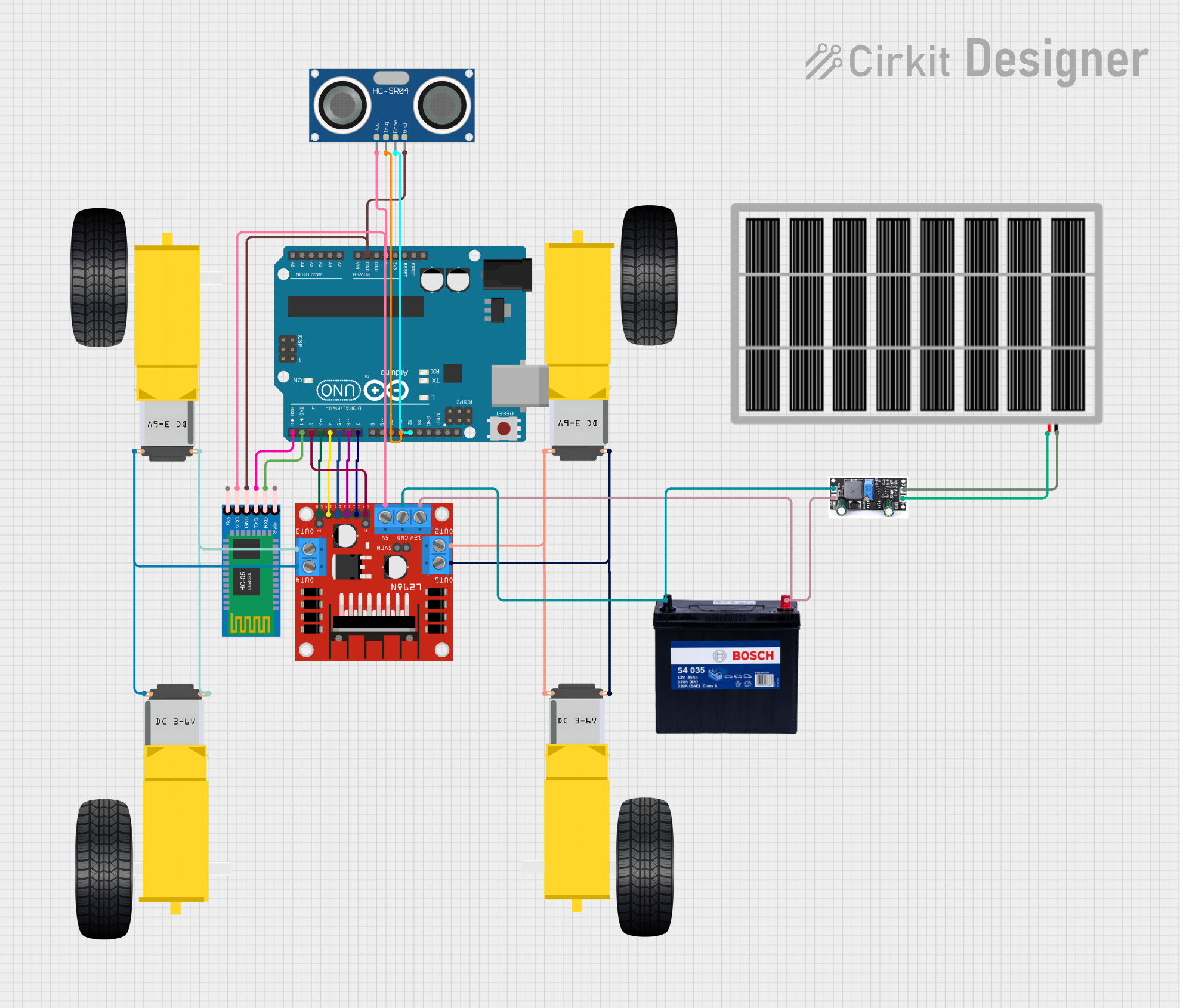 Open Project in Cirkit Designer
Explore Projects Built with Stellar H7V2
Open Project in Cirkit DesignerOpen Project in Cirkit DesignerOpen Project in Cirkit DesignerOpen Project in Cirkit DesignerCommon Applications
- Robotics and autonomous systems
- Industrial automation and control
- Internet of Things (IoT) devices
- Real-time data processing and analytics
- Advanced motor control systems
Technical Specifications
Key Technical Details
| Parameter | Specification |
|---|---|
| Processor Core | ARM Cortex-M7, 32-bit |
| Clock Speed | Up to 480 MHz |
| Flash Memory | 2 MB |
| RAM | 1 MB |
| Operating Voltage | 3.3V |
| I/O Voltage Range | 1.8V to 3.6V |
| Communication Protocols | UART, SPI, I2C, CAN, USB, Ethernet |
| GPIO Pins | 100 (configurable) |
| ADC Resolution | 12-bit, 16 channels |
| DAC Resolution | 12-bit, 2 channels |
| Timers | 16 (including advanced PWM timers) |
| Power Consumption | 50 mA (typical at 3.3V) |
| Package Type | LQFP-144 |
| Operating Temperature | -40°C to +85°C |
Pin Configuration and Descriptions
The Stellar H7V2 comes in an LQFP-144 package with 144 pins. Below is a summary of key pin functions:
| Pin Number | Pin Name | Description |
|---|---|---|
| 1 | VDD | Power supply (3.3V) |
| 2 | VSS | Ground |
| 10 | PA0 | GPIO/ADC Input/Interrupt (configurable) |
| 20 | PB6 | I2C1_SCL (I2C Clock Line) |
| 21 | PB7 | I2C1_SDA (I2C Data Line) |
| 50 | PC13 | GPIO/User Button Input |
| 70 | PA9 | UART1_TX (Transmit) |
| 71 | PA10 | UART1_RX (Receive) |
| 100 | PA5 | SPI1_SCK (SPI Clock) |
| 101 | PA6 | SPI1_MISO (SPI Data In) |
| 102 | PA7 | SPI1_MOSI (SPI Data Out) |
| 120 | PA15 | GPIO/External Interrupt |
| 144 | NRST | Reset Pin |
For a complete pinout, refer to the official datasheet provided by StngBee.
Usage Instructions
How to Use the Stellar H7V2 in a Circuit
- Power Supply: Connect the VDD pin to a stable 3.3V power source and the VSS pin to ground.
- Clock Configuration: Use an external 8 MHz crystal oscillator for precise timing or configure the internal clock.
- GPIO Setup: Configure GPIO pins as input, output, or alternate functions using the microcontroller's registers or a development library.
- Communication Protocols: Connect peripherals (e.g., sensors, actuators) using supported protocols like UART, SPI, or I2C.
- Programming: Use an SWD (Serial Wire Debug) interface or USB bootloader to upload firmware.
Important Considerations
- Voltage Levels: Ensure all connected devices operate within the 1.8V to 3.6V range to avoid damage.
- Decoupling Capacitors: Place 0.1 µF decoupling capacitors near the VDD pins to stabilize the power supply.
- Reset Circuit: Use an external pull-up resistor (10 kΩ) on the NRST pin for reliable reset functionality.
- Clock Stability: For time-critical applications, use an external crystal oscillator with appropriate load capacitors.
Example: Connecting to an Arduino UNO
The Stellar H7V2 can communicate with an Arduino UNO via UART. Below is an example of how to set up UART communication:
Circuit Connections
| Stellar H7V2 Pin | Arduino UNO Pin |
|---|---|
| PA9 (UART1_TX) | RX (Pin 0) |
| PA10 (UART1_RX) | TX (Pin 1) |
| VDD | 3.3V |
| VSS | GND |
Example Code for Arduino UNO
// Arduino UNO code to communicate with Stellar H7V2 via UART
void setup() {
  Serial.begin(9600); // Initialize UART at 9600 baud rate
  delay(1000);        // Wait for the Stellar H7V2 to initialize
  Serial.println("Hello, Stellar H7V2!"); // Send a message
}

void loop() {
  if (Serial.available()) {
    // Read data from Stellar H7V2 and echo it back
    char received = Serial.read();
    Serial.print("Received: ");
    Serial.println(received);
  }
}
Example Code for Stellar H7V2
// Stellar H7V2 code to communicate with Arduino UNO via UART
#include "stm32h7xx_hal.h" // Include HAL library for STM32H7 series

UART_HandleTypeDef huart1;

void SystemClock_Config(void);
void UART1_Init(void);

int main(void) {
  HAL_Init();                // Initialize the HAL Library
  SystemClock_Config();      // Configure the system clock
  UART1_Init();              // Initialize UART1

  char message[] = "Hello, Arduino UNO!\r\n";

  while (1) {
    // Transmit message to Arduino UNO
    HAL_UART_Transmit(&huart1, (uint8_t *)message, sizeof(message) - 1, HAL_MAX_DELAY);
    HAL_Delay(1000); // Wait 1 second
  }
}

void UART1_Init(void) {
  huart1.Instance = USART1; // Use USART1
  huart1.Init.BaudRate = 9600;
  huart1.Init.WordLength = UART_WORDLENGTH_8B;
  huart1.Init.StopBits = UART_STOPBITS_1;
  huart1.Init.Parity = UART_PARITY_NONE;
  huart1.Init.Mode = UART_MODE_TX_RX;
  huart1.Init.HwFlowCtl = UART_HWCONTROL_NONE;
  huart1.Init.OverSampling = UART_OVERSAMPLING_16;
  HAL_UART_Init(&huart1); // Initialize UART
}
Troubleshooting and FAQs
Common Issues
Microcontroller Not Powering On
- Ensure the VDD pin is connected to a stable 3.3V source.
- Check for proper grounding on the VSS pin.
- Verify the power supply's current rating meets the microcontroller's requirements.
Communication Failure
- Double-check the wiring for UART, SPI, or I2C connections.
- Ensure the baud rate and other communication settings match between devices.
- Use pull-up resistors for I2C lines if not already included.
Unstable Operation
- Verify the decoupling capacitors are correctly placed near the VDD pins.
- Use an external crystal oscillator for better clock stability.
FAQs
Q: Can the Stellar H7V2 operate at 5V?
A: No, the Stellar H7V2 operates within a voltage range of 1.8V to 3.6V. Exceeding this range may damage the microcontroller.
Q: How do I program the Stellar H7V2?
A: You can program the Stellar H7V2 using an SWD programmer or via the USB bootloader.
Q: Does the Stellar H7V2 support real-time operating systems (RTOS)?
A: Yes, the ARM Cortex-M7 core is compatible with popular RTOS platforms like FreeRTOS.
Q: What is the maximum GPIO current?
A: Each GPIO pin can source or sink up to 25 mA, but the total current for all GPIOs should not exceed 120 mA.