
How to Use 9V Battery: Examples, Pinouts, and Specs
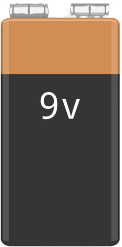
 Design with 9V Battery in Cirkit Designer
Introduction
The 9V battery is a compact power source that provides a nominal voltage of 9 volts. It is widely used in portable electronic devices, small appliances, and DIY electronics projects. Known for its rectangular shape and snap connector terminals, the 9V battery is a reliable and versatile power supply for low-power applications.
Explore Projects Built with 9V Battery
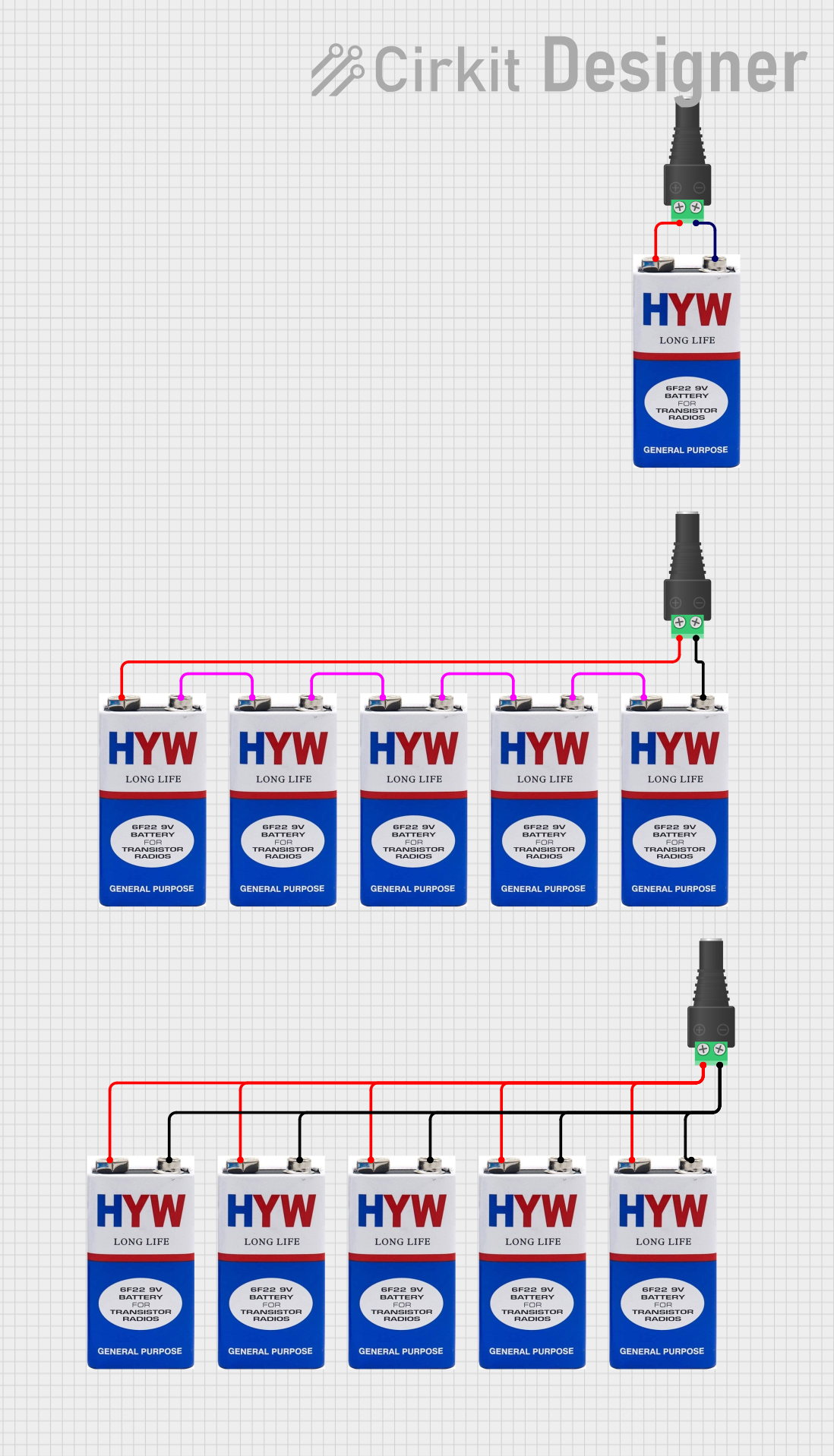 Open Project in Cirkit Designer
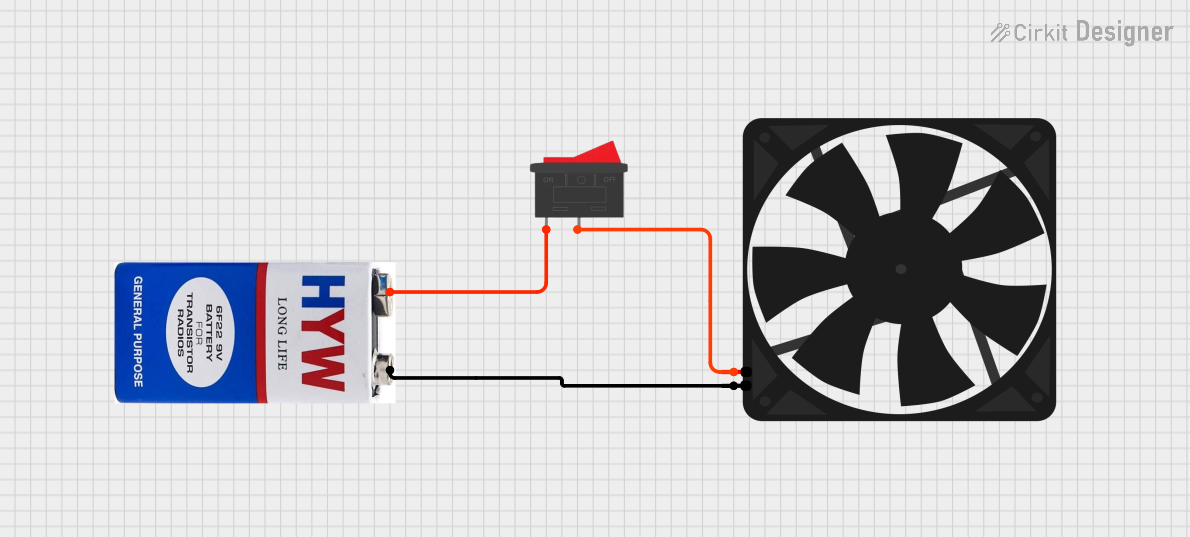 Open Project in Cirkit Designer
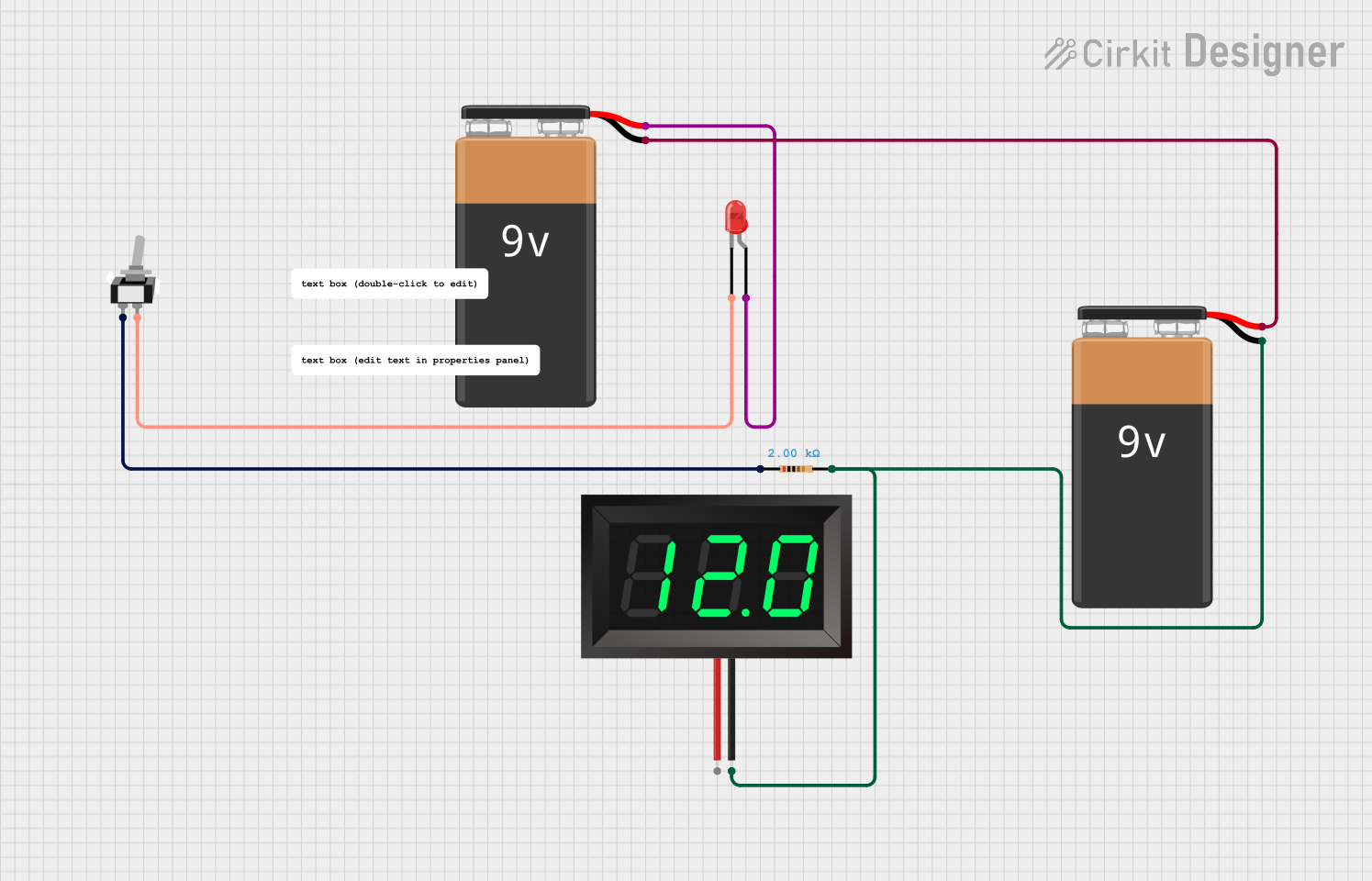 Open Project in Cirkit Designer
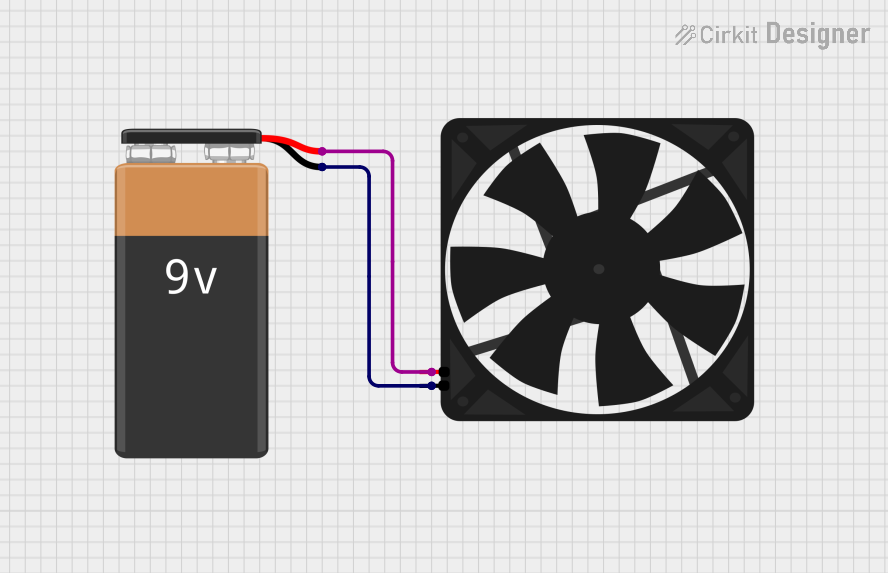 Open Project in Cirkit Designer
Explore Projects Built with 9V Battery
Open Project in Cirkit DesignerOpen Project in Cirkit DesignerOpen Project in Cirkit DesignerOpen Project in Cirkit DesignerCommon Applications and Use Cases
- Powering smoke detectors and carbon monoxide alarms
- Supplying energy to portable radios and handheld devices
- Driving small electronic circuits and breadboard prototypes
- Providing backup power for memory storage in some devices
- Used in educational and hobbyist projects, including Arduino-based systems
Technical Specifications
The following table outlines the key technical details of a standard 9V battery:
| Parameter | Specification |
|---|---|
| Nominal Voltage | 9V |
| Chemistry Types | Alkaline, Lithium, Zinc-Carbon |
| Capacity (Alkaline) | ~500-600 mAh |
| Capacity (Lithium) | ~1200 mAh |
| Dimensions | 48.5 mm x 26.5 mm x 17.5 mm |
| Weight (Alkaline) | ~45 g |
| Operating Temperature | -20°C to 55°C |
| Terminal Type | Snap Connector (Positive and Negative) |
Pin Configuration and Descriptions
The 9V battery has two terminals, as described below:
| Terminal | Description |
|---|---|
| Positive (+) | Supplies the positive voltage (9V nominal). |
| Negative (-) | Acts as the ground or return path. |
Usage Instructions
How to Use the 9V Battery in a Circuit
- Identify the Terminals: Locate the positive (+) and negative (-) terminals on the snap connector.
- Connect to a Battery Clip: Use a 9V battery clip with matching snap connectors to securely attach the battery to your circuit.
- Integrate into the Circuit:
- Connect the red wire (positive) of the battery clip to the positive rail or input of your circuit.
- Connect the black wire (negative) of the battery clip to the ground rail or return path.
- Verify Polarity: Ensure the polarity is correct to avoid damaging components.
- Power On: Once connected, the battery will supply power to your circuit.
Important Considerations and Best Practices
- Avoid Short Circuits: Ensure the positive and negative terminals do not come into direct contact, as this can cause overheating or damage.
- Monitor Battery Life: Replace or recharge the battery when the voltage drops below the required level for your application.
- Use a Voltage Regulator: For sensitive circuits, consider using a voltage regulator to ensure a stable 9V output.
- Disconnect When Not in Use: To conserve battery life, disconnect the battery from the circuit when not in use.
- Dispose Properly: Follow local regulations for disposing of used batteries to minimize environmental impact.
Example: Using a 9V Battery with an Arduino UNO
The 9V battery can be used to power an Arduino UNO via its DC barrel jack or VIN pin. Below is an example of connecting the battery to the Arduino:
- Connect the red wire (positive) of the battery clip to the Arduino's VIN pin or DC barrel jack (center pin).
- Connect the black wire (negative) of the battery clip to the Arduino's GND pin.
Sample Code for Testing
// Simple LED Blink Example for Arduino UNO
// This code blinks an LED connected to pin 13 every second.

void setup() {
  pinMode(13, OUTPUT); // Set pin 13 as an output for the LED
}

void loop() {
  digitalWrite(13, HIGH); // Turn the LED on
  delay(1000);            // Wait for 1 second
  digitalWrite(13, LOW);  // Turn the LED off
  delay(1000);            // Wait for 1 second
}
Troubleshooting and FAQs
Common Issues Users Might Face
Battery Drains Quickly:
- Cause: High current draw from the circuit or a partially used battery.
- Solution: Use a fresh battery or reduce the current consumption of your circuit.
Circuit Does Not Power On:
- Cause: Incorrect polarity or loose connections.
- Solution: Double-check the connections and ensure the positive and negative terminals are correctly aligned.
Overheating Battery:
- Cause: Short circuit or excessive current draw.
- Solution: Disconnect the battery immediately and inspect the circuit for faults.
Voltage Drops Below 9V:
- Cause: Battery nearing the end of its life or high load on the circuit.
- Solution: Replace the battery or use a voltage regulator to stabilize the output.
FAQs
Q: Can I recharge a 9V battery?
A: Only rechargeable 9V batteries (e.g., NiMH or Li-ion) can be recharged. Standard alkaline or zinc-carbon batteries are not rechargeable.
Q: How long does a 9V battery last?
A: Battery life depends on the chemistry and load. For example, an alkaline 9V battery powering a 10 mA circuit may last approximately 50 hours.
Q: Can I use a 9V battery for high-power devices?
A: No, 9V batteries are designed for low-power applications. For high-power devices, consider using a different power source.
Q: Is it safe to leave a 9V battery connected to a circuit?
A: It is safe if the circuit is designed to handle continuous power. However, disconnect the battery when not in use to prevent unnecessary drain.