
How to Use AC PLUG: Examples, Pinouts, and Specs
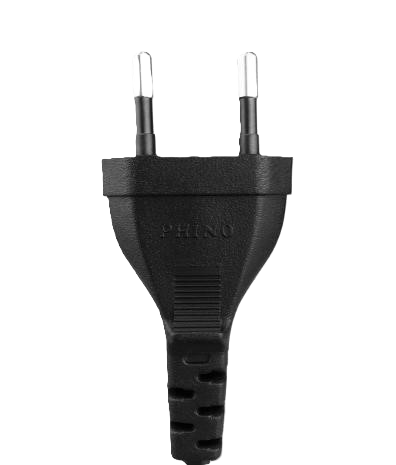
 Design with AC PLUG in Cirkit Designer
Introduction
An AC plug, manufactured by AC with the part ID "plug," is a device used to connect electrical appliances to an alternating current (AC) power supply. It typically consists of two or three prongs that fit into a corresponding socket, enabling the transfer of electrical power. AC plugs are essential components in household, industrial, and commercial electrical systems, ensuring a safe and reliable connection to the power grid.
Explore Projects Built with AC PLUG
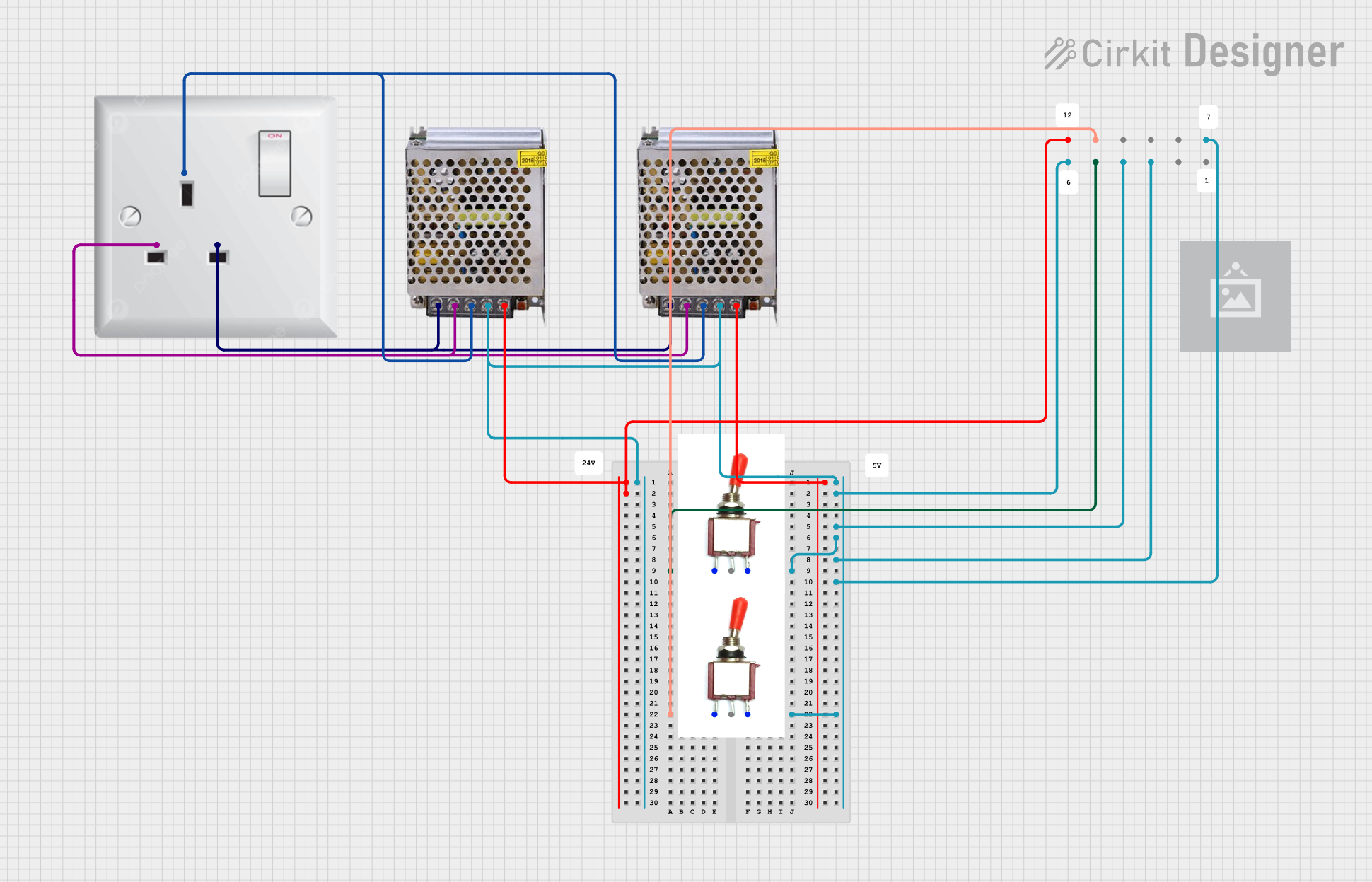 Open Project in Cirkit Designer
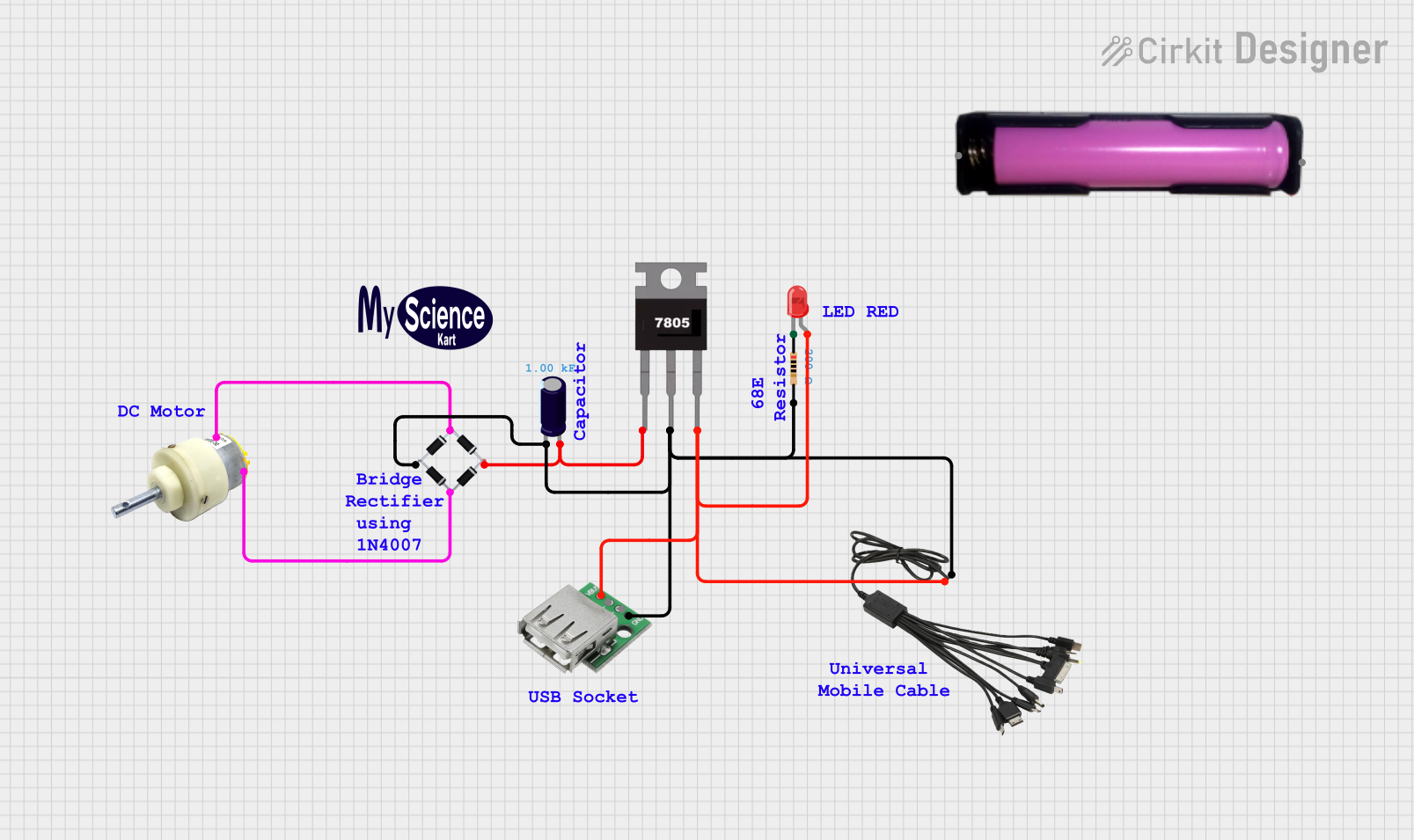 Open Project in Cirkit Designer
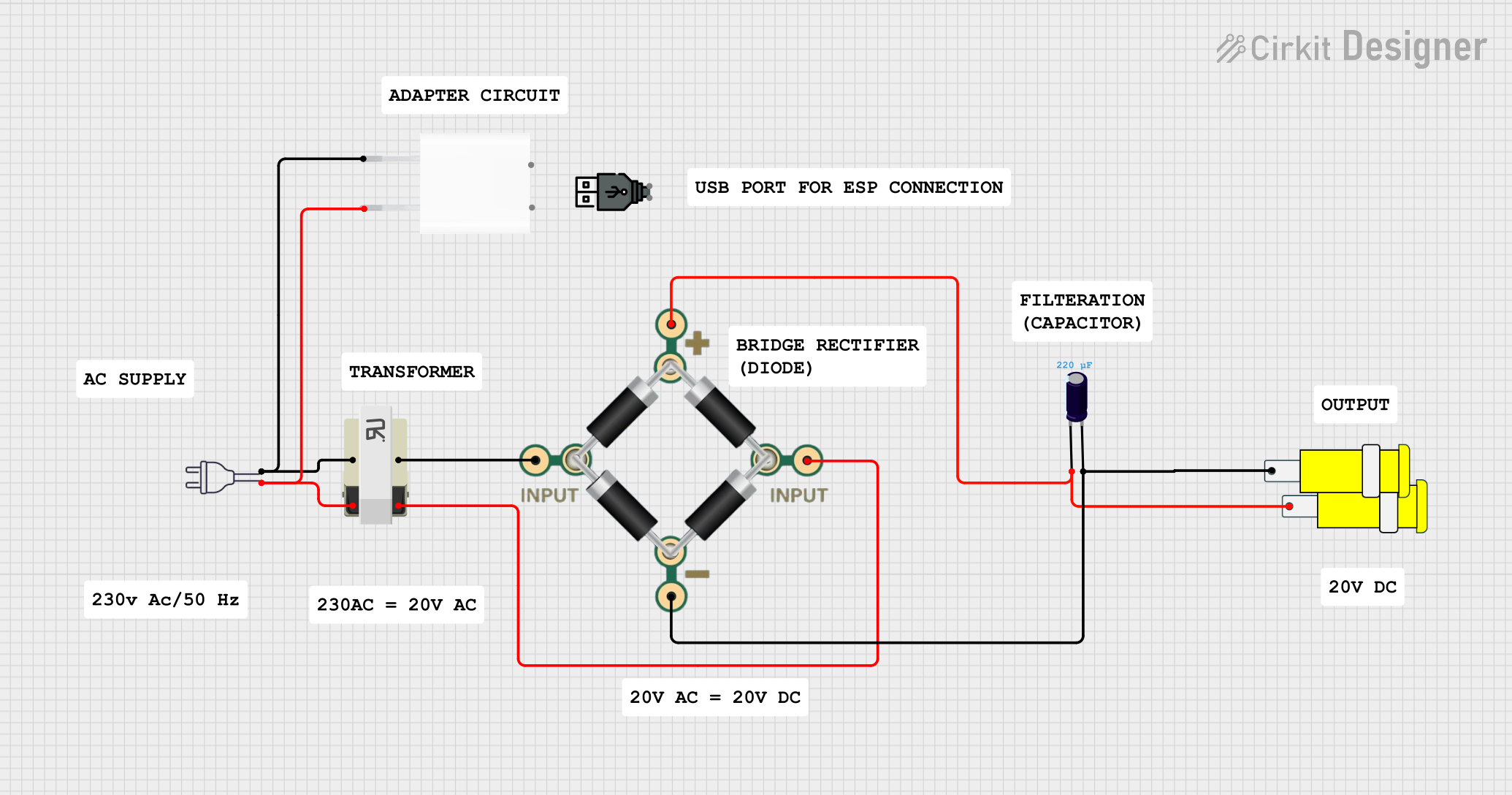 Open Project in Cirkit Designer
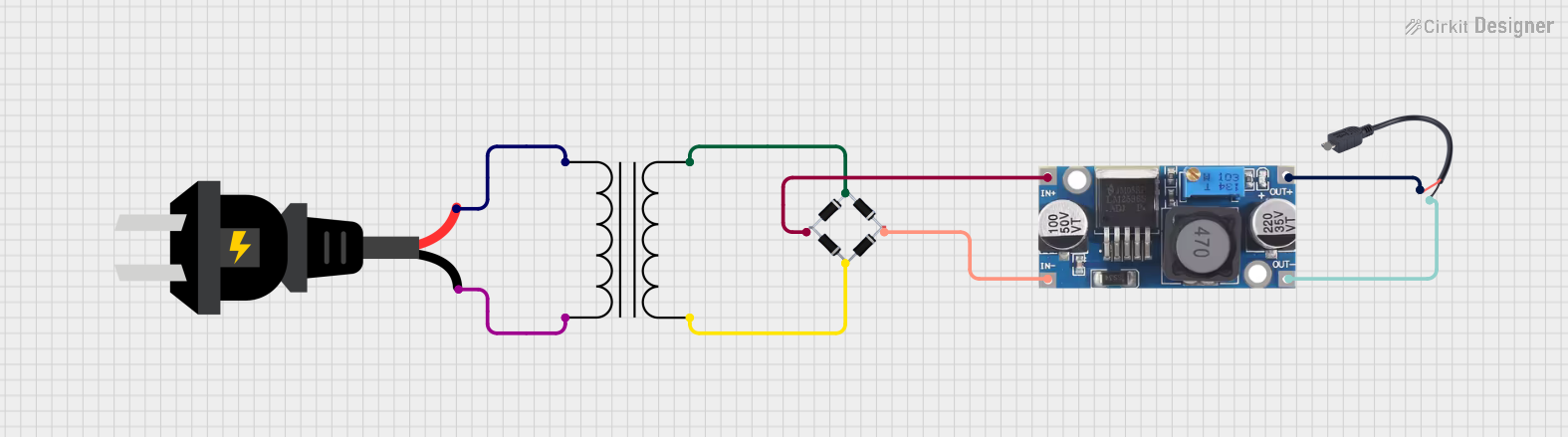 Open Project in Cirkit Designer
Explore Projects Built with AC PLUG
Open Project in Cirkit DesignerOpen Project in Cirkit DesignerOpen Project in Cirkit DesignerOpen Project in Cirkit DesignerCommon Applications and Use Cases
- Powering household appliances such as refrigerators, televisions, and lamps.
- Connecting industrial equipment to AC power supplies.
- Charging electronic devices like laptops and mobile phones.
- Temporary power connections for tools and machinery in construction or repair work.
Technical Specifications
Key Technical Details
| Parameter | Specification |
|---|---|
| Manufacturer | AC |
| Part ID | plug |
| Voltage Rating | 110V - 250V AC |
| Current Rating | 10A - 16A |
| Frequency | 50Hz / 60Hz |
| Number of Prongs | 2 or 3 (depending on model) |
| Material | High-grade thermoplastic or metal |
| Safety Standards | Compliant with IEC 60884-1 |
Pin Configuration and Descriptions
| Pin Number | Pin Name | Description |
|---|---|---|
| 1 | Live (L) | Carries the live AC voltage from the power source. |
| 2 | Neutral (N) | Provides the return path for the current to complete the circuit. |
| 3 | Ground (G) | (Optional) Provides a safety path to prevent electric shock in case of fault. |
Note: The ground pin is present only in three-prong AC plugs. Two-prong plugs lack this safety feature.
Usage Instructions
How to Use the AC Plug in a Circuit
- Inspect the Plug: Ensure the AC plug is free from damage, such as cracks or exposed wires.
- Connect to Appliance: Attach the AC plug to the appliance's power cord securely.
- Insert into Socket: Insert the plug into a compatible AC socket, ensuring a snug fit.
- Power On: Turn on the appliance or device to begin operation.
Important Considerations and Best Practices
- Voltage Compatibility: Verify that the voltage rating of the plug matches the power supply.
- Grounding: Use a three-prong plug for appliances requiring grounding to enhance safety.
- Avoid Overloading: Do not exceed the current rating of the plug to prevent overheating or damage.
- Inspect Regularly: Periodically check the plug for wear and tear, and replace it if necessary.
- Proper Wiring: Ensure correct wiring of live, neutral, and ground connections when assembling the plug.
Example: Connecting an AC Plug to an Arduino UNO Power Adapter
If you are using an AC plug to power an Arduino UNO via an adapter, follow these steps:
- Connect the AC plug to the adapter's input cable.
- Plug the adapter into a wall socket.
- Use the adapter's DC output to power the Arduino UNO.
// Example Arduino code to blink an LED
// This assumes the Arduino UNO is powered via an AC adapter connected to the AC plug.

const int ledPin = 13; // Pin connected to the onboard LED

void setup() {
  pinMode(ledPin, OUTPUT); // Set the LED pin as an output
}

void loop() {
  digitalWrite(ledPin, HIGH); // Turn the LED on
  delay(1000);               // Wait for 1 second
  digitalWrite(ledPin, LOW);  // Turn the LED off
  delay(1000);               // Wait for 1 second
}
Warning: Always ensure the AC plug and adapter are properly rated for the Arduino UNO's power requirements.
Troubleshooting and FAQs
Common Issues and Solutions
| Issue | Possible Cause | Solution |
|---|---|---|
| Plug does not fit the socket. | Incompatible plug and socket types. | Use a plug adapter or replace with a compatible plug. |
| Appliance does not power on. | Loose connection or damaged plug. | Check the plug connection and inspect for damage. Replace if necessary. |
| Plug gets hot during use. | Overloading or poor contact. | Reduce the load or replace the plug if contacts are worn out. |
| Electric shock when touching. | Faulty grounding or damaged insulation. | Ensure proper grounding and replace the plug if insulation is damaged. |
FAQs
Can I use a two-prong plug for a grounded appliance?
No, grounded appliances require a three-prong plug for safety.What should I do if the plug sparks when inserted into the socket?
This may indicate a loose connection or a faulty socket. Avoid using the plug and inspect both the plug and socket.Can I replace the plug myself?
Yes, but ensure proper wiring of live, neutral, and ground connections. If unsure, consult a qualified electrician.Is the AC plug waterproof?
Standard AC plugs are not waterproof. Use weatherproof plugs for outdoor applications.
By following this documentation, users can safely and effectively utilize the AC plug in various applications.