
How to Use TMC5160 Stepper Driver: Examples, Pinouts, and Specs
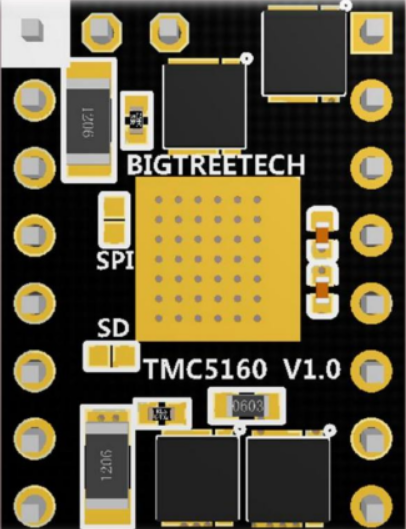
 Design with TMC5160 Stepper Driver in Cirkit Designer
Introduction
The TMC5160 is a high-performance stepper motor driver manufactured by Trinamic (Part ID: مخ الماتور). It is designed to provide smooth and precise control of stepper motors through advanced microstepping capabilities. The TMC5160 integrates features such as stall detection, current control, and multiple communication interfaces, making it a versatile choice for demanding applications.
Explore Projects Built with TMC5160 Stepper Driver
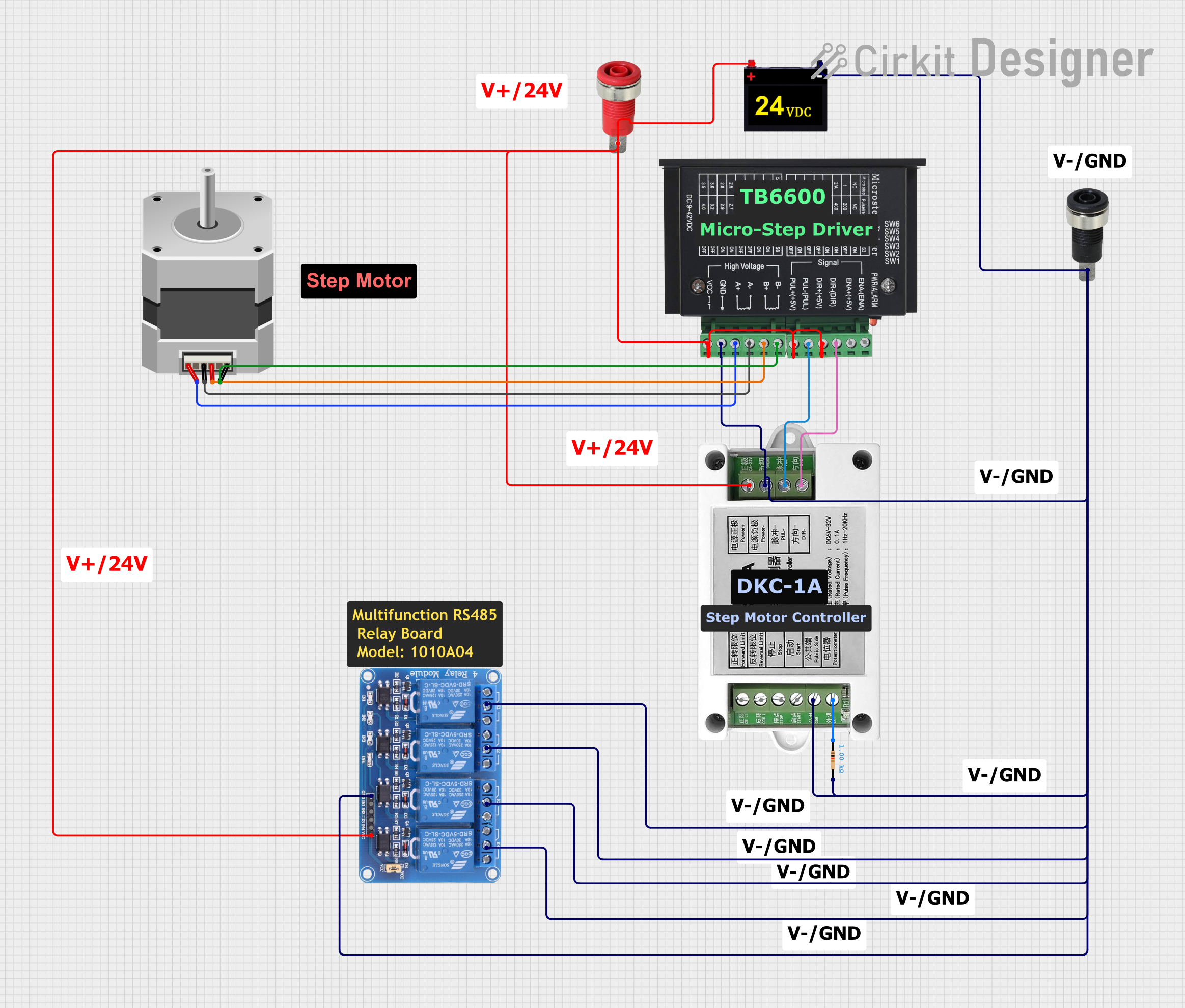 Open Project in Cirkit Designer
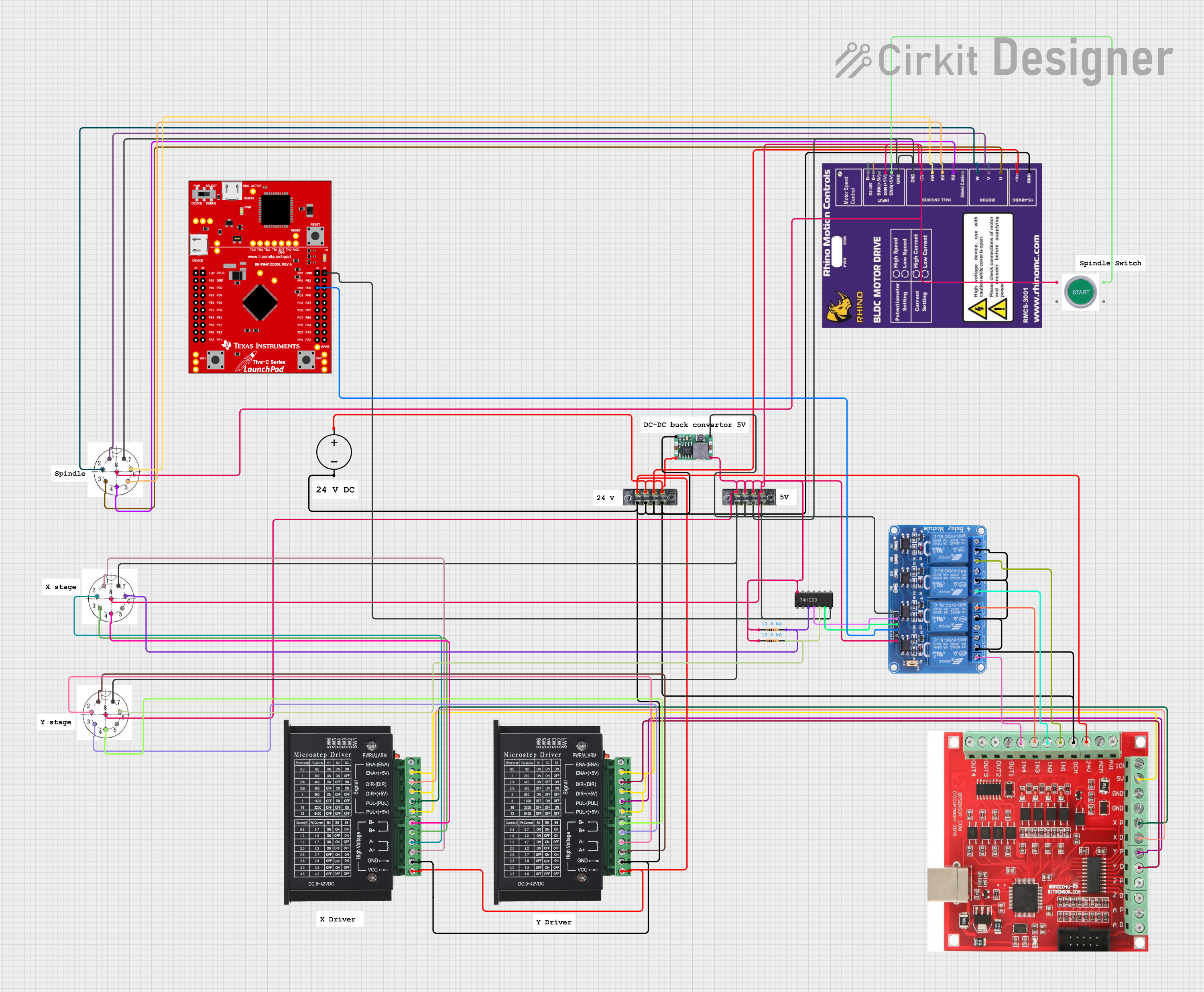 Open Project in Cirkit Designer
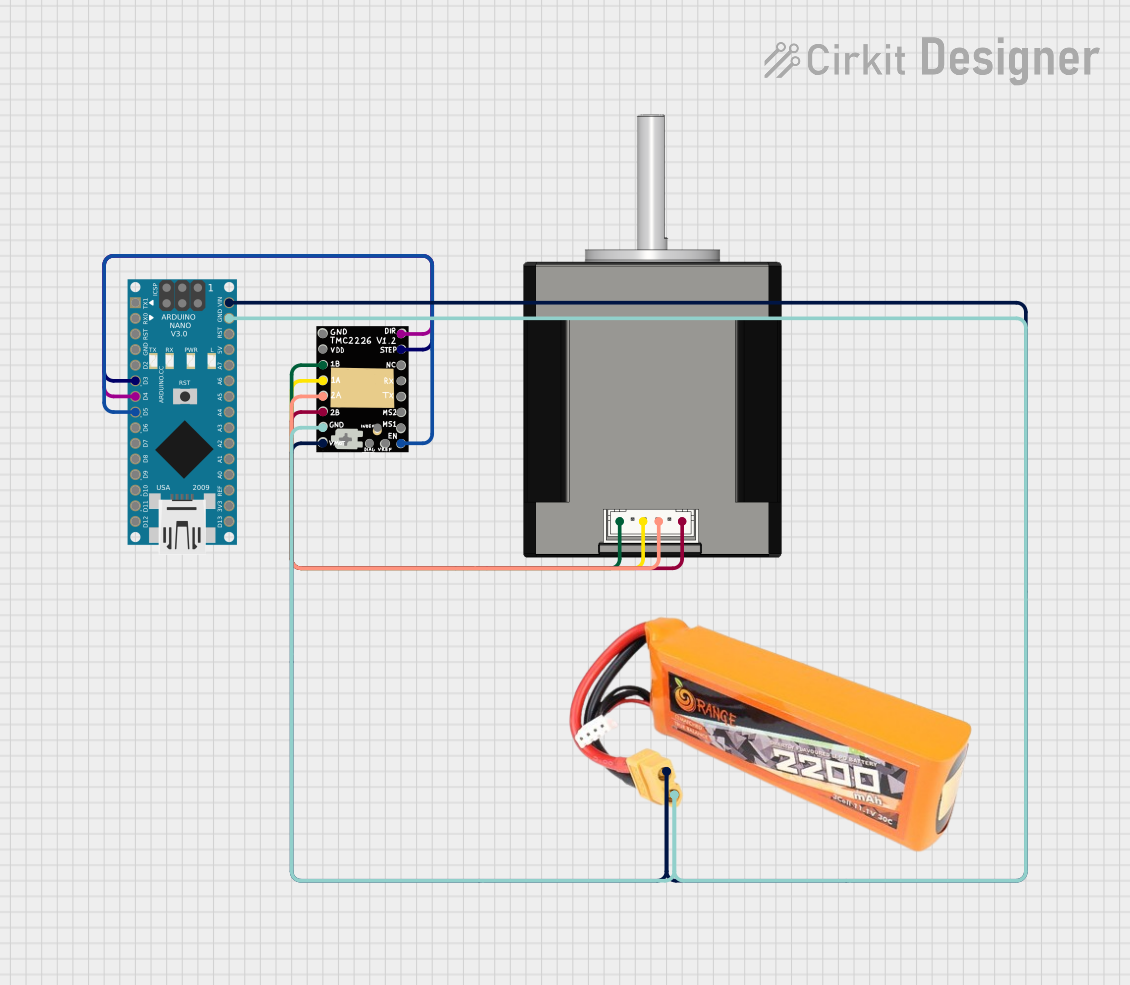 Open Project in Cirkit Designer
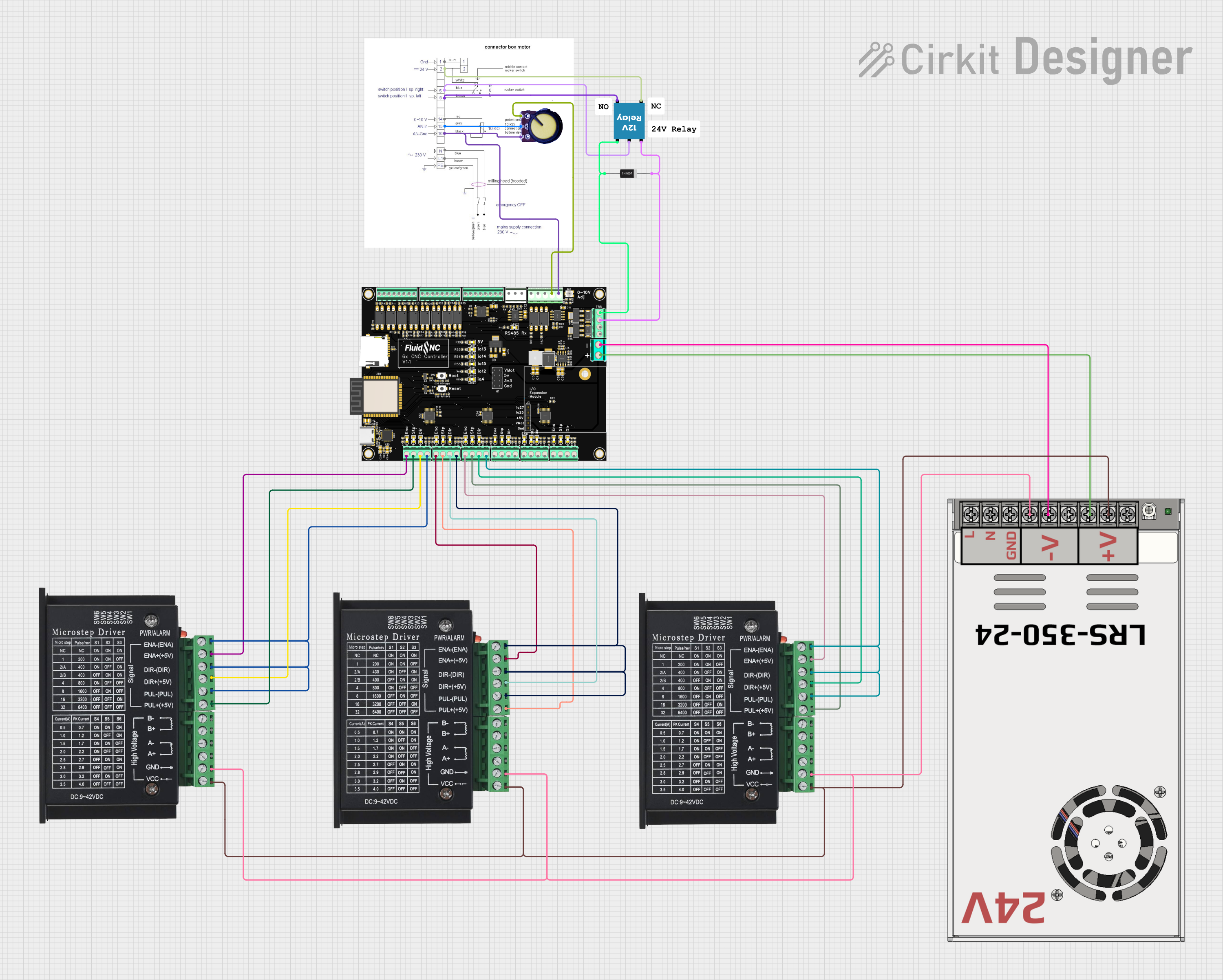 Open Project in Cirkit Designer
Explore Projects Built with TMC5160 Stepper Driver
Open Project in Cirkit DesignerOpen Project in Cirkit DesignerOpen Project in Cirkit DesignerOpen Project in Cirkit DesignerCommon Applications
- Robotics: Enables precise motor control for robotic arms and mobile robots.
- 3D Printing: Ensures smooth motion and accurate positioning for high-quality prints.
- CNC Machines: Provides reliable and efficient motor control for milling, cutting, and engraving.
- Industrial Automation: Suitable for conveyor systems, pick-and-place machines, and other automated systems.
Technical Specifications
The TMC5160 is packed with features that make it a robust and flexible stepper motor driver. Below are its key technical details:
Key Specifications
| Parameter | Value |
|---|---|
| Supply Voltage (VM) | 8V to 60V |
| Logic Voltage (VIO) | 3.3V or 5V |
| Maximum Motor Current | Up to 20A peak (with proper cooling) |
| Microstepping Resolution | Up to 256 microsteps per full step |
| Communication Interfaces | SPI, Step/Dir |
| Integrated Features | StallGuard2™, CoolStep™, SpreadCycle™, StealthChop2™ |
| Operating Temperature | -40°C to +125°C |
Pin Configuration and Descriptions
The TMC5160 is typically available in a 48-pin QFN package. Below is a summary of its pin configuration:
| Pin Number | Pin Name | Description |
|---|---|---|
| 1 | VM | Motor power supply (8V to 60V) |
| 2 | GND | Ground |
| 3 | VIO | Logic voltage input (3.3V or 5V) |
| 4 | SPI_MOSI | SPI Master Out Slave In |
| 5 | SPI_MISO | SPI Master In Slave Out |
| 6 | SPI_SCK | SPI Clock |
| 7 | SPI_CS | SPI Chip Select |
| 8 | STEP | Step pulse input |
| 9 | DIR | Direction control input |
| 10 | EN | Enable input |
| 11 | DIAG0 | Diagnostic output 0 |
| 12 | DIAG1 | Diagnostic output 1 |
| 13-48 | Other Pins | Motor phases, configuration, and power |
Refer to the TMC5160 datasheet for a complete pinout and detailed descriptions.
Usage Instructions
The TMC5160 can be used in a variety of applications requiring precise stepper motor control. Below are the steps and best practices for using the component:
Basic Circuit Setup
- Power Supply: Connect the motor power supply (VM) to a voltage source between 8V and 60V. Ensure the power supply can handle the motor's current requirements.
- Logic Voltage: Provide a 3.3V or 5V logic voltage to the VIO pin.
- Motor Connection: Connect the stepper motor's coils to the appropriate motor phase pins (e.g., A1, A2, B1, B2).
- Control Interface: Use SPI or Step/Dir pins to control the driver. For SPI, connect MOSI, MISO, SCK, and CS to your microcontroller.
- Enable Pin: Pull the EN pin low to enable the driver.
Important Considerations
- Cooling: The TMC5160 can handle high currents, but proper cooling (e.g., heatsinks or fans) is essential to prevent overheating.
- Microstepping: Configure the microstepping resolution via SPI for smoother motor operation.
- Stall Detection: Use the StallGuard2™ feature to detect motor stalls and adjust current dynamically.
- Noise Reduction: Enable StealthChop2™ for silent motor operation, especially in noise-sensitive environments.
Example: Using TMC5160 with Arduino UNO
Below is an example of how to control the TMC5160 using an Arduino UNO via SPI:
#include <SPI.h>

// Define SPI pins for Arduino UNO
#define CS_PIN 10  // Chip Select
#define MOSI_PIN 11 // Master Out Slave In
#define MISO_PIN 12 // Master In Slave Out
#define SCK_PIN 13  // SPI Clock

void setup() {
  // Initialize SPI communication
  SPI.begin();
  pinMode(CS_PIN, OUTPUT);
  digitalWrite(CS_PIN, HIGH); // Set CS high to deselect the driver

  // Configure the TMC5160 (example: set microstepping to 256)
  digitalWrite(CS_PIN, LOW); // Select the driver
  SPI.transfer(0x00); // Send address byte (example address)
  SPI.transfer(0xFF); // Send data byte (example data)
  digitalWrite(CS_PIN, HIGH); // Deselect the driver
}

void loop() {
  // Example: Send step pulses to the TMC5160
  digitalWrite(CS_PIN, LOW); // Select the driver
  SPI.transfer(0x01); // Example command to move motor
  digitalWrite(CS_PIN, HIGH); // Deselect the driver
  delay(10); // Wait for motor to move
}
Note: Replace the example SPI commands with actual configuration and control commands based on your application.
Troubleshooting and FAQs
Common Issues
Motor Not Moving:
- Ensure the EN pin is pulled low to enable the driver.
- Verify the motor connections and power supply voltage.
- Check the SPI or Step/Dir signals for proper communication.
Overheating:
- Ensure adequate cooling (e.g., heatsinks or fans).
- Reduce the motor current setting if possible.
Noisy Operation:
- Enable StealthChop2™ mode for quieter operation.
- Check for loose motor connections or improper wiring.
Stall Detection Not Working:
- Verify that StallGuard2™ is enabled and properly configured.
- Ensure the motor is not overloaded beyond its torque capacity.
FAQs
Q: Can the TMC5160 drive a bipolar stepper motor?
A: Yes, the TMC5160 is designed to drive bipolar stepper motors with high precision.
Q: How do I configure the microstepping resolution?
A: Use the SPI interface to set the microstepping resolution. Refer to the datasheet for the specific register and configuration details.
Q: What is the maximum current the TMC5160 can handle?
A: The TMC5160 can handle up to 20A peak current with proper cooling. Ensure your setup includes adequate thermal management.
Q: Can I use the TMC5160 with a 12V power supply?
A: Yes, the TMC5160 supports motor power supply voltages between 8V and 60V, so a 12V supply is within the supported range.
For additional details, refer to the official TMC5160 datasheet and application notes provided by Trinamic.