
How to Use Mini Stepper Motor (CD/DVD Drive): Examples, Pinouts, and Specs
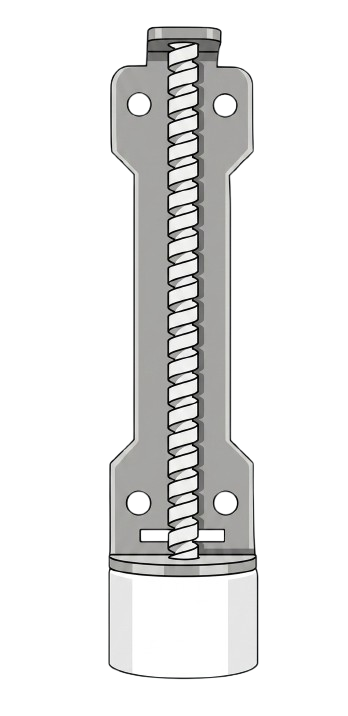
 Design with Mini Stepper Motor (CD/DVD Drive) in Cirkit Designer
Introduction
The Mini Stepper Motor, commonly found in CD/DVD drives, is a compact and precise motor designed to control the movement of the optical head and the disc. Its ability to make small, accurate steps makes it ideal for applications requiring fine positional control. This motor operates by converting electrical pulses into mechanical motion, making it a popular choice for robotics, automation, and other precision-driven projects.
Explore Projects Built with Mini Stepper Motor (CD/DVD Drive)
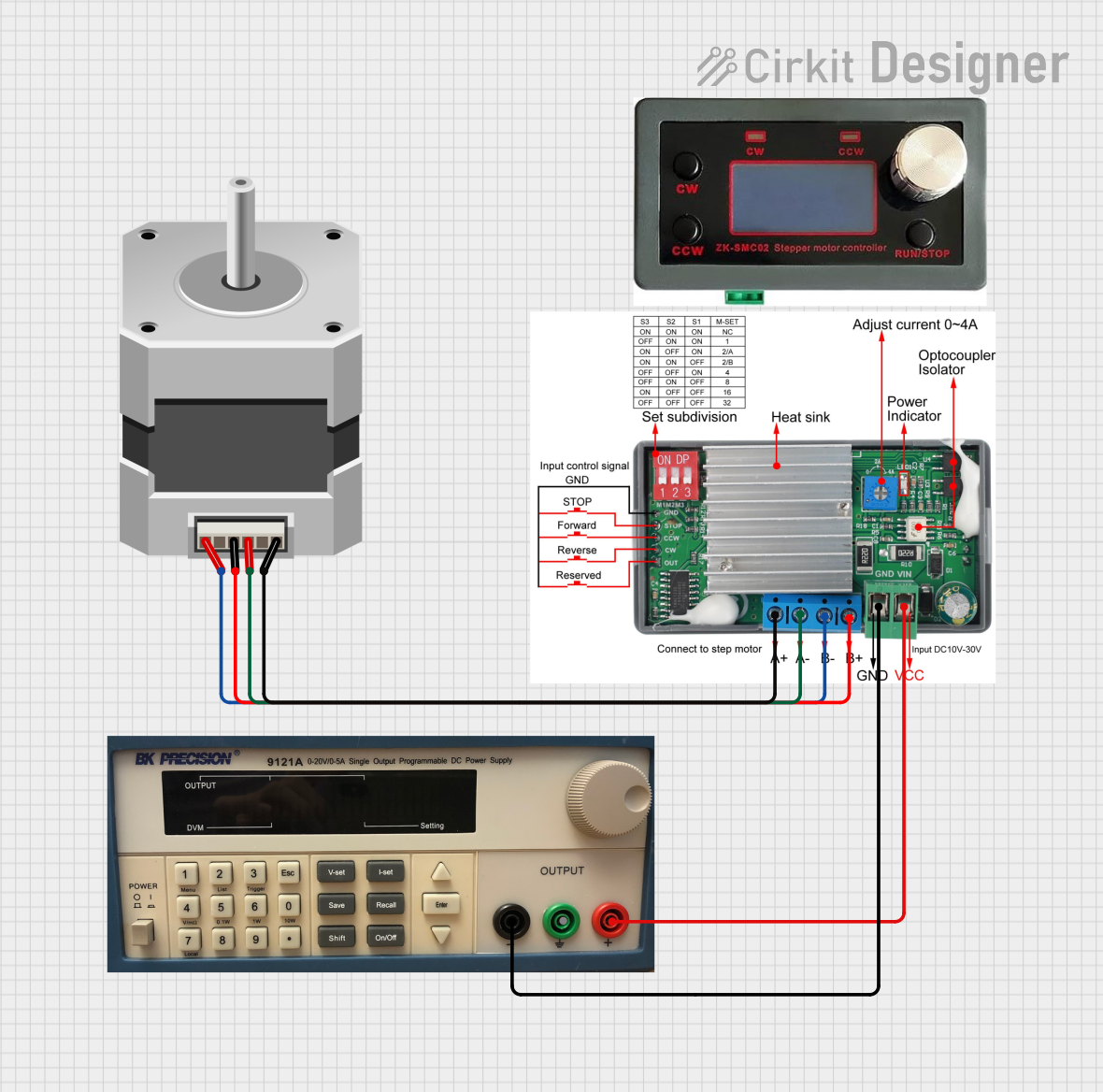 Open Project in Cirkit Designer
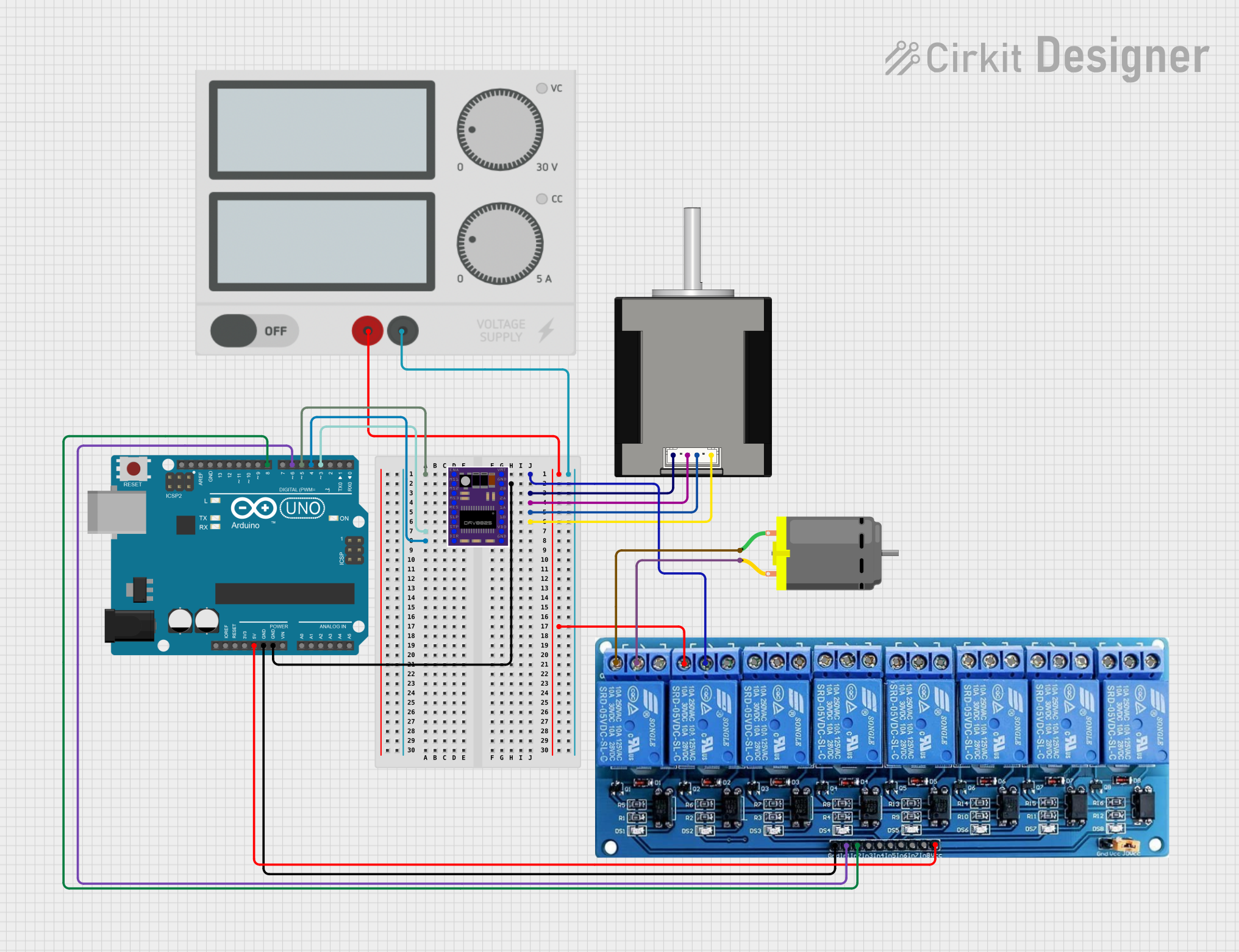 Open Project in Cirkit Designer
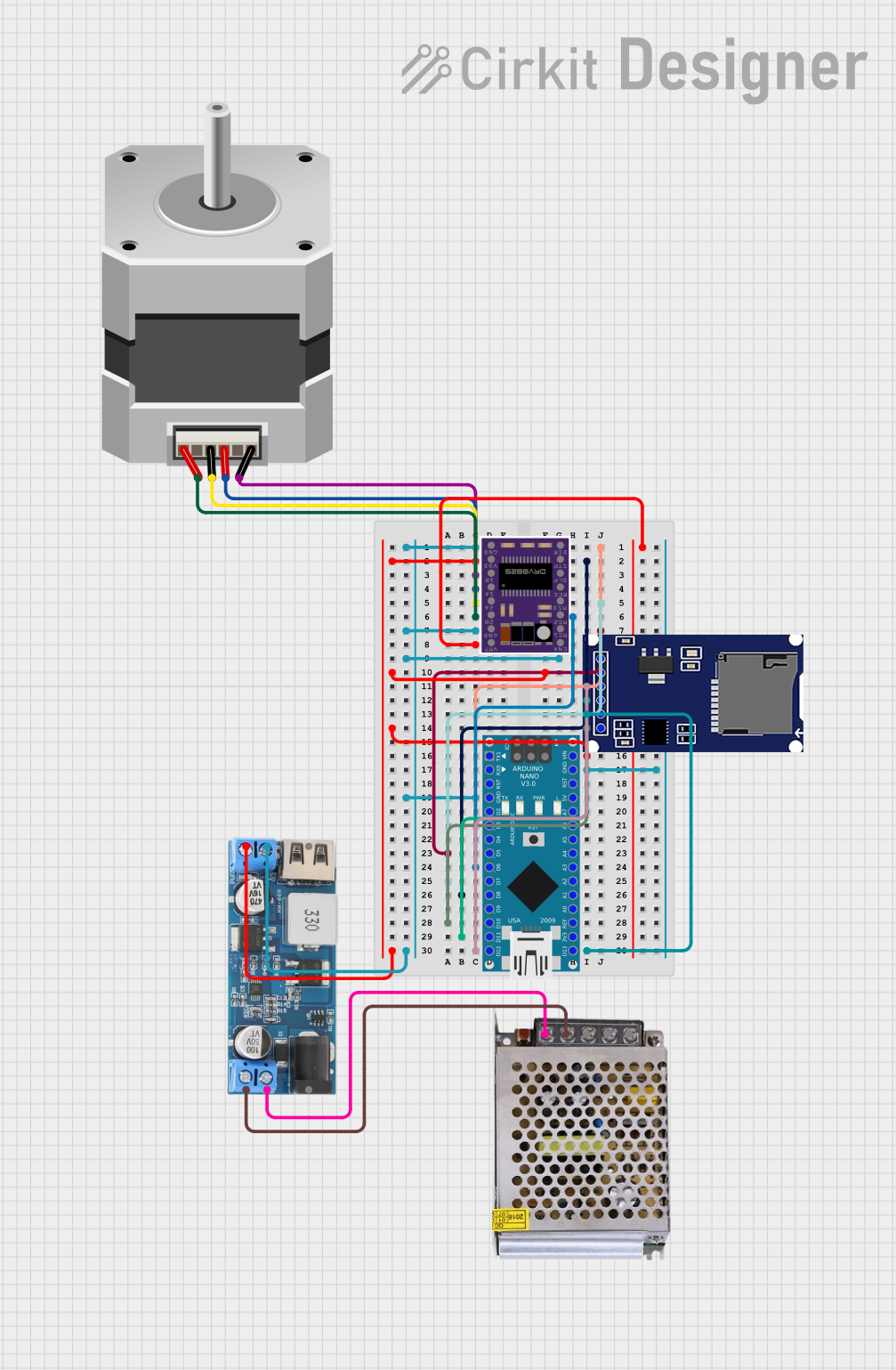 Open Project in Cirkit Designer
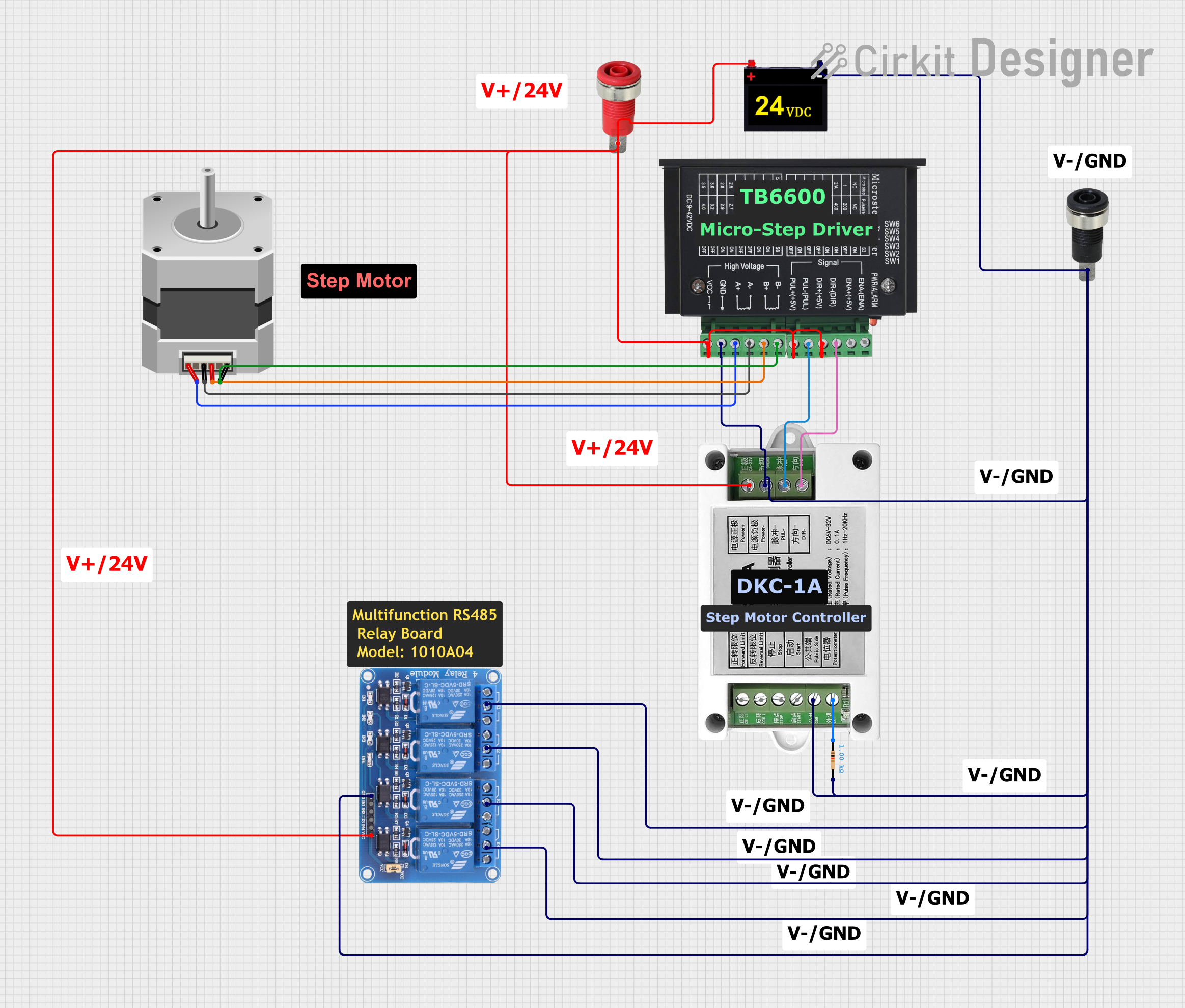 Open Project in Cirkit Designer
Explore Projects Built with Mini Stepper Motor (CD/DVD Drive)
Open Project in Cirkit DesignerOpen Project in Cirkit DesignerOpen Project in Cirkit DesignerOpen Project in Cirkit DesignerCommon Applications and Use Cases
- Optical head movement in CD/DVD drives
- Robotics and small-scale automation
- 3D printers and CNC machines
- Camera focus mechanisms
- Educational and DIY electronics projects
Technical Specifications
Below are the key technical details for the Mini Stepper Motor typically used in CD/DVD drives:
| Parameter | Value |
|---|---|
| Motor Type | Bipolar or Unipolar Stepper |
| Step Angle | 1.8° to 7.5° per step |
| Operating Voltage | 5V to 12V |
| Current per Phase | 100mA to 500mA |
| Resistance per Phase | 10Ω to 50Ω |
| Holding Torque | 10 to 50 mNm |
| Number of Phases | 2 or 4 |
| Shaft Diameter | 1mm to 2mm |
| Dimensions | Typically 20mm x 20mm x 10mm |
Pin Configuration and Descriptions
The Mini Stepper Motor typically has 4 or 5 wires, depending on whether it is a bipolar or unipolar motor. Below is the pin configuration:
Bipolar Stepper Motor (4 Wires)
| Pin | Description |
|---|---|
| A+ | Coil A positive terminal |
| A- | Coil A negative terminal |
| B+ | Coil B positive terminal |
| B- | Coil B negative terminal |
Unipolar Stepper Motor (5 Wires)
| Pin | Description |
|---|---|
| A+ | Coil A positive terminal |
| A- | Coil A negative terminal |
| B+ | Coil B positive terminal |
| B- | Coil B negative terminal |
| COM | Common terminal |
Usage Instructions
How to Use the Mini Stepper Motor in a Circuit
- Identify the Motor Type: Determine whether your motor is bipolar (4 wires) or unipolar (5 wires).
- Connect to a Driver Module: Use a stepper motor driver (e.g., ULN2003 for unipolar motors or A4988 for bipolar motors) to control the motor. Directly connecting the motor to a microcontroller is not recommended due to current limitations.
- Power Supply: Ensure the motor is powered with the appropriate voltage (typically 5V or 12V) and current as specified in the technical specifications.
- Microcontroller Interface: Connect the driver module to a microcontroller (e.g., Arduino UNO) to send step and direction signals.
Important Considerations and Best Practices
- Current Limiting: Use a driver module with current-limiting features to prevent overheating or damage to the motor.
- Step Resolution: Adjust the step resolution (full-step, half-step, or microstepping) on the driver module for smoother motion.
- Power Supply: Use a stable power supply to avoid fluctuations that could affect motor performance.
- Heat Management: Prolonged operation may cause the motor to heat up. Ensure proper ventilation or cooling if necessary.
Example Code for Arduino UNO
Below is an example of how to control a Mini Stepper Motor using an Arduino UNO and an A4988 driver module:
// Example code to control a Mini Stepper Motor with Arduino UNO
// and an A4988 driver module. Ensure proper wiring before running this code.

#define STEP_PIN 3  // Pin connected to the STEP input of the driver
#define DIR_PIN 4   // Pin connected to the DIR input of the driver

void setup() {
  pinMode(STEP_PIN, OUTPUT); // Set STEP pin as output
  pinMode(DIR_PIN, OUTPUT);  // Set DIR pin as output

  digitalWrite(DIR_PIN, HIGH); // Set initial direction (HIGH = clockwise)
}

void loop() {
  // Rotate the motor one step at a time
  digitalWrite(STEP_PIN, HIGH); // Generate a step pulse
  delayMicroseconds(1000);      // Wait for 1ms (adjust for speed control)
  digitalWrite(STEP_PIN, LOW);  // Reset the step pulse
  delayMicroseconds(1000);      // Wait for 1ms before the next step
}
Troubleshooting and FAQs
Common Issues and Solutions
Motor Not Moving
- Cause: Incorrect wiring or loose connections.
- Solution: Double-check the wiring between the motor, driver module, and microcontroller.
Motor Vibrates but Does Not Rotate
- Cause: Incorrect step sequence or insufficient power supply.
- Solution: Verify the step sequence in your code and ensure the power supply meets the motor's requirements.
Overheating
- Cause: Excessive current or prolonged operation.
- Solution: Use a driver with current-limiting features and allow the motor to cool periodically.
Inconsistent Movement
- Cause: Fluctuating power supply or incorrect step resolution.
- Solution: Use a stable power source and adjust the step resolution on the driver module.
FAQs
Can I run the motor without a driver module? No, a driver module is necessary to handle the current and voltage requirements of the motor.
What is the maximum speed of the motor? The maximum speed depends on the step resolution, power supply, and load. Typically, it ranges from 200 to 1000 steps per second.
Can I use this motor for heavy loads? No, the Mini Stepper Motor is designed for lightweight applications and may not perform well under heavy loads.
By following this documentation, you can effectively integrate and troubleshoot the Mini Stepper Motor in your projects.