
How to Use AC PLUG: Examples, Pinouts, and Specs
 Design with AC PLUG in Cirkit Designer
Introduction
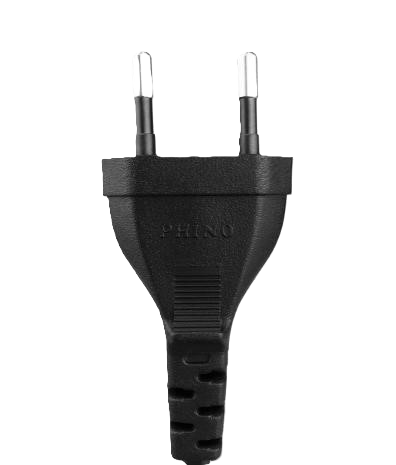
An AC plug, manufactured by AC with the part ID "plug," is a device designed to connect electrical appliances to an alternating current (AC) power supply. It typically consists of two or three prongs that fit into a corresponding socket, enabling the safe and efficient transfer of electrical energy. AC plugs are essential components in household, commercial, and industrial electrical systems.
Explore Projects Built with AC PLUG
 Open Project in Cirkit Designer
 Open Project in Cirkit Designer
 Open Project in Cirkit Designer
 Open Project in Cirkit Designer
Explore Projects Built with AC PLUG
Open Project in Cirkit DesignerOpen Project in Cirkit DesignerOpen Project in Cirkit DesignerOpen Project in Cirkit DesignerCommon Applications and Use Cases
- Powering household appliances such as lamps, televisions, and kitchen devices.
- Connecting office equipment like computers, printers, and monitors.
- Industrial applications, including machinery and tools requiring AC power.
- Temporary power connections for portable devices and equipment.
Technical Specifications
Below are the key technical details and pin configuration for the AC plug:
Key Technical Details
| Parameter | Specification |
|---|---|
| Manufacturer | AC |
| Part ID | plug |
| Voltage Rating | 110V - 250V AC |
| Current Rating | 10A - 16A |
| Frequency | 50Hz / 60Hz |
| Number of Prongs | 2 or 3 (depending on the model) |
| Material | High-grade thermoplastic or metal |
| Safety Standards | Complies with IEC and UL standards |
Pin Configuration and Descriptions
| Pin Number | Pin Name | Description |
|---|---|---|
| 1 | Live (L) | Carries the live AC voltage to the appliance. |
| 2 | Neutral (N) | Completes the circuit by returning current. |
| 3 | Ground (G) | Provides a safety path for fault currents (optional, only in 3-prong plugs). |
Usage Instructions
How to Use the AC Plug in a Circuit
- Inspect the Plug: Ensure the AC plug is free from damage, such as cracks or exposed wires.
- Connect to Appliance: Attach the plug to the appliance's power cord securely.
- Insert into Socket: Insert the plug into a compatible AC socket, ensuring a snug fit.
- Power On: Turn on the appliance or device to begin operation.
Important Considerations and Best Practices
- Voltage Compatibility: Verify that the plug's voltage rating matches the power supply.
- Grounding: Use a 3-prong plug for devices requiring grounding to ensure safety.
- Avoid Overloading: Do not exceed the current rating of the plug to prevent overheating or damage.
- Inspect Regularly: Periodically check the plug for wear and tear, and replace it if necessary.
- Use in Dry Conditions: Avoid using the plug in wet or damp environments unless it is specifically rated for such conditions.
Example: Connecting to an Arduino UNO
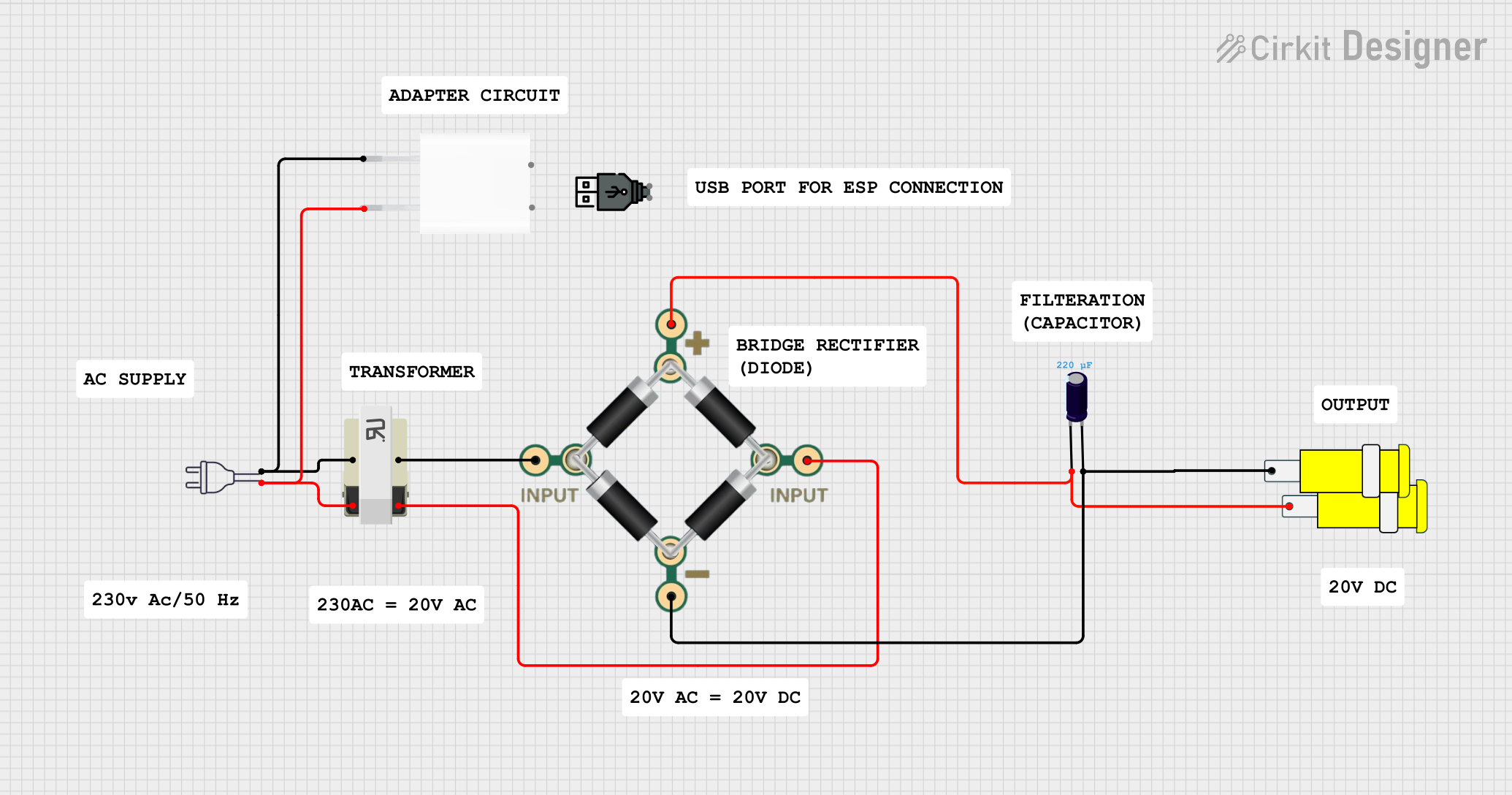
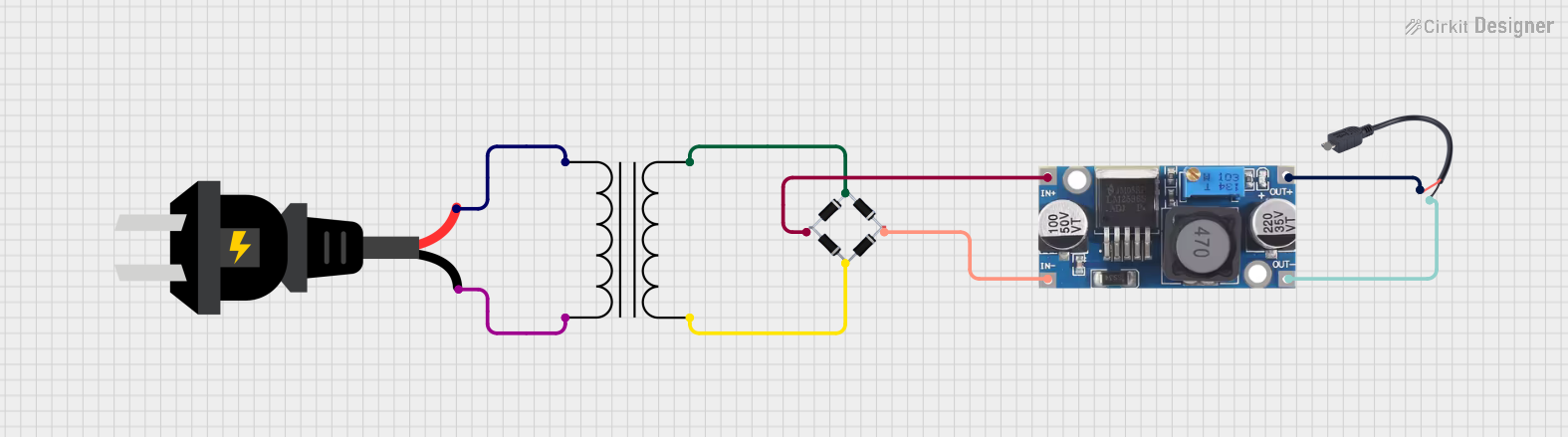
While an AC plug is not directly connected to an Arduino UNO, it can be used to power an external power supply or adapter that provides DC voltage to the Arduino. Below is an example of how to use an AC plug with an adapter to power an Arduino UNO:
- Connect the AC plug to a compatible power adapter (e.g., 9V DC output).
- Plug the adapter into the Arduino UNO's DC barrel jack.
- Ensure the adapter's output voltage and current match the Arduino's requirements.
// Example Arduino code to blink an LED
// Ensure the Arduino is powered via the AC plug and adapter

void setup() {
  pinMode(13, OUTPUT); // Set pin 13 as an output for the onboard LED
}

void loop() {
  digitalWrite(13, HIGH); // Turn the LED on
  delay(1000);            // Wait for 1 second
  digitalWrite(13, LOW);  // Turn the LED off
  delay(1000);            // Wait for 1 second
}
Troubleshooting and FAQs
Common Issues and Solutions
| Issue | Possible Cause | Solution |
|---|---|---|
| Plug does not fit the socket | Incompatible plug type or size | Use an appropriate adapter or replace the plug. |
| Appliance does not power on | Loose connection or damaged plug | Check the connection and inspect the plug for damage. |
| Overheating of the plug | Overloading or poor contact | Reduce the load or replace the plug if damaged. |
| Sparks when plugging in | Faulty socket or plug | Inspect both the socket and plug; replace if necessary. |
FAQs
Can I use the AC plug in outdoor environments?
- Only if the plug is specifically rated for outdoor use. Otherwise, avoid exposure to moisture.
What should I do if the plug prongs are bent?
- Carefully straighten the prongs using pliers. If the damage is severe, replace the plug.
Is it safe to use a 2-prong plug for all devices?
- No, devices requiring grounding should use a 3-prong plug for safety.
How do I know if the plug is overloaded?
- Signs of overloading include overheating, discoloration, or a burning smell. Reduce the load immediately.
By following this documentation, users can safely and effectively utilize the AC plug in various applications.