
How to Use ESCON 70/10: Examples, Pinouts, and Specs
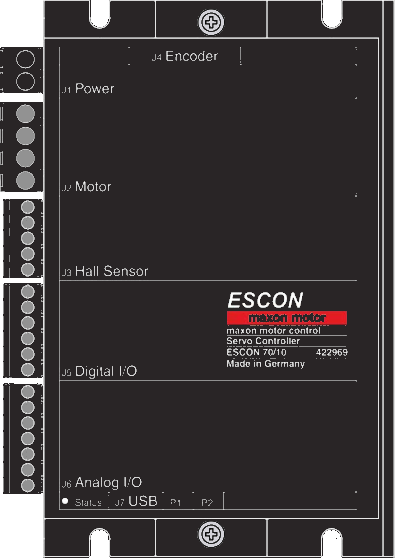
 Design with ESCON 70/10 in Cirkit Designer
Introduction
The ESCON 70/10, manufactured by Maxon Motors, is a high-performance electronic speed controller (ESC) designed for precise control of brushless DC motors. It is widely used in applications requiring smooth motor operation, such as model aircraft, remote-controlled vehicles, robotics, and industrial automation. The ESCON 70/10 offers advanced features like programmable throttle response, braking, and protection mechanisms, making it a versatile and reliable choice for motor control.
Explore Projects Built with ESCON 70/10
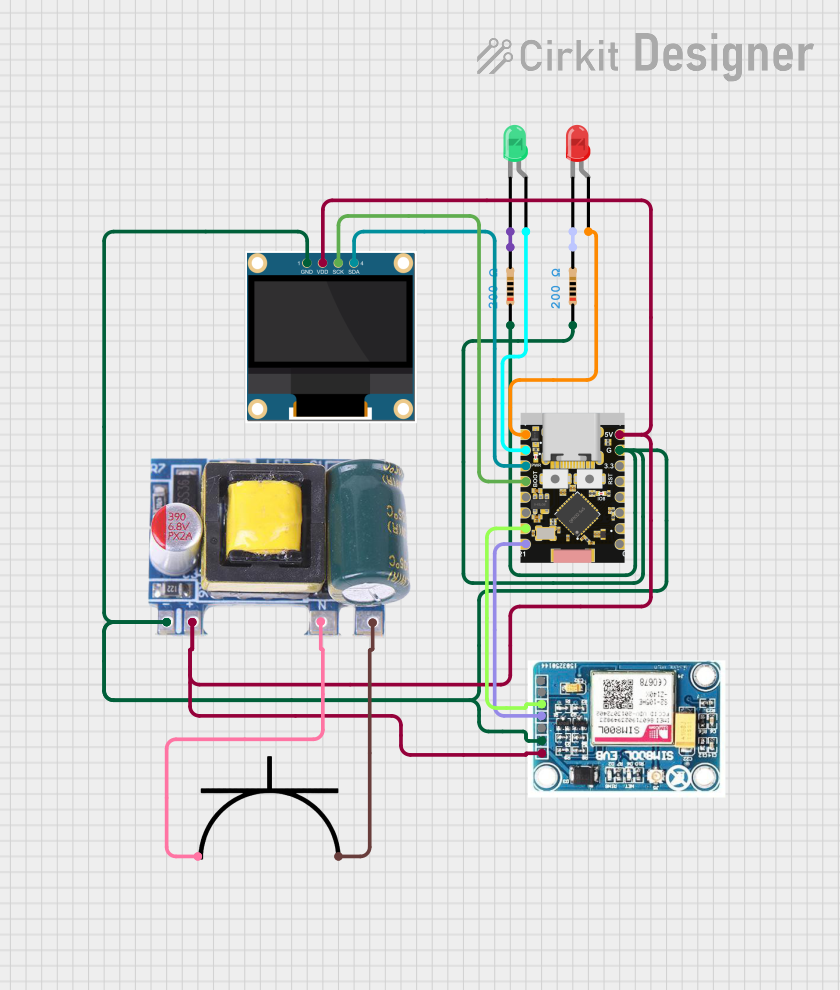 Open Project in Cirkit Designer
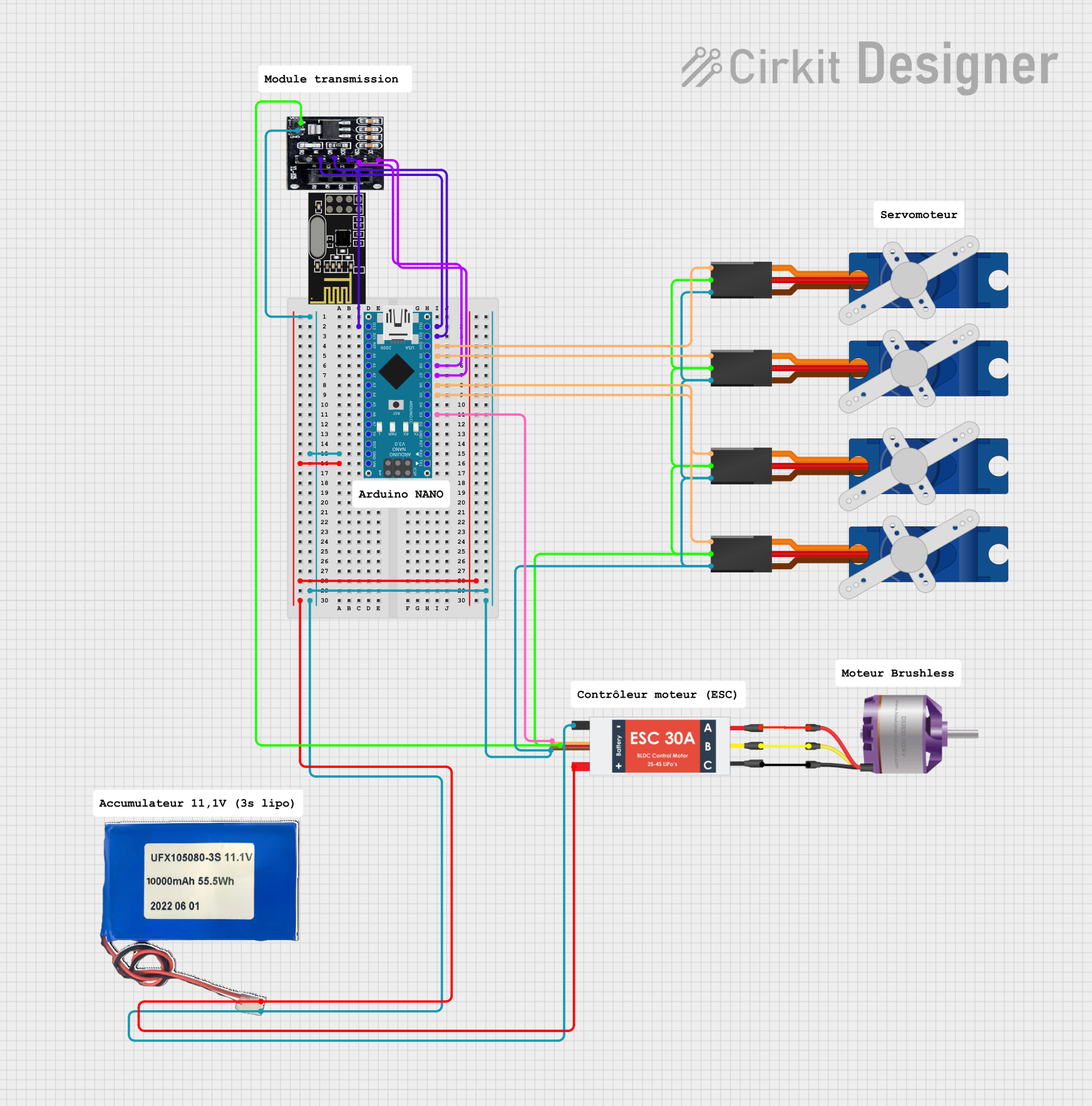 Open Project in Cirkit Designer
 Open Project in Cirkit Designer
 Open Project in Cirkit Designer
Explore Projects Built with ESCON 70/10
Open Project in Cirkit DesignerOpen Project in Cirkit DesignerOpen Project in Cirkit DesignerOpen Project in Cirkit DesignerCommon Applications
- Remote-controlled vehicles (cars, boats, and aircraft)
- Robotics and automation systems
- Industrial machinery requiring precise motor control
- Drones and UAVs
- Laboratory equipment and test setups
Technical Specifications
The ESCON 70/10 is engineered to deliver high efficiency and reliability. Below are its key technical details:
General Specifications
| Parameter | Value |
|---|---|
| Manufacturer | Maxon Motors |
| Part Number | ESCON 70/10 |
| Motor Type Supported | Brushless DC (BLDC) |
| Input Voltage Range | 10 V to 70 V |
| Continuous Output Current | 10 A |
| Peak Output Current | 20 A |
| PWM Frequency | 50 kHz |
| Efficiency | > 95% |
| Operating Temperature | -30°C to +85°C |
| Dimensions | 55 mm x 40 mm x 15 mm |
| Weight | 50 g |
Pin Configuration and Descriptions
The ESCON 70/10 features a set of input/output pins for power, control, and motor connections. Below is the pinout description:
Power and Motor Connections
| Pin Name | Description |
|---|---|
| VIN+ | Positive input voltage (10 V to 70 V) |
| VIN- | Ground (negative input voltage) |
| M1 | Motor phase 1 connection |
| M2 | Motor phase 2 connection |
| M3 | Motor phase 3 connection |
Control and Signal Connections
| Pin Name | Description |
|---|---|
| GND | Signal ground |
| PWM_IN | PWM input signal for speed control |
| ENABLE | Enable/disable motor operation |
| BRAKE | Brake control input |
| TACH_OUT | Tachometer output for speed feedback |
Usage Instructions
The ESCON 70/10 is designed for easy integration into motor control systems. Follow the steps below to use the component effectively:
Basic Setup
- Power Supply: Connect a DC power supply (10 V to 70 V) to the
VIN+andVIN-pins. Ensure the power supply can deliver sufficient current for your motor's requirements. - Motor Connection: Connect the three motor phases to the
M1,M2, andM3pins. Ensure the connections are secure and match the motor's specifications. - Control Signal: Provide a PWM signal (typically 1 kHz to 20 kHz) to the
PWM_INpin to control the motor speed. The duty cycle of the PWM signal determines the motor speed. - Enable Operation: Pull the
ENABLEpin high to activate the ESCON 70/10. Pulling it low will disable the motor. - Braking: Use the
BRAKEpin to apply braking. Pulling this pin high activates the braking function.
Important Considerations
- Heat Dissipation: Ensure proper ventilation or use a heatsink to prevent overheating during operation.
- Wiring: Use appropriately rated wires for power and motor connections to handle the current without excessive heating.
- Protection Features: The ESCON 70/10 includes overcurrent, overvoltage, and thermal protection. Ensure these limits are not exceeded to avoid damage.
- PWM Signal: Use a microcontroller (e.g., Arduino UNO) or a dedicated PWM generator to provide a stable control signal.
Example: Using ESCON 70/10 with Arduino UNO
Below is an example of how to control the ESCON 70/10 using an Arduino UNO:
// Example: Controlling ESCON 70/10 with Arduino UNO
// This code generates a PWM signal to control motor speed via the ESCON 70/10

const int pwmPin = 9;  // PWM output pin connected to ESCON's PWM_IN
const int enablePin = 8;  // Enable pin connected to ESCON's ENABLE

void setup() {
  pinMode(pwmPin, OUTPUT);  // Set PWM pin as output
  pinMode(enablePin, OUTPUT);  // Set Enable pin as output

  digitalWrite(enablePin, HIGH);  // Enable the ESCON 70/10
}

void loop() {
  // Gradually increase motor speed
  for (int dutyCycle = 0; dutyCycle <= 255; dutyCycle++) {
    analogWrite(pwmPin, dutyCycle);  // Write PWM signal
    delay(20);  // Wait for 20 ms
  }

  // Gradually decrease motor speed
  for (int dutyCycle = 255; dutyCycle >= 0; dutyCycle--) {
    analogWrite(pwmPin, dutyCycle);  // Write PWM signal
    delay(20);  // Wait for 20 ms
  }
}
Best Practices
- Always test the setup with a low voltage and current before full-scale operation.
- Use proper insulation and shielding to minimize electrical noise.
- Regularly inspect connections and components for wear or damage.
Troubleshooting and FAQs
Common Issues and Solutions
Motor Does Not Spin
- Cause: The
ENABLEpin is not pulled high. - Solution: Ensure the
ENABLEpin is connected to a high logic level.
- Cause: The
Motor Vibrates or Runs Erratically
- Cause: Incorrect motor phase connections or damaged motor.
- Solution: Verify the motor connections and check the motor for faults.
Overheating
- Cause: Insufficient cooling or excessive current draw.
- Solution: Improve ventilation or use a heatsink. Ensure the motor's current rating matches the ESCON 70/10's specifications.
No Response to PWM Signal
- Cause: Incorrect PWM frequency or duty cycle.
- Solution: Verify the PWM signal parameters and ensure they are within the ESCON 70/10's supported range.
FAQs
Q: Can the ESCON 70/10 be used with brushed DC motors?
A: No, the ESCON 70/10 is designed specifically for brushless DC motors.Q: What is the maximum PWM frequency supported?
A: The ESCON 70/10 supports PWM frequencies up to 50 kHz.Q: Does the ESCON 70/10 support regenerative braking?
A: Yes, the ESCON 70/10 includes a braking function that can be activated via theBRAKEpin.Q: Can I use the ESCON 70/10 in outdoor environments?
A: Yes, but ensure it is protected from moisture and extreme temperatures beyond its operating range.
By following this documentation, users can effectively integrate the ESCON 70/10 into their motor control systems and achieve reliable performance.