The Cosel STMGFS302415 is a compact and highly efficient DC-DC converter designed to provide a stable 15V output with a maximum current of 2A. With a power rating of 30W, this converter is ideal for applications requiring reliable and efficient power conversion. Its robust design ensures consistent performance in a wide range of environments, making it suitable for industrial, automotive, and embedded systems.
Explore Projects Built with Cosel STMGFS 15VDC 2A 30W DC-DC Converter STMGFS302415
Use Cirkit Designer to design, explore, and prototype these projects online. Some projects support real-time simulation. Click "Open Project" to start designing instantly!
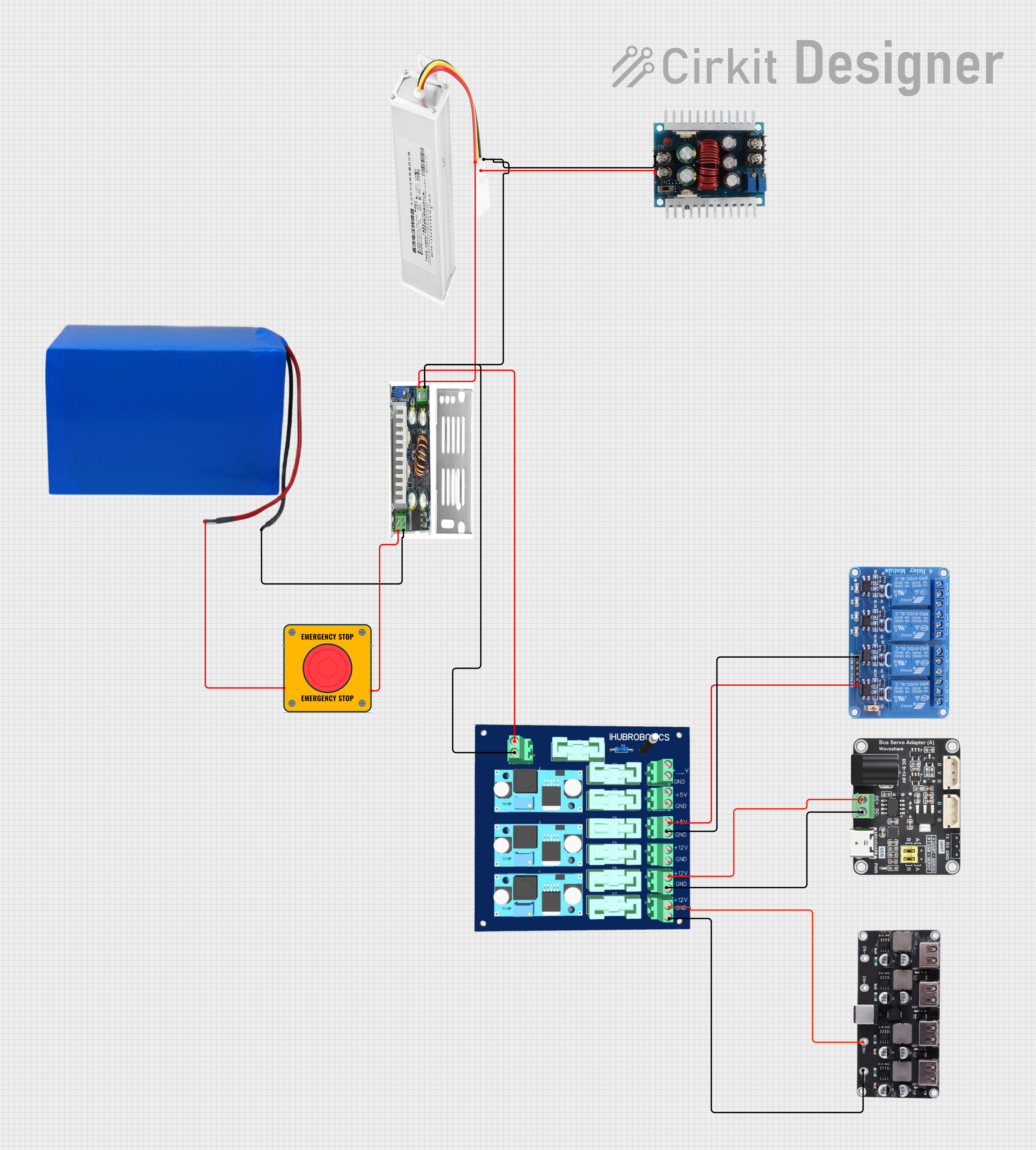
This circuit converts a 38.5V battery output to multiple lower voltage levels using a series of DC-DC converters and a power module. It includes an emergency stop switch for safety and distributes power to various components such as a relay module, USB ports, and a bus servo adaptor.
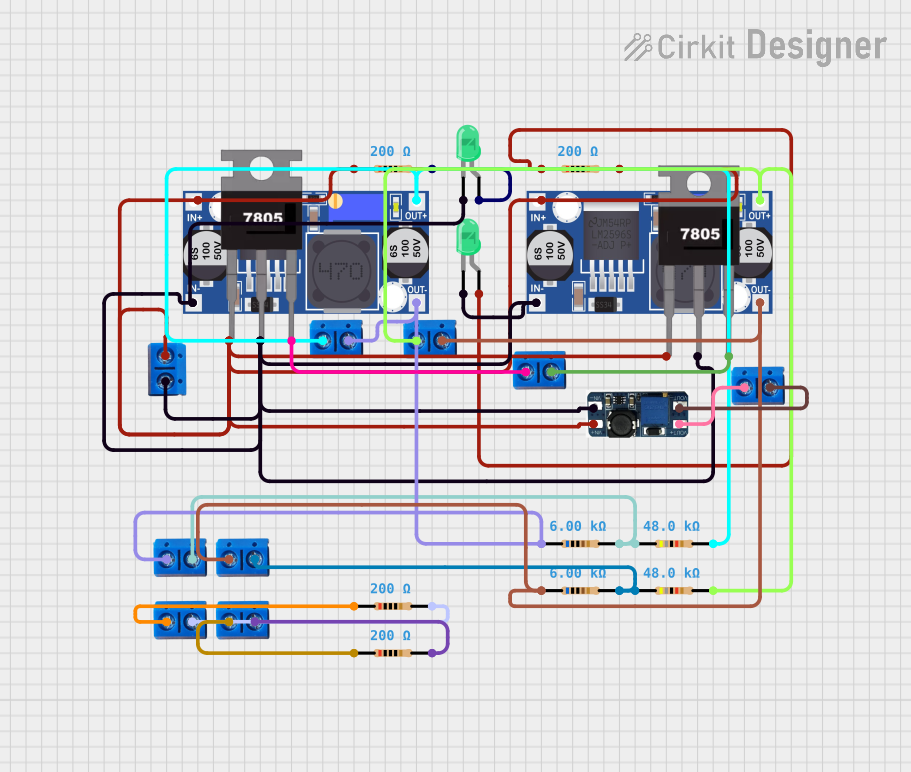
This circuit is designed for power management, featuring buck and boost converters for voltage adjustment, and linear regulators for stable voltage output. It includes LEDs for status indication, and terminal blocks for external connections.
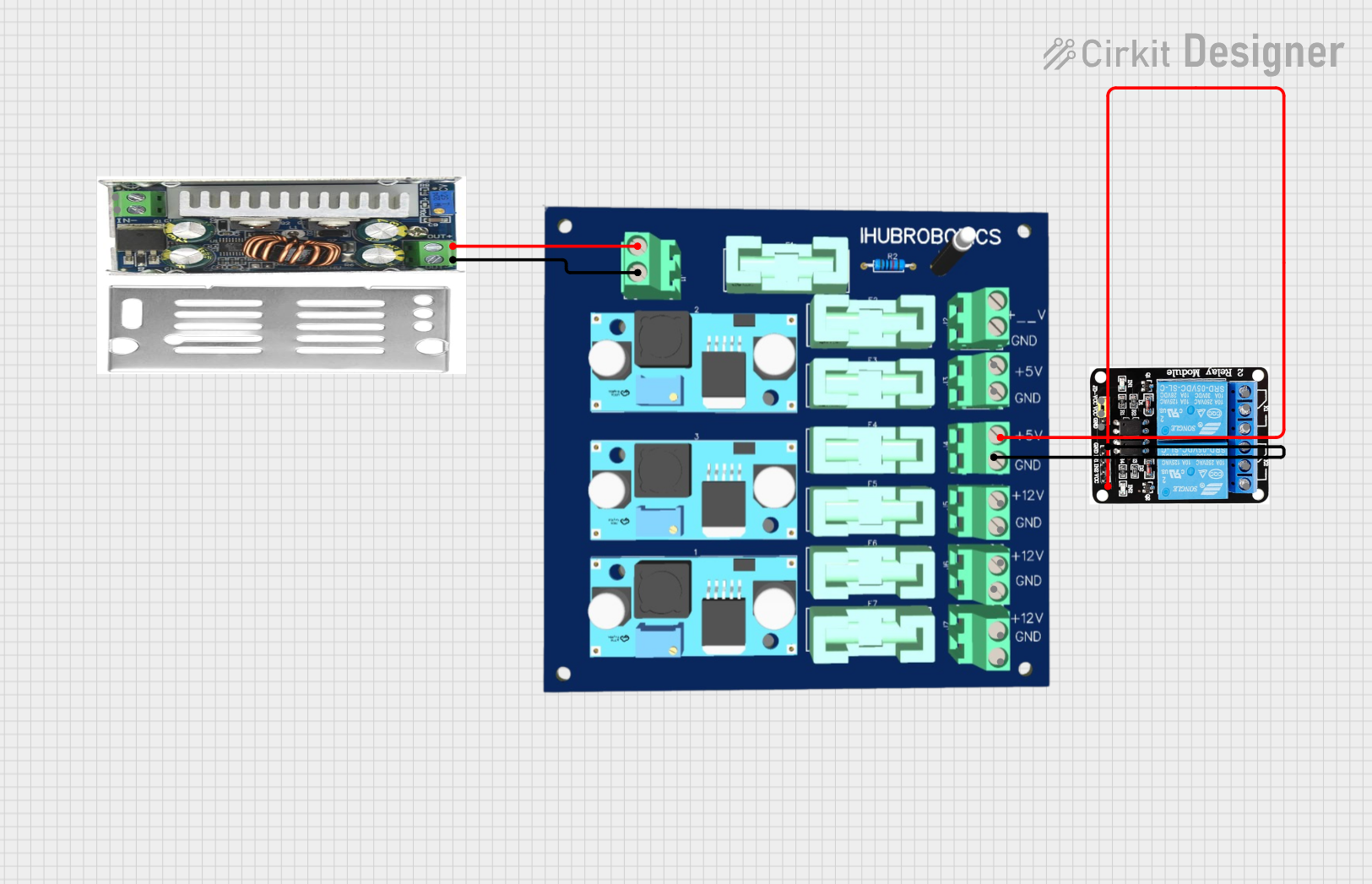
This circuit consists of a DC-DC converter powering a 6-channel power module, which in turn supplies 5V to a 2-relay module. The power module distributes the converted voltage to the relay module, enabling it to control external devices.
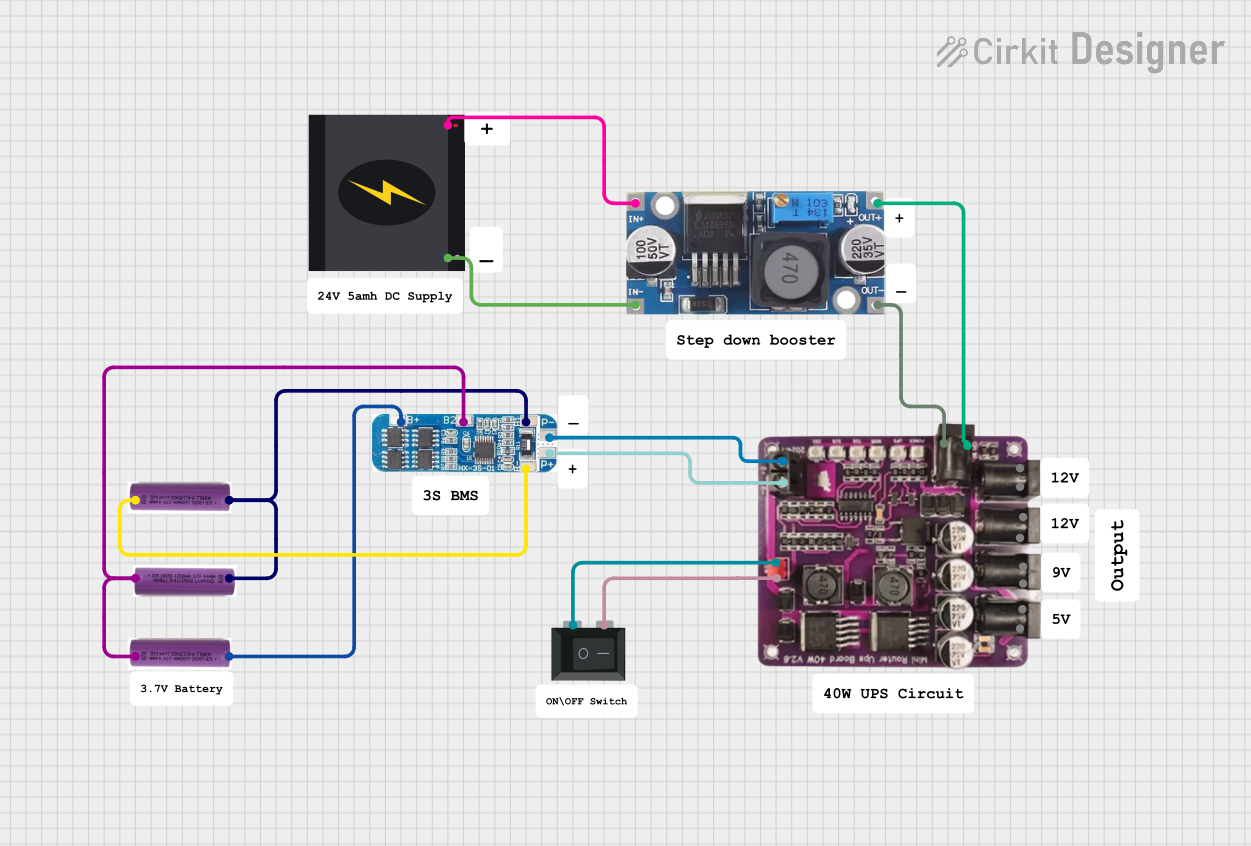
This circuit is a power management system that steps down a 240V AC input to a lower DC voltage using a buck converter, which then powers a 40W UPS. The UPS is controlled by a rocker switch and is backed up by a battery management system (BMS) connected to three 3.7V batteries in series, ensuring continuous power supply.
Renewable energy systems (e.g., solar-powered devices)
Technical Specifications
The following table outlines the key technical details of the Cosel STMGFS302415 DC-DC converter:
Parameter
Value
Input Voltage Range
9V to 36V
Output Voltage
15V
Maximum Output Current
2A
Output Power
30W
Efficiency
Up to 92%
Operating Temperature
-40°C to +85°C
Dimensions
50.8mm x 25.4mm x 10.2mm
Weight
20g
Isolation Voltage
1500V DC
Protection Features
Overcurrent, Overvoltage,
and Overtemperature
Pin Configuration and Descriptions
The Cosel STMGFS302415 features a standard pinout for easy integration into circuits. The pin configuration is as follows:
Pin Number
Name
Description
1
+Vin
Positive input voltage (9V to 36V)
2
-Vin
Negative input voltage (ground)
3
+Vout
Positive output voltage (15V)
4
-Vout
Negative output voltage (ground)
5
Remote On/Off
Enables or disables the converter (logic input)
Usage Instructions
How to Use the Component in a Circuit
Input Voltage Connection: Connect the input voltage source (9V to 36V) to the +Vin and -Vin pins. Ensure the input voltage is within the specified range to avoid damage.
Output Voltage Connection: Connect the load to the +Vout and -Vout pins. The converter will provide a stable 15V output.
Remote On/Off Control: Use the Remote On/Off pin to enable or disable the converter. A logic high signal typically enables the converter, while a logic low disables it. Refer to the datasheet for specific control logic levels.
Mounting: Secure the converter on a PCB or chassis using appropriate mounting hardware. Ensure proper ventilation for heat dissipation.
Important Considerations and Best Practices
Input Voltage Range: Always ensure the input voltage remains within the specified range (9V to 36V). Exceeding this range may damage the converter.
Load Requirements: Do not exceed the maximum output current of 2A or the power rating of 30W.
Thermal Management: Operate the converter in an environment with adequate airflow or use a heatsink if necessary to maintain optimal performance.
Isolation: The converter provides 1500V DC isolation, making it suitable for applications requiring electrical isolation between input and output.
Remote On/Off: If not using the remote control feature, leave the Remote On/Off pin unconnected or follow the manufacturer's recommendations.
Example: Using with an Arduino UNO
The Cosel STMGFS302415 can be used to power an Arduino UNO by providing a stable 15V output. Below is an example circuit and code to control the converter's Remote On/Off pin using a digital output pin from the Arduino.
Circuit Diagram
Connect the +Vin and -Vin pins of the converter to a 12V DC power supply.
Connect the +Vout and -Vout pins to the Arduino's VIN and GND pins, respectively.
Connect the Remote On/Off pin to Arduino digital pin 7 through a 1kΩ resistor.
Arduino Code
// Define the pin connected to the Remote On/Off control
const int remoteControlPin = 7;

void setup() {
  // Set the remote control pin as an output
  pinMode(remoteControlPin, OUTPUT);

  // Enable the DC-DC converter by setting the pin HIGH
  digitalWrite(remoteControlPin, HIGH);
}

void loop() {
  // The converter remains enabled in this example
  // Add your application code here
}
Troubleshooting and FAQs
Common Issues and Solutions
No Output Voltage
Cause: Input voltage is outside the specified range.
Solution: Verify the input voltage is between 9V and 36V.
Cause: Remote On/Off pin is not properly configured.
Solution: Ensure the Remote On/Off pin is set to the correct logic level.
Overheating
Cause: Insufficient ventilation or excessive load.
Solution: Improve airflow around the converter or reduce the load.
Output Voltage Instability
Cause: Input voltage fluctuations or excessive noise.
Solution: Use a capacitor at the input to filter noise and stabilize the voltage.
Converter Not Turning On
Cause: Remote On/Off pin left floating.
Solution: Connect the Remote On/Off pin to a valid logic level.
FAQs
Can I use this converter with a 24V input?
Yes, the converter supports input voltages from 9V to 36V, including 24V.
What happens if I exceed the maximum output current?
The converter includes overcurrent protection and will shut down or limit the output to prevent damage.
Is the converter suitable for outdoor use?
The converter is not weatherproof. Use it in a protected environment or within an enclosure designed for outdoor use.
Can I use this converter to power sensitive analog circuits?
Yes, the converter provides a stable output, but additional filtering may be required for extremely noise-sensitive applications.


 Open Project in Cirkit Designer