
How to Use jdy33: Examples, Pinouts, and Specs

 Design with jdy33 in Cirkit Designer
Introduction
The JDY-33 is a Bluetooth module designed for wireless communication, primarily used in Internet of Things (IoT) applications. It supports serial communication (UART) and operates on the Bluetooth 4.2 protocol, making it ideal for low-power, short-range wireless data transmission. The module is compact, cost-effective, and easy to integrate into a wide range of projects, including smart home devices, wearable electronics, and industrial automation systems.
Explore Projects Built with jdy33
 Open Project in Cirkit Designer
 Open Project in Cirkit Designer
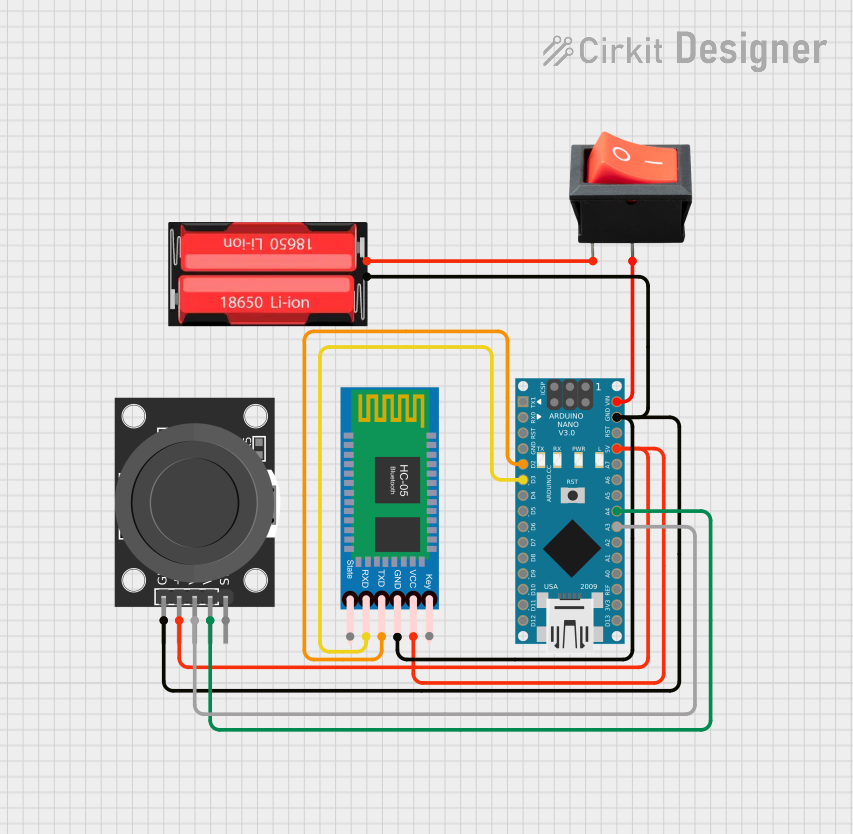 Open Project in Cirkit Designer
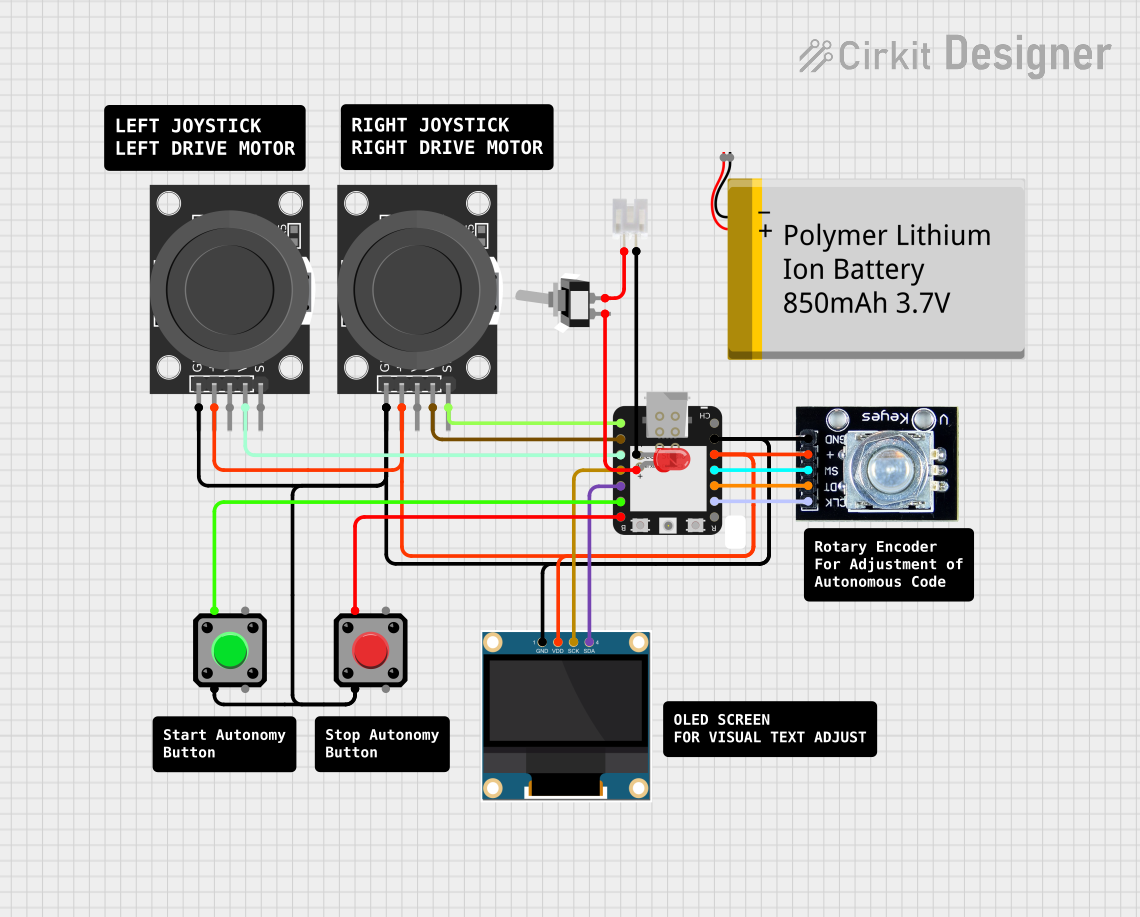 Open Project in Cirkit Designer
Explore Projects Built with jdy33
Open Project in Cirkit DesignerOpen Project in Cirkit DesignerOpen Project in Cirkit DesignerOpen Project in Cirkit DesignerCommon Applications and Use Cases
- Wireless data transmission in IoT devices
- Remote control of appliances and systems
- Smart home automation
- Wearable technology
- Industrial monitoring and control
- Wireless sensor networks
Technical Specifications
The JDY-33 module is designed to provide reliable and efficient Bluetooth communication. Below are its key technical specifications:
| Parameter | Value |
|---|---|
| Bluetooth Version | 4.2 |
| Communication Protocol | UART (Serial) |
| Operating Voltage | 3.3V to 5V |
| Operating Current | 8mA (active), <1mA (standby) |
| Transmission Distance | Up to 30 meters (open space) |
| Baud Rate | Default: 9600 bps (configurable) |
| Dimensions | 13mm x 27mm x 2.2mm |
| Operating Temperature | -40°C to +85°C |
Pin Configuration and Descriptions
The JDY-33 module has 6 pins, as described in the table below:
| Pin | Name | Description |
|---|---|---|
| 1 | VCC | Power supply input (3.3V to 5V). |
| 2 | GND | Ground connection. |
| 3 | TXD | Transmit data pin (UART output). Connect to RXD of the microcontroller. |
| 4 | RXD | Receive data pin (UART input). Connect to TXD of the microcontroller. |
| 5 | STATE | Indicates the connection status (HIGH when connected, LOW when disconnected). |
| 6 | EN (KEY) | Enable pin. Used to enter AT command mode when pulled HIGH. |
Usage Instructions
The JDY-33 module is straightforward to use and can be integrated into a circuit with minimal effort. Below are the steps and considerations for using the module:
Connecting the JDY-33 to a Microcontroller
- Power Supply: Connect the VCC pin to a 3.3V or 5V power source and the GND pin to ground.
- UART Communication:
- Connect the TXD pin of the JDY-33 to the RXD pin of the microcontroller.
- Connect the RXD pin of the JDY-33 to the TXD pin of the microcontroller.
- Optional Pins:
- The STATE pin can be used to monitor the connection status.
- The EN (KEY) pin can be used to enter AT command mode for configuration.
Configuring the JDY-33
The JDY-33 can be configured using AT commands via a serial terminal. To enter AT command mode:
- Pull the EN (KEY) pin HIGH.
- Open a serial terminal (e.g., Arduino Serial Monitor) and set the baud rate to 9600 bps.
- Send AT commands to configure the module (e.g., change the baud rate, set the device name, etc.).
Example: Using JDY-33 with Arduino UNO
Below is an example of how to use the JDY-33 module with an Arduino UNO for basic communication:
Circuit Diagram
- Connect JDY-33 VCC to Arduino 5V.
- Connect JDY-33 GND to Arduino GND.
- Connect JDY-33 TXD to Arduino RX (pin 0).
- Connect JDY-33 RXD to Arduino TX (pin 1).
Arduino Code
// Example code to send and receive data using JDY-33 with Arduino UNO

void setup() {
  Serial.begin(9600); // Initialize serial communication at 9600 bps
  delay(1000);        // Wait for the module to initialize
  Serial.println("JDY-33 Bluetooth Module Ready");
}

void loop() {
  // Check if data is available from the Bluetooth module
  if (Serial.available()) {
    char received = Serial.read(); // Read the incoming data
    Serial.print("Received: ");    // Print the received data
    Serial.println(received);
  }

  // Send data to the Bluetooth module
  Serial.println("Hello from Arduino!"); // Send a message
  delay(2000);                           // Wait for 2 seconds
}
Best Practices
- Use a level shifter if the microcontroller operates at 5V logic levels to avoid damaging the JDY-33 (which operates at 3.3V logic).
- Keep the module away from sources of interference (e.g., high-frequency circuits) to ensure stable communication.
- Use proper decoupling capacitors near the power pins to reduce noise.
Troubleshooting and FAQs
Common Issues and Solutions
The module is not responding to AT commands.
- Ensure the EN (KEY) pin is pulled HIGH to enter AT command mode.
- Verify the baud rate is set to 9600 bps in the serial terminal.
- Check the wiring connections, especially TXD and RXD.
Bluetooth connection is unstable or has a short range.
- Ensure there are no physical obstructions or interference sources near the module.
- Verify the power supply is stable and within the specified range.
The module does not pair with other devices.
- Check if the module is discoverable (use the AT+NAME? command to verify the device name).
- Ensure the other device supports Bluetooth 4.2 or is backward compatible.
Data transmission is not working.
- Verify the TXD and RXD connections between the JDY-33 and the microcontroller.
- Ensure the baud rate of the JDY-33 matches the microcontroller's UART settings.
FAQs
Q: Can the JDY-33 module be used with a 5V microcontroller?
A: Yes, the JDY-33 can operate with a 5V power supply, but its logic levels are 3.3V. Use a level shifter for the TXD and RXD pins to prevent damage.
Q: How do I reset the JDY-33 to factory settings?
A: Use the AT command AT+RESET to reset the module. Ensure the module is in AT command mode before sending the command.
Q: What is the maximum data rate supported by the JDY-33?
A: The JDY-33 supports a maximum baud rate of 115200 bps, configurable via AT commands.
Q: Can the JDY-33 be used for audio transmission?
A: No, the JDY-33 is designed for data transmission only and does not support audio profiles.