
How to Use OLED SSD1309 : Examples, Pinouts, and Specs
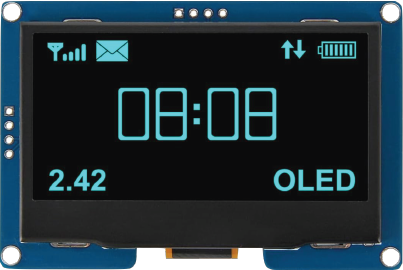
 Design with OLED SSD1309 in Cirkit Designer
Introduction
The OLED SSD1309 is a versatile display driver designed for small OLED screens. Manufactured by AITRIP with the part ID 12864 4 Pin IIC I2C, this component is ideal for applications requiring high-contrast graphical or textual displays. It supports resolutions up to 128x64 pixels and operates with low power consumption, making it suitable for battery-powered and embedded systems.
Explore Projects Built with OLED SSD1309
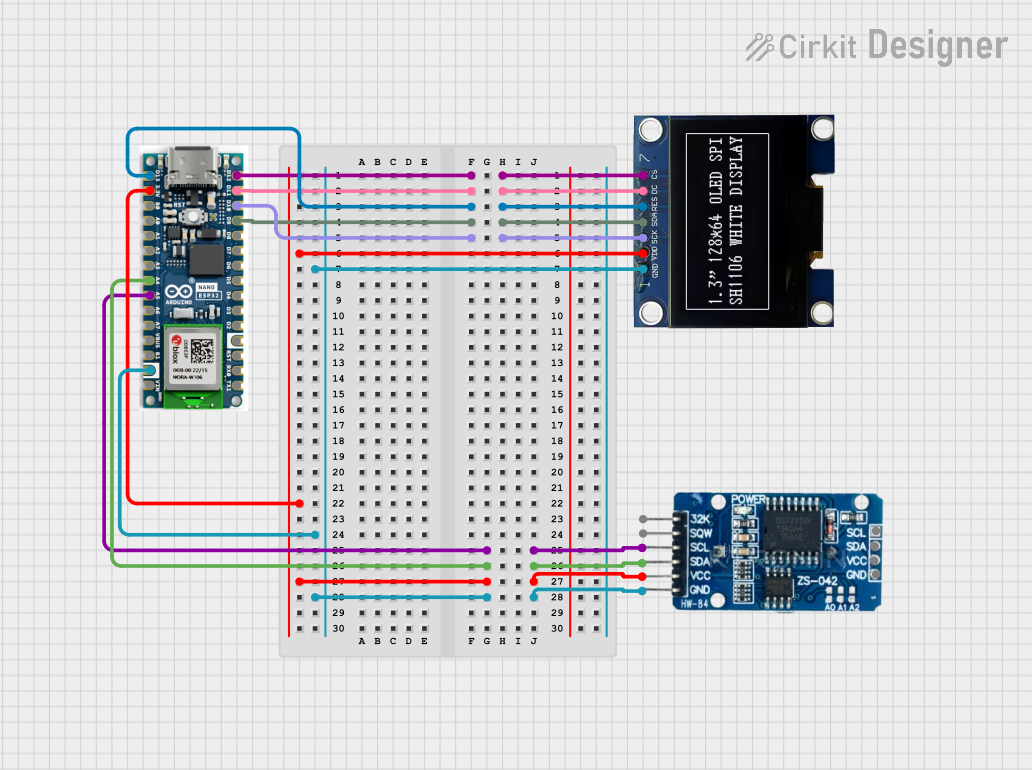 Open Project in Cirkit Designer
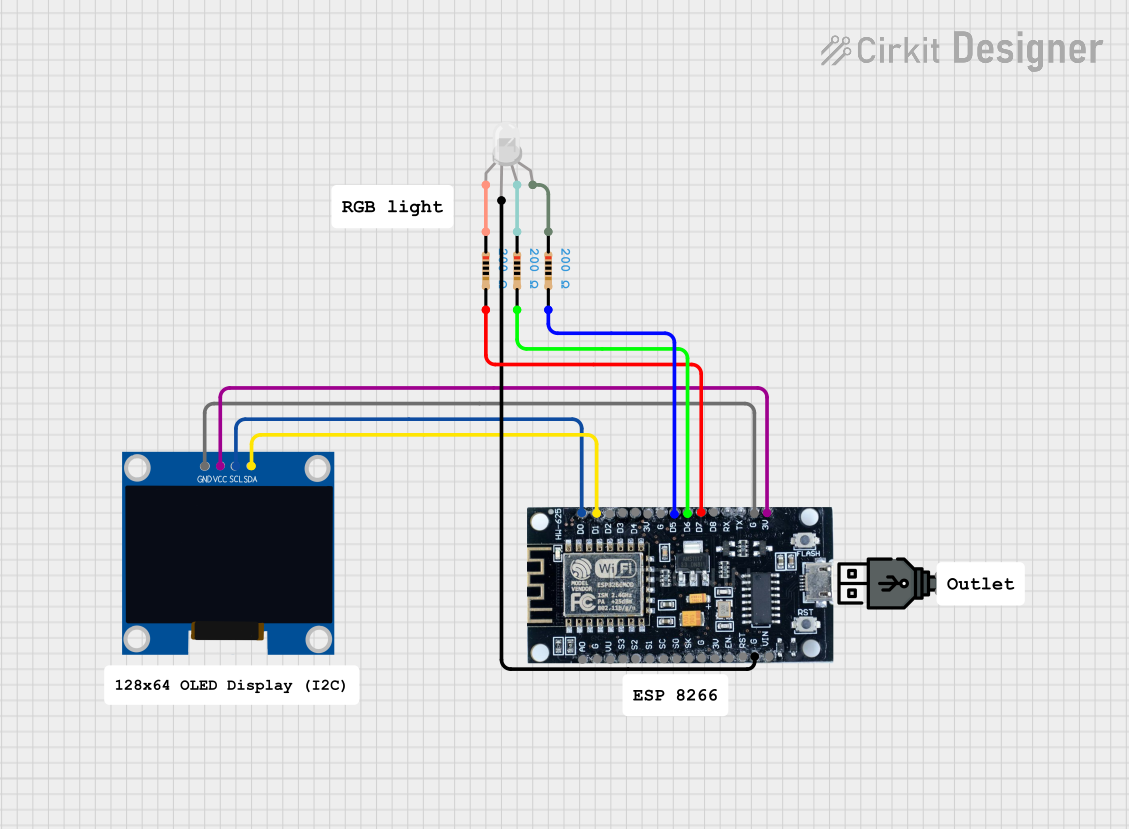 Open Project in Cirkit Designer
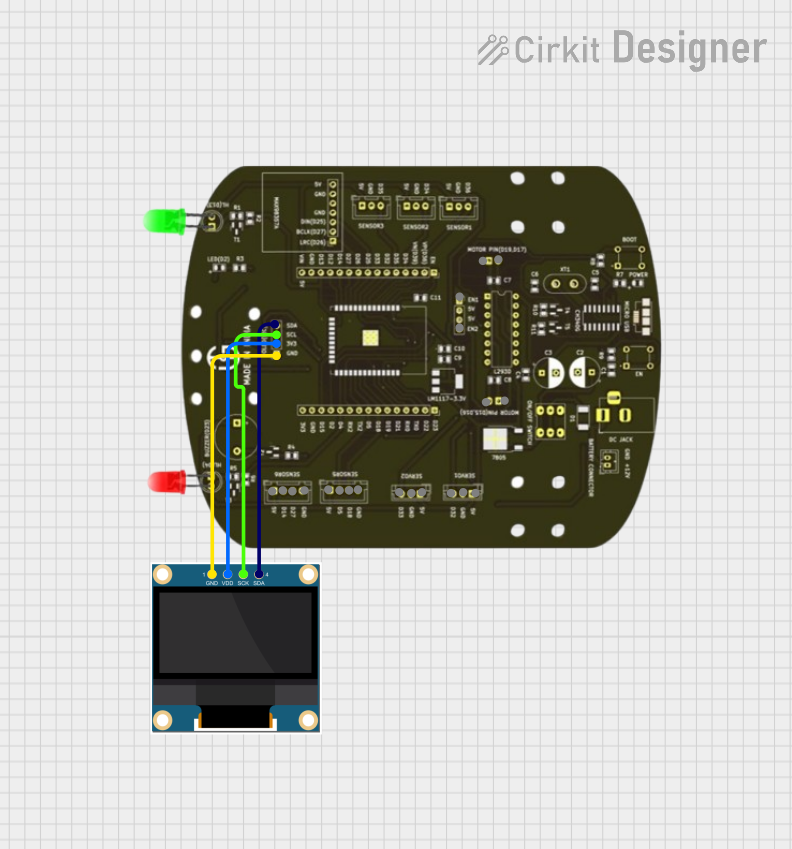 Open Project in Cirkit Designer
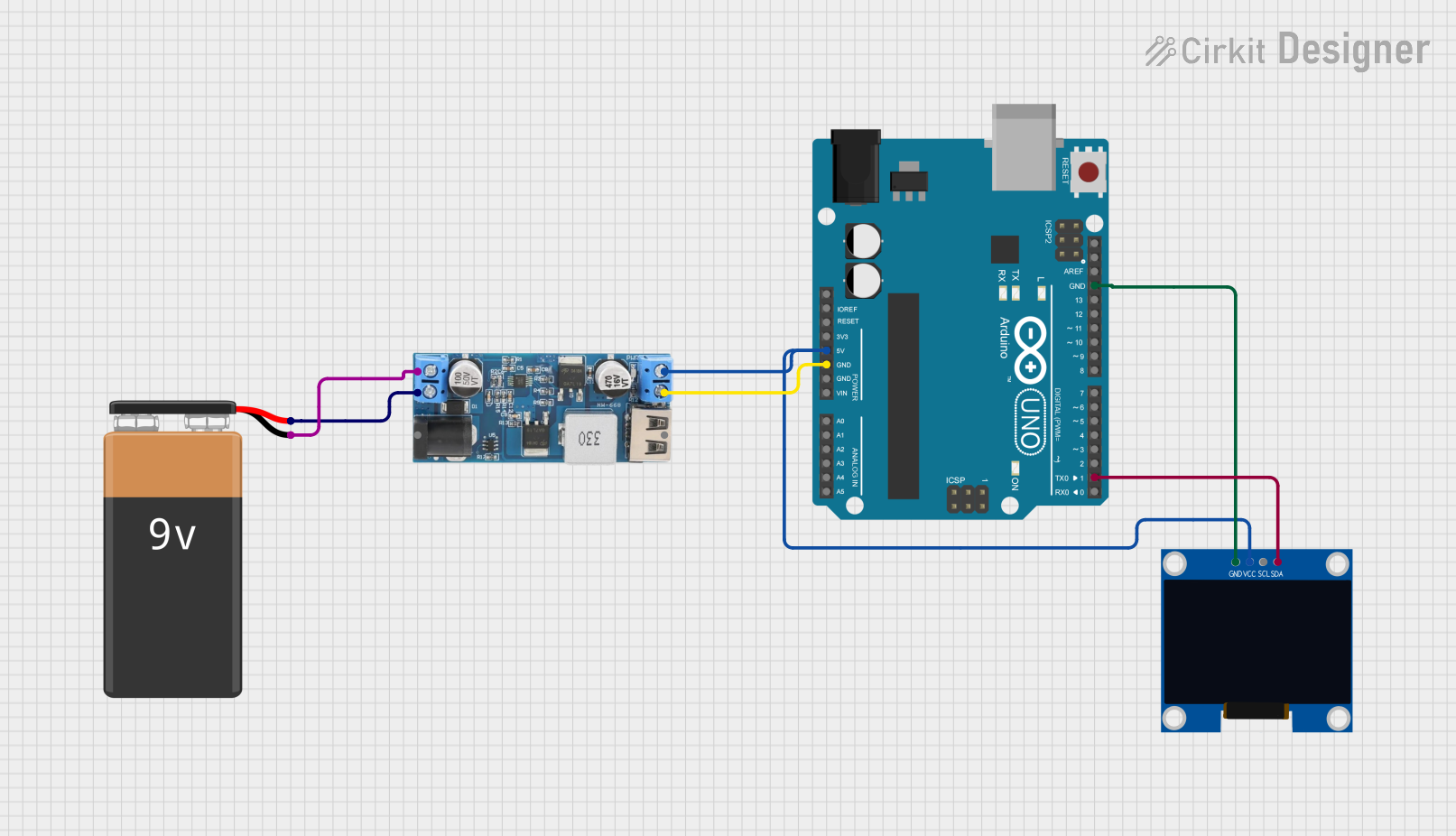 Open Project in Cirkit Designer
Explore Projects Built with OLED SSD1309
Open Project in Cirkit DesignerOpen Project in Cirkit DesignerOpen Project in Cirkit DesignerOpen Project in Cirkit DesignerCommon Applications
- Wearable devices
- IoT displays
- Portable instrumentation
- Home automation interfaces
- Industrial control panels
Technical Specifications
Key Technical Details
| Parameter | Value |
|---|---|
| Manufacturer | AITRIP |
| Part ID | 12864 4 Pin IIC I2C |
| Display Resolution | 128x64 pixels |
| Interface | I2C (Inter-Integrated Circuit) |
| Operating Voltage | 3.3V to 5V |
| Operating Current | ~20mA |
| Communication Address | 0x3C (default) |
| Display Type | Monochrome OLED |
| Driver IC | SSD1309 |
| Operating Temperature | -40°C to +85°C |
Pin Configuration
The OLED SSD1309 module has a 4-pin interface for I2C communication. Below is the pinout:
| Pin Number | Pin Name | Description |
|---|---|---|
| 1 | GND | Ground (0V) |
| 2 | VCC | Power Supply (3.3V or 5V) |
| 3 | SCL | I2C Clock Line |
| 4 | SDA | I2C Data Line |
Usage Instructions
Connecting the OLED SSD1309 to an Arduino UNO
To use the OLED SSD1309 with an Arduino UNO, follow these steps:
Wiring:
- Connect the GND pin of the OLED to the GND pin of the Arduino.
- Connect the VCC pin of the OLED to the 5V pin of the Arduino.
- Connect the SCL pin of the OLED to the A5 pin of the Arduino (I2C clock line).
- Connect the SDA pin of the OLED to the A4 pin of the Arduino (I2C data line).
Install Required Libraries:
- Install the
Adafruit_GFXandAdafruit_SSD1306libraries from the Arduino Library Manager.
- Install the
Example Code: Use the following code to display text on the OLED:
#include <Wire.h>
#include <Adafruit_GFX.h>
#include <Adafruit_SSD1306.h>

// Define the OLED display width and height
#define SCREEN_WIDTH 128
#define SCREEN_HEIGHT 64

// Create an SSD1306 display object
Adafruit_SSD1306 display(SCREEN_WIDTH, SCREEN_HEIGHT, &Wire, -1);

void setup() {
  // Initialize the display
  if (!display.begin(SSD1306_I2C_ADDRESS, 0x3C)) {
    // If initialization fails, print an error message
    Serial.println(F("SSD1309 initialization failed!"));
    for (;;); // Halt execution
  }

  // Clear the display buffer
  display.clearDisplay();

  // Set text size and color
  display.setTextSize(1); // Small text size
  display.setTextColor(SSD1306_WHITE);

  // Display a message
  display.setCursor(0, 0); // Set cursor to top-left corner
  display.println(F("Hello, SSD1309!"));
  display.display(); // Render the text on the screen
}

void loop() {
  // Nothing to do here
}
Important Considerations
- Ensure the I2C address of the OLED (default:
0x3C) matches the address in your code. - Use pull-up resistors (typically 4.7kΩ) on the SCL and SDA lines if your circuit requires them.
- Avoid exceeding the operating voltage range (3.3V to 5V) to prevent damage to the module.
Troubleshooting and FAQs
Common Issues and Solutions
The display does not turn on:
- Verify the wiring connections, especially the power (VCC and GND) and I2C lines (SCL and SDA).
- Ensure the OLED is receiving the correct voltage (3.3V or 5V).
- Check if the I2C address in the code matches the OLED's default address (
0x3C).
The display shows random or garbled data:
- Confirm that the correct libraries (
Adafruit_GFXandAdafruit_SSD1306) are installed and up to date. - Ensure the I2C clock speed is compatible with the OLED (typically 100kHz or 400kHz).
- Confirm that the correct libraries (
The display remains blank after uploading the code:
- Double-check the initialization code (
display.begin()) and ensure the correct I2C address is used. - Test the I2C connection using an I2C scanner sketch to detect the OLED's address.
- Double-check the initialization code (
The text or graphics appear distorted:
- Verify the resolution settings in the code (
SCREEN_WIDTHandSCREEN_HEIGHT). - Ensure the display buffer is cleared before rendering new content (
display.clearDisplay()).
- Verify the resolution settings in the code (
FAQs
Q: Can I use the OLED SSD1309 with a 3.3V microcontroller?
A: Yes, the OLED SSD1309 is compatible with both 3.3V and 5V logic levels.
Q: What is the maximum I2C cable length for this module?
A: The maximum cable length depends on the pull-up resistor values and the I2C clock speed. For typical setups, keep the cable length under 50cm to ensure reliable communication.
Q: Can I use this module with other microcontrollers like ESP32 or Raspberry Pi?
A: Yes, the OLED SSD1309 is compatible with any microcontroller that supports I2C communication, including ESP32, ESP8266, and Raspberry Pi.
Q: How do I display custom graphics on the OLED?
A: Use the Adafruit_GFX library's functions, such as drawBitmap(), to render custom graphics. You can create bitmaps using online tools or image-to-bitmap converters.
By following this documentation, you can effectively integrate the OLED SSD1309 into your projects and troubleshoot common issues with ease.