
How to Use FUSE ATO RED 10A: Examples, Pinouts, and Specs

 Design with FUSE ATO RED 10A in Cirkit Designer
Introduction
The FUSE ATO RED 10A is a 10-amp automotive blade fuse designed to protect electrical circuits from overloads and short circuits. This fuse is part of the ATO (Automotive Blade) series, which is widely used in automotive, marine, and industrial applications. The red color of the fuse body indicates its amperage rating, making it easy to identify during installation or replacement.
Explore Projects Built with FUSE ATO RED 10A
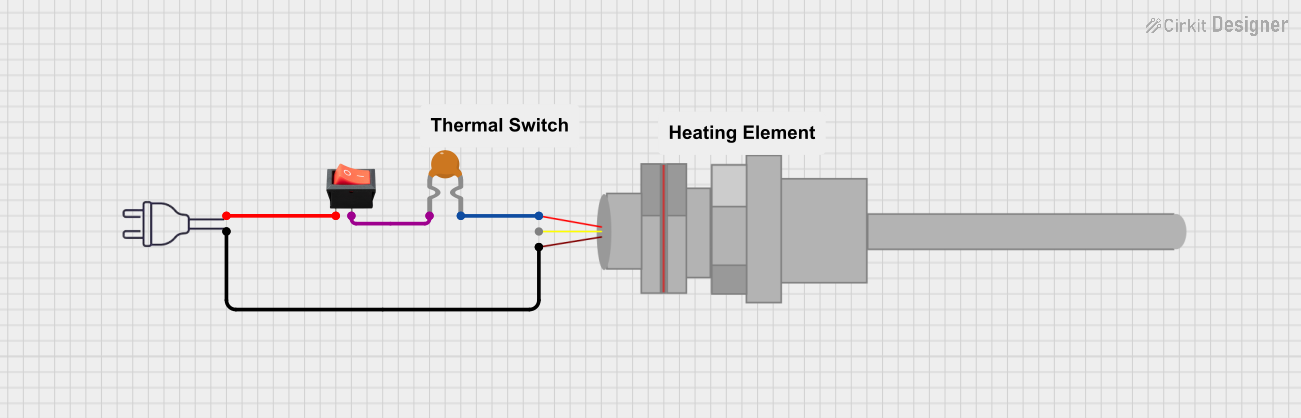 Open Project in Cirkit Designer
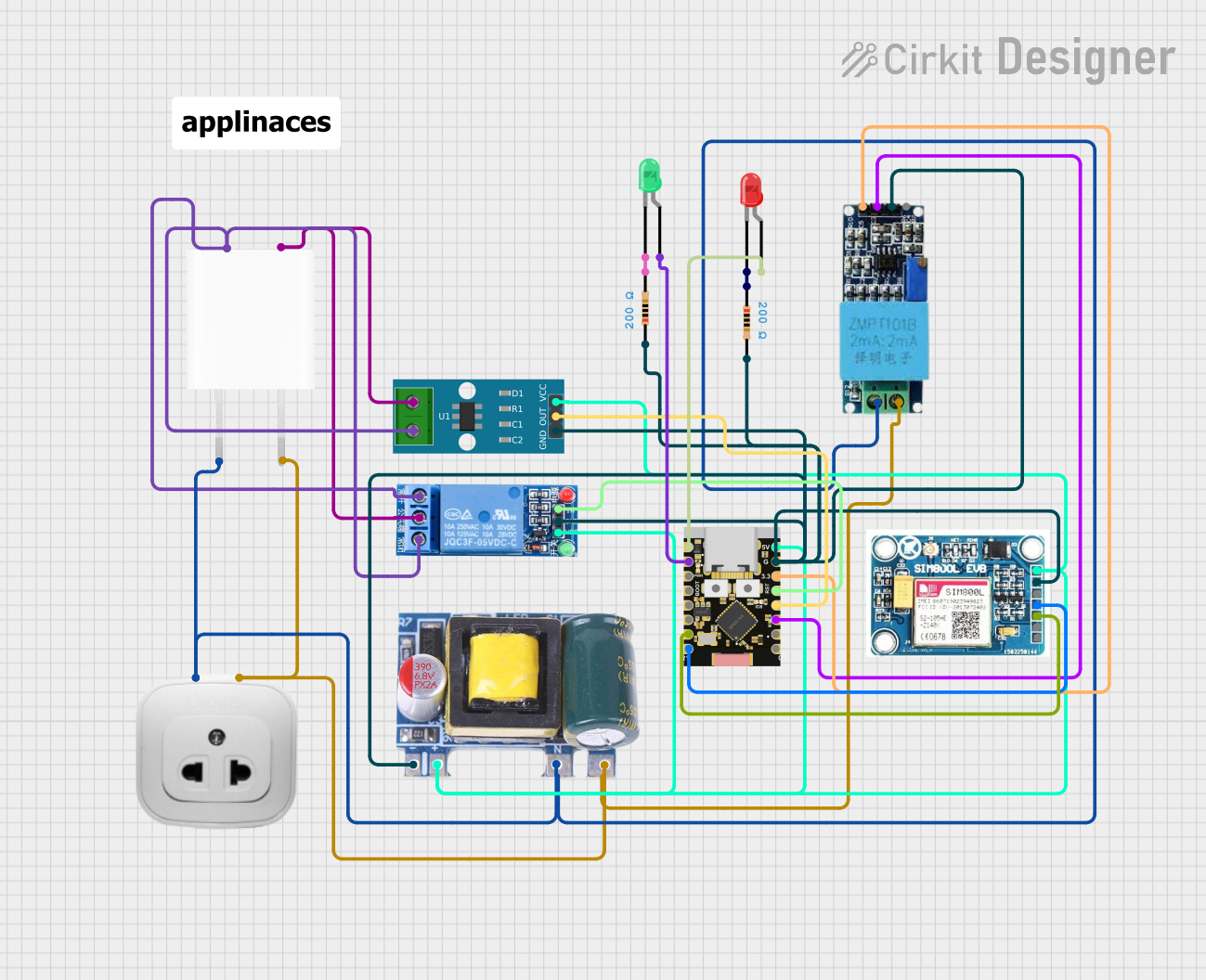 Open Project in Cirkit Designer
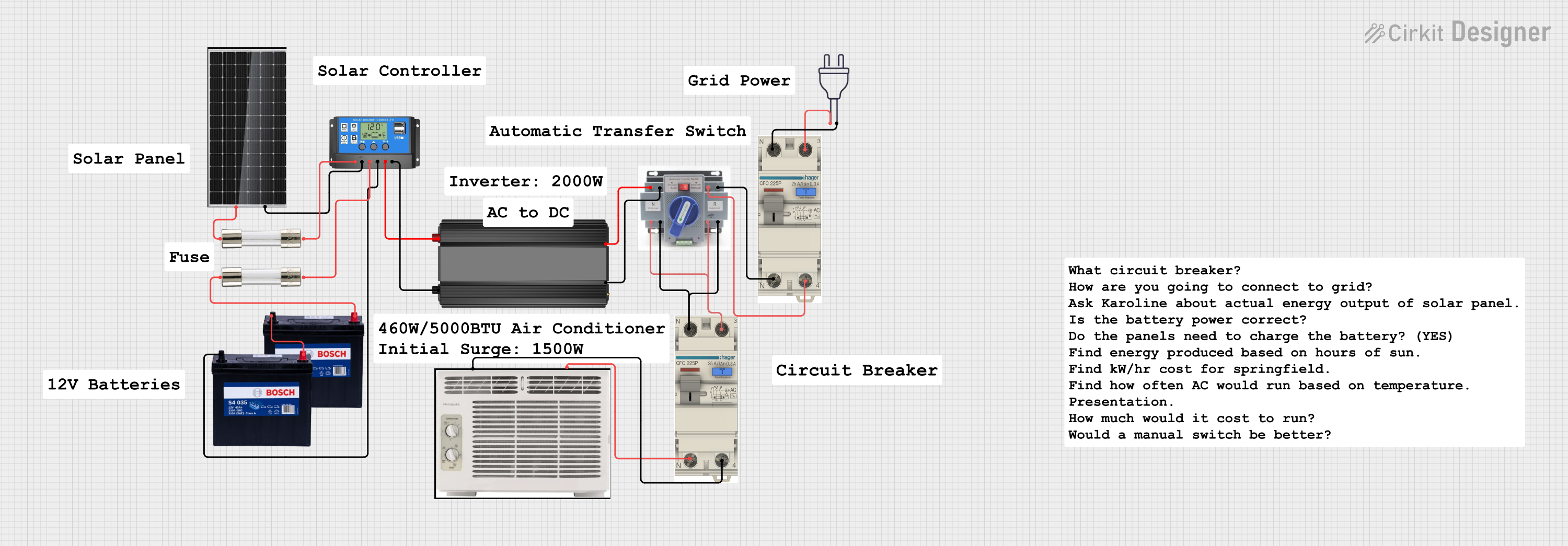 Open Project in Cirkit Designer
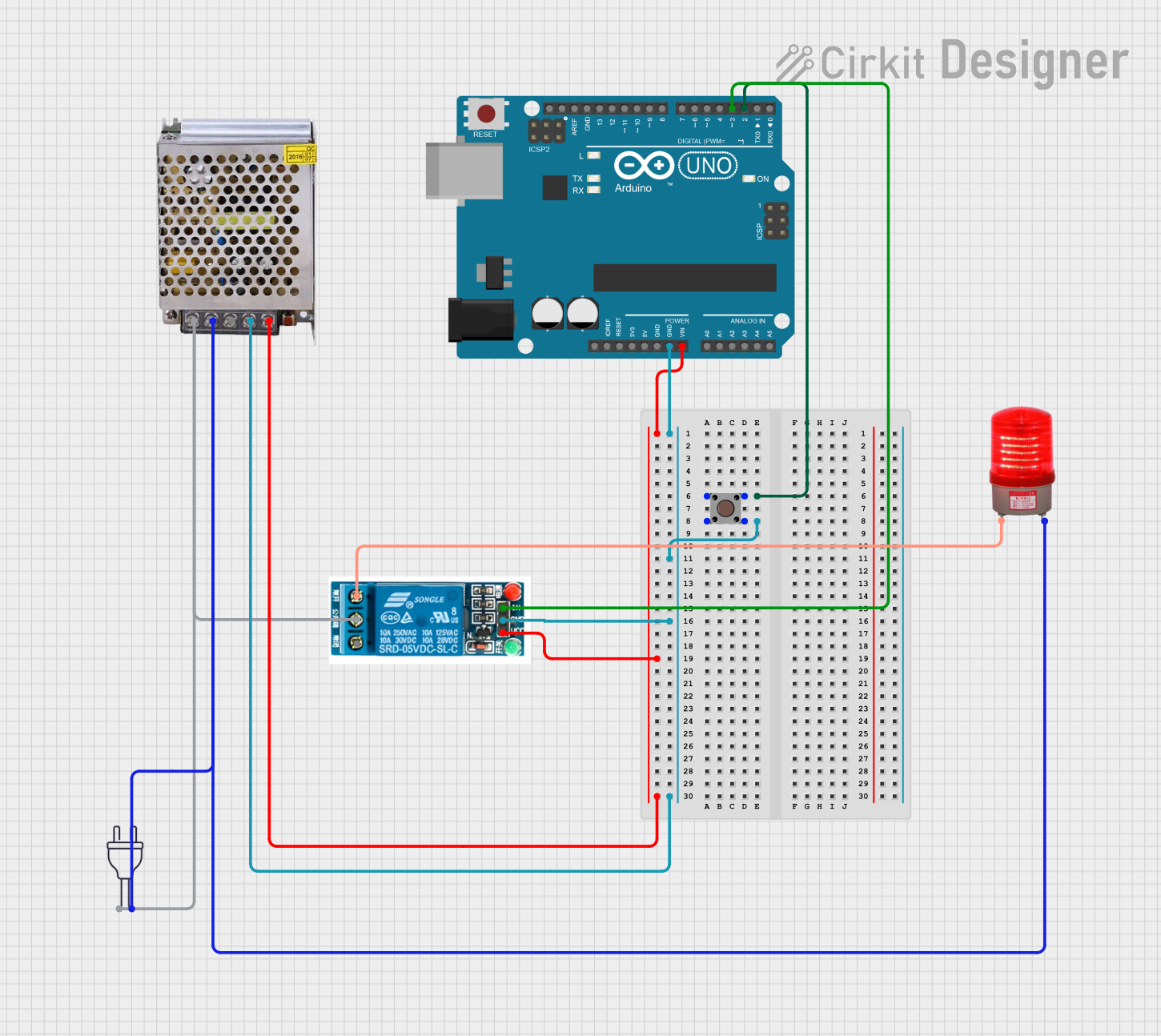 Open Project in Cirkit Designer
Explore Projects Built with FUSE ATO RED 10A
Open Project in Cirkit DesignerOpen Project in Cirkit DesignerOpen Project in Cirkit DesignerOpen Project in Cirkit DesignerCommon Applications
- Automotive electrical systems (e.g., car stereos, lighting, and power outlets)
- Marine electrical circuits
- Industrial equipment and machinery
- Low-voltage DC circuits requiring circuit protection
Technical Specifications
The following table outlines the key technical details of the FUSE ATO RED 10A:
| Parameter | Specification |
|---|---|
| Rated Current | 10 Amps |
| Rated Voltage | 32 Volts DC |
| Fuse Type | ATO (Automotive Blade) |
| Color Code | Red |
| Material (Body) | Plastic (Thermoplastic) |
| Material (Fuse Element) | Zinc or Copper Alloy |
| Operating Temperature | -40°C to +105°C |
| Dimensions (L x W x H) | 19.1 mm x 5.1 mm x 18.5 mm |
| Interrupting Rating | 1,000 Amps @ 32V DC |
Pin Configuration and Description
The FUSE ATO RED 10A does not have traditional pins like an IC or transistor. Instead, it features two flat blade terminals for insertion into a fuse holder or fuse box. The table below describes the terminals:
| Terminal | Description |
|---|---|
| Blade 1 | Connects to the power source (positive side) |
| Blade 2 | Connects to the load (protected circuit side) |
Usage Instructions
How to Use the FUSE ATO RED 10A in a Circuit
- Determine the Circuit Requirements: Ensure the circuit's operating current does not exceed 10 amps. The fuse should be rated slightly higher than the normal operating current but lower than the maximum current the circuit can handle.
- Select a Compatible Fuse Holder: Use a fuse holder or fuse box designed for ATO blade fuses. Ensure it is rated for at least 10 amps and 32 volts DC.
- Insert the Fuse: Align the fuse blades with the slots in the fuse holder and push it in until it is securely seated.
- Test the Circuit: Power on the circuit and verify that it operates correctly. If the fuse blows immediately, check for short circuits or excessive current draw.
Important Considerations and Best Practices
- Do Not Exceed Ratings: Never use a fuse with a lower or higher amperage rating than required for the circuit.
- Inspect for Damage: Before installation, check the fuse for cracks, corrosion, or other damage.
- Use Proper Tools: Use a fuse puller or needle-nose pliers to remove the fuse safely.
- Spare Fuses: Keep spare fuses of the same rating (10A) on hand for quick replacements.
- Avoid Overheating: Ensure the fuse holder is not exposed to excessive heat, which could degrade the fuse material.
Example: Using the Fuse with an Arduino UNO
While the FUSE ATO RED 10A is not directly connected to an Arduino UNO, it can be used to protect circuits powered by the Arduino. For example, if you are powering a motor or LED strip from the Arduino's external power supply, you can place the fuse in series with the power line to prevent damage from overcurrent.
// Example Arduino code for controlling a motor
// Ensure the motor circuit is protected by the FUSE ATO RED 10A

const int motorPin = 9; // Pin connected to motor driver input

void setup() {
  pinMode(motorPin, OUTPUT); // Set motor pin as output
}

void loop() {
  digitalWrite(motorPin, HIGH); // Turn motor ON
  delay(5000); // Run motor for 5 seconds
  digitalWrite(motorPin, LOW); // Turn motor OFF
  delay(5000); // Wait for 5 seconds
}

// Note: Place the FUSE ATO RED 10A in series with the motor's power supply
// to protect the circuit from overcurrent or short circuits.
Troubleshooting and FAQs
Common Issues
Fuse Blows Immediately After Installation
- Cause: Short circuit or excessive current draw in the circuit.
- Solution: Inspect the circuit for wiring errors, damaged components, or excessive loads. Correct the issue before replacing the fuse.
Fuse Does Not Fit in the Holder
- Cause: Incorrect fuse type or incompatible fuse holder.
- Solution: Verify that the fuse holder is designed for ATO blade fuses.
Fuse Overheats Without Blowing
- Cause: Loose connections or high ambient temperature.
- Solution: Ensure the fuse is securely seated in the holder and check for proper ventilation.
Circuit Does Not Power On After Fuse Replacement
- Cause: Faulty replacement fuse or additional circuit issues.
- Solution: Test the replacement fuse with a multimeter and inspect the circuit for other faults.
FAQs
Q: Can I use a higher-rated fuse (e.g., 15A) instead of the 10A fuse?
A: No, using a higher-rated fuse can compromise circuit protection and may lead to damage or fire hazards.
Q: How do I know if the fuse is blown?
A: A blown fuse will have a visible break in the metal element inside the plastic housing. You can also test it with a multimeter set to continuity mode.
Q: Can this fuse be used in AC circuits?
A: No, the FUSE ATO RED 10A is designed for DC circuits with a maximum voltage of 32V.
Q: Is the red color mandatory for 10A fuses?
A: Yes, in the ATO fuse standard, red is the designated color for 10A fuses to ensure easy identification.