The MPX5100DP is a piezoresistive pressure sensor manufactured by MPX Pressure Sensors. It provides an analog output voltage proportional to the applied pressure, making it ideal for precise pressure measurement. The sensor is designed to measure pressures in the range of 0 to 100 kPa (kilopascals) and is commonly used in applications such as:
HVAC (Heating, Ventilation, and Air Conditioning) systems
Automotive systems (e.g., manifold air pressure measurement)
Industrial equipment and process control
Medical devices (e.g., respiratory systems)
The MPX5100DP features dual ports for differential pressure measurement, allowing it to measure the difference between two pressure sources.
Explore Projects Built with mpx5100dp Pressure Sensor
Use Cirkit Designer to design, explore, and prototype these projects online. Some projects support real-time simulation. Click "Open Project" to start designing instantly!
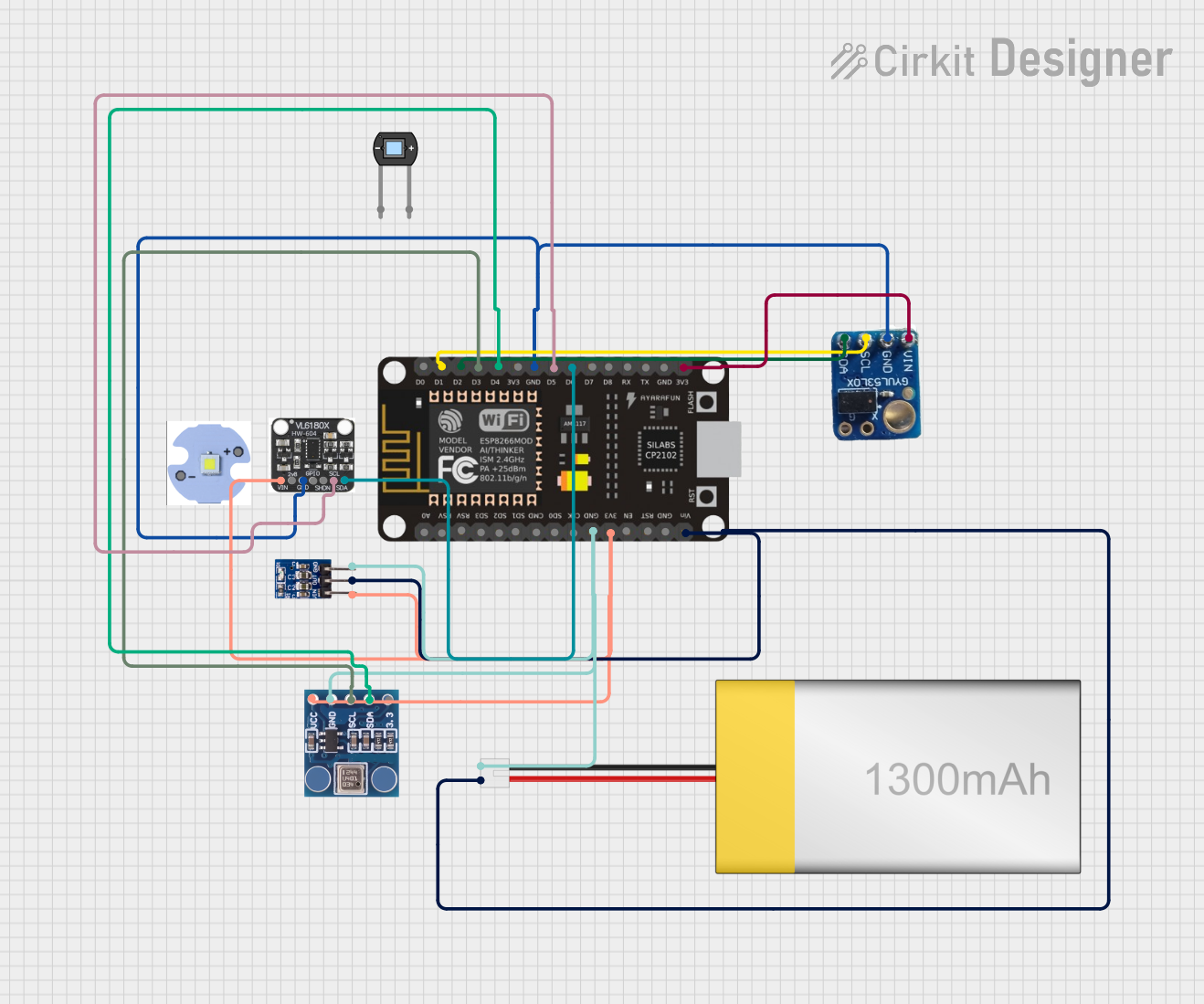
This circuit is designed around an ESP8266 NodeMCU microcontroller, which interfaces with a BMP180 barometric pressure sensor, a VL53L0X time-of-flight distance sensor, and a VL6180X proximity and ambient light sensor. The microcontroller collects environmental data such as atmospheric pressure, temperature, and distances to objects, and processes this information to monitor conditions such as eye pressure. The circuit is powered by a LiPoly battery, regulated by an AMS1117 3.3V voltage regulator, and is likely intended for applications in health monitoring or environmental sensing.
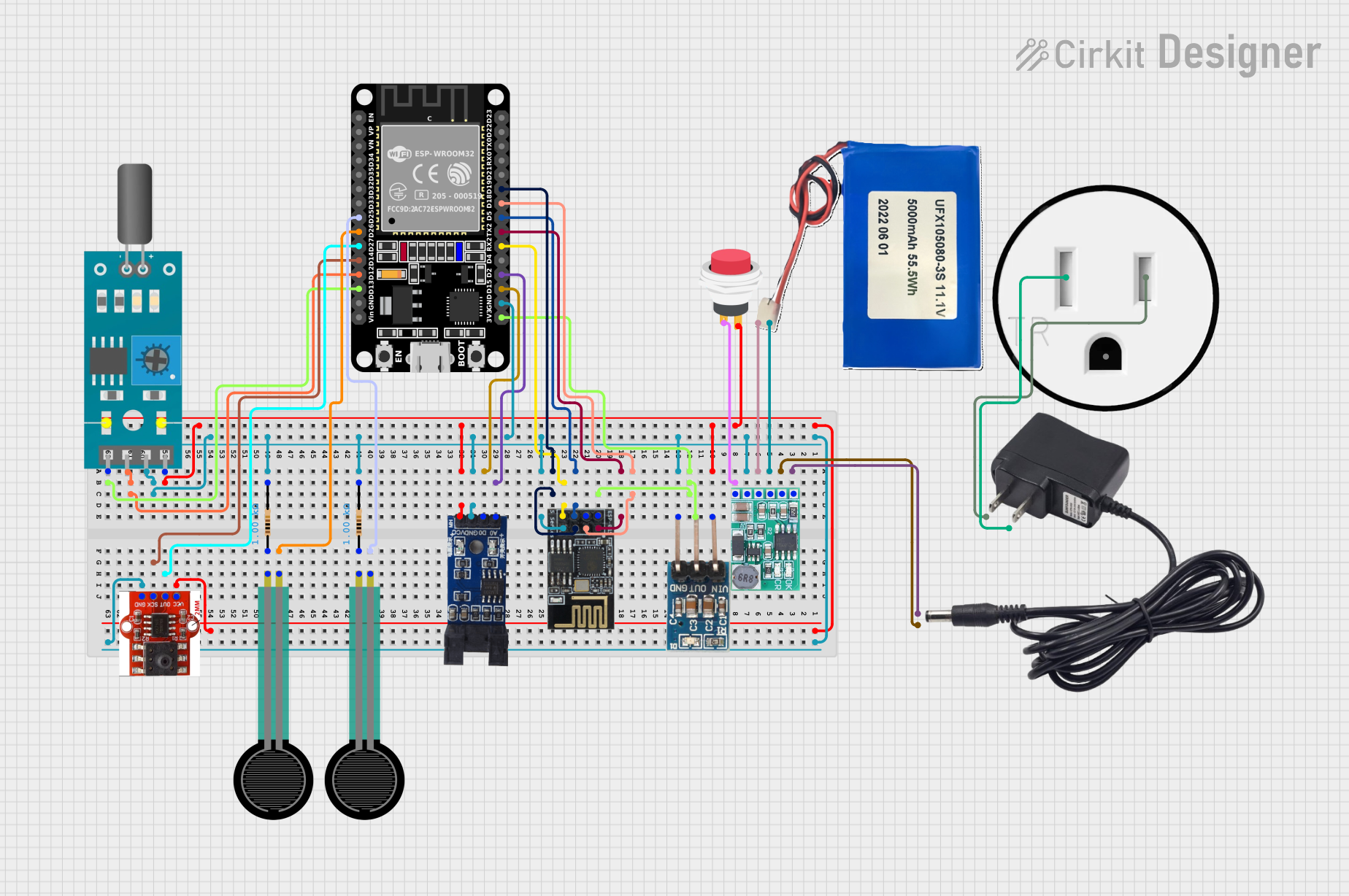
This circuit is a sensor monitoring and data transmission system powered by a Li-ion battery and a 12V adapter. It includes various sensors (tilt, optical encoder, force sensing resistors, and air pressure) connected to an ESP32 microcontroller, which reads sensor data and transmits it via a WiFi module (ESP8266-01). The system is designed to provide real-time sensor data over a WiFi network.
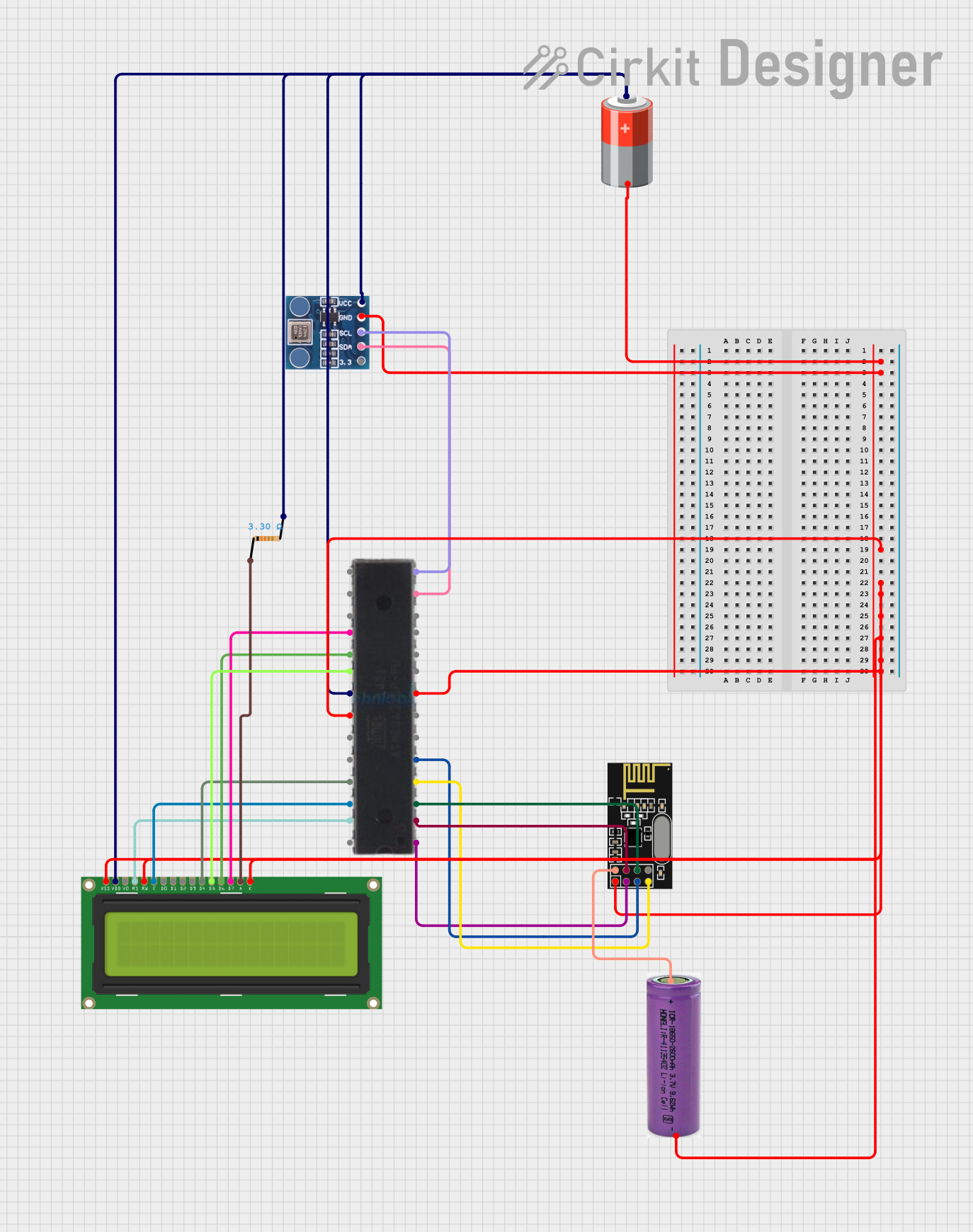
This circuit is designed for a Tire Pressure Monitoring System using an ATmega328P microcontroller. It reads temperature and pressure data from BMP180 sensors, displays the readings on a 16x2 LCD, and transmits the data wirelessly via an NRF24L01 module. The circuit is powered by a 5V battery, with a 3.3V battery specifically for the NRF24L01, and includes a resistor for the LCD backlight.
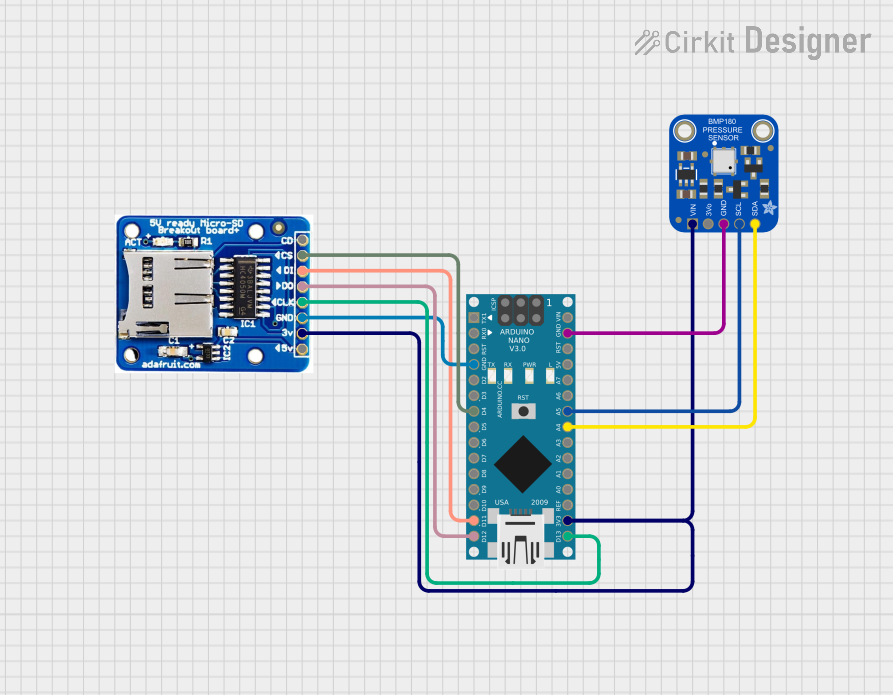
This circuit features an Arduino Nano microcontroller interfaced with an Adafruit BMP180 sensor for measuring atmospheric pressure and a MicroSD card socket for data storage. The BMP180 communicates with the Arduino via I2C, while the MicroSD card uses SPI for data transfer.
The MPX5100DP has a 6-pin configuration. The table below describes each pin:
Pin Number
Pin Name
Description
1
Vout
Analog output voltage proportional to pressure
2
GND
Ground (0V reference)
3
Vcc
Supply voltage (4.75V to 5.25V)
4
NC
Not connected
5
NC
Not connected
6
NC
Not connected
Usage Instructions
How to Use the MPX5100DP in a Circuit
Power Supply: Connect the Vcc pin to a regulated 5V power supply and the GND pin to the ground of the circuit.
Output Signal: The Vout pin provides an analog voltage proportional to the applied pressure. This output can be read using an ADC (Analog-to-Digital Converter) on a microcontroller, such as an Arduino UNO.
Pressure Ports: The MPX5100DP has two ports:
Port P1: High-pressure port (positive pressure input)
Port P2: Low-pressure port (reference or negative pressure input)
For absolute pressure measurement, leave P2 open to the atmosphere.
Important Considerations and Best Practices
Filtering: Add a decoupling capacitor (e.g., 0.1 µF) between Vcc and GND to reduce noise.
Pressure Range: Ensure the applied pressure does not exceed the sensor's maximum rating of 100 kPa to avoid damage.
Temperature Effects: The sensor is temperature-compensated, but extreme temperatures may still affect accuracy.
Mounting: Avoid applying mechanical stress to the sensor during installation to maintain accuracy.
Example: Connecting MPX5100DP to Arduino UNO
Below is an example of how to connect the MPX5100DP to an Arduino UNO and read the pressure:
Circuit Connections
MPX5100DP Vcc → Arduino 5V
MPX5100DP GND → Arduino GND
MPX5100DP Vout → Arduino A0 (Analog Pin)
Arduino Code
// MPX5100DP Pressure Sensor Example Code
// Reads the analog output from the sensor and calculates the pressure in kPa.

const int sensorPin = A0; // Analog pin connected to Vout of MPX5100DP
const float Vcc = 5.0;    // Supply voltage to the sensor
const float VoutMin = 0.2; // Minimum output voltage (0 kPa)
const float VoutMax = 4.7; // Maximum output voltage (100 kPa)
const float pressureMax = 100.0; // Maximum pressure in kPa

void setup() {
  Serial.begin(9600); // Initialize serial communication
}

void loop() {
  int sensorValue = analogRead(sensorPin); // Read the analog value (0-1023)
  float voltage = (sensorValue / 1023.0) * Vcc; // Convert to voltage
  float pressure = ((voltage - VoutMin) / (VoutMax - VoutMin)) * pressureMax;

  // Print the pressure value to the Serial Monitor
  Serial.print("Pressure: ");
  Serial.print(pressure);
  Serial.println(" kPa");

  delay(1000); // Wait for 1 second before the next reading
}
Troubleshooting and FAQs
Common Issues and Solutions
No Output Voltage:
Ensure the sensor is powered with a regulated 5V supply.
Check all connections, especially Vcc, GND, and Vout.
Inaccurate Pressure Readings:
Verify that the pressure applied is within the sensor's range (0 to 100 kPa).
Check for noise in the power supply and add a decoupling capacitor if needed.
Ensure the reference port (P2) is open to the atmosphere for absolute pressure measurements.
Fluctuating Output:
Use a stable power supply and ensure proper grounding.
Add a low-pass filter to the output to reduce noise.
FAQs
Q: Can the MPX5100DP measure negative pressure?
A: Yes, the MPX5100DP can measure differential pressure. If the pressure at P2 is higher than P1, the output voltage will decrease accordingly.
Q: What is the response time of the sensor?
A: The MPX5100DP has a response time of 1 ms, making it suitable for real-time applications.
Q: Can I use the MPX5100DP with a 3.3V microcontroller?
A: The MPX5100DP requires a 5V supply for proper operation. If your microcontroller operates at 3.3V, use a level shifter or ADC with 5V tolerance to interface with the sensor.
This concludes the documentation for the MPX5100DP Pressure Sensor.


 Open Project in Cirkit Designer