
How to Use CONN IC DIP SOCKET 40POS TIN: Examples, Pinouts, and Specs

 Design with CONN IC DIP SOCKET 40POS TIN in Cirkit Designer
Introduction
The CONN IC DIP SOCKET 40POS TIN (Manufacturer Part ID: 245-40-1-06) by CNC Tech is a 40-position dual in-line package (DIP) socket designed for mounting integrated circuits (ICs) onto printed circuit boards (PCBs). This socket facilitates the easy insertion and removal of ICs, ensuring a secure and reliable connection while protecting the IC from potential damage during soldering or replacement.
Explore Projects Built with CONN IC DIP SOCKET 40POS TIN
 Open Project in Cirkit Designer
 Open Project in Cirkit Designer
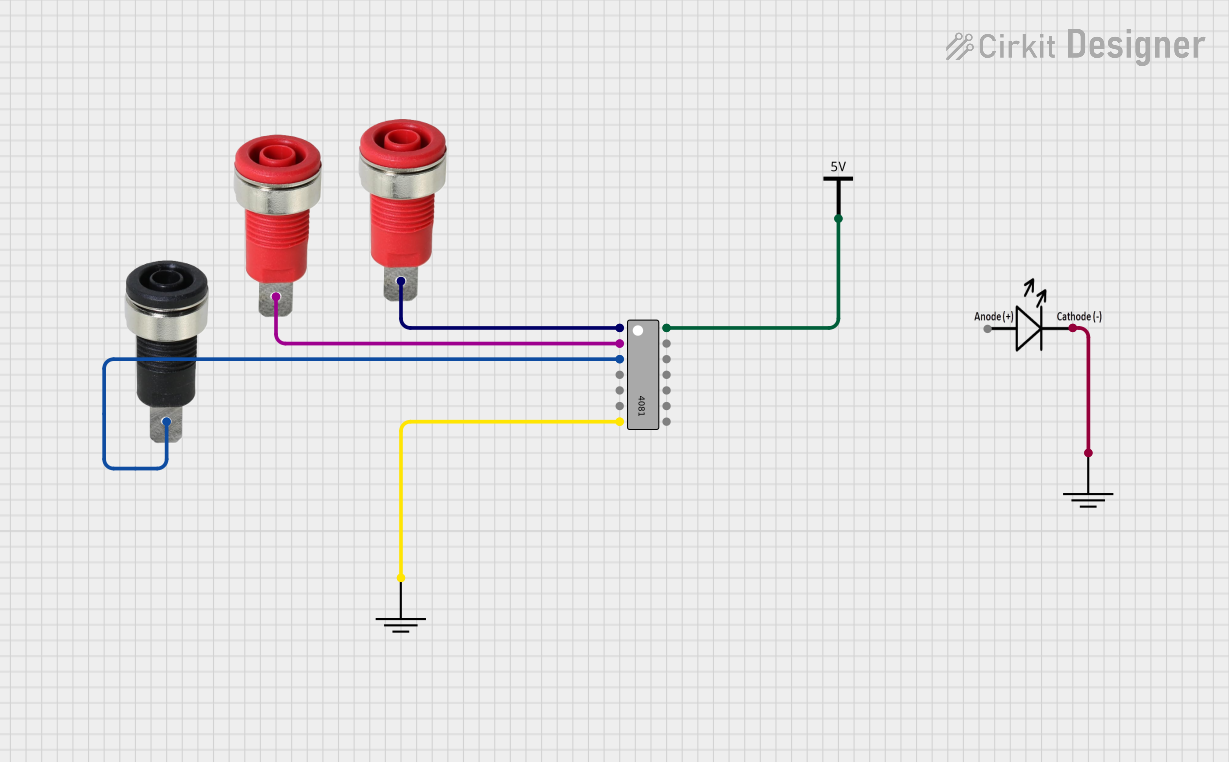 Open Project in Cirkit Designer
 Open Project in Cirkit Designer
Explore Projects Built with CONN IC DIP SOCKET 40POS TIN
Open Project in Cirkit DesignerOpen Project in Cirkit DesignerOpen Project in Cirkit DesignerOpen Project in Cirkit DesignerCommon Applications and Use Cases
- Prototyping and Development: Ideal for testing ICs in development stages without soldering.
- IC Replacement: Simplifies the process of replacing or upgrading ICs in a circuit.
- PCB Assembly: Used in PCBs where ICs need to be mounted securely but remain removable.
- Electronics Repair: Allows for quick and easy replacement of faulty ICs.
Technical Specifications
Key Technical Details
| Parameter | Value |
|---|---|
| Manufacturer | CNC Tech |
| Part Number | 245-40-1-06 |
| Number of Positions | 40 |
| Mounting Type | Through-Hole |
| Contact Material | Tin |
| Contact Finish | Tin |
| Pitch | 2.54 mm (0.1 inch) |
| Operating Temperature | -40°C to +105°C |
| Dimensions (L x W x H) | 51.8 mm x 7.6 mm x 5.1 mm |
| RoHS Compliance | Yes |
Pin Configuration and Descriptions
The DIP socket has 40 pins arranged in two parallel rows, each with 20 pins. The pins are spaced at a standard pitch of 2.54 mm (0.1 inch). Below is the pin configuration:
| Pin Number | Description |
|---|---|
| 1-20 | Connected to IC pins 1-20 |
| 21-40 | Connected to IC pins 21-40 |
The socket is designed to accommodate standard 40-pin DIP ICs, ensuring proper alignment and electrical contact.
Usage Instructions
How to Use the Component in a Circuit
- Prepare the PCB: Ensure the PCB has a 40-pin DIP footprint with through-holes matching the socket's pin layout.
- Insert the Socket: Place the socket into the PCB, aligning its pins with the through-holes.
- Solder the Socket: Solder each pin to the PCB, ensuring a clean and secure connection.
- Insert the IC: Carefully align the IC's pins with the socket and press it gently into place.
- Verify Connections: Check for proper alignment and ensure all pins are securely seated.
Important Considerations and Best Practices
- Avoid Overheating: When soldering, avoid excessive heat to prevent damage to the socket or PCB.
- Check Orientation: Ensure the IC is inserted in the correct orientation by aligning the notch or marking on the IC with the corresponding marking on the socket.
- Use Anti-Static Precautions: Handle ICs and the socket with anti-static tools to prevent electrostatic discharge (ESD) damage.
- Inspect Solder Joints: Verify that all solder joints are clean and free of bridges or cold soldering.
Example: Using with an Arduino UNO
While the DIP socket itself is not directly connected to an Arduino UNO, it can be used to mount ICs (e.g., ATmega328P) that are compatible with the Arduino platform. Below is an example of how to use the socket with an ATmega328P IC programmed for Arduino:
// Example: Blink an LED using an ATmega328P in a DIP socket
// Ensure the ATmega328P is programmed with the Arduino bootloader
// and connected to the DIP socket on a custom PCB.

void setup() {
  pinMode(13, OUTPUT); // Set pin 13 (connected to an LED) as output
}

void loop() {
  digitalWrite(13, HIGH); // Turn the LED on
  delay(1000);            // Wait for 1 second
  digitalWrite(13, LOW);  // Turn the LED off
  delay(1000);            // Wait for 1 second
}
Troubleshooting and FAQs
Common Issues and Solutions
| Issue | Solution |
|---|---|
| IC does not fit into the socket | Ensure the IC pins are straight and aligned with the socket holes. |
| Poor electrical contact | Check for debris or oxidation on the socket pins and clean if necessary. |
| Socket pins do not align with PCB holes | Verify the PCB footprint matches the socket's pin layout. |
| IC not functioning after insertion | Confirm the IC is inserted in the correct orientation and check connections. |
FAQs
Can this socket be used for ICs with fewer than 40 pins?
- Yes, but ensure the IC is properly aligned with the socket to avoid unused pins causing issues.
Is the socket reusable?
- Yes, the socket is designed for multiple insertions and removals of ICs.
What is the maximum current rating for the socket?
- The socket is designed for low-power ICs and typically supports currents up to 1A per pin.
Can this socket be used in high-frequency circuits?
- While suitable for most applications, the socket may introduce slight parasitic capacitance and inductance, which could affect high-frequency performance.
By following this documentation, users can effectively integrate the CONN IC DIP SOCKET 40POS TIN into their projects, ensuring reliable and efficient operation.