
How to Use Convertidor Buck DC 30V a 5V,: Examples, Pinouts, and Specs
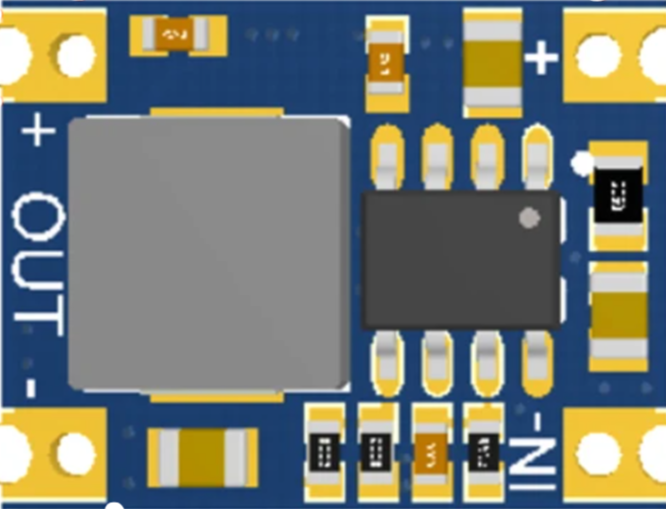
 Design with Convertidor Buck DC 30V a 5V, in Cirkit Designer
Introduction
A buck converter is a type of DC-DC converter that steps down voltage from a higher level (30V) to a lower level (5V) while maintaining high efficiency. It uses an inductor, switch, and diode to convert the input voltage to a lower output voltage. This specific buck converter is designed to provide a stable 5V output, making it ideal for powering low-voltage devices from higher-voltage sources.
Explore Projects Built with Convertidor Buck DC 30V a 5V,
 Open Project in Cirkit Designer
 Open Project in Cirkit Designer
 Open Project in Cirkit Designer
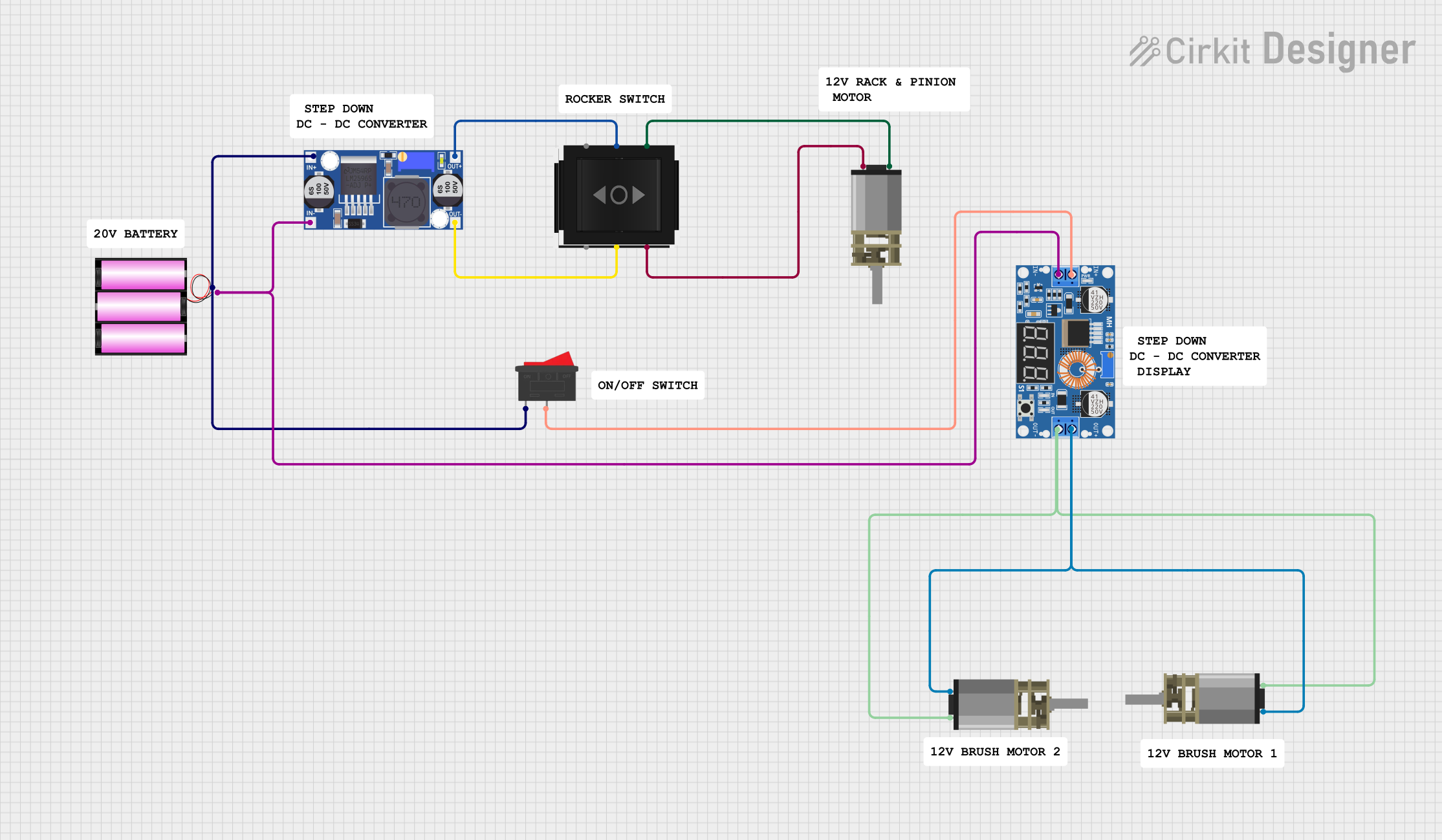 Open Project in Cirkit Designer
Explore Projects Built with Convertidor Buck DC 30V a 5V,
Open Project in Cirkit DesignerOpen Project in Cirkit DesignerOpen Project in Cirkit DesignerOpen Project in Cirkit DesignerCommon Applications and Use Cases
- Powering microcontrollers (e.g., Arduino, Raspberry Pi) from a 12V or 24V power source.
- Battery-powered systems requiring efficient voltage regulation.
- Automotive electronics to step down 12V or 24V to 5V for USB devices.
- Industrial equipment requiring a stable 5V supply from higher voltage rails.
Technical Specifications
Key Technical Details
- Input Voltage Range: 6V to 30V DC
- Output Voltage: 5V DC (fixed)
- Output Current: Up to 3A (depending on input voltage and thermal conditions)
- Efficiency: Up to 95% (varies with load and input voltage)
- Switching Frequency: 150 kHz (typical)
- Operating Temperature: -40°C to +85°C
- Protection Features: Overcurrent protection, thermal shutdown, and short-circuit protection.
Pin Configuration and Descriptions
| Pin Name | Description |
|---|---|
| VIN | Positive input voltage (6V to 30V DC). Connect to the higher voltage source. |
| GND | Ground connection. Common ground for input and output. |
| VOUT | Regulated 5V output. Connect to the load requiring 5V. |
| EN (optional) | Enable pin. Pull high to enable the converter or low to disable it (if present). |
Usage Instructions
How to Use the Component in a Circuit
- Connect the Input Voltage:
- Connect the positive terminal of your power source (6V to 30V DC) to the
VINpin. - Connect the negative terminal of your power source to the
GNDpin.
- Connect the positive terminal of your power source (6V to 30V DC) to the
- Connect the Load:
- Connect the positive terminal of your load to the
VOUTpin. - Connect the negative terminal of your load to the
GNDpin.
- Connect the positive terminal of your load to the
- Enable the Converter (if applicable):
- If the module has an
ENpin, ensure it is pulled high (connected to VIN or a logic high signal) to enable the converter.
- If the module has an
- Verify Connections:
- Double-check all connections to ensure proper polarity and secure connections.
- Power On:
- Turn on the input power source. The module will regulate the input voltage to provide a stable 5V output.
Important Considerations and Best Practices
- Input Voltage Range: Ensure the input voltage is within the specified range (6V to 30V). Exceeding this range may damage the module.
- Heat Dissipation: At higher loads, the module may generate heat. Use a heatsink or ensure proper ventilation to prevent overheating.
- Load Current: Do not exceed the maximum output current (3A). Overloading may trigger protection features or damage the module.
- Ripple and Noise: If sensitive devices are connected, consider adding additional capacitors at the output to reduce voltage ripple.
Example: Connecting to an Arduino UNO
To power an Arduino UNO using this buck converter:
- Connect a 12V DC power source to the
VINandGNDpins of the buck converter. - Connect the
VOUTpin of the buck converter to the Arduino's5Vpin. - Connect the
GNDpin of the buck converter to the Arduino'sGNDpin.
Sample Arduino Code
If you are using the buck converter to power sensors or modules connected to the Arduino, here is an example code snippet:
// Example code to read a sensor powered by the buck converter
const int sensorPin = A0; // Analog pin connected to the sensor output
int sensorValue = 0;      // Variable to store the sensor reading

void setup() {
  Serial.begin(9600); // Initialize serial communication
  pinMode(sensorPin, INPUT); // Set the sensor pin as input
}

void loop() {
  sensorValue = analogRead(sensorPin); // Read the sensor value
  Serial.print("Sensor Value: ");
  Serial.println(sensorValue); // Print the sensor value to the Serial Monitor
  delay(1000); // Wait for 1 second before the next reading
}
Troubleshooting and FAQs
Common Issues and Solutions
No Output Voltage:
- Cause: Input voltage is below 6V or connections are incorrect.
- Solution: Verify the input voltage and ensure proper connections to
VINandGND.
Overheating:
- Cause: High load current or insufficient ventilation.
- Solution: Reduce the load current or add a heatsink to the module.
Output Voltage Fluctuations:
- Cause: Insufficient input power or high ripple.
- Solution: Ensure the input power source can supply sufficient current. Add capacitors to the input and output for better filtering.
Module Not Powering On:
- Cause:
ENpin is not connected or pulled low. - Solution: Check the
ENpin and ensure it is pulled high to enable the module.
- Cause:
FAQs
Can I adjust the output voltage?
- No, this module provides a fixed 5V output and cannot be adjusted.
What happens if I exceed the maximum input voltage?
- Exceeding 30V may permanently damage the module. Always stay within the specified range.
Can I use this module to charge a 5V USB device?
- Yes, as long as the device's current requirements do not exceed 3A.
Is the module safe for automotive use?
- Yes, it can be used in automotive applications, but ensure proper protection against voltage spikes.