
How to Use DFRobot CO2 NDIR: Examples, Pinouts, and Specs
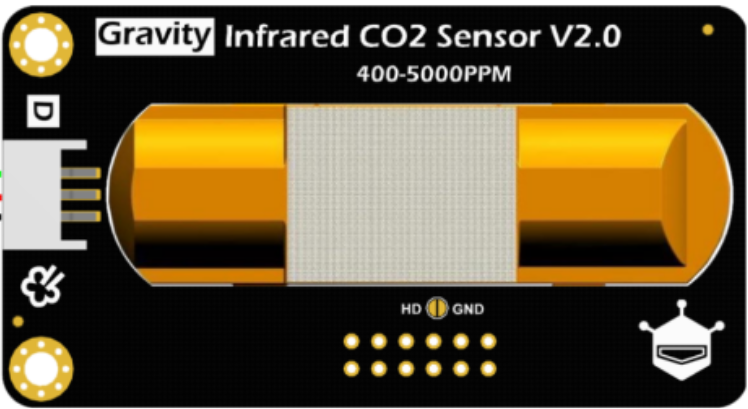
 Design with DFRobot CO2 NDIR in Cirkit Designer
Introduction
The DFRobot CO2 NDIR Sensor (Part ID: SEN0219) is a non-dispersive infrared (NDIR) sensor designed to measure carbon dioxide (CO2) concentration in the air. This sensor provides accurate and reliable readings, making it ideal for applications such as environmental monitoring, indoor air quality assessment, HVAC systems, and agricultural monitoring. Its compact design and ease of integration make it suitable for both hobbyist and professional projects.
Explore Projects Built with DFRobot CO2 NDIR
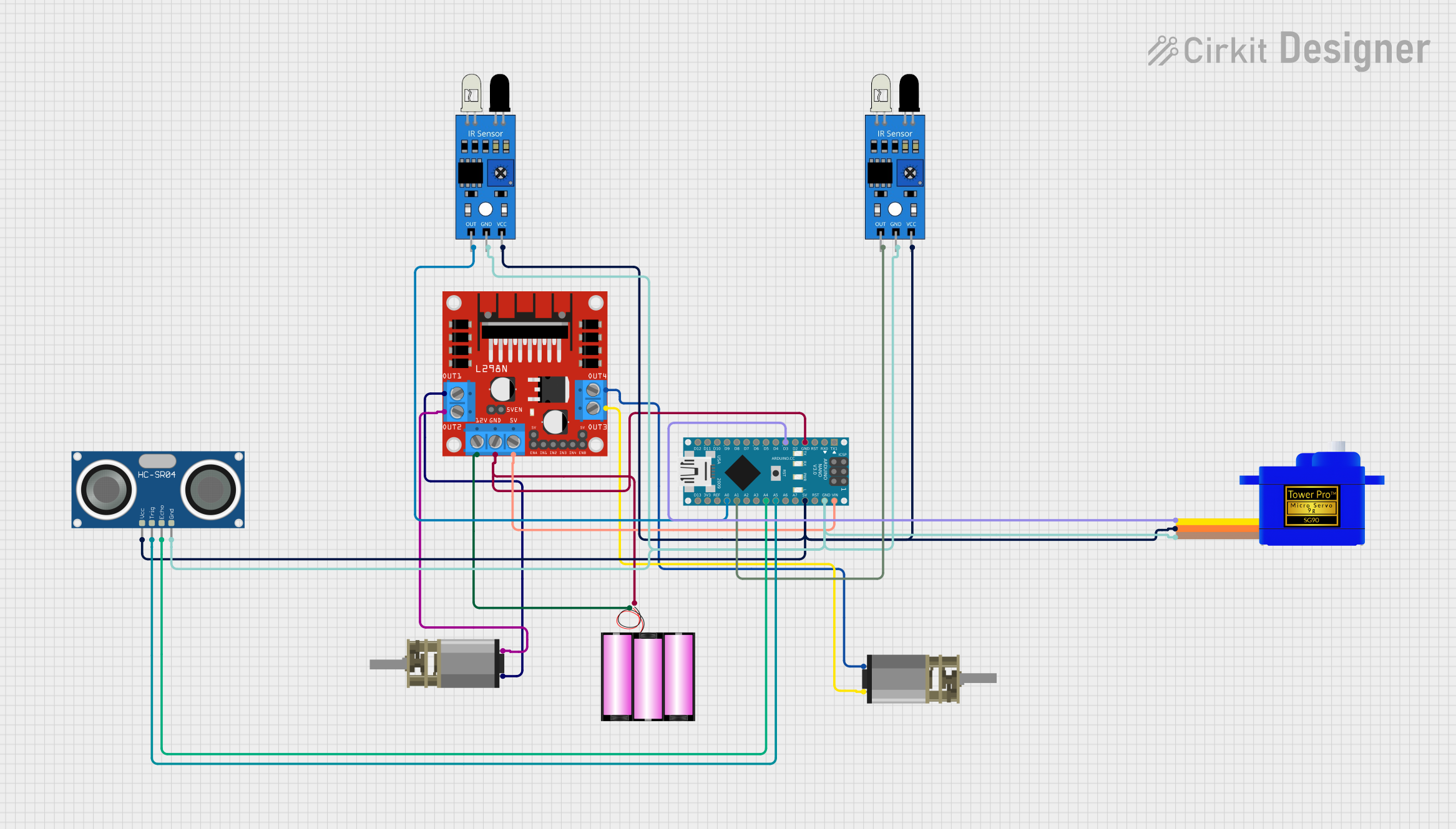 Open Project in Cirkit Designer
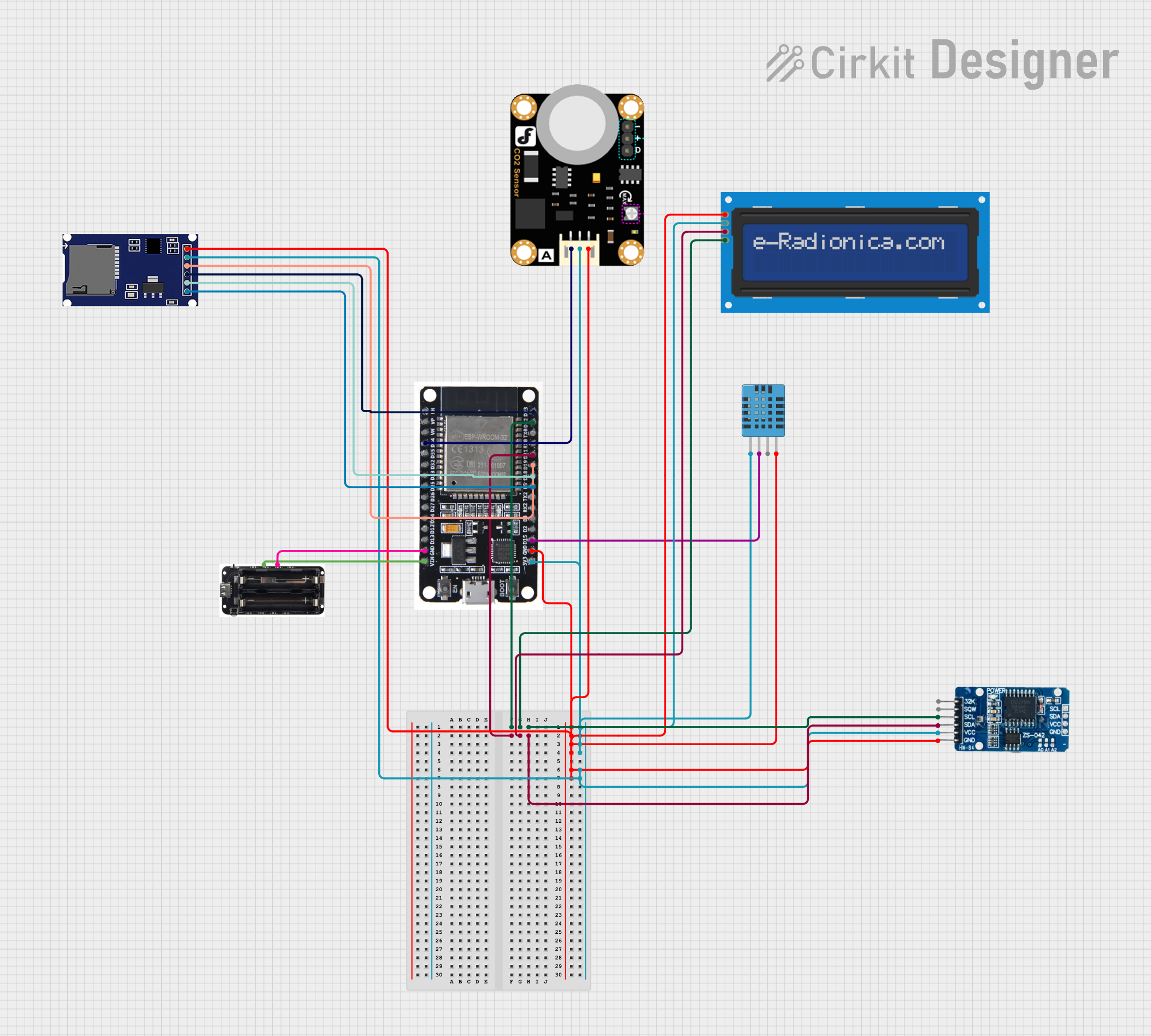 Open Project in Cirkit Designer
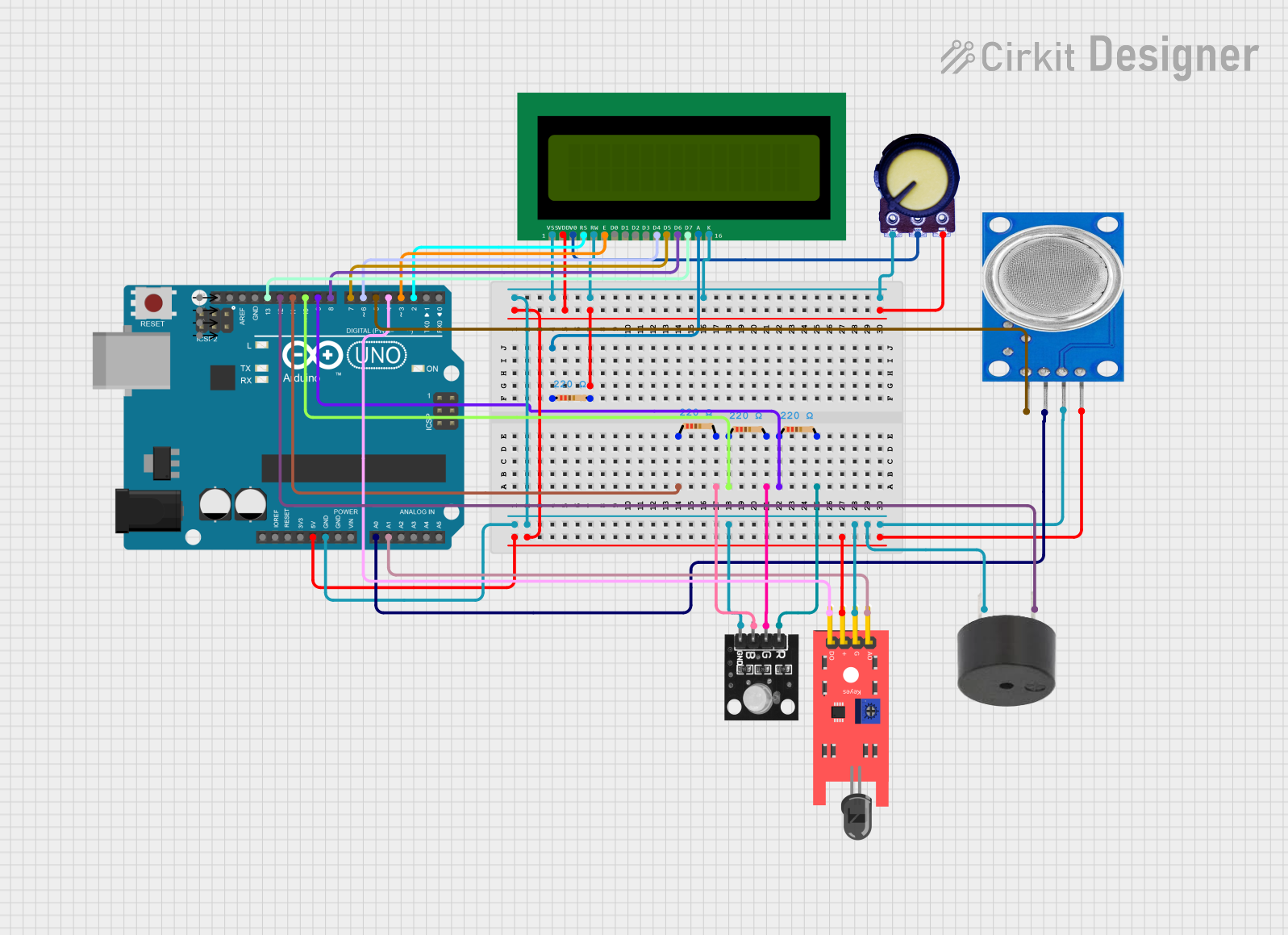 Open Project in Cirkit Designer
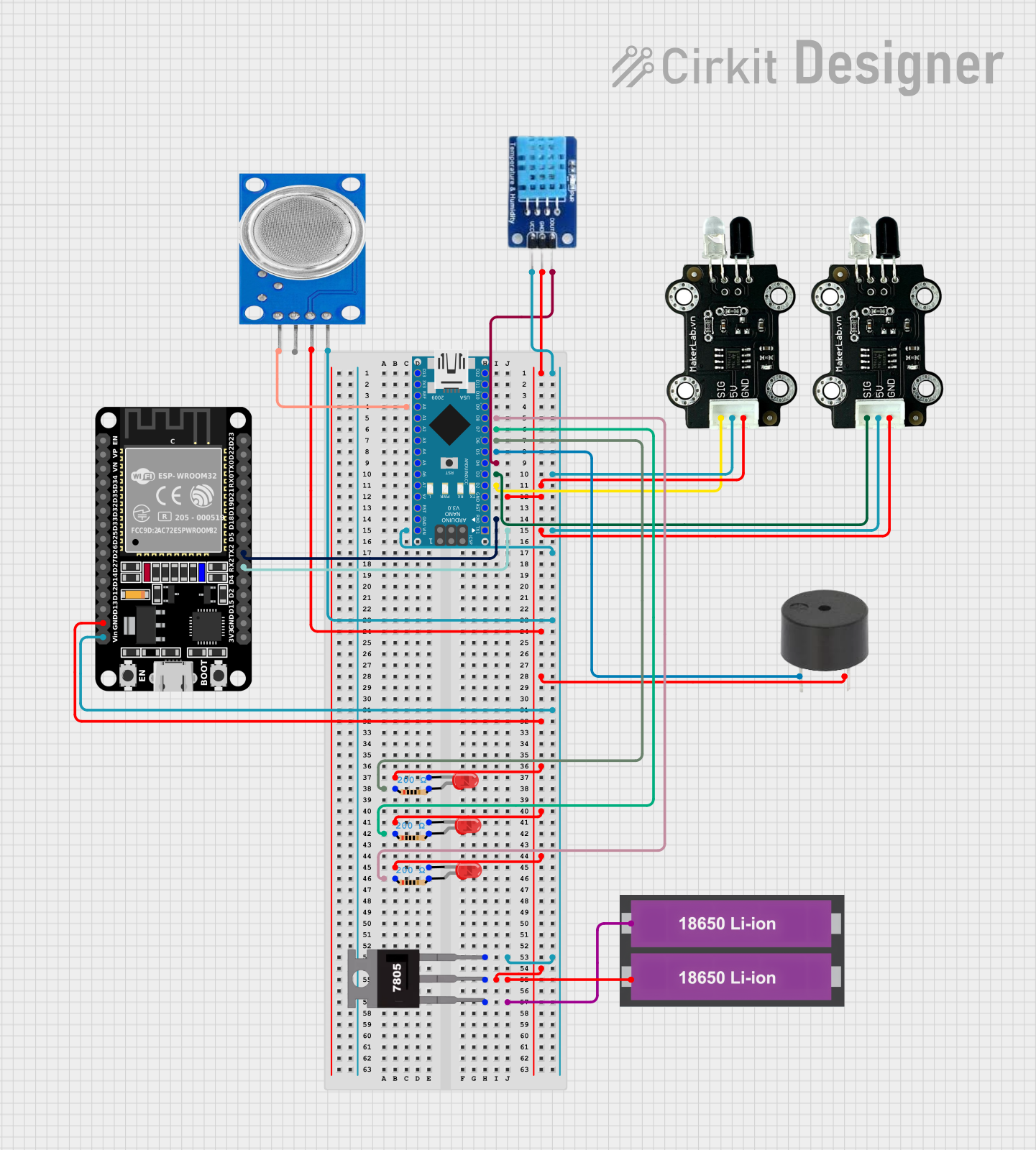 Open Project in Cirkit Designer
Explore Projects Built with DFRobot CO2 NDIR
Open Project in Cirkit DesignerOpen Project in Cirkit DesignerOpen Project in Cirkit DesignerOpen Project in Cirkit DesignerTechnical Specifications
The following table outlines the key technical details of the DFRobot CO2 NDIR sensor:
| Parameter | Value |
|---|---|
| Measurement Range | 0 - 5000 ppm |
| Accuracy | ±(50 ppm + 3% of reading) |
| Response Time | < 120 seconds |
| Operating Voltage | 4.5V - 5.5V |
| Operating Current | < 85 mA |
| Output Signal | UART (3.3V TTL) |
| Operating Temperature | 0°C to 50°C |
| Operating Humidity | 0% - 95% RH (non-condensing) |
| Dimensions | 35mm x 23mm x 7mm |
Pin Configuration and Descriptions
The DFRobot CO2 NDIR sensor has a 7-pin interface. The pin configuration is as follows:
| Pin | Name | Description |
|---|---|---|
| 1 | VCC | Power supply input (4.5V - 5.5V) |
| 2 | GND | Ground |
| 3 | TX | UART Transmit (3.3V TTL) |
| 4 | RX | UART Receive (3.3V TTL) |
| 5 | PWM | Optional PWM output for CO2 concentration |
| 6 | NC | Not connected |
| 7 | NC | Not connected |
Usage Instructions
How to Use the Component in a Circuit
- Power the Sensor: Connect the VCC pin to a 5V power source and the GND pin to ground.
- Connect Communication Pins: Use the TX and RX pins to establish UART communication with a microcontroller (e.g., Arduino UNO). Ensure the UART logic level is 3.3V.
- Optional PWM Output: If desired, connect the PWM pin to a microcontroller to read CO2 concentration as a PWM signal.
- Warm-Up Time: Allow the sensor to warm up for at least 3 minutes after powering on for accurate readings.
Important Considerations and Best Practices
- Power Supply: Use a stable 5V power source to avoid measurement errors.
- Ventilation: Ensure proper airflow around the sensor for accurate CO2 detection.
- Avoid Condensation: Operate the sensor in non-condensing environments to prevent damage.
- UART Logic Level: If using a 5V microcontroller, use a level shifter to convert the UART signals to 3.3V.
Example Code for Arduino UNO
Below is an example of how to interface the DFRobot CO2 NDIR sensor with an Arduino UNO using UART communication:
#include <SoftwareSerial.h>

// Define RX and TX pins for SoftwareSerial
SoftwareSerial mySerial(10, 11); // RX = Pin 10, TX = Pin 11

void setup() {
  Serial.begin(9600); // Initialize hardware serial for debugging
  mySerial.begin(9600); // Initialize software serial for sensor communication

  Serial.println("DFRobot CO2 NDIR Sensor Test");
}

void loop() {
  if (mySerial.available()) {
    // Read data from the sensor
    String sensorData = "";
    while (mySerial.available()) {
      char c = mySerial.read();
      sensorData += c;
    }

    // Print the received data to the Serial Monitor
    Serial.println("CO2 Concentration: " + sensorData + " ppm");
  }

  delay(1000); // Wait 1 second before the next reading
}
Note: Ensure the RX and TX pins of the sensor are correctly connected to the TX and RX pins of the Arduino UNO (via level shifters if necessary).
Troubleshooting and FAQs
Common Issues and Solutions
No Data Received from the Sensor:
- Verify the TX and RX connections between the sensor and the microcontroller.
- Ensure the UART baud rate is set to 9600 bps.
- Check the power supply voltage (should be 4.5V - 5.5V).
Inaccurate Readings:
- Allow the sensor to warm up for at least 3 minutes after powering on.
- Ensure the sensor is not exposed to extreme temperatures or humidity.
Sensor Not Responding:
- Confirm that the UART logic level matches the sensor's 3.3V requirement.
- Check for loose or incorrect wiring.
FAQs
Q: Can this sensor measure CO2 levels above 5000 ppm?
A: No, the sensor's maximum measurement range is 5000 ppm. Readings above this value may not be accurate.
Q: Can I use this sensor outdoors?
A: While the sensor can operate in a wide range of humidity levels, it is not waterproof and should be protected from rain and condensation.
Q: How often should I calibrate the sensor?
A: The sensor is factory-calibrated, but for long-term accuracy, periodic calibration in a known CO2 environment is recommended.
Q: Can I use the sensor with a 5V UART microcontroller?
A: Yes, but you must use a level shifter to convert the 5V UART signals to 3.3V to avoid damaging the sensor.