
How to Use SHT45 Digital Temperature and Humidity Sensor Module I2C Communication High Accuracy: Examples, Pinouts, and Specs
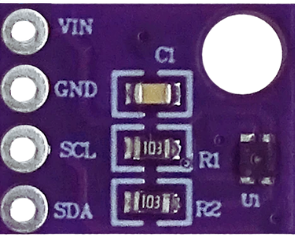
 Design with SHT45 Digital Temperature and Humidity Sensor Module I2C Communication High Accuracy in Cirkit Designer
Introduction
The SHT45 is a high-accuracy digital temperature and humidity sensor module manufactured by Sensirion. It is designed for precise environmental monitoring and features I2C communication for seamless integration with microcontrollers and other digital systems. The SHT45 is part of Sensirion's 4th generation of humidity sensors, offering improved accuracy, reliability, and energy efficiency.
Explore Projects Built with SHT45 Digital Temperature and Humidity Sensor Module I2C Communication High Accuracy
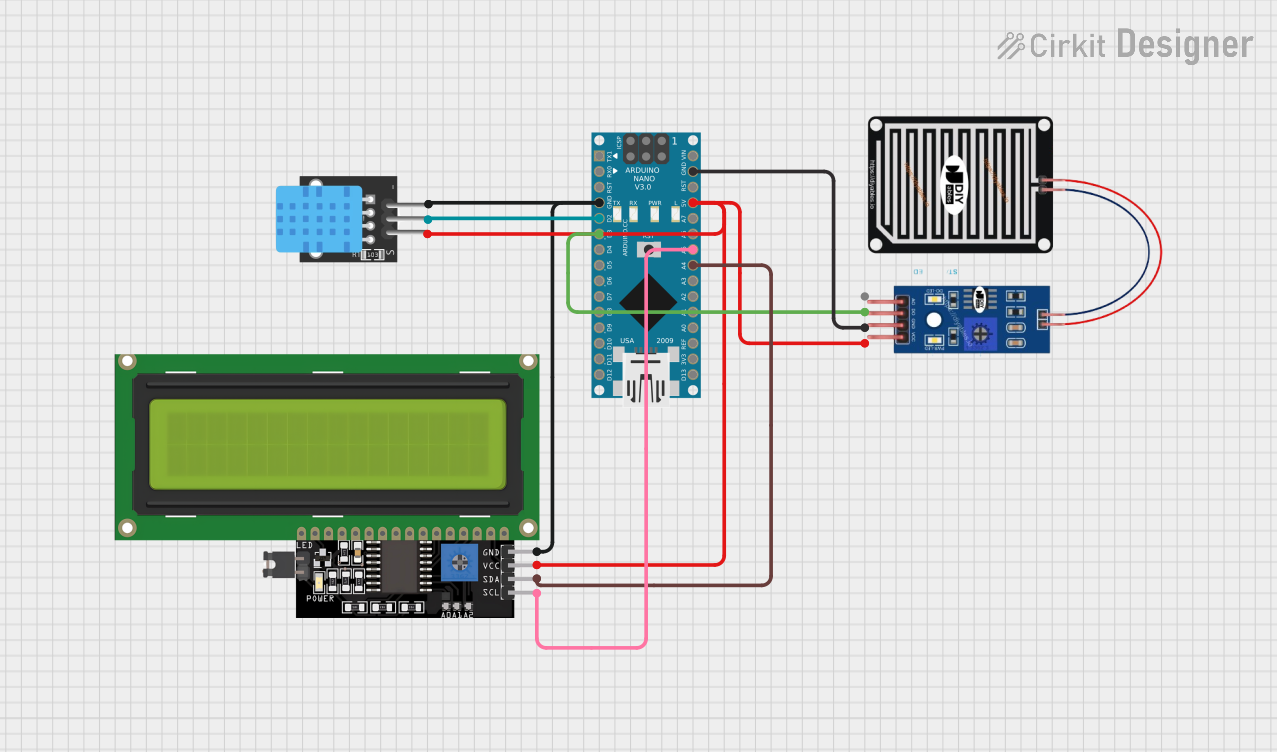 Open Project in Cirkit Designer
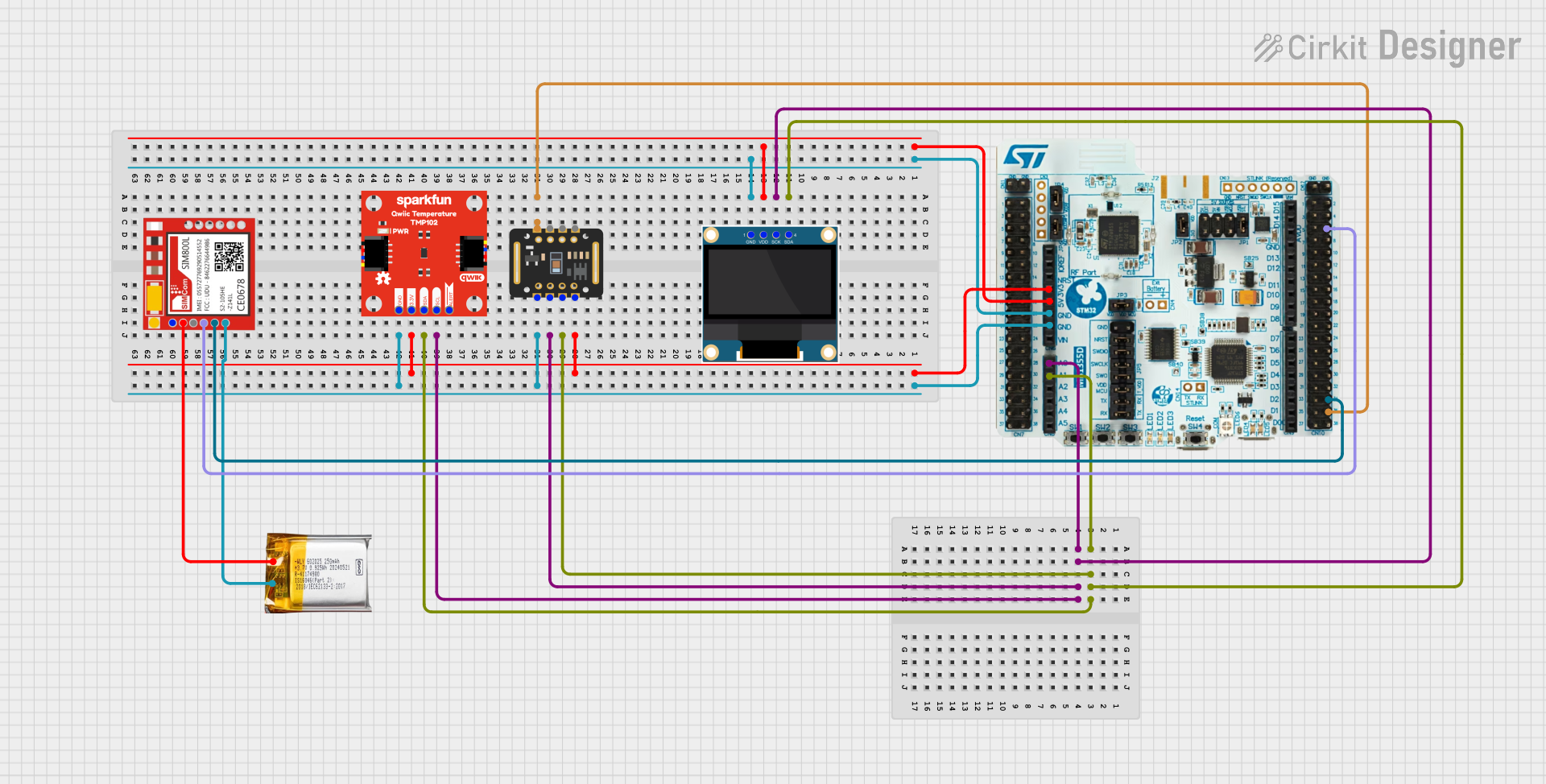 Open Project in Cirkit Designer
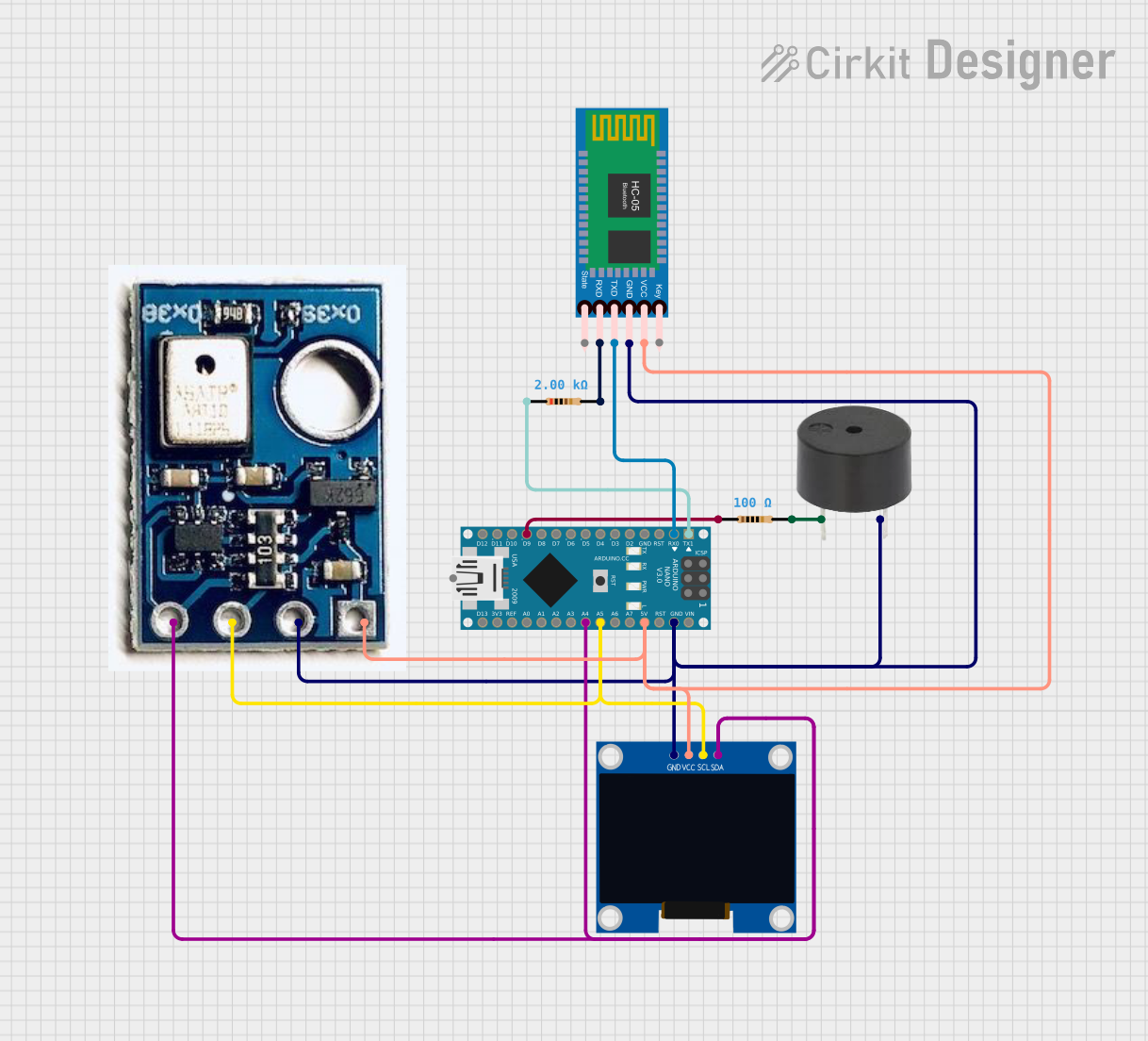 Open Project in Cirkit Designer
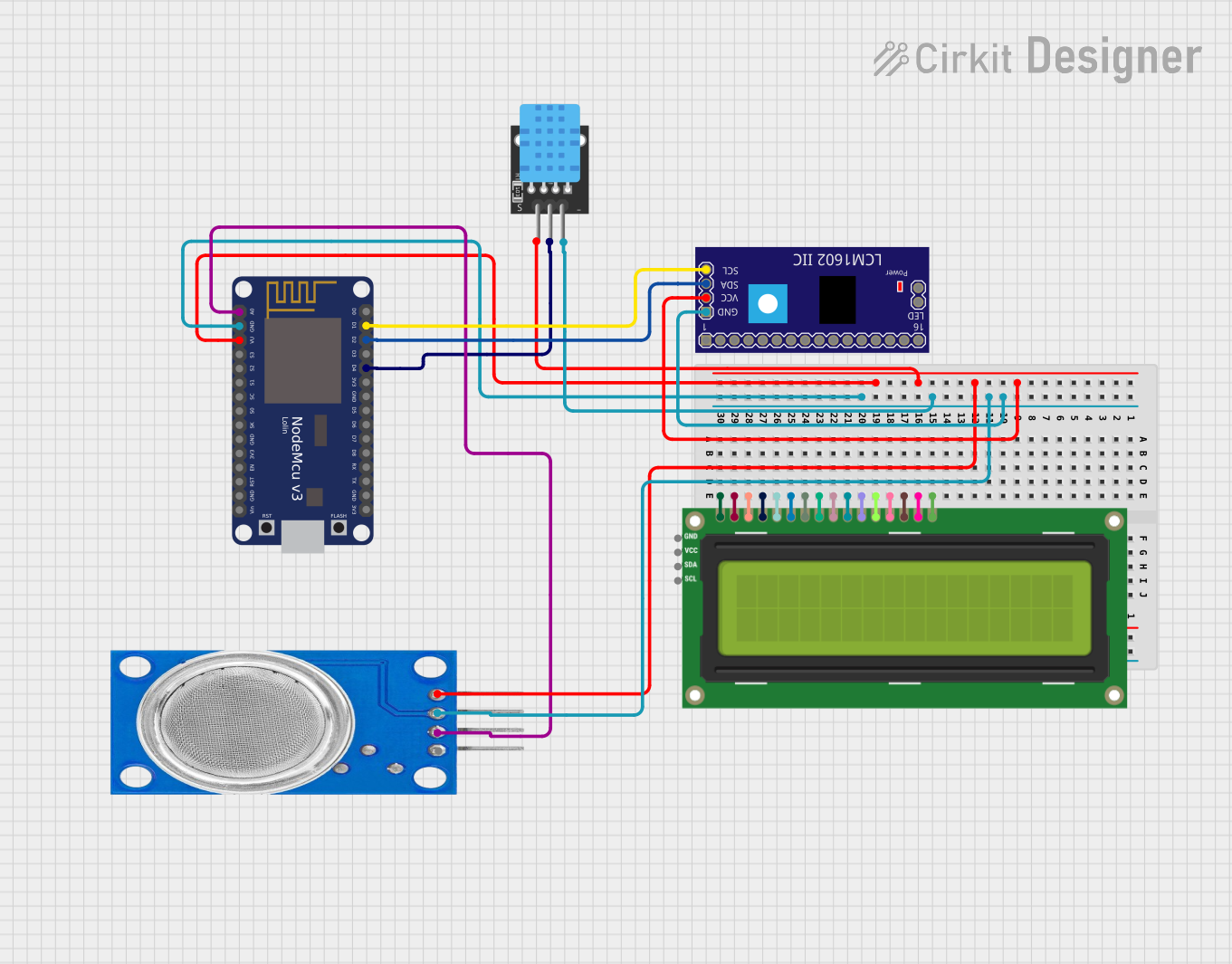 Open Project in Cirkit Designer
Explore Projects Built with SHT45 Digital Temperature and Humidity Sensor Module I2C Communication High Accuracy
Open Project in Cirkit DesignerOpen Project in Cirkit DesignerOpen Project in Cirkit DesignerOpen Project in Cirkit DesignerCommon Applications and Use Cases
- HVAC systems for climate control
- Weather stations and environmental monitoring
- Industrial automation and process control
- IoT devices for smart home applications
- Medical devices requiring precise environmental data
- Data loggers and portable measurement devices
Technical Specifications
The SHT45 sensor module is designed to deliver high performance in a compact form factor. Below are its key technical details:
Key Technical Details
| Parameter | Value |
|---|---|
| Supply Voltage (VDD) | 2.4 V to 5.5 V |
| Average Current Consumption | 0.4 µA (at 1 Hz measurement rate) |
| Temperature Accuracy | ±0.1 °C (typical) |
| Humidity Accuracy | ±1.0 %RH (typical) |
| Operating Temperature Range | -40 °C to +125 °C |
| Operating Humidity Range | 0 %RH to 100 %RH |
| Communication Interface | I2C |
| I2C Address | 0x44 (default) |
| Dimensions | 1.5 mm x 1.5 mm x 0.5 mm |
Pin Configuration and Descriptions
The SHT45 module has four pins, as described in the table below:
| Pin Number | Pin Name | Description |
|---|---|---|
| 1 | VDD | Power supply input (2.4 V to 5.5 V) |
| 2 | GND | Ground |
| 3 | SDA | I2C data line |
| 4 | SCL | I2C clock line |
Usage Instructions
The SHT45 sensor is straightforward to use in a circuit, thanks to its I2C communication interface. Below are the steps and best practices for integrating the sensor into your project.
How to Use the SHT45 in a Circuit
- Power the Sensor: Connect the VDD pin to a 3.3 V or 5 V power supply and the GND pin to ground.
- Connect I2C Lines:
- Connect the SDA pin to the I2C data line of your microcontroller.
- Connect the SCL pin to the I2C clock line of your microcontroller.
- Pull-Up Resistors: Use 4.7 kΩ pull-up resistors on the SDA and SCL lines if your microcontroller does not have internal pull-ups.
- I2C Address: The default I2C address of the SHT45 is
0x44. Ensure no other devices on the I2C bus share this address.
Important Considerations and Best Practices
- Power Supply Stability: Ensure a stable power supply to avoid measurement inaccuracies.
- Avoid Condensation: Prolonged exposure to condensation can affect sensor performance. Use protective measures in high-humidity environments.
- I2C Bus Speed: The SHT45 supports standard (100 kHz) and fast (400 kHz) I2C modes. Configure your microcontroller accordingly.
- Sensor Placement: Place the sensor in a location with good airflow for accurate readings.
Example Code for Arduino UNO
Below is an example of how to interface the SHT45 with an Arduino UNO using the I2C protocol:
#include <Wire.h>

// SHT45 I2C address
#define SHT45_ADDRESS 0x44

// Function to initialize the sensor
void setup() {
  Wire.begin(); // Initialize I2C communication
  Serial.begin(9600); // Initialize serial communication for debugging
  Serial.println("SHT45 Sensor Initialization...");
}

// Function to read temperature and humidity
void loop() {
  Wire.beginTransmission(SHT45_ADDRESS);
  Wire.write(0xFD); // Command to trigger a measurement
  Wire.endTransmission();
  delay(10); // Wait for measurement to complete

  Wire.requestFrom(SHT45_ADDRESS, 6); // Request 6 bytes of data
  if (Wire.available() == 6) {
    uint16_t tempRaw = (Wire.read() << 8) | Wire.read(); // Read temperature
    uint16_t humRaw = (Wire.read() << 8) | Wire.read();  // Read humidity
    Wire.read(); // CRC byte (not used in this example)
    Wire.read(); // CRC byte (not used in this example)

    // Convert raw values to human-readable format
    float temperature = -45 + 175 * (tempRaw / 65535.0);
    float humidity = 100 * (humRaw / 65535.0);

    // Print results to the serial monitor
    Serial.print("Temperature: ");
    Serial.print(temperature);
    Serial.println(" °C");
    Serial.print("Humidity: ");
    Serial.print(humidity);
    Serial.println(" %RH");
  } else {
    Serial.println("Failed to read data from SHT45.");
  }

  delay(1000); // Wait 1 second before the next reading
}
Troubleshooting and FAQs
Common Issues and Solutions
No Data from Sensor:
- Ensure the sensor is powered correctly (check VDD and GND connections).
- Verify the I2C address (
0x44) matches the one in your code. - Check for proper pull-up resistors on the SDA and SCL lines.
Inaccurate Readings:
- Ensure the sensor is not exposed to condensation or contaminants.
- Verify the power supply voltage is within the specified range (2.4 V to 5.5 V).
- Place the sensor in an environment with stable airflow for accurate measurements.
I2C Communication Errors:
- Check the wiring of the SDA and SCL lines.
- Ensure the I2C bus speed is set to 100 kHz or 400 kHz.
- Confirm no address conflicts on the I2C bus.
FAQs
Q: Can the SHT45 operate at 5 V?
A: Yes, the SHT45 supports a supply voltage range of 2.4 V to 5.5 V.
Q: What is the typical response time of the sensor?
A: The typical response time is 8 seconds for humidity and 2 seconds for temperature.
Q: Does the sensor require calibration?
A: No, the SHT45 is factory-calibrated and does not require additional calibration.
Q: Can I use the SHT45 with a Raspberry Pi?
A: Yes, the SHT45 can be used with any device that supports I2C communication, including Raspberry Pi.
By following this documentation, you can effectively integrate the SHT45 sensor into your projects for accurate temperature and humidity measurements.