
How to Use Limit Switch: Examples, Pinouts, and Specs
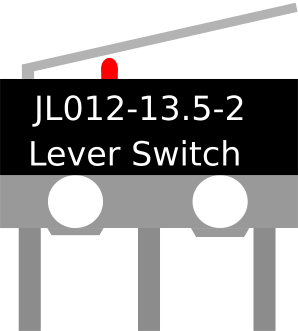
 Design with Limit Switch in Cirkit Designer
Introduction
A limit switch is an electromechanical device that detects the presence or absence of an object or the position of a moving part. It operates by making or breaking an electrical connection when a physical actuator is engaged. Limit switches are widely used in industrial automation, robotics, and safety systems to control machinery and provide feedback to control systems.
Explore Projects Built with Limit Switch
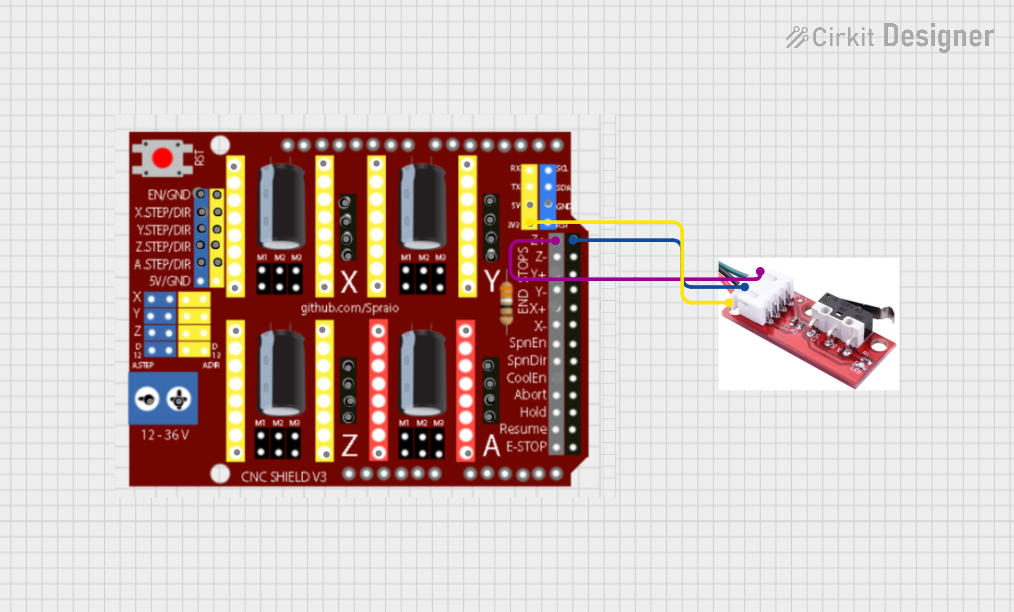 Open Project in Cirkit Designer
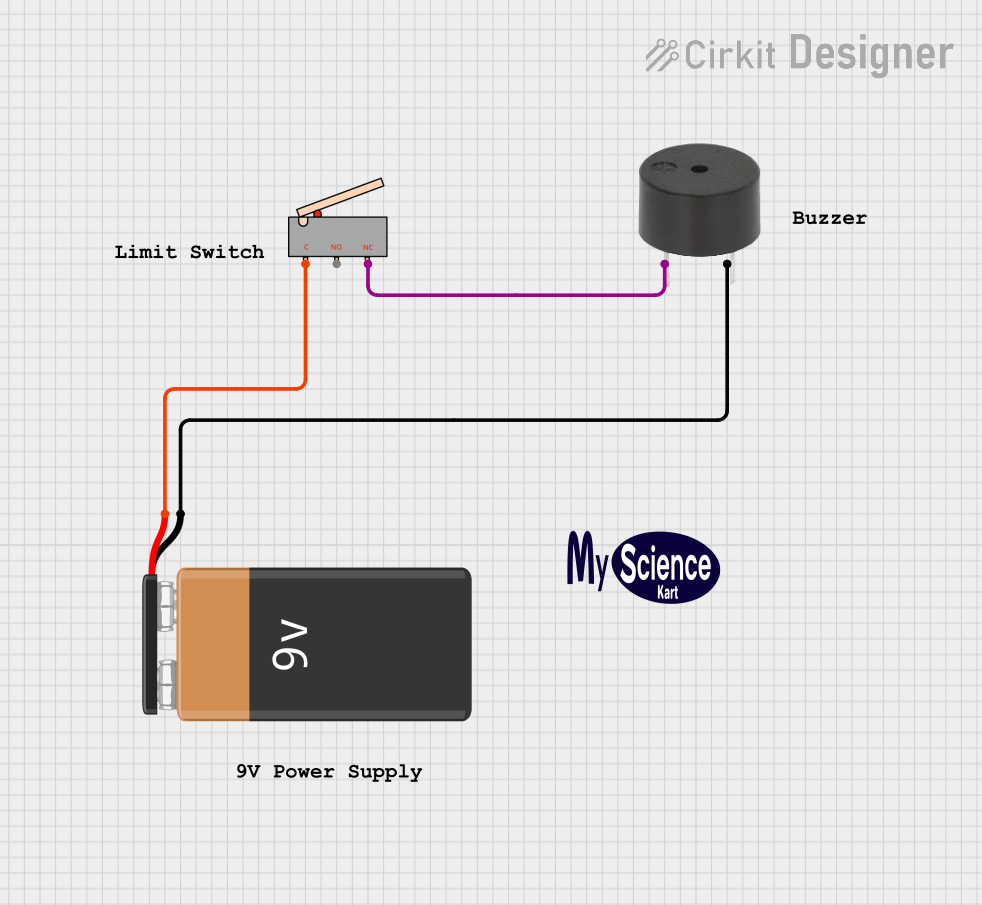 Open Project in Cirkit Designer
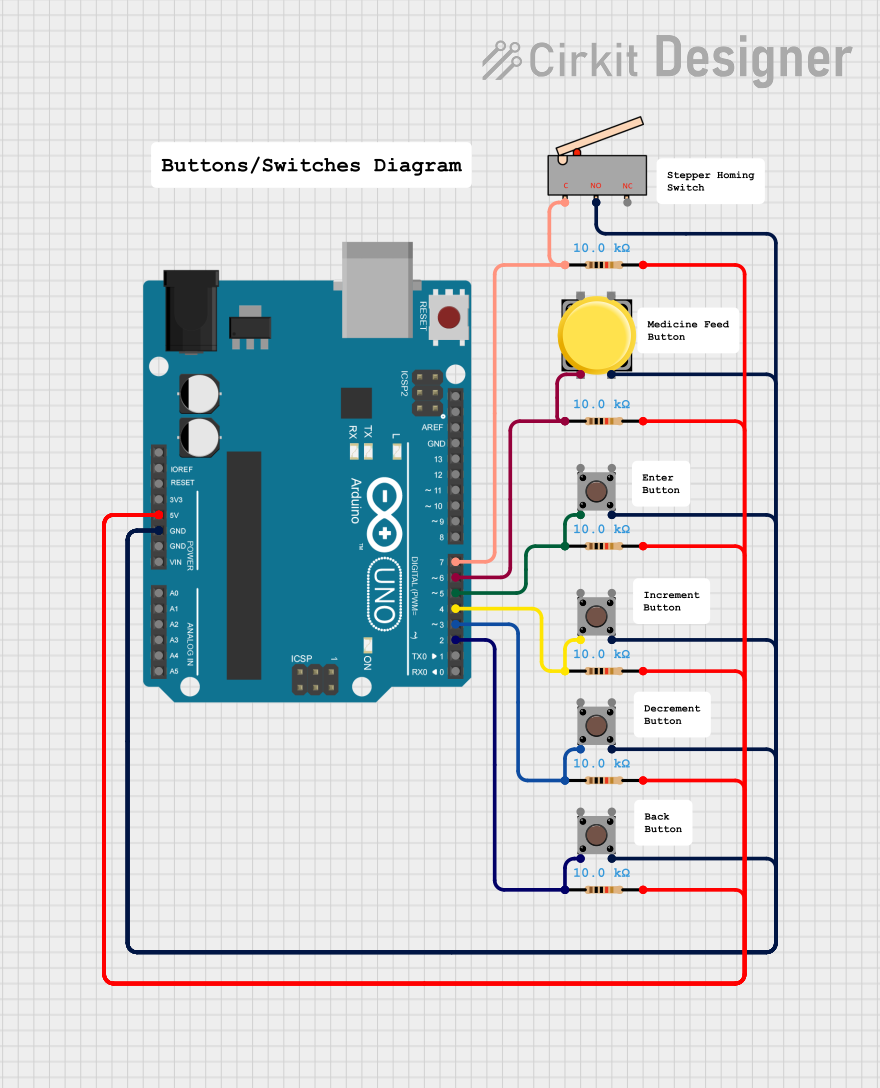 Open Project in Cirkit Designer
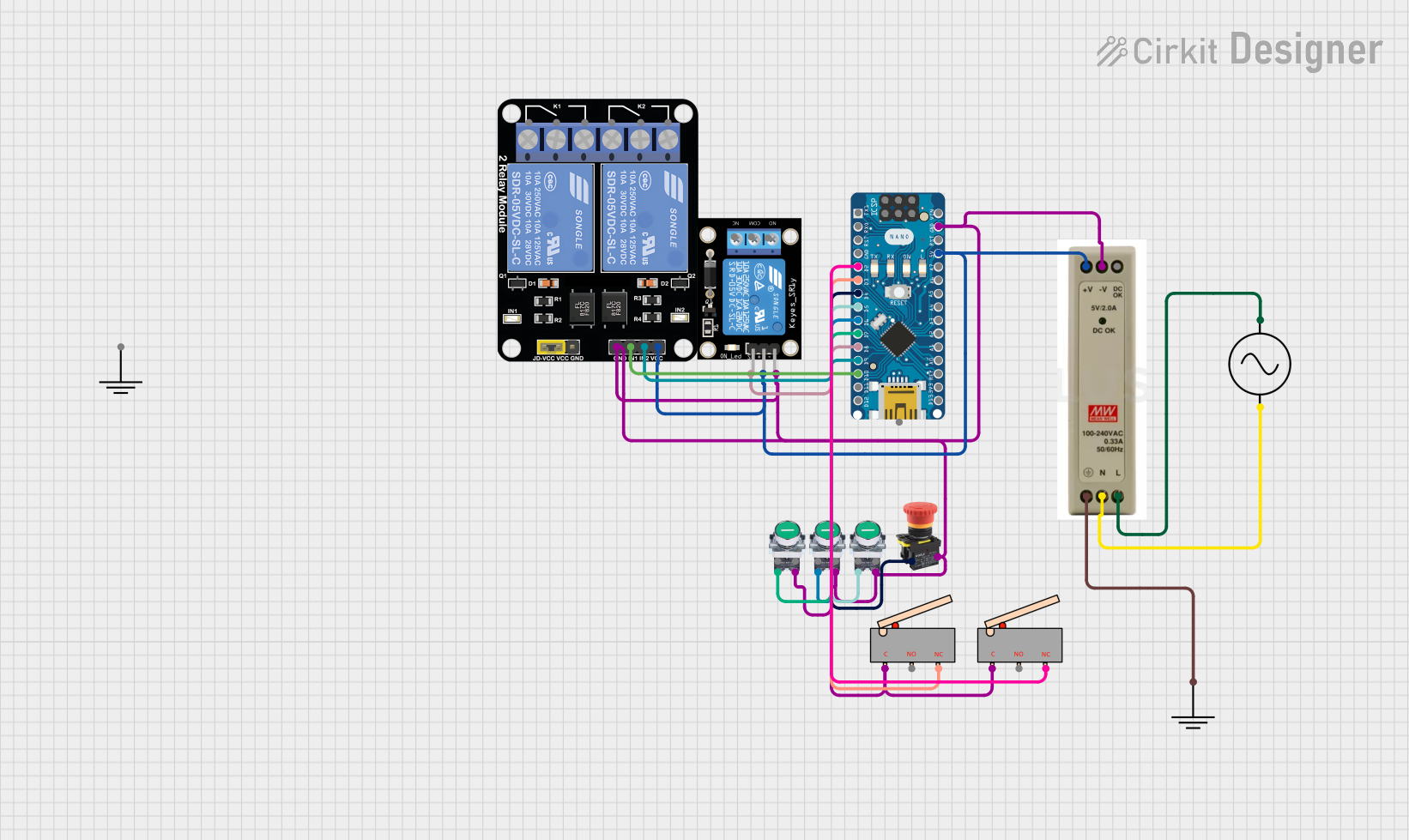 Open Project in Cirkit Designer
Explore Projects Built with Limit Switch
Open Project in Cirkit DesignerOpen Project in Cirkit DesignerOpen Project in Cirkit DesignerOpen Project in Cirkit DesignerCommon Applications and Use Cases
- Detecting the end of travel in linear or rotary motion systems
- Ensuring safety by stopping machinery when a limit is reached
- Position sensing in conveyor belts, elevators, and robotic arms
- Automating processes in manufacturing and assembly lines
- Monitoring door or hatch positions in security systems
Technical Specifications
Below are the general technical specifications for a standard limit switch. Note that specific models may vary, so always refer to the datasheet of your particular switch.
| Parameter | Value |
|---|---|
| Operating Voltage | 5V to 250V AC/DC |
| Operating Current | 0.1A to 10A |
| Contact Configuration | SPDT (Single Pole Double Throw) or DPDT (Double Pole Double Throw) |
| Actuator Type | Roller lever, plunger, or whisker |
| Mechanical Durability | Up to 10 million operations |
| Electrical Durability | Up to 1 million operations |
| Operating Temperature | -25°C to 85°C |
| Mounting Style | Panel or surface mount |
Pin Configuration and Descriptions
The pin configuration of a limit switch depends on its contact type. Below is a typical configuration for an SPDT limit switch:
| Pin Name | Description |
|---|---|
| Common (COM) | The common terminal where the input voltage or signal is connected. |
| Normally Open (NO) | The terminal that remains open (disconnected) until the actuator is engaged. |
| Normally Closed (NC) | The terminal that remains closed (connected) until the actuator is engaged. |
Usage Instructions
How to Use the Component in a Circuit
- Identify the Terminals: Locate the COM, NO, and NC terminals on the limit switch.
- Connect the Circuit:
- For a normally open configuration, connect the load between the NO terminal and the power source.
- For a normally closed configuration, connect the load between the NC terminal and the power source.
- Mount the Switch: Secure the limit switch in the desired position using screws or brackets. Ensure the actuator aligns with the moving part to be detected.
- Test the Operation: Manually engage the actuator to verify that the switch operates as expected.
Important Considerations and Best Practices
- Voltage and Current Ratings: Ensure the switch is rated for the voltage and current in your circuit to avoid damage.
- Debouncing: Mechanical switches may produce noise or "bouncing" when actuated. Use a capacitor or software debouncing techniques to filter out false signals.
- Environmental Conditions: Choose a limit switch with appropriate IP (Ingress Protection) ratings for harsh environments.
- Alignment: Properly align the actuator with the moving part to ensure reliable operation.
Example: Connecting a Limit Switch to an Arduino UNO
Below is an example of how to connect and use a limit switch with an Arduino UNO:
Circuit Diagram
- Connect the COM terminal of the limit switch to the ground (GND) pin of the Arduino.
- Connect the NO terminal of the limit switch to a digital input pin (e.g., pin 2) on the Arduino.
- Use a pull-up resistor (10kΩ) between the digital input pin and the 5V pin of the Arduino.
Arduino Code
// Define the pin connected to the limit switch
const int limitSwitchPin = 2;

// Variable to store the state of the limit switch
int switchState = 0;

void setup() {
  // Initialize the limit switch pin as an input with an internal pull-up resistor
  pinMode(limitSwitchPin, INPUT_PULLUP);

  // Start the serial communication for debugging
  Serial.begin(9600);
}

void loop() {
  // Read the state of the limit switch
  switchState = digitalRead(limitSwitchPin);

  // Check if the limit switch is pressed
  if (switchState == LOW) {
    // The switch is pressed (NO terminal is connected to COM)
    Serial.println("Limit switch activated!");
  } else {
    // The switch is not pressed
    Serial.println("Limit switch not activated.");
  }

  // Add a small delay to avoid spamming the serial monitor
  delay(200);
}
Troubleshooting and FAQs
Common Issues and Solutions
The switch does not activate when the actuator is engaged:
- Ensure the actuator is properly aligned with the moving part.
- Check the wiring and ensure the correct terminals (COM, NO, NC) are connected.
- Verify that the switch is rated for the voltage and current in your circuit.
False triggering or noise in the signal:
- Use a pull-up or pull-down resistor to stabilize the signal.
- Implement software debouncing in your microcontroller code.
The switch wears out quickly:
- Check the mechanical and electrical durability ratings of the switch.
- Avoid exceeding the rated voltage, current, or operating cycles.
The switch does not fit the mounting location:
- Choose a limit switch with a suitable actuator type and mounting style for your application.
FAQs
Q: Can I use a limit switch with both AC and DC circuits?
A: Yes, most limit switches are designed to work with both AC and DC circuits. However, ensure the voltage and current ratings are compatible with your application.
Q: What is the difference between NO and NC terminals?
A: The NO (Normally Open) terminal is disconnected from the COM terminal until the actuator is engaged. The NC (Normally Closed) terminal is connected to the COM terminal until the actuator is engaged.
Q: How do I debounce a limit switch?
A: You can debounce a limit switch using a small capacitor across the terminals or by implementing a software delay in your microcontroller code.
Q: Can I use a limit switch in outdoor environments?
A: Yes, but ensure the limit switch has an appropriate IP rating (e.g., IP65 or higher) to protect against dust and water ingress.