The HLK-PM01 is a compact and efficient AC-DC power module manufactured by HI-LINK. It is designed to convert a wide range of AC input voltages (85-265V AC) into a stable 5V DC output, making it ideal for powering low-power electronic devices. This module is widely used in IoT devices, home automation systems, embedded systems, and other applications requiring a reliable and compact power supply.
Explore Projects Built with HLK-PM01
Use Cirkit Designer to design, explore, and prototype these projects online. Some projects support real-time simulation. Click "Open Project" to start designing instantly!
This is a smart control system featuring an ESP32C3 Supermini microcontroller for interfacing with various sensors and actuators. It includes temperature and humidity sensing, RGB LED strip control, user input via a pushbutton and rotary encoder, and AC power control through a two-channel relay. The system is powered by an AC source converted to DC by the HLK-PM12 module.
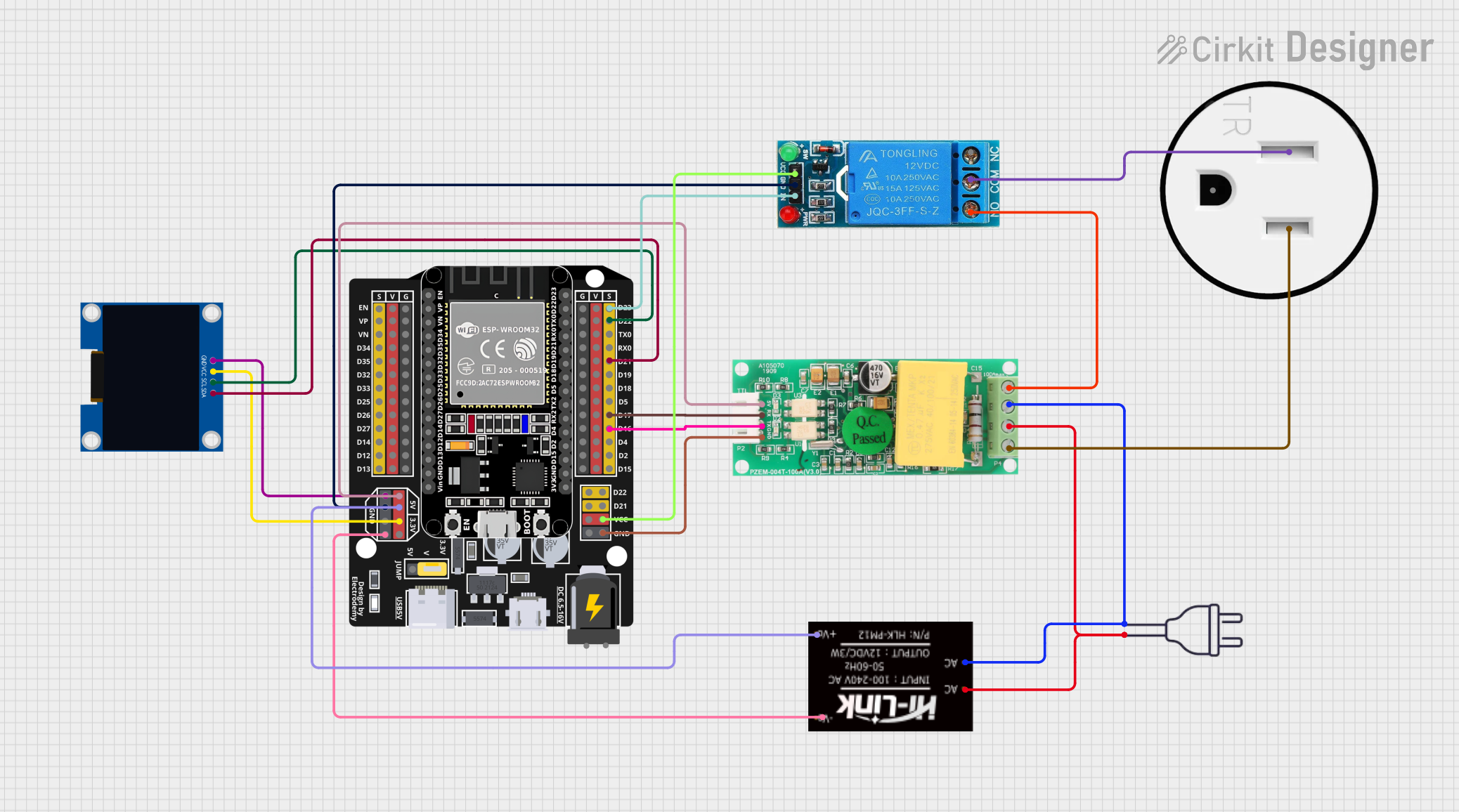
This circuit is designed to monitor and control a 120V AC outlet using an ESP32 microcontroller. It includes a PZEM004t module for measuring voltage, current, and power, and a 12V relay to switch the outlet on and off. An OLED display is used to show real-time data, and the HLK-PM12 module provides the necessary 5V and 3.3V power to the components.
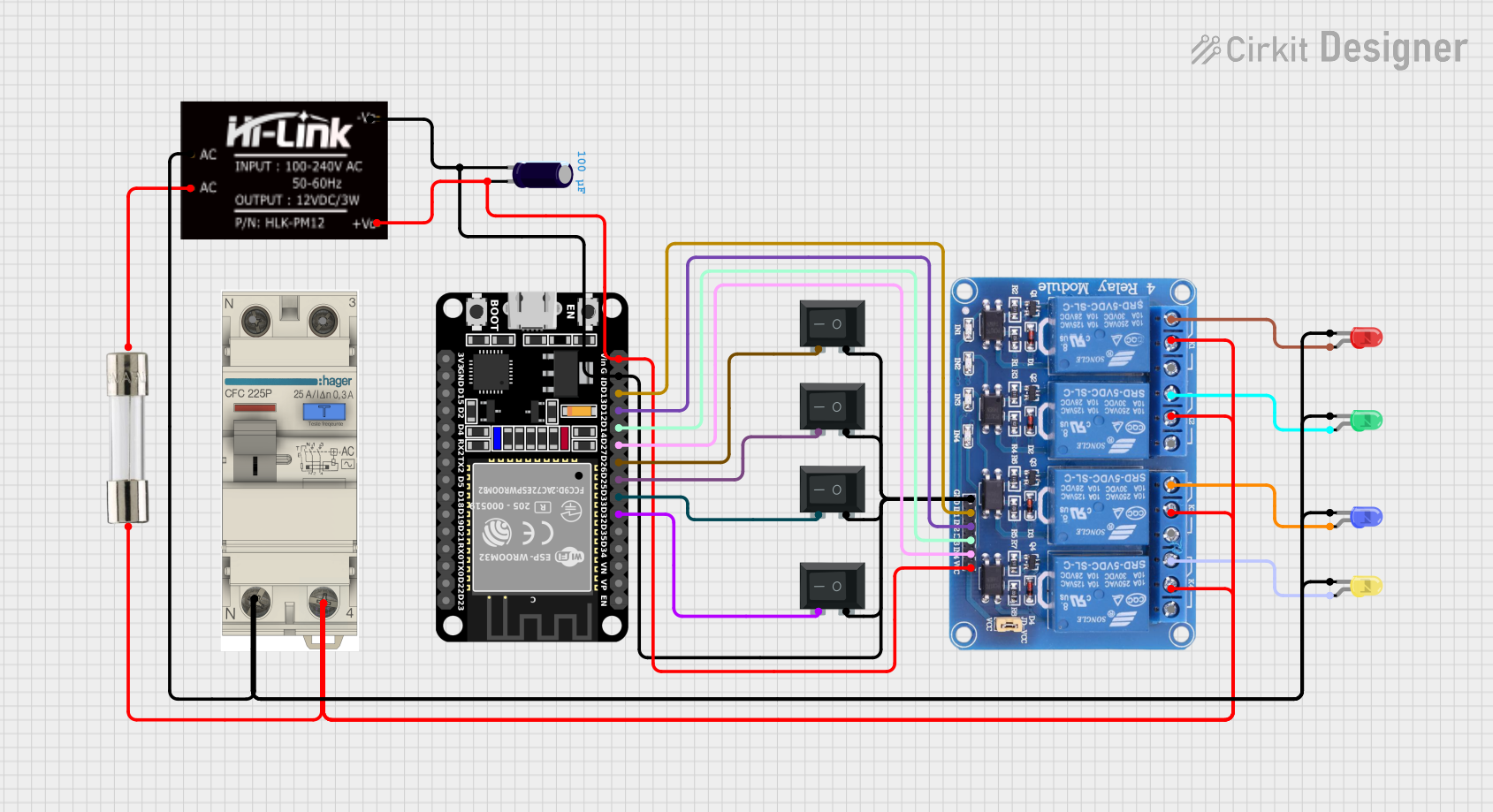
This circuit is a control system using an ESP32 microcontroller to manage a 4-channel relay module, which in turn controls various loads. The relays are activated by rocker switches and provide visual feedback through LEDs, while power is supplied and regulated by an HLK-PM12 module and protected by a fuse and circuit breaker.
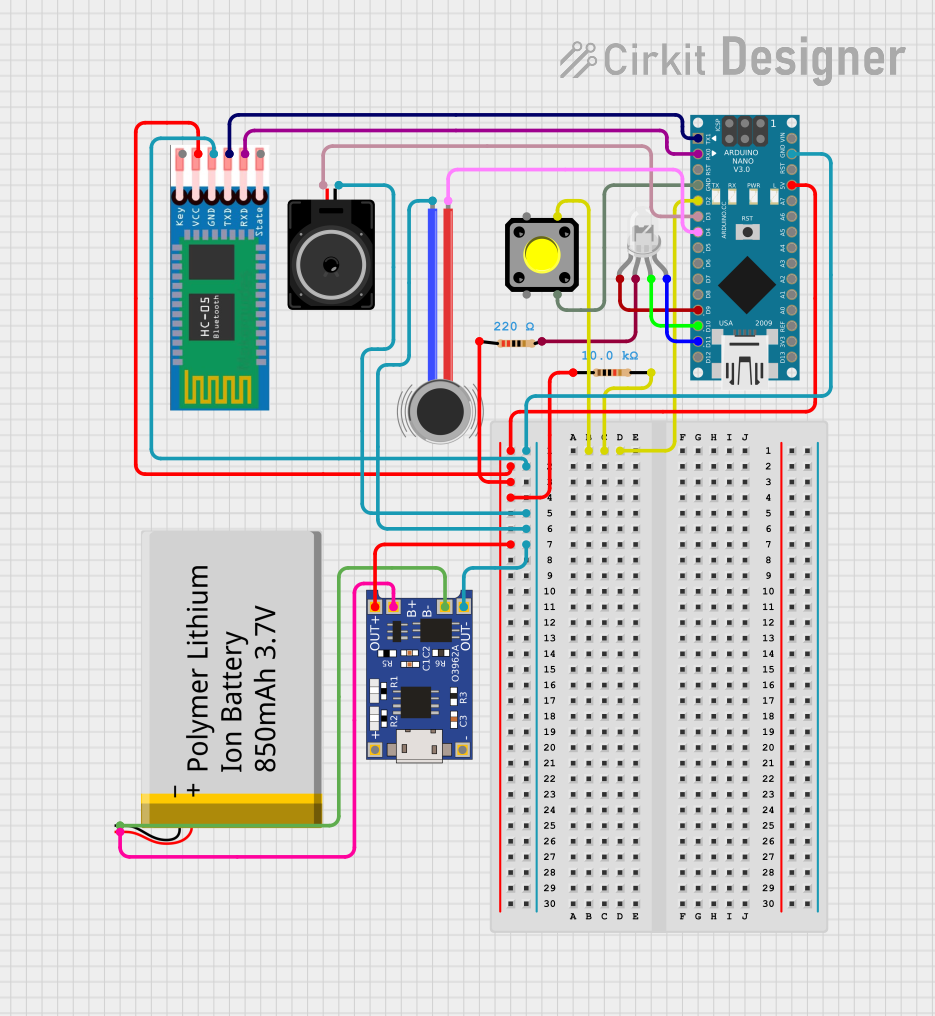
This is a portable, microcontroller-driven interactive device featuring Bluetooth connectivity, visual (RGB LED), auditory (loudspeaker), and haptic (vibration motor) feedback, user input (pushbutton), and a rechargeable power system (TP4056 with Li-ion battery).
Replacing bulky linear power supplies in compact designs
Technical Specifications
The HLK-PM01 is designed to provide reliable performance with the following key specifications:
Parameter
Value
Input Voltage Range
85-265V AC
Output Voltage
5V DC
Output Current
600mA (maximum)
Output Power
3W
Efficiency
≥ 70%
Ripple and Noise
≤ 50mV
Operating Temperature
-20°C to +60°C
Storage Temperature
-40°C to +80°C
Dimensions
35mm x 18mm x 15mm
Safety Protections
Over-voltage, Over-current, Short-circuit
Pin Configuration and Descriptions
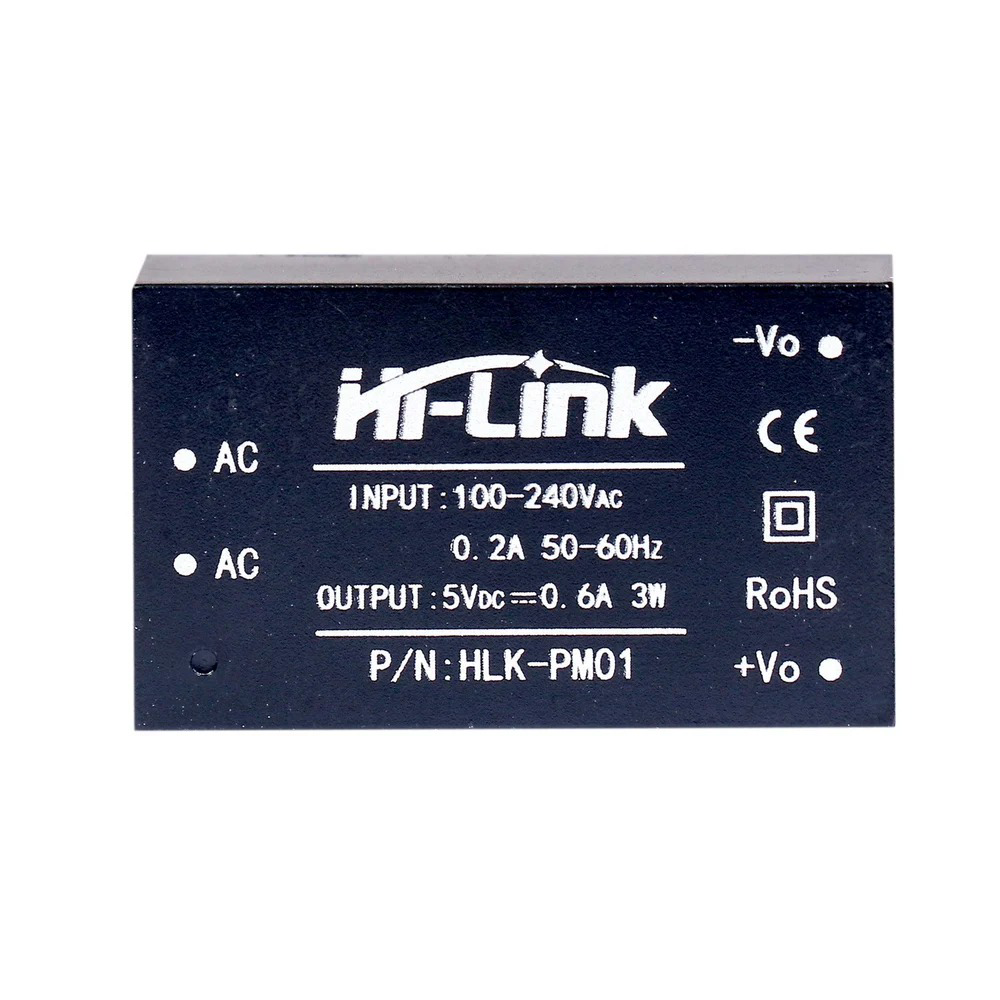
The HLK-PM01 module has six pins, as described in the table below:
Pin Name
Description
AC-N
AC input (Neutral)
AC-L
AC input (Live)
+5V
DC output (Positive, 5V)
GND
DC output (Ground)
NC
Not connected (leave unconnected)
NC
Not connected (leave unconnected)
Note: Ensure proper isolation between the AC and DC sides to avoid electrical hazards.
Usage Instructions
How to Use the HLK-PM01 in a Circuit
Connect the AC Input:
Connect the AC-N pin to the neutral wire of the AC mains.
Connect the AC-L pin to the live wire of the AC mains.
Use proper insulation and safety precautions when working with high-voltage AC.
Connect the DC Output:
Connect the +5V pin to the positive terminal of your load or circuit.
Connect the GND pin to the ground terminal of your load or circuit.
Mounting and Placement:
Place the module on a PCB or securely mount it in your project enclosure.
Ensure adequate spacing and insulation between the AC and DC sides.
Safety Considerations:
Use a fuse or circuit breaker on the AC input for added protection.
Avoid touching the module while it is powered to prevent electric shock.
Do not exceed the maximum output current (600mA) to prevent damage.
Example: Using HLK-PM01 with an Arduino UNO
The HLK-PM01 can be used to power an Arduino UNO directly. Below is an example circuit and code:
Circuit Connections
Connect the +5V pin of the HLK-PM01 to the 5V pin of the Arduino UNO.
Connect the GND pin of the HLK-PM01 to the GND pin of the Arduino UNO.
Connect the AC-N and AC-L pins to the AC mains (use proper insulation).
Example Code
// Example code to blink an LED using Arduino UNO powered by HLK-PM01

const int ledPin = 13; // Pin connected to the onboard LED

void setup() {
  pinMode(ledPin, OUTPUT); // Set the LED pin as an output
}

void loop() {
  digitalWrite(ledPin, HIGH); // Turn the LED on
  delay(1000);                // Wait for 1 second
  digitalWrite(ledPin, LOW);  // Turn the LED off
  delay(1000);                // Wait for 1 second
}
Warning: Ensure proper isolation between the AC input and the Arduino circuit to avoid electrical hazards.
Troubleshooting and FAQs
Common Issues and Solutions
No Output Voltage:
Check the AC input connections (AC-N and AC-L) for proper wiring.
Verify that the AC mains voltage is within the specified range (85-265V AC).
Ensure the load does not exceed the maximum output current (600mA).
Excessive Ripple or Noise:
Add a capacitor (e.g., 470µF) across the +5V and GND pins to reduce noise.
Ensure the module is not placed near high-frequency noise sources.
Module Overheating:
Check if the load exceeds the maximum power rating (3W).
Ensure proper ventilation and avoid enclosing the module in a confined space.
Interference with Other Devices:
Use an EMI filter on the AC input to reduce electromagnetic interference.
FAQs
Q1: Can the HLK-PM01 be used with 3.3V devices?
A1: No, the HLK-PM01 provides a fixed 5V output. You can use a voltage regulator (e.g., AMS1117-3.3) to step down the 5V output to 3.3V.
Q2: Is the HLK-PM01 safe for long-term use?
A2: Yes, the HLK-PM01 is designed for reliable long-term operation, provided it is used within its specified limits and with proper safety precautions.
Q3: Can I use the HLK-PM01 outdoors?
A3: The HLK-PM01 is not waterproof or weatherproof. It should only be used in indoor, dry environments.
Q4: What is the purpose of the NC pins?
A4: The NC (Not Connected) pins are unused and should be left unconnected in your circuit.
By following the guidelines and precautions outlined in this documentation, you can safely and effectively use the HLK-PM01 in your projects.


 Open Project in Cirkit Designer