Introduction
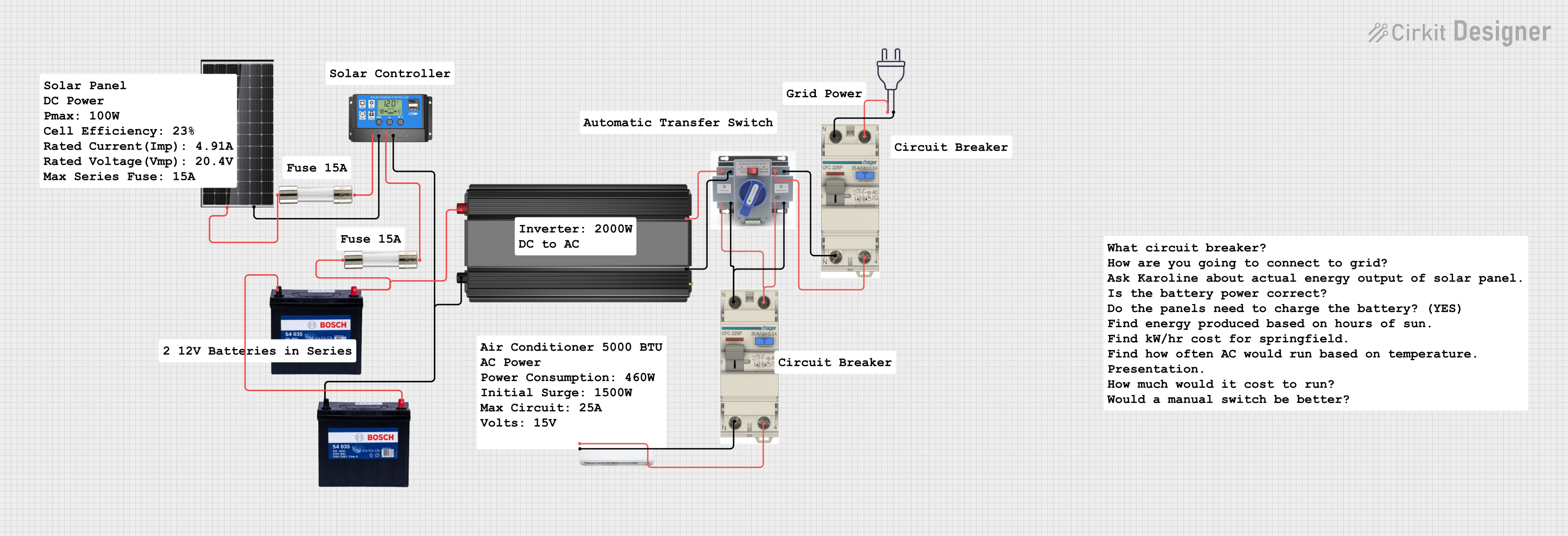
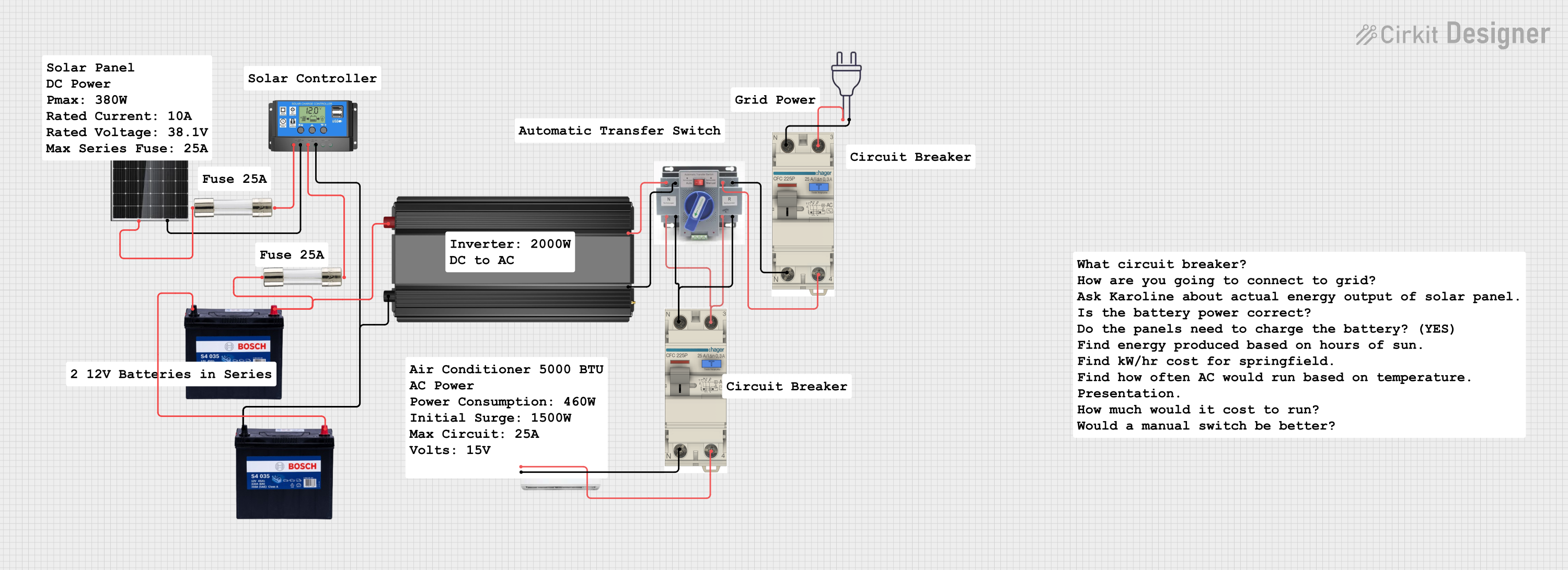
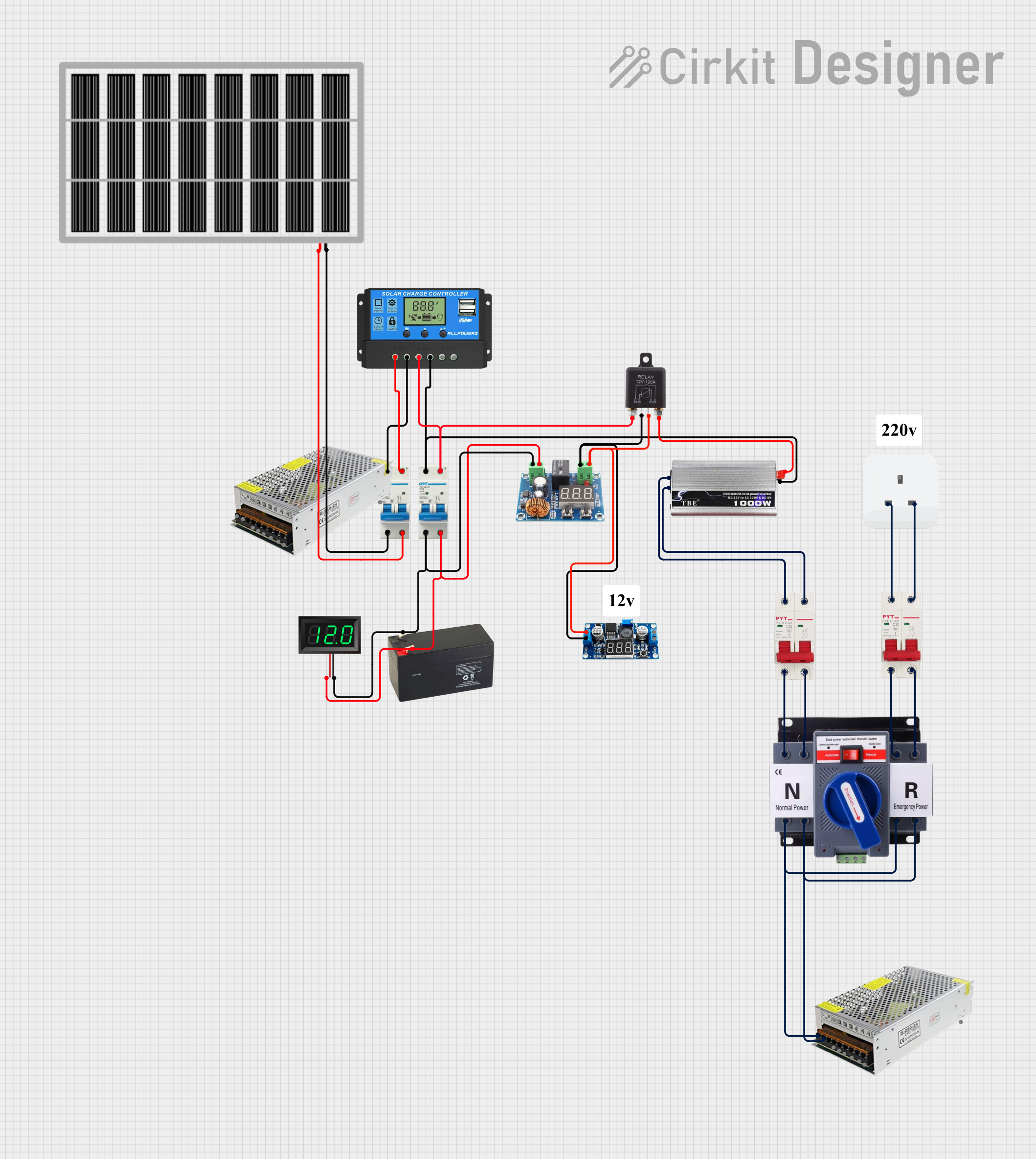
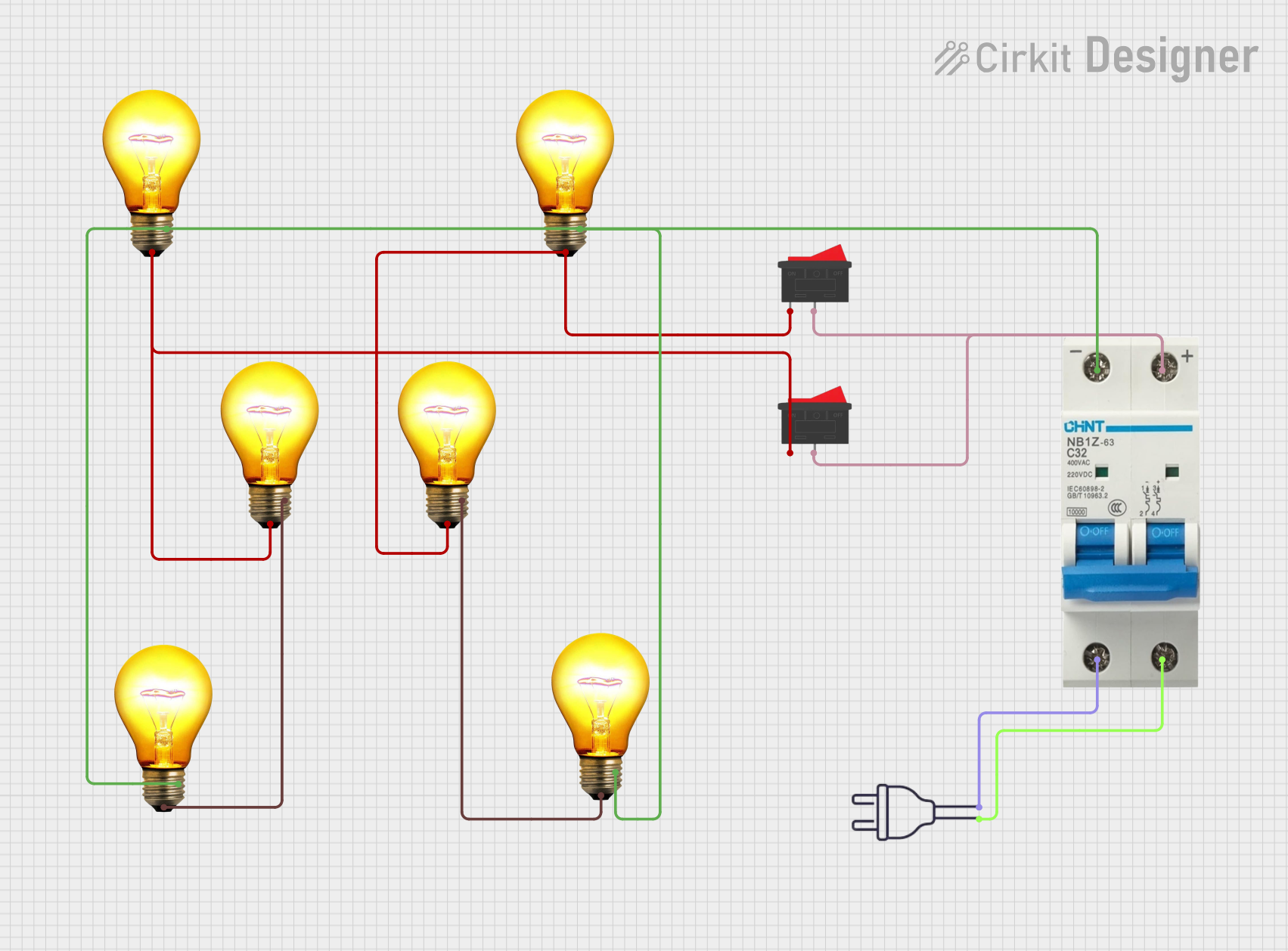
An AC Circuit Breaker is a critical safety component in electrical systems. It is designed to automatically interrupt the flow of electricity in the event of a fault condition, such as overcurrent, short circuit, or ground fault. This interruption helps to protect electrical circuits from damage and prevent electrical fires. Circuit breakers are commonly used in residential, commercial, and industrial settings to safeguard wiring and equipment.
Common Applications and Use Cases
- Residential electrical panels to protect household circuits
- Commercial buildings for lighting and power distribution systems
- Industrial control systems to protect machinery and plant equipment
- Power distribution networks to manage loads and prevent system failures
Technical Specifications
Key Technical Details
Pin Configuration and Descriptions
Circuit breakers typically do not have "pins" but rather connection terminals. The following table describes the common terminal configurations for a single-pole AC circuit breaker:
Usage Instructions
How to Use the Component in a Circuit
- Selecting the Correct Breaker: Ensure the circuit breaker's voltage and current ratings are suitable for the circuit it will protect.
- Installation: Mount the circuit breaker in the electrical panel or enclosure. Connect the incoming power line to the 'Line' terminal and the outgoing load line to the 'Load' terminal. Ensure proper grounding.
- Testing: Once installed, test the circuit breaker by switching it to the 'ON' position and verifying that power flows to the load. Then, test the 'OFF' and 'TRIP' functions to ensure the breaker can interrupt the circuit as expected.
Important Considerations and Best Practices
- Always follow local electrical codes and standards when installing a circuit breaker.
- Use appropriate personal protective equipment (PPE) when working with electrical components.
- Ensure the breaker is properly rated for the circuit it is protecting.
- Regularly inspect and test circuit breakers to ensure they are functioning correctly.
Troubleshooting and FAQs
Common Issues Users Might Face
- Circuit Breaker Tripping Frequently: This may indicate an overloaded circuit, a short circuit, or a faulty appliance.
- Circuit Breaker Won't Reset: If the breaker does not reset, there may be a persistent fault in the circuit or the breaker itself may be damaged.
Solutions and Tips for Troubleshooting
- Overloaded Circuit: Reduce the load on the circuit by unplugging devices or redistributing the load across multiple circuits.
- Short Circuit or Ground Fault: Inspect the wiring for damage or exposed conductors. Repair or replace faulty wiring or components.
- Breaker Damage: If the breaker is damaged, it must be replaced with a new one of the same type and rating.
FAQs
Q: Can I replace a circuit breaker myself?
A: If you are not experienced with electrical work, it is recommended to hire a licensed electrician to replace a circuit breaker.
Q: How do I know if a circuit breaker is bad?
A: A circuit breaker may be bad if it trips frequently without a clear overload, cannot be reset, or shows signs of damage such as burning or corrosion.
Q: What is the difference between a single-pole and a double-pole breaker?
A: A single-pole breaker is used for 120V circuits and controls one wire, while a double-pole breaker is used for 240V circuits and controls two wires.
Note: This documentation is for informational purposes only. Always consult a professional electrician for electrical work to ensure safety and compliance with electrical codes.


 Open Project in Cirkit Designer