
How to Use SparkFun MPL3115A2 Altitude/Pressure Sensor Breakout: Examples, Pinouts, and Specs
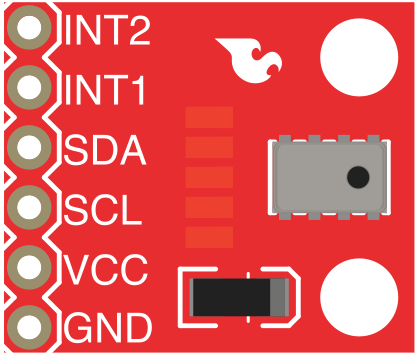
 Design with SparkFun MPL3115A2 Altitude/Pressure Sensor Breakout in Cirkit Designer
Introduction
The SparkFun MPL3115A2 Altitude/Pressure Sensor Breakout (Manufacturer Part ID: SEN-11084) is a compact and versatile sensor module designed to measure altitude and atmospheric pressure with high precision. It is based on the MPL3115A2 sensor, which uses I2C communication to provide accurate and high-resolution data. This breakout board is ideal for applications such as weather monitoring, altitude tracking, and environmental sensing.
Explore Projects Built with SparkFun MPL3115A2 Altitude/Pressure Sensor Breakout
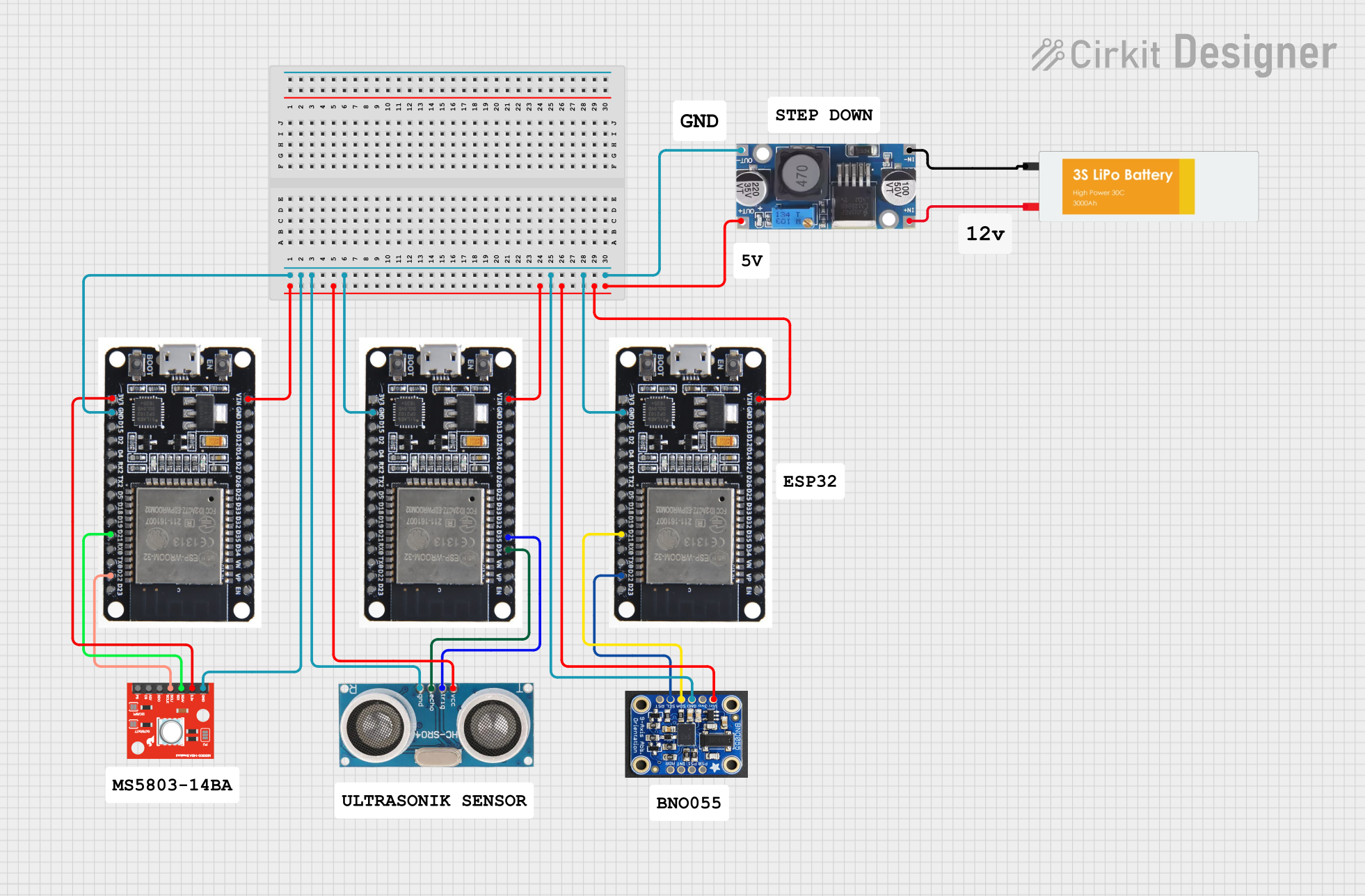 Open Project in Cirkit Designer
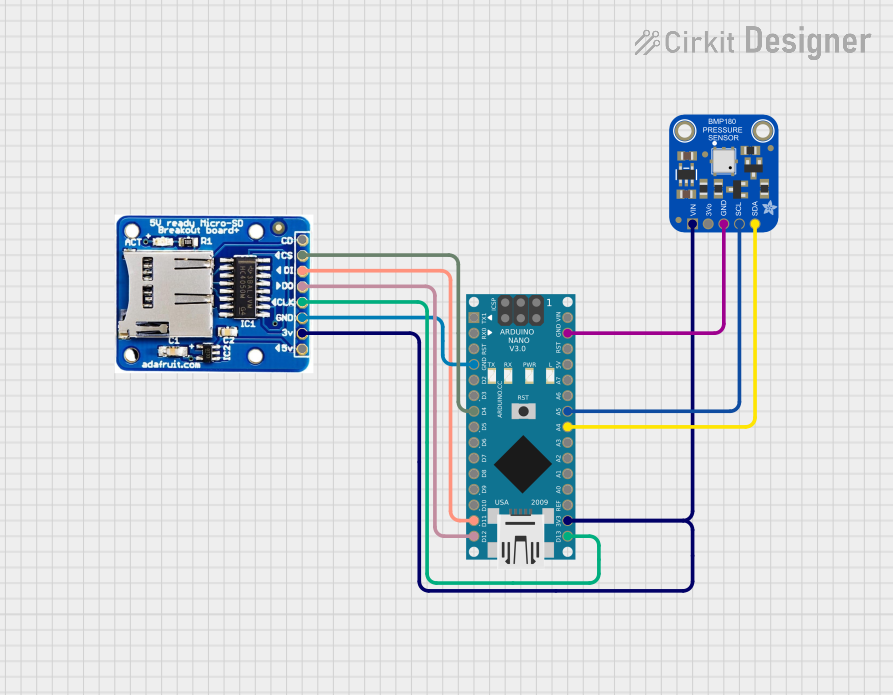 Open Project in Cirkit Designer
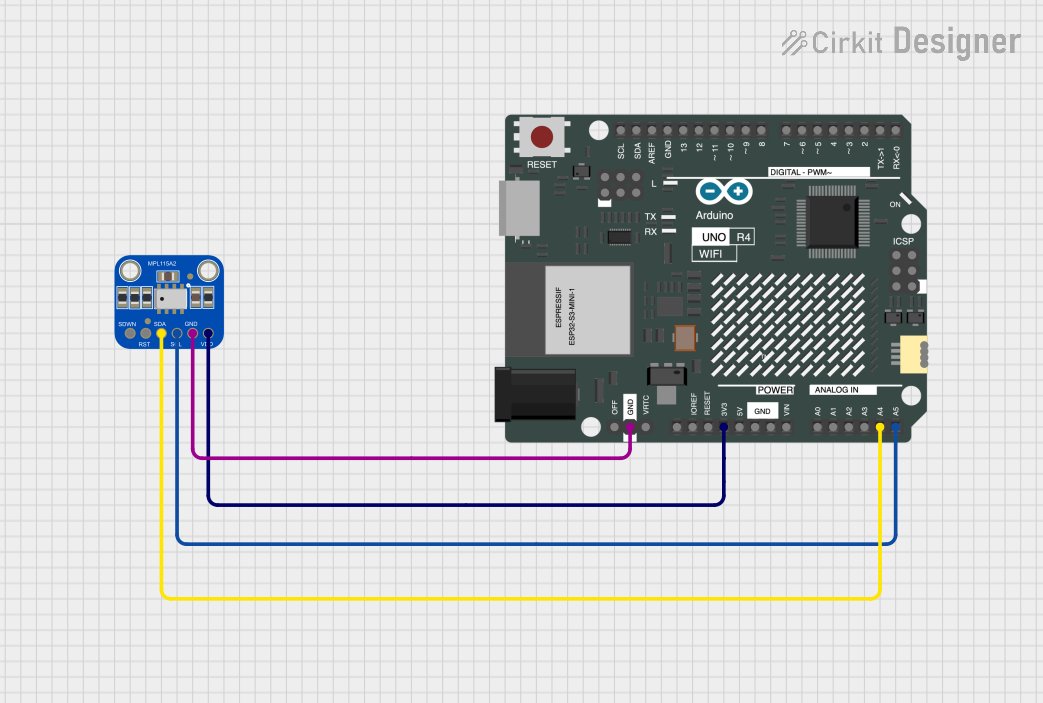 Open Project in Cirkit Designer
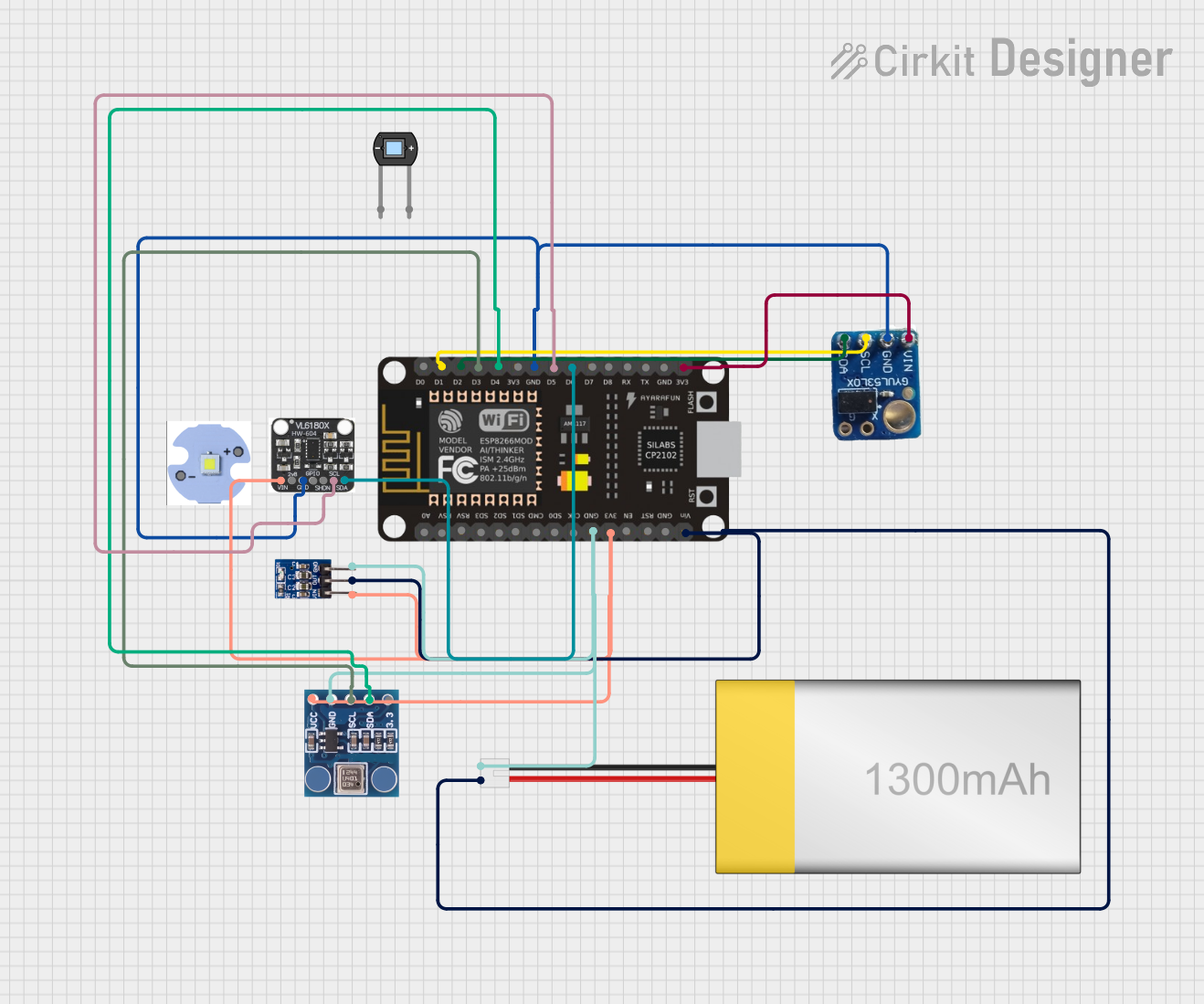 Open Project in Cirkit Designer
Explore Projects Built with SparkFun MPL3115A2 Altitude/Pressure Sensor Breakout
Open Project in Cirkit DesignerOpen Project in Cirkit DesignerOpen Project in Cirkit DesignerOpen Project in Cirkit DesignerCommon Applications
- Weather stations for atmospheric pressure monitoring
- Altitude tracking in drones and UAVs
- Environmental sensing in IoT devices
- Barometric pressure-based navigation systems
- Educational projects and prototyping
Technical Specifications
The following table outlines the key technical details of the SparkFun MPL3115A2 Altitude/Pressure Sensor Breakout:
| Parameter | Specification |
|---|---|
| Operating Voltage | 3.3V (logic level) |
| Supply Voltage Range | 1.95V to 3.6V |
| Communication Interface | I2C |
| I2C Address (Default) | 0x60 |
| Pressure Measurement Range | 20 kPa to 110 kPa |
| Altitude Measurement Range | -30 meters to +12,000 meters |
| Pressure Resolution | 0.016 kPa |
| Altitude Resolution | 0.3 meters |
| Operating Temperature Range | -40°C to +85°C |
| Current Consumption | 2 µA (standby), 40 µA (active mode) |
| Dimensions | 0.6" x 0.6" (15.24mm x 15.24mm) |
Pin Configuration and Descriptions
The breakout board has six pins, as described in the table below:
| Pin | Label | Description |
|---|---|---|
| 1 | VIN | Power supply input (3.3V recommended) |
| 2 | GND | Ground |
| 3 | SCL | I2C clock line |
| 4 | SDA | I2C data line |
| 5 | INT1 | Interrupt 1 output (optional, configurable) |
| 6 | INT2 | Interrupt 2 output (optional, configurable) |
Usage Instructions
How to Use the Component in a Circuit
- Power the Sensor: Connect the
VINpin to a 3.3V power source and theGNDpin to ground. - Connect I2C Lines: Connect the
SCLpin to the I2C clock line and theSDApin to the I2C data line of your microcontroller. - Optional Interrupts: If needed, connect the
INT1and/orINT2pins to your microcontroller for interrupt-driven applications. - Pull-Up Resistors: Ensure that the I2C lines (
SCLandSDA) have appropriate pull-up resistors (typically 4.7kΩ to 10kΩ). Some microcontroller boards, like the Arduino UNO, already include these resistors.
Important Considerations and Best Practices
- The MPL3115A2 operates at 3.3V logic levels. If using a 5V microcontroller (e.g., Arduino UNO), use a logic level shifter to avoid damaging the sensor.
- Avoid exposing the sensor to extreme environmental conditions (e.g., high humidity or dust) to maintain accuracy and longevity.
- Calibrate the sensor for your specific application to achieve the best results.
Example Code for Arduino UNO
Below is an example Arduino sketch to read altitude and pressure data from the MPL3115A2 sensor:
#include <Wire.h>
#include <SparkFunMPL3115A2.h> // Include the SparkFun MPL3115A2 library

MPL3115A2 mySensor; // Create an instance of the sensor

void setup() {
  Serial.begin(9600); // Initialize serial communication
  Wire.begin();       // Initialize I2C communication

  if (!mySensor.begin()) {
    Serial.println("MPL3115A2 not detected. Check connections.");
    while (1); // Halt execution if the sensor is not detected
  }

  mySensor.setModeAltimeter(); // Set the sensor to altimeter mode
  mySensor.setOversampleRate(7); // Set oversampling rate for better accuracy
  mySensor.enableEventFlags();   // Enable event flags for data readiness
}

void loop() {
  float altitude = mySensor.readAltitude(); // Read altitude in meters
  float pressure = mySensor.readPressure(); // Read pressure in Pascals

  Serial.print("Altitude (m): ");
  Serial.println(altitude);
  Serial.print("Pressure (Pa): ");
  Serial.println(pressure);

  delay(1000); // Wait 1 second before the next reading
}
Notes on the Code
- The
SparkFunMPL3115A2library must be installed in your Arduino IDE. You can install it via the Library Manager. - The
setModeAltimeter()function configures the sensor to measure altitude. UsesetModeBarometer()if you want to measure pressure only.
Troubleshooting and FAQs
Common Issues and Solutions
Sensor Not Detected
- Cause: Incorrect wiring or I2C address mismatch.
- Solution: Verify the connections and ensure the I2C address is set to
0x60.
Inaccurate Readings
- Cause: Lack of calibration or environmental interference.
- Solution: Calibrate the sensor for your specific environment and ensure it is not exposed to rapid temperature changes or vibrations.
No Data Output
- Cause: Missing pull-up resistors on the I2C lines.
- Solution: Add 4.7kΩ to 10kΩ pull-up resistors to the
SCLandSDAlines if not already present.
FAQs
Q: Can the MPL3115A2 measure temperature?
A: Yes, the MPL3115A2 includes an integrated temperature sensor. You can use the readTemp() function in the SparkFun library to retrieve temperature data.
Q: What is the maximum I2C clock speed supported?
A: The MPL3115A2 supports I2C clock speeds up to 400 kHz (Fast Mode).
Q: Can I use this sensor with a 5V microcontroller?
A: Yes, but you must use a logic level shifter to convert the 5V signals to 3.3V to avoid damaging the sensor.
Q: How do I switch between altitude and pressure modes?
A: Use the setModeAltimeter() and setModeBarometer() functions in the SparkFun library to switch between modes.
By following this documentation, you can effectively integrate the SparkFun MPL3115A2 Altitude/Pressure Sensor Breakout into your projects and achieve accurate altitude and pressure measurements.