
How to Use A7670C: Examples, Pinouts, and Specs
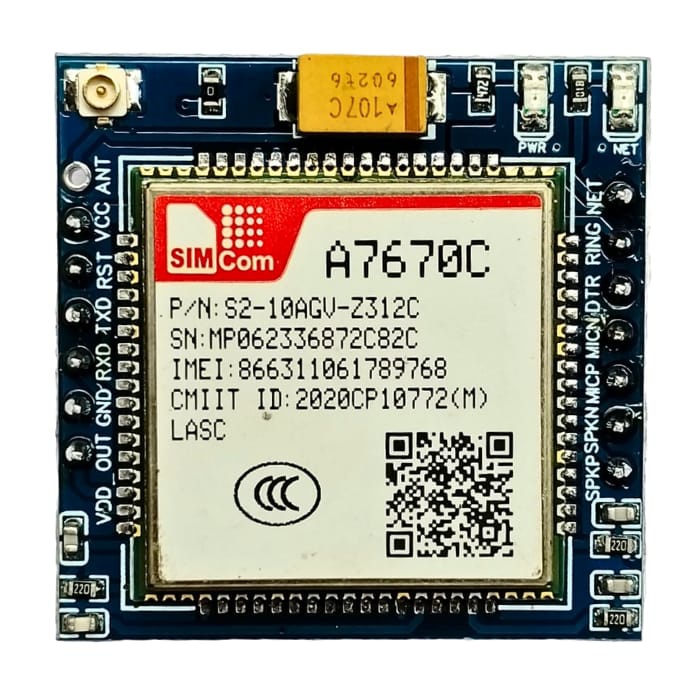
 Design with A7670C in Cirkit Designer
Introduction
The A7670C is a high-performance, low-power integrated circuit (IC) designed for a wide range of applications, including signal processing and data conversion. This versatile component is engineered to deliver advanced functionality with a strong emphasis on efficiency and reliability. Its robust design makes it suitable for use in both consumer electronics and industrial systems.
Explore Projects Built with A7670C
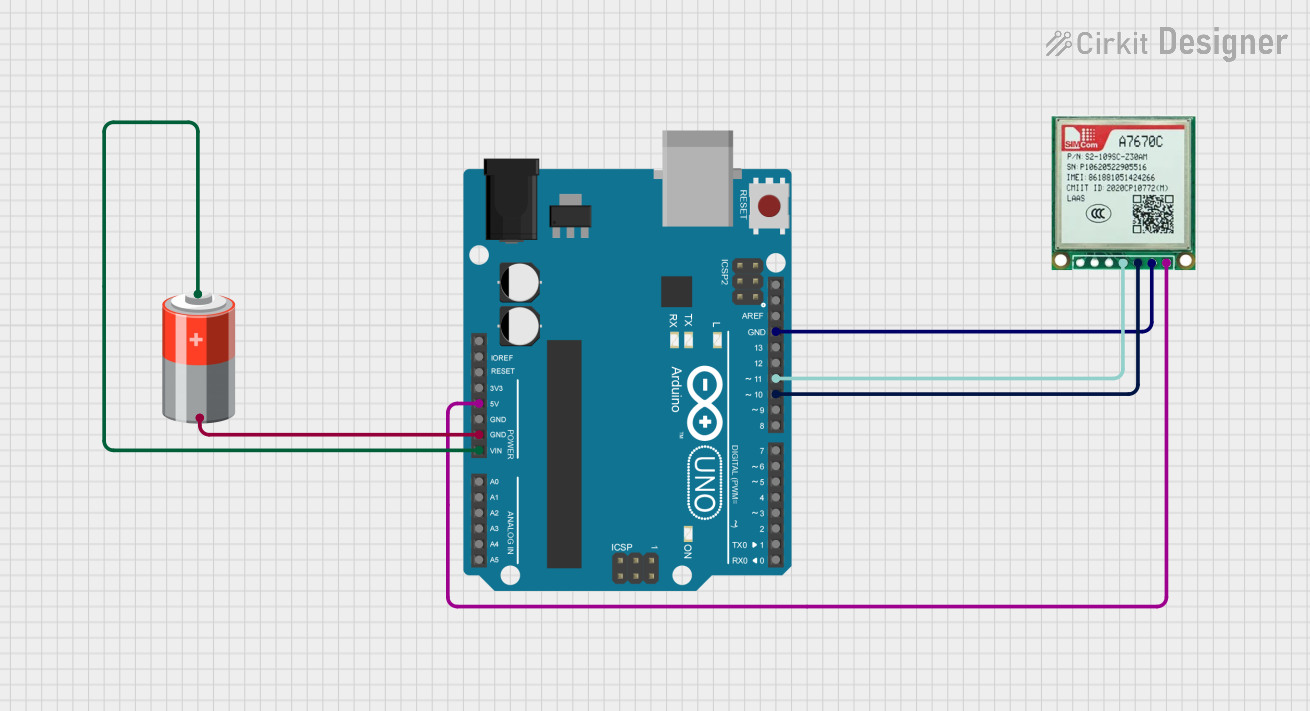 Open Project in Cirkit Designer
 Open Project in Cirkit Designer
 Open Project in Cirkit Designer
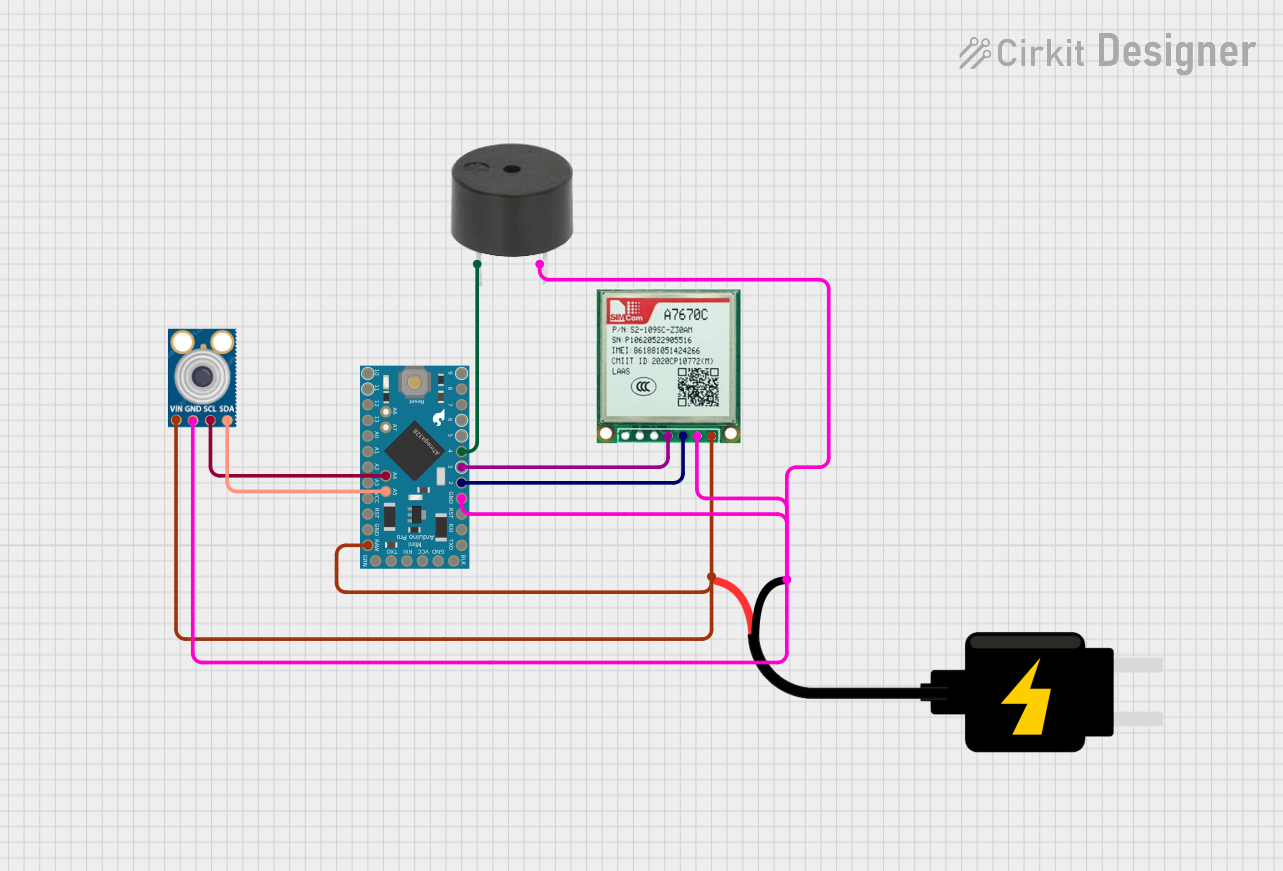 Open Project in Cirkit Designer
Explore Projects Built with A7670C
Open Project in Cirkit DesignerOpen Project in Cirkit DesignerOpen Project in Cirkit DesignerOpen Project in Cirkit DesignerCommon Applications and Use Cases
- Signal processing in audio and video systems
- Data acquisition and conversion in industrial automation
- Embedded systems requiring efficient data handling
- Consumer electronics such as smart devices and IoT applications
- Medical devices for precise signal measurement and processing
Technical Specifications
Key Technical Details
| Parameter | Value |
|---|---|
| Supply Voltage (Vcc) | 2.7V to 5.5V |
| Operating Current | 1.2 mA (typical) |
| Power Consumption | Low-power design |
| Input Signal Range | 0V to Vcc |
| Output Signal Range | 0V to Vcc |
| Operating Temperature | -40°C to +85°C |
| Package Type | 16-pin TSSOP |
Pin Configuration and Descriptions
| Pin Number | Pin Name | Description |
|---|---|---|
| 1 | VCC | Power supply input (2.7V to 5.5V) |
| 2 | GND | Ground connection |
| 3 | IN+ | Non-inverting input for signal processing |
| 4 | IN- | Inverting input for signal processing |
| 5 | OUT | Output signal |
| 6 | REF | Reference voltage input |
| 7 | CLK | Clock input for synchronization |
| 8 | ENABLE | Enable/disable control pin |
| 9-16 | NC | No connection (reserved for future use) |
Usage Instructions
How to Use the A7670C in a Circuit
- Power Supply: Connect the VCC pin to a stable power source within the range of 2.7V to 5.5V. Connect the GND pin to the ground of the circuit.
- Signal Input: Feed the input signal to the IN+ and IN- pins. Ensure the input signal range does not exceed the supply voltage (0V to Vcc).
- Reference Voltage: Provide a stable reference voltage to the REF pin for accurate signal processing.
- Output Signal: The processed signal will be available at the OUT pin. Connect this pin to the desired load or measurement device.
- Clock Signal: If required, provide a clock signal to the CLK pin for synchronization.
- Enable Functionality: Use the ENABLE pin to turn the IC on or off. Pull the pin high to enable the IC and low to disable it.
Important Considerations and Best Practices
- Use decoupling capacitors (e.g., 0.1 µF) near the VCC pin to filter out noise and ensure stable operation.
- Avoid exceeding the maximum voltage ratings to prevent damage to the IC.
- Keep input and output traces as short as possible to minimize noise and signal degradation.
- If unused, leave the NC pins unconnected.
- For applications requiring precise signal processing, ensure the reference voltage is stable and noise-free.
Example: Connecting the A7670C to an Arduino UNO
The A7670C can be interfaced with an Arduino UNO for signal processing applications. Below is an example code snippet to read the output signal from the A7670C:
// Example: Reading the output signal from the A7670C using Arduino UNO
const int outputPin = A0; // Connect the OUT pin of A7670C to Arduino A0

void setup() {
  Serial.begin(9600); // Initialize serial communication at 9600 baud
  pinMode(outputPin, INPUT); // Set the output pin as input
}

void loop() {
  int signalValue = analogRead(outputPin); // Read the analog signal from A7670C
  float voltage = (signalValue / 1023.0) * 5.0; // Convert to voltage (assuming 5V Vcc)

  // Print the signal value and voltage to the Serial Monitor
  Serial.print("Signal Value: ");
  Serial.print(signalValue);
  Serial.print(" | Voltage: ");
  Serial.println(voltage);

  delay(500); // Wait for 500ms before the next reading
}
Troubleshooting and FAQs
Common Issues and Solutions
No Output Signal:
- Ensure the ENABLE pin is pulled high to activate the IC.
- Verify that the input signal is within the specified range (0V to Vcc).
- Check the power supply connections and ensure VCC and GND are properly connected.
Output Signal is Noisy:
- Use decoupling capacitors near the VCC pin to reduce power supply noise.
- Minimize the length of input and output signal traces to reduce interference.
- Ensure the reference voltage is stable and free from noise.
IC Overheating:
- Verify that the supply voltage does not exceed the maximum rating (5.5V).
- Check for short circuits or incorrect connections in the circuit.
Incorrect Output Signal:
- Confirm that the reference voltage is set correctly.
- Ensure the input signal is properly connected to the IN+ and IN- pins.
FAQs
Q1: Can the A7670C operate at 3.3V?
A1: Yes, the A7670C can operate with a supply voltage as low as 2.7V, making it compatible with 3.3V systems.
Q2: What is the maximum input signal range?
A2: The input signal range is 0V to Vcc. Ensure the input does not exceed the supply voltage.
Q3: Can I leave the NC pins unconnected?
A3: Yes, the NC (No Connection) pins are not internally connected and can be left unconnected.
Q4: Is the A7670C suitable for battery-powered devices?
A4: Yes, the low-power design of the A7670C makes it ideal for battery-powered applications.