
How to Use 9V Battery: Examples, Pinouts, and Specs
 Design with 9V Battery in Cirkit Designer
Introduction
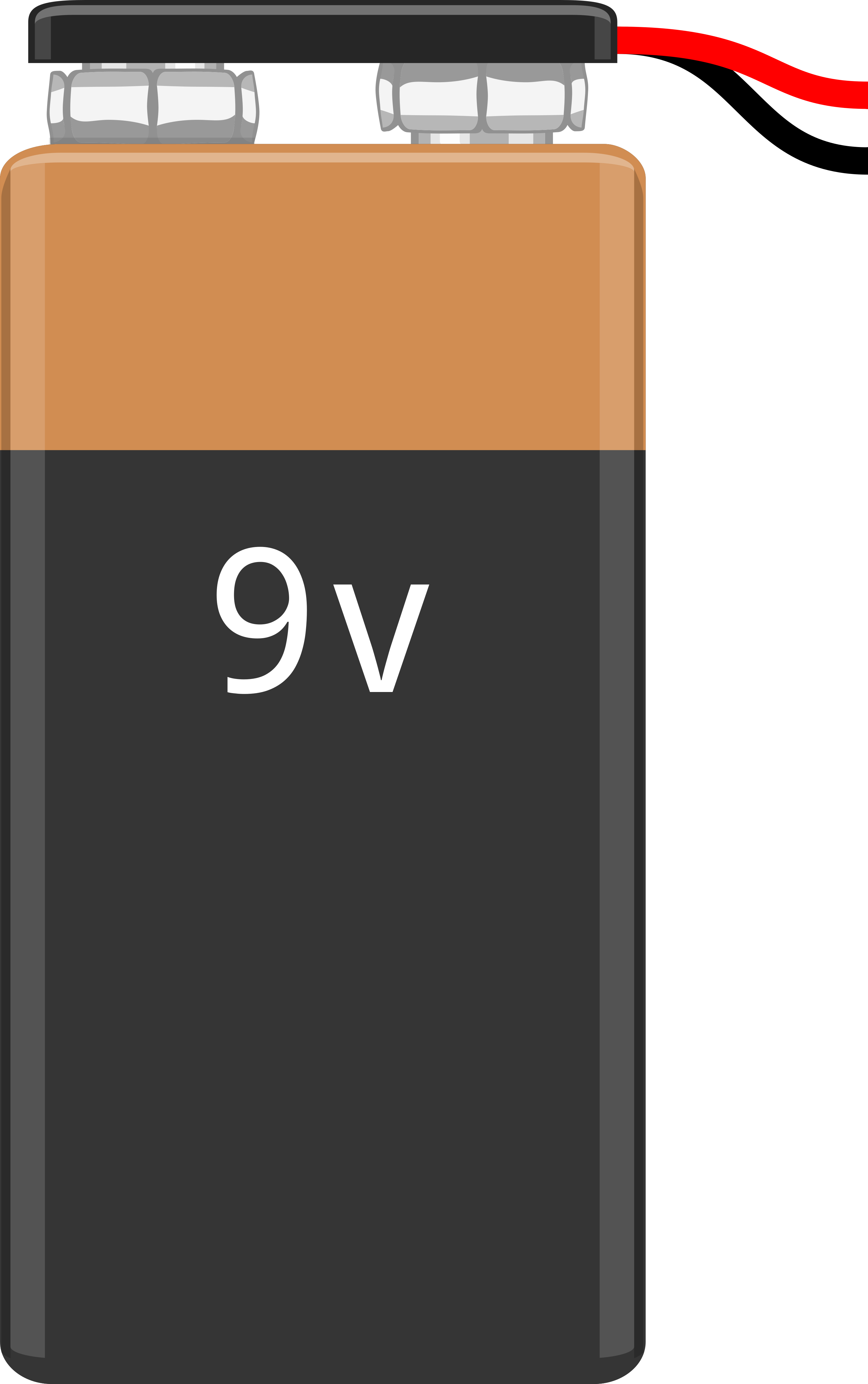
The 9V battery is a compact power source that provides a nominal voltage of 9 volts. It is widely used in portable electronic devices, small appliances, and DIY electronics projects. Known for its rectangular shape and snap connector terminals, the 9V battery is a reliable and versatile power supply for low-power applications.
Explore Projects Built with 9V Battery
 Open Project in Cirkit Designer
 Open Project in Cirkit Designer
 Open Project in Cirkit Designer
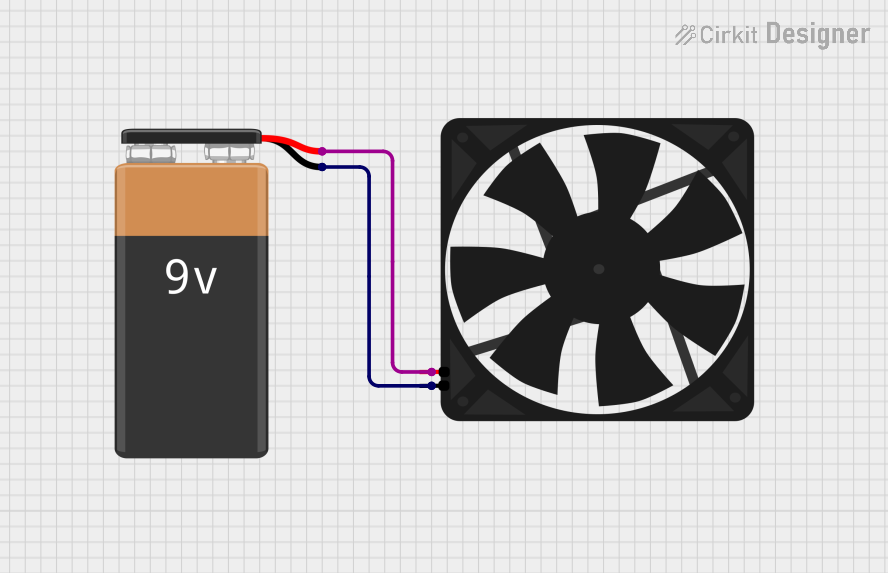 Open Project in Cirkit Designer
Explore Projects Built with 9V Battery
Open Project in Cirkit DesignerOpen Project in Cirkit DesignerOpen Project in Cirkit DesignerOpen Project in Cirkit DesignerCommon Applications and Use Cases
- Powering small electronic devices such as smoke detectors, remote controls, and toys.
- Supplying power to breadboard circuits and prototyping projects.
- Used in Arduino-based projects and other microcontroller applications.
- Backup power for small systems like clocks or memory modules.
Technical Specifications
The following table outlines the key technical details of a standard 9V battery:
| Parameter | Specification |
|---|---|
| Nominal Voltage | 9V |
| Chemistry Types | Alkaline, Lithium, Zinc-Carbon |
| Capacity (Alkaline) | ~500-600 mAh |
| Capacity (Lithium) | ~1200 mAh |
| Dimensions | 48.5 mm x 26.5 mm x 17.5 mm |
| Weight (Alkaline) | ~45 g |
| Operating Temperature | -20°C to 55°C |
| Terminal Type | Snap Connector (Positive and Negative) |
Snap Connector Pin Configuration
The 9V battery features two snap connectors for easy connection to circuits. The pin configuration is as follows:
| Terminal | Description |
|---|---|
| Positive (+) | Supplies the positive voltage (9V nominal). |
| Negative (-) | Ground or return path for the circuit. |
Usage Instructions
How to Use the 9V Battery in a Circuit
- Connect the Snap Connector: Use a 9V battery clip with matching snap connectors to securely attach the battery to your circuit.
- Polarity Check: Ensure the positive terminal of the battery is connected to the positive rail of your circuit, and the negative terminal is connected to the ground.
- Voltage Regulation: If your circuit requires a lower voltage, use a voltage regulator (e.g., LM7805 for 5V) to step down the voltage safely.
- Powering Microcontrollers: When using a 9V battery with an Arduino UNO, connect the battery to the Arduino's DC barrel jack or VIN pin (via a voltage regulator if necessary).
Important Considerations and Best Practices
- Avoid Overloading: Do not connect the battery to circuits that draw excessive current, as this can cause overheating or reduce battery life.
- Monitor Battery Life: Replace or recharge the battery when the voltage drops below 7V to ensure stable operation of your circuit.
- Proper Disposal: Dispose of used batteries responsibly to prevent environmental harm.
- Storage: Store batteries in a cool, dry place to prevent leakage or degradation.
Example: Using a 9V Battery with Arduino UNO
Below is an example of connecting a 9V battery to an Arduino UNO to power an LED:
// Example: Powering an LED with Arduino UNO and a 9V battery

// Define the LED pin
const int ledPin = 13;

void setup() {
  pinMode(ledPin, OUTPUT); // Set the LED pin as an output
}

void loop() {
  digitalWrite(ledPin, HIGH); // Turn the LED on
  delay(1000);                // Wait for 1 second
  digitalWrite(ledPin, LOW);  // Turn the LED off
  delay(1000);                // Wait for 1 second
}

// Note: Connect the 9V battery to the Arduino's DC barrel jack or VIN pin.
// Ensure the battery's positive terminal is connected to VIN and the negative
// terminal is connected to GND. Use a voltage regulator if needed.
Troubleshooting and FAQs
Common Issues and Solutions
Battery Drains Quickly:
- Cause: High current draw from the circuit.
- Solution: Check the circuit's power requirements and ensure they are within the battery's capacity. Use a more efficient power source if necessary.
Device Does Not Power On:
- Cause: Incorrect polarity or loose connections.
- Solution: Verify that the positive and negative terminals are connected correctly and securely.
Battery Overheats:
- Cause: Short circuit or excessive current draw.
- Solution: Inspect the circuit for shorts and ensure the load does not exceed the battery's maximum current rating.
Voltage Drops Below 9V:
- Cause: Battery nearing the end of its life.
- Solution: Replace the battery with a new one or use a rechargeable 9V battery.
FAQs
Q: Can I recharge a standard 9V alkaline battery?
A: No, standard alkaline batteries are not rechargeable. Use a rechargeable 9V battery (e.g., NiMH or Li-ion) if recharging is required.
Q: How long does a 9V battery last?
A: Battery life depends on the load. For example, a 9V alkaline battery powering a 10mA circuit may last approximately 50 hours.
Q: Can I use a 9V battery to power a motor?
A: Yes, but only for small motors with low current requirements. For larger motors, consider using a higher-capacity power source.
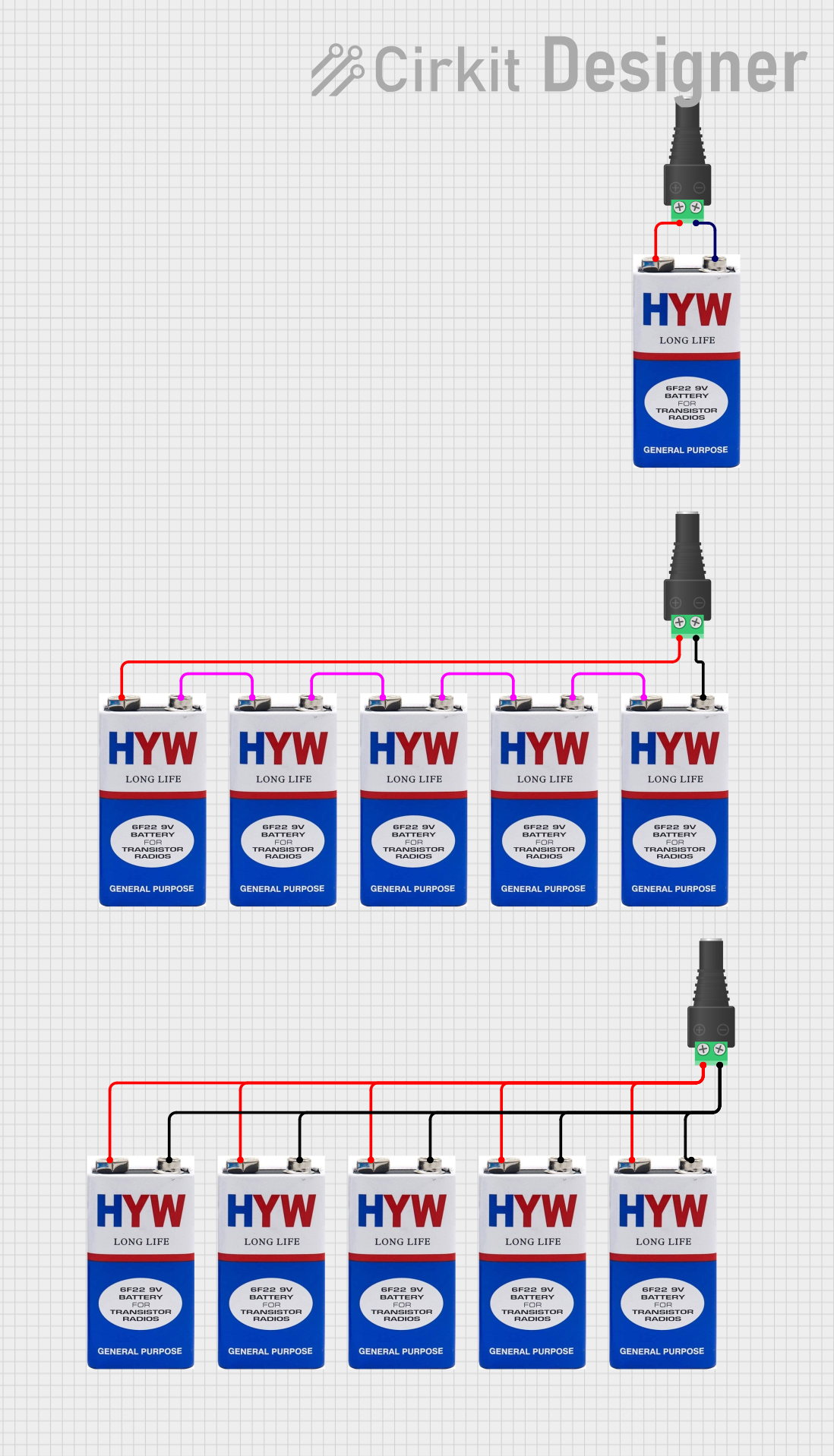
Q: Is it safe to connect multiple 9V batteries in series or parallel?
A: Yes, but ensure proper handling. Connecting in series increases voltage, while connecting in parallel increases capacity. Use caution to avoid short circuits or mismatched batteries.