
How to Use Keyestudio Reed Switch Sensor Magnetron Module for Arduino: Examples, Pinouts, and Specs
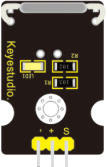
 Design with Keyestudio Reed Switch Sensor Magnetron Module for Arduino in Cirkit Designer
Introduction
The Keyestudio Reed Switch Sensor Magnetron Module (Part ID: KS0038) is a versatile sensor module designed to detect the presence of a magnetic field. It utilizes a reed switch, which is a mechanical switch that closes its contacts when exposed to a magnetic field. This module is widely used in Arduino projects for applications such as door/window sensors, security systems, and proximity detection.
The module is compact, easy to use, and highly reliable, making it an excellent choice for both beginners and experienced electronics enthusiasts.
Explore Projects Built with Keyestudio Reed Switch Sensor Magnetron Module for Arduino
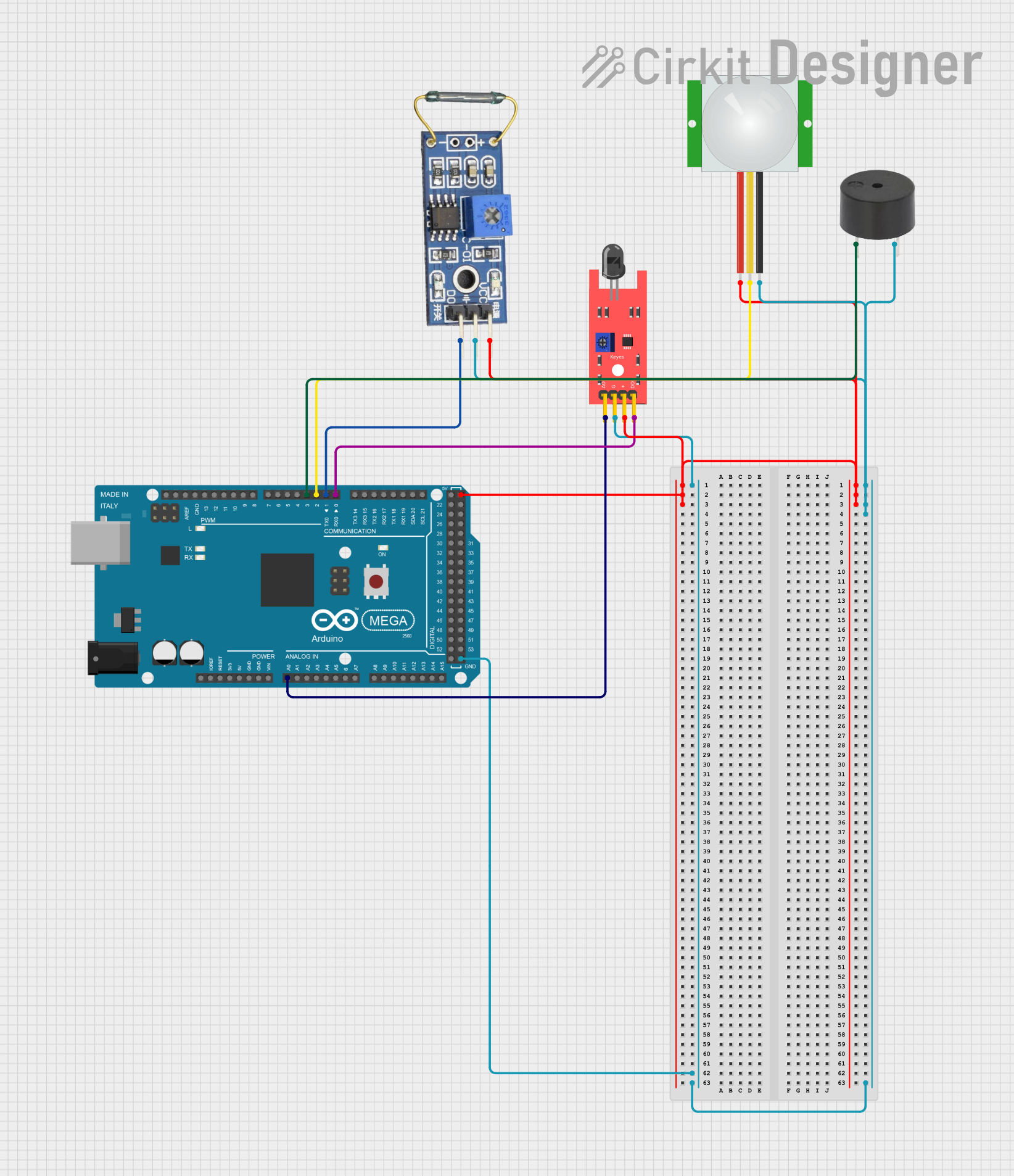 Open Project in Cirkit Designer
 Open Project in Cirkit Designer
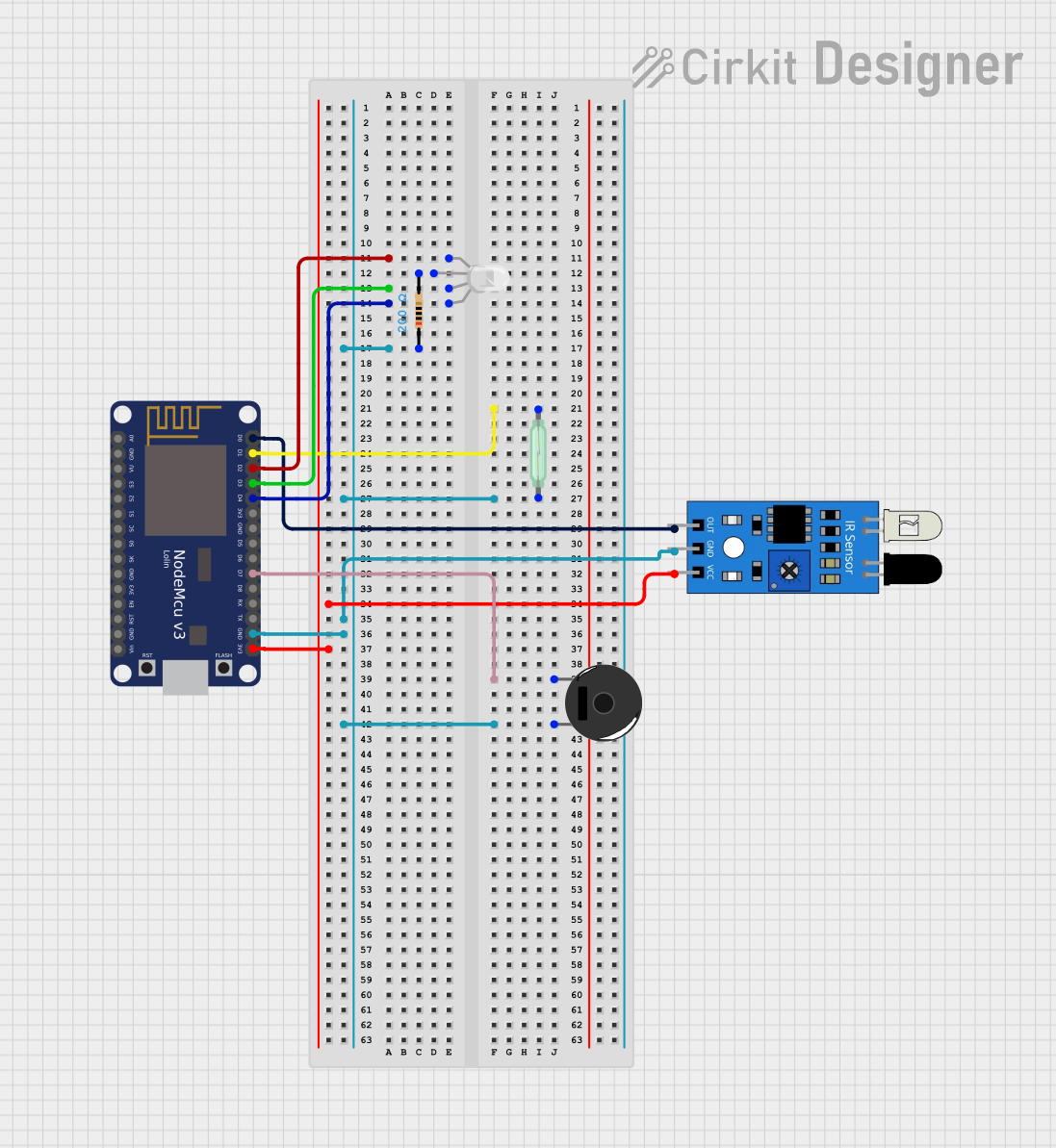 Open Project in Cirkit Designer
 Open Project in Cirkit Designer
Explore Projects Built with Keyestudio Reed Switch Sensor Magnetron Module for Arduino
Open Project in Cirkit DesignerOpen Project in Cirkit DesignerOpen Project in Cirkit DesignerOpen Project in Cirkit DesignerTechnical Specifications
Below are the key technical details of the Keyestudio Reed Switch Sensor Magnetron Module:
- Operating Voltage: 3.3V to 5V
- Output Type: Digital (High/Low)
- Switch Type: Normally Open (NO) Reed Switch
- Dimensions: 30mm x 14mm x 7mm
- Mounting Hole Diameter: 3mm
- Indicator LED: Onboard LED to indicate output state
- Interface: 3-pin header (Signal, VCC, GND)
Pin Configuration and Descriptions
The module has a 3-pin interface, as described in the table below:
| Pin Name | Description | Connection Details |
|---|---|---|
| Signal | Digital output signal (High/Low) | Connect to Arduino digital pin |
| VCC | Power supply (3.3V to 5V) | Connect to Arduino 3.3V or 5V pin |
| GND | Ground | Connect to Arduino GND pin |
Usage Instructions
How to Use the Component in a Circuit
Wiring the Module:
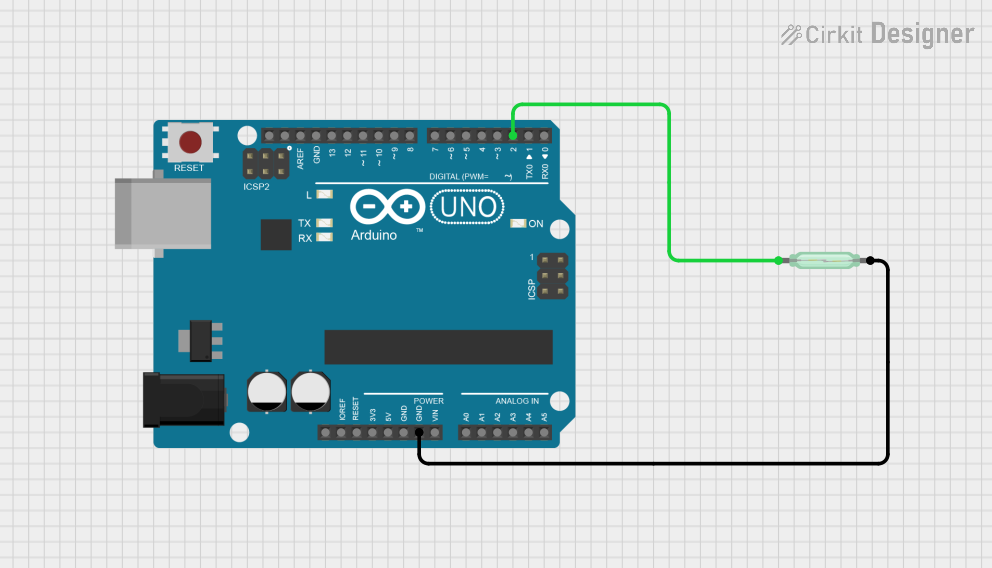
- Connect the Signal pin of the module to a digital input pin on the Arduino (e.g., D2).
- Connect the VCC pin to the 5V or 3.3V pin on the Arduino.
- Connect the GND pin to the GND pin on the Arduino.
Operation:
- When a magnetic field is brought near the reed switch, the switch closes, and the module outputs a LOW signal (0V).
- When the magnetic field is removed, the switch opens, and the module outputs a HIGH signal (5V or 3.3V, depending on the supply voltage).
Onboard LED:
- The onboard LED lights up when the reed switch is activated (i.e., when the output is LOW).
Example Arduino Code
Below is an example Arduino sketch to demonstrate how to use the Keyestudio Reed Switch Sensor Magnetron Module:
// Define the pin connected to the reed switch module
const int reedSwitchPin = 2; // Digital pin 2
const int ledPin = 13;       // Built-in LED pin on Arduino

void setup() {
  pinMode(reedSwitchPin, INPUT); // Set reed switch pin as input
  pinMode(ledPin, OUTPUT);       // Set LED pin as output
  Serial.begin(9600);            // Initialize serial communication
}

void loop() {
  int sensorState = digitalRead(reedSwitchPin); // Read the sensor state

  if (sensorState == LOW) {
    // Magnetic field detected
    digitalWrite(ledPin, HIGH); // Turn on the LED
    Serial.println("Magnetic field detected!");
  } else {
    // No magnetic field detected
    digitalWrite(ledPin, LOW);  // Turn off the LED
    Serial.println("No magnetic field detected.");
  }

  delay(500); // Wait for 500ms before the next reading
}
Important Considerations and Best Practices
- Debouncing: The reed switch may produce noise or false triggers due to mechanical bouncing. Use software debouncing techniques if necessary.
- Magnet Placement: Ensure the magnet is placed close enough to activate the reed switch but not so close that it causes constant activation.
- Voltage Compatibility: Ensure the module's operating voltage matches your microcontroller's logic level (3.3V or 5V).
Troubleshooting and FAQs
Common Issues and Solutions
The module does not detect the magnet:
- Ensure the magnet is strong enough to activate the reed switch.
- Verify the wiring connections, especially the Signal, VCC, and GND pins.
- Check the operating voltage and ensure it matches the module's requirements.
The onboard LED does not light up:
- Confirm that the module is receiving power (check the VCC and GND connections).
- Test the module with a multimeter to verify the output signal.
False triggers or unstable readings:
- Use a pull-up resistor on the Signal pin if the output is unstable.
- Implement software debouncing in your Arduino code to filter out noise.
FAQs
Q: Can I use this module with a Raspberry Pi?
A: Yes, the module can be used with a Raspberry Pi. Connect the Signal pin to a GPIO pin, and ensure the module is powered with 3.3V to avoid damaging the Pi's GPIO pins.
Q: What type of magnet should I use?
A: Any small neodymium or ferrite magnet should work. Ensure the magnet's strength is sufficient to activate the reed switch.
Q: Is the module polarity-sensitive?
A: No, the reed switch is not polarity-sensitive. However, ensure proper wiring of the VCC and GND pins to avoid damage to the module.
Q: Can I use multiple modules in a single project?
A: Yes, you can use multiple modules by connecting their Signal pins to different digital input pins on your microcontroller.
This concludes the documentation for the Keyestudio Reed Switch Sensor Magnetron Module (KS0038).