
How to Use switch_off: Examples, Pinouts, and Specs

 Design with switch_off in Cirkit Designer
Introduction
A switch (off) is a fundamental electronic component used to interrupt the flow of current in a circuit. When activated, it effectively disconnects the circuit, turning off the connected device or system. Switches are widely used in various applications, from simple household appliances to complex industrial systems, to control the operation of electrical devices.
Explore Projects Built with switch_off
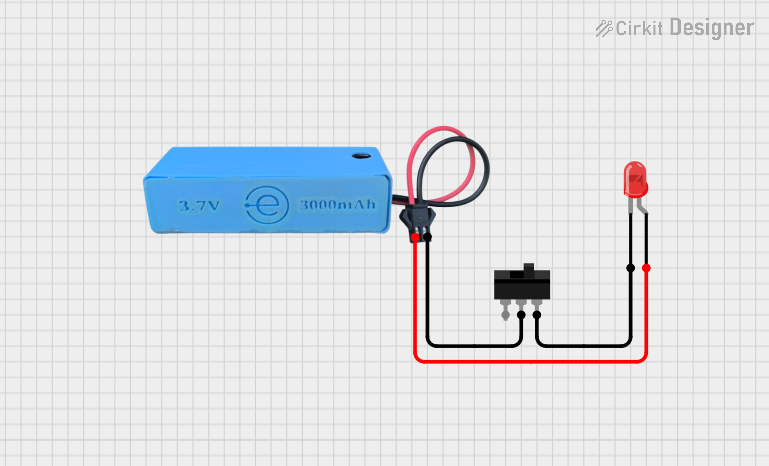 Open Project in Cirkit Designer
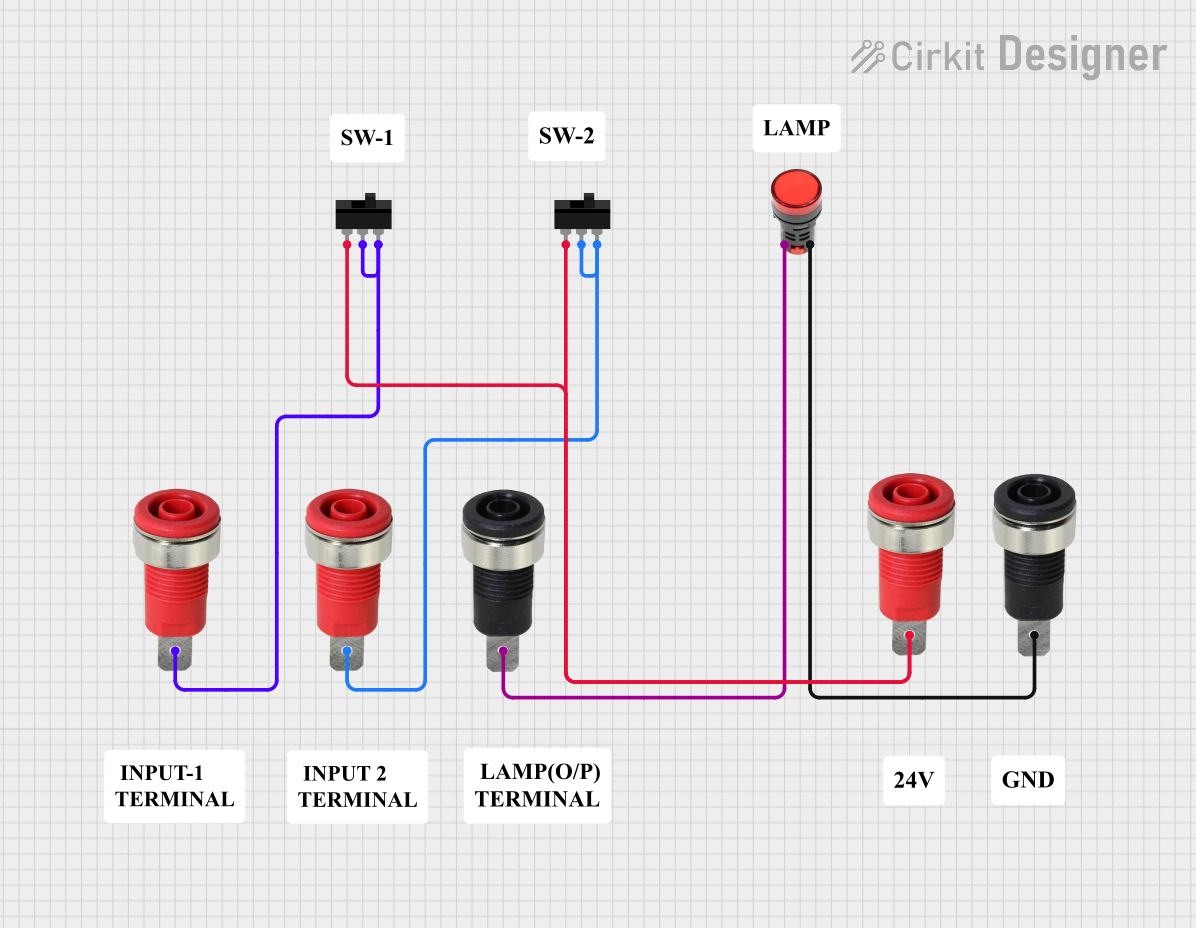 Open Project in Cirkit Designer
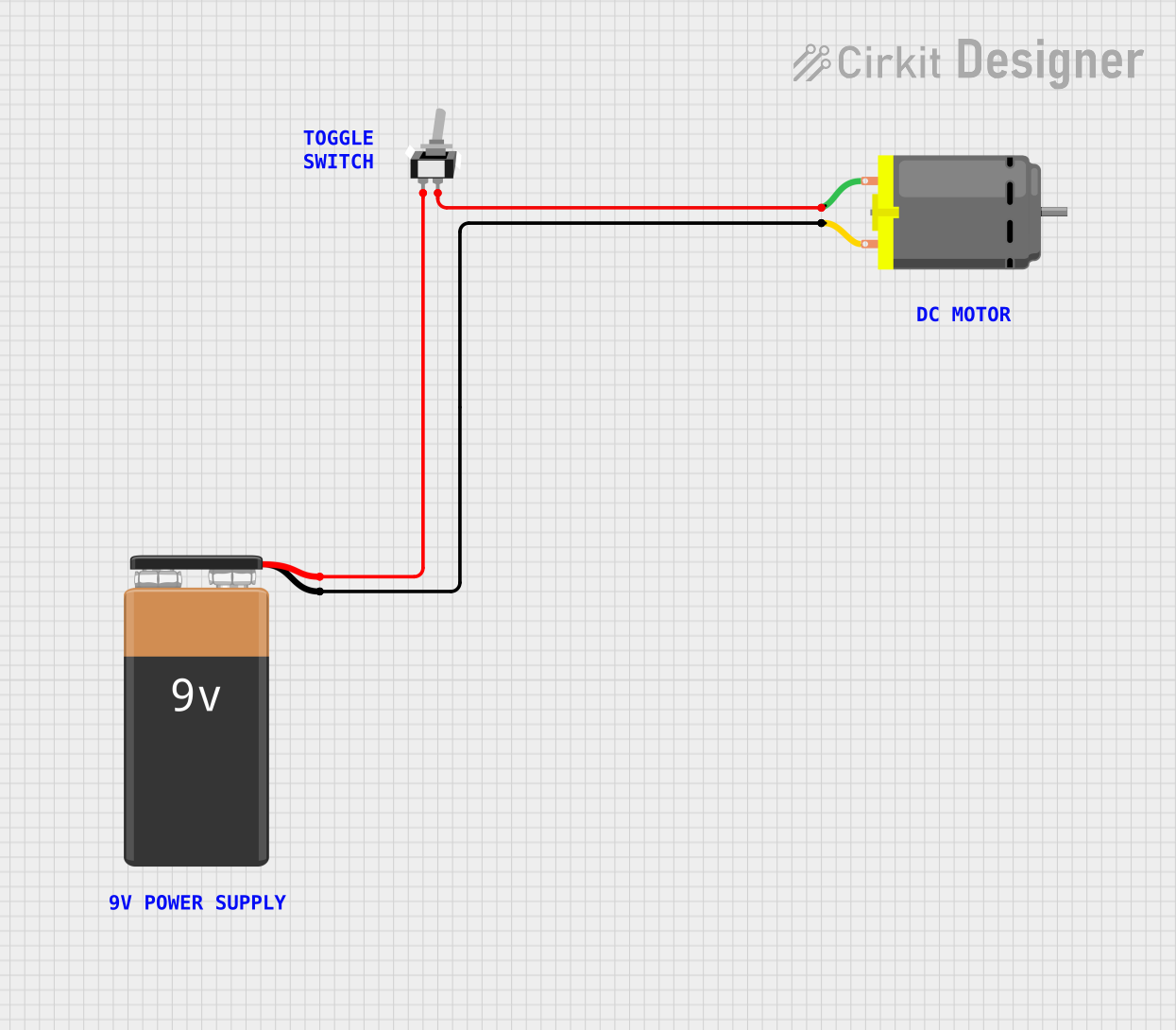 Open Project in Cirkit Designer
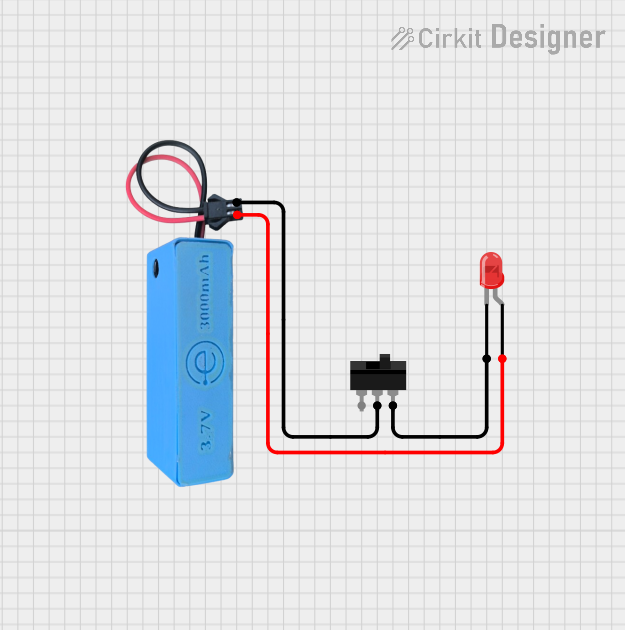 Open Project in Cirkit Designer
Explore Projects Built with switch_off
Open Project in Cirkit DesignerOpen Project in Cirkit DesignerOpen Project in Cirkit DesignerOpen Project in Cirkit DesignerCommon Applications and Use Cases
- Power control for electronic devices and appliances
- Circuit isolation for safety and maintenance
- User input in control panels and interfaces
- Emergency stop mechanisms in industrial equipment
- On/off control in battery-powered devices
Technical Specifications
Below are the general technical specifications for a standard switch (off). Note that specific values may vary depending on the type and model of the switch.
| Parameter | Specification |
|---|---|
| Voltage Rating | Typically 3V to 250V (AC or DC) |
| Current Rating | Typically 0.5A to 15A |
| Contact Resistance | ≤ 50 mΩ |
| Insulation Resistance | ≥ 100 MΩ |
| Operating Temperature | -20°C to 85°C |
| Mechanical Durability | 10,000 to 1,000,000 cycles |
Pin Configuration and Descriptions
The pin configuration of a switch depends on its type (e.g., SPST, SPDT, DPDT). Below is an example for a Single Pole Single Throw (SPST) switch:
| Pin | Description |
|---|---|
| Pin 1 | Input terminal for the current |
| Pin 2 | Output terminal for the current when the switch is closed |
For a Double Pole Double Throw (DPDT) switch, the configuration would include additional pins for multiple circuits.
Usage Instructions
How to Use the Switch in a Circuit
- Identify the Terminals: Determine the input and output terminals of the switch. For SPST switches, there are typically two terminals.
- Connect the Switch:
- Connect one terminal to the power source or signal line.
- Connect the other terminal to the load or circuit you wish to control.
- Test the Circuit: Toggle the switch to ensure it properly interrupts or allows current flow.
Important Considerations and Best Practices
- Voltage and Current Ratings: Always ensure the switch's voltage and current ratings match or exceed the requirements of your circuit.
- Debouncing: Mechanical switches may produce noise or "bouncing" when toggled. Use a capacitor or software debouncing techniques in microcontroller circuits.
- Safety: For high-voltage or high-current applications, use switches with appropriate insulation and safety certifications.
- Mounting: Secure the switch properly to avoid accidental toggling or damage.
Example: Connecting a Switch to an Arduino UNO
Below is an example of how to use a switch with an Arduino UNO to control an LED:
// Define pin numbers
const int switchPin = 2; // Pin connected to the switch
const int ledPin = 13;   // Pin connected to the LED

void setup() {
  pinMode(switchPin, INPUT_PULLUP); // Set switch pin as input with pull-up resistor
  pinMode(ledPin, OUTPUT);          // Set LED pin as output
}

void loop() {
  int switchState = digitalRead(switchPin); // Read the state of the switch

  if (switchState == LOW) {
    // If the switch is pressed (LOW due to pull-up), turn on the LED
    digitalWrite(ledPin, HIGH);
  } else {
    // If the switch is not pressed, turn off the LED
    digitalWrite(ledPin, LOW);
  }
}
Note: The INPUT_PULLUP mode is used to avoid the need for an external pull-up resistor. When the switch is open, the pin reads HIGH; when the switch is closed, it reads LOW.
Troubleshooting and FAQs
Common Issues Users Might Face
Switch Not Interrupting Current:
- Cause: Incorrect wiring or damaged switch.
- Solution: Verify the connections and test the switch with a multimeter.
Switch Produces Noise or Unstable Output:
- Cause: Mechanical bouncing of the switch contacts.
- Solution: Use a capacitor for hardware debouncing or implement software debouncing in your code.
Switch Overheats:
- Cause: Exceeding the voltage or current rating of the switch.
- Solution: Replace the switch with one that has a higher rating.
Switch Fails to Toggle:
- Cause: Mechanical failure or debris inside the switch.
- Solution: Clean or replace the switch.
FAQs
Q: Can I use a switch to control AC devices?
A: Yes, but ensure the switch is rated for the voltage and current of the AC device. Use switches specifically designed for AC applications.
Q: What is the difference between SPST and SPDT switches?
A: SPST (Single Pole Single Throw) switches control a single circuit with two terminals. SPDT (Single Pole Double Throw) switches have three terminals and can toggle between two circuits.
Q: How do I debounce a switch in software?
A: Implement a delay or use a state-change detection algorithm in your microcontroller code to filter out noise caused by mechanical bouncing.
By following this documentation, you can effectively use a switch (off) in your electronic projects while avoiding common pitfalls.