
How to Use ac power connector: Examples, Pinouts, and Specs
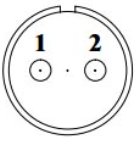
 Design with ac power connector in Cirkit Designer
Introduction
An AC power connector is a device used to connect electrical equipment to an alternating current (AC) power supply, enabling the transfer of electrical energy. These connectors are essential components in a wide range of applications, from household appliances to industrial machinery. They ensure a safe and reliable connection between the power source and the equipment, often incorporating features to prevent accidental disconnection or electrical hazards.
Explore Projects Built with ac power connector
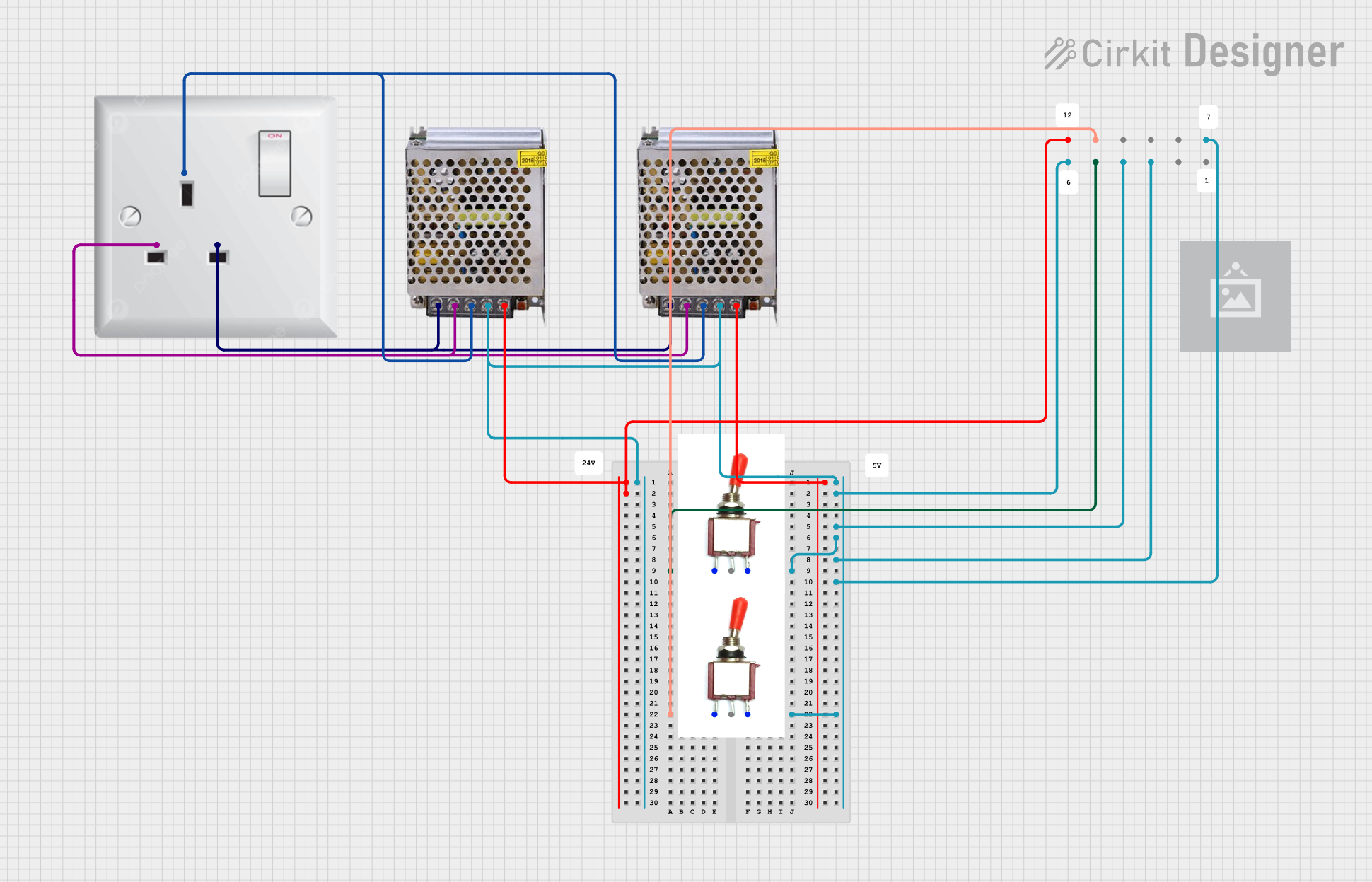 Open Project in Cirkit Designer
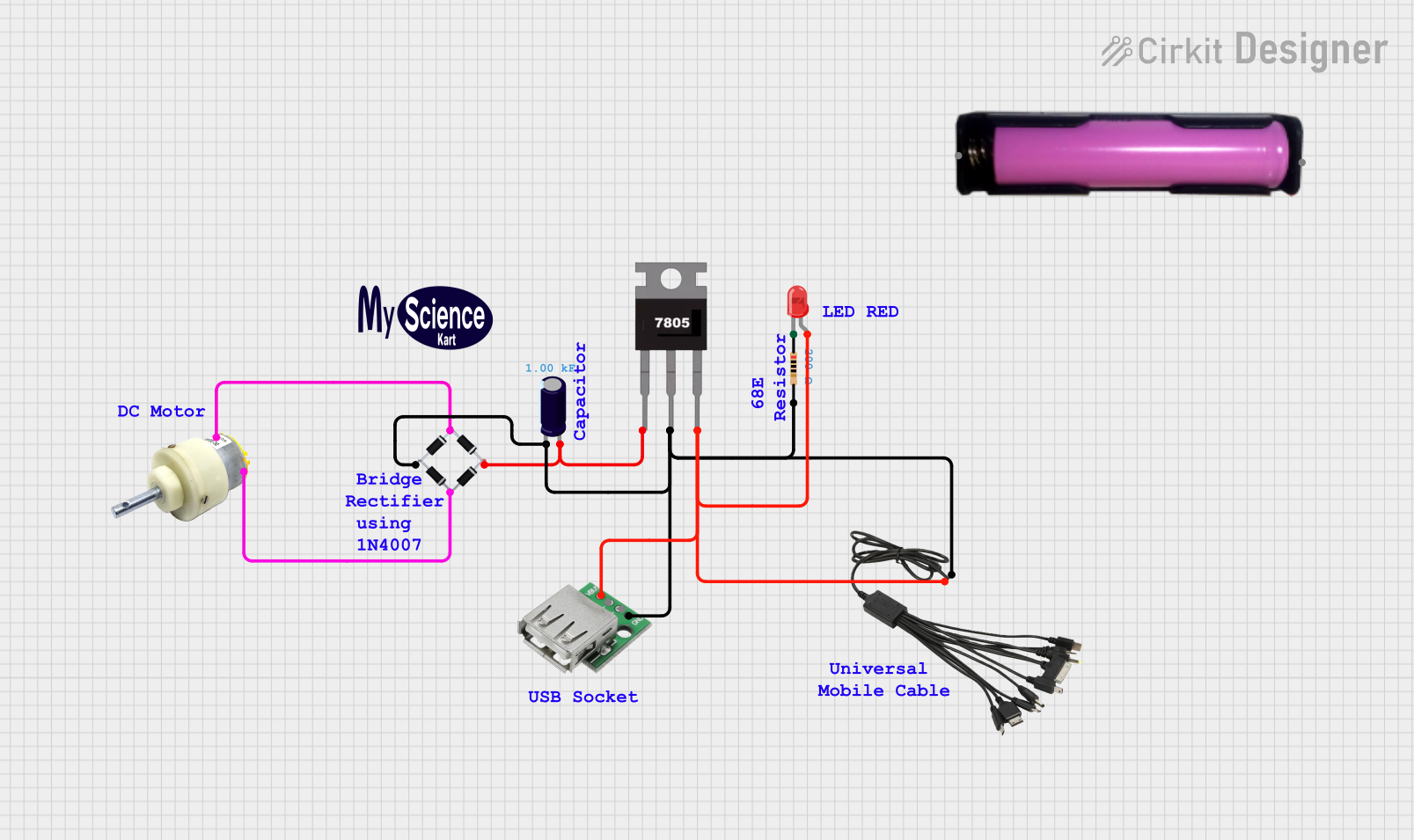 Open Project in Cirkit Designer
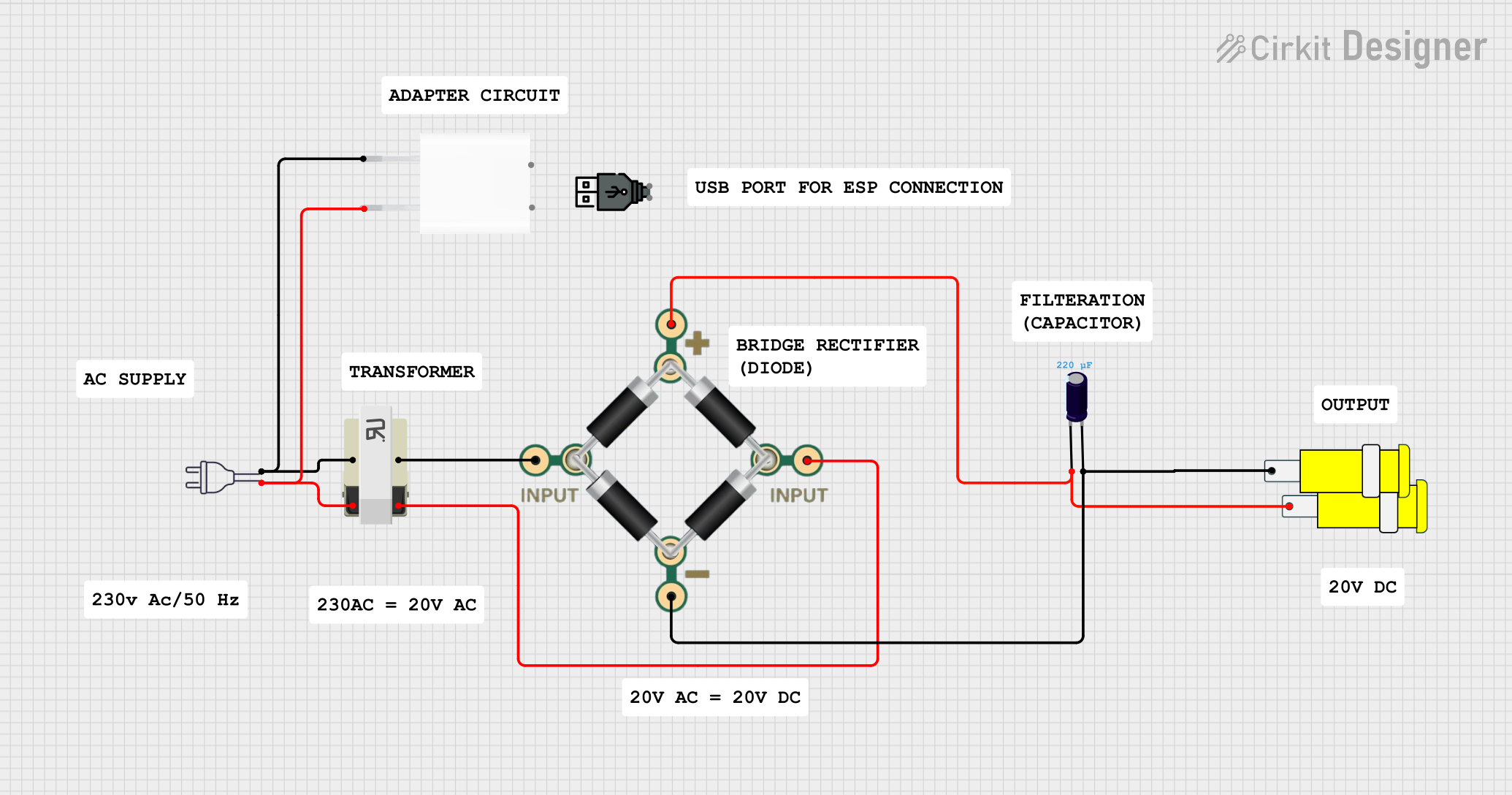 Open Project in Cirkit Designer
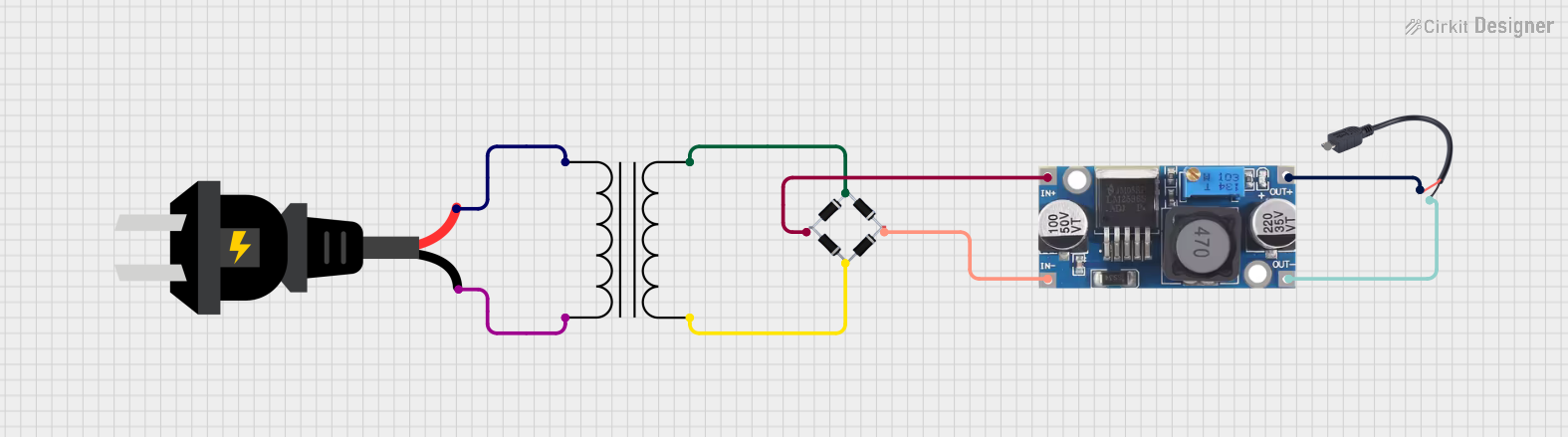 Open Project in Cirkit Designer
Explore Projects Built with ac power connector
Open Project in Cirkit DesignerOpen Project in Cirkit DesignerOpen Project in Cirkit DesignerOpen Project in Cirkit DesignerCommon Applications and Use Cases
- Powering household appliances such as refrigerators, televisions, and washing machines.
- Connecting industrial equipment to high-power AC supplies.
- Providing power to computers, monitors, and other office equipment.
- Use in audio-visual systems, medical devices, and laboratory instruments.
- Temporary power connections in construction sites or outdoor events.
Technical Specifications
Key Technical Details
- Voltage Rating: Typically 110V to 250V AC, depending on the region and application.
- Current Rating: Commonly ranges from 6A to 16A, with higher ratings available for industrial use.
- Frequency: 50Hz or 60Hz, depending on the power grid standard.
- Connector Type: Varies by region (e.g., Type A, B, C, G, etc., as defined by IEC standards).
- Insulation Material: High-grade plastic or rubber for safety and durability.
- Contact Material: Brass or copper for efficient conductivity.
- Temperature Range: Typically -20°C to 70°C for standard connectors.
Pin Configuration and Descriptions
The pin configuration of an AC power connector depends on the type and standard. Below is an example of a common Type B connector (used in North America):
| Pin Name | Description | Notes |
|---|---|---|
| Hot (Live) | Carries the live AC voltage | Typically connected to the black wire. |
| Neutral | Returns current to the power source | Typically connected to the white wire. |
| Ground | Provides a safety path to ground | Typically connected to the green wire. |
For other connector types, refer to the specific regional or application standards.
Usage Instructions
How to Use the Component in a Circuit
- Select the Appropriate Connector: Choose a connector that matches the voltage, current, and plug type of your application.
- Wire the Connector:
- Strip the insulation from the wires of your power cable.
- Connect the hot (live) wire to the corresponding pin on the connector.
- Connect the neutral wire to the neutral pin.
- Connect the ground wire to the ground pin (if applicable).
- Ensure all connections are secure and insulated.
- Test the Connection:
- Use a multimeter to verify continuity and proper wiring.
- Check for any loose connections or exposed wires.
- Plug into the Power Source:
- Insert the connector into the appropriate AC outlet.
- Ensure the connection is firm and stable.
Important Considerations and Best Practices
- Always ensure the connector is rated for the voltage and current of your application.
- Use connectors with proper insulation and grounding to prevent electrical hazards.
- Avoid overloading the connector beyond its rated capacity.
- Regularly inspect the connector for wear, damage, or loose connections.
- When working with AC power, always follow local electrical codes and safety standards.
Example: Connecting an AC Power Connector to an Arduino UNO
While the Arduino UNO operates on DC power, you can use an AC power connector with a power adapter to supply the required DC voltage. Below is an example of how to use an AC power connector with a 12V DC adapter:
// Example Arduino code to blink an LED
// Ensure the Arduino is powered via a DC adapter connected to an AC power source.

/*
  This code blinks an LED connected to pin 13 of the Arduino UNO.
  The Arduino is powered using a 12V DC adapter connected to an AC power source.
*/

void setup() {
  pinMode(13, OUTPUT); // Set pin 13 as an output pin
}

void loop() {
  digitalWrite(13, HIGH); // Turn the LED on
  delay(1000);            // Wait for 1 second
  digitalWrite(13, LOW);  // Turn the LED off
  delay(1000);            // Wait for 1 second
}
Troubleshooting and FAQs
Common Issues Users Might Face
Loose Connections:
- Problem: The connector does not fit securely into the outlet or device.
- Solution: Check for wear or damage on the connector pins. Replace the connector if necessary.
Overheating:
- Problem: The connector becomes excessively hot during use.
- Solution: Ensure the connector is not overloaded. Verify that the current draw does not exceed the connector's rating.
No Power Delivery:
- Problem: The connected device does not receive power.
- Solution: Check the wiring for continuity and proper connections. Test the outlet with another device to ensure it is functional.
Sparking or Arcing:
- Problem: Sparks are observed when plugging in the connector.
- Solution: Inspect the connector for damage or debris. Ensure the outlet and connector are compatible and in good condition.
Solutions and Tips for Troubleshooting
- Use a multimeter to test for continuity and proper voltage levels.
- Replace damaged connectors immediately to avoid safety hazards.
- If unsure about wiring or installation, consult a licensed electrician.
- Always disconnect the power source before performing maintenance or troubleshooting.
By following this documentation, you can safely and effectively use an AC power connector in your projects and applications.